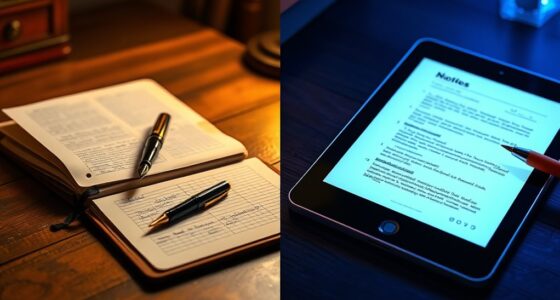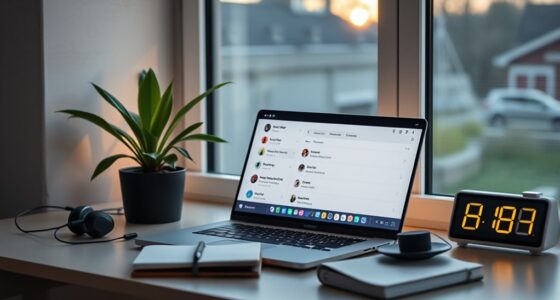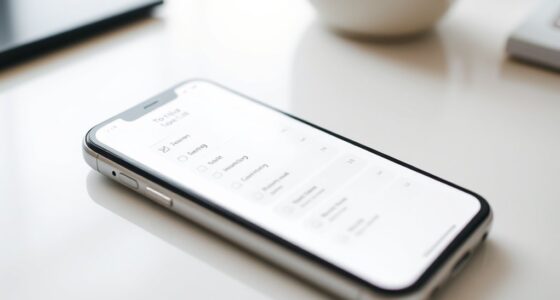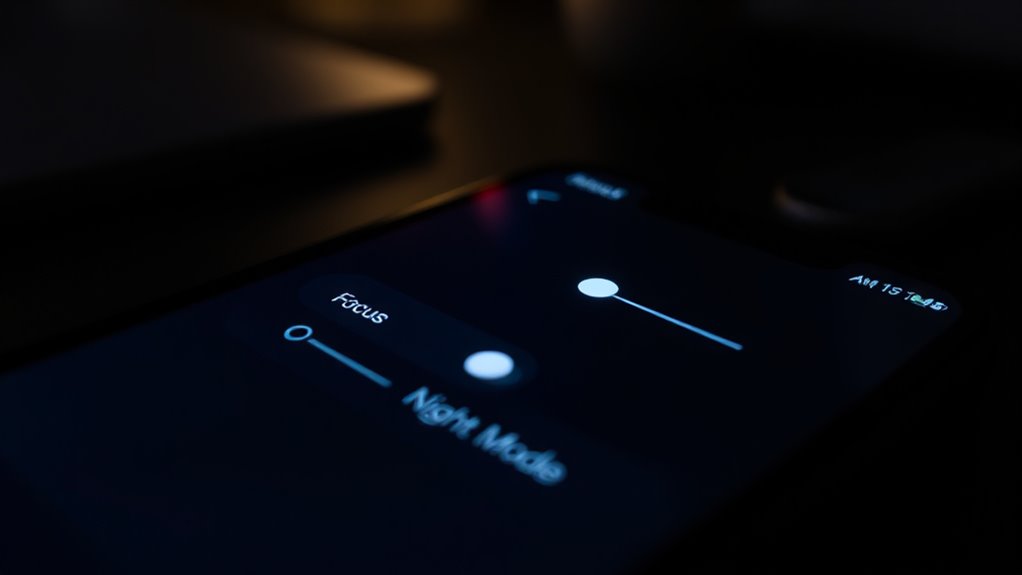

To create a minimalist smartphone environment, organize apps into folders and remove unused ones to reduce clutter. Turn on focus modes and Do-Not-Disturb to limit distractions during work or relax time. Activate night or dark mode to ease eye strain and promote better sleep. Control notifications to only receive essential alerts and schedule modes to match your routines. Exploring these tweaks will help you achieve a calmer, more focused device—discover more ways to optimize your screen.

Get your wardrobe favorites delivered free — and shop member deals
- Fast, free delivery on millions of items
- Access to Prime Big Deal Days deals on October 6–7
- Prime Video, Amazon Music and more included
Key Takeaways
- Organize apps into folders and remove unused ones to reduce visual clutter.
- Enable focus or do-not-disturb modes during work or relaxation periods for minimal distraction.
- Activate night or dark mode automatically to reduce eye strain and create a calming environment.
- Customize notification settings to limit alerts from non-essential apps and prioritize important messages.
- Simplify device settings to promote mental clarity and make your phone serve your personal priorities.
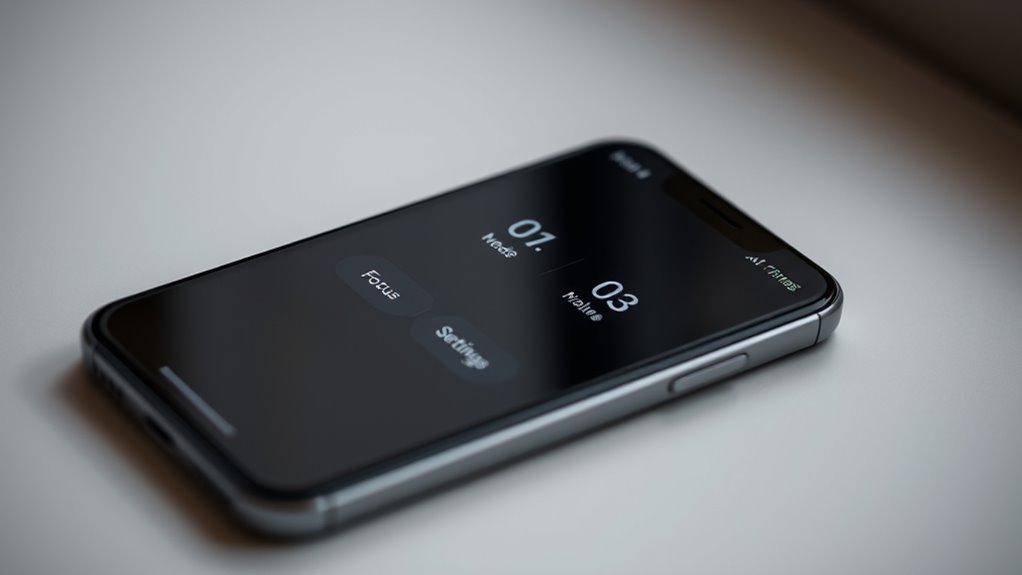
In today’s digital world, simplifying your smartphone settings can help reduce distractions and boost productivity. When you focus on streamlining your device, you’re better able to concentrate on what truly matters. One of the key ways to achieve this is through effective app customization. By tailoring your app layouts, permissions, and behaviors, you eliminate unnecessary clutter and make your phone work for you, not against you. For example, you can organize apps into folders or remove unused ones from your home screen. This keeps your interface clean and minimizes the temptation to open distracting apps. Customizing notifications is equally essential. Managing your notification settings allows you to control which alerts come through and when, reducing interruptions during focused work or relaxation.
Turning off or limiting notifications from non-essential apps helps you stay present and prevents your attention from constantly drifting. For instance, you might disable notifications from social media apps during work hours and only enable them during breaks. Many smartphones also offer the option to set “priority” notifications, so only important messages or alerts from trusted contacts get through. This reduces the number of pings and banners you see, making your device less intrusive. Notification management extends to customizing how and when notifications appear—such as silent alerts or banners that only show briefly. By doing this, you’re in control of what demands your attention, instead of your device dictating it.
Next, you can turn on focus modes or do-not-disturb features to create dedicated periods of uninterrupted time. These modes disable non-essential notifications and restrict app access, helping you stay on task without the constant pull of your device. Night mode, or dark mode, also plays a role in minimizing eye strain and creating a calming visual environment, especially in low light. It’s simple to toggle on or schedule to activate automatically at certain times, aligning your device’s display with your natural rhythm. These settings not only support a minimalist approach but also promote healthier device habits. Incorporating digital decluttering techniques can further enhance your focus and reduce mental overload.
In essence, by customizing your apps and managing notifications wisely, you craft a more intentional smartphone experience. It’s about making your device serve your priorities rather than being a source of distraction. When you simplify your settings, you create mental space and free up time for what truly matters—whether that’s work, hobbies, or quality time with loved ones. The goal isn’t to eliminate technology but to make it work more seamlessly for your lifestyle. With thoughtful app customization, notification management, and focus techniques, your smartphone becomes a tool that enhances your productivity and well-being instead of detracting from it.
smartphone app organizer folders
As an affiliate, we earn on qualifying purchases.
As an affiliate, we earn on qualifying purchases.
Frequently Asked Questions
How Do I Customize Notifications for Focus Mode?
To customize notifications for focus mode, you need to activate notification silencing and control app notifications. Go to your settings, select Focus Mode, then choose which apps to allow or silence during this period. You can enable or disable notifications per app, ensuring only essential alerts come through. This way, you maintain your focus and reduce distractions, tailoring your notification experience to fit your needs.
Can I Schedule Night Mode Automatically?
Yes, you can schedule night mode automatically. You just need to set up automatic scheduling in your device’s display settings. This allows you to choose specific times or sunset and sunrise for night mode activation. Additionally, you can enable app-specific night mode, which applies different settings to individual apps during designated times. This way, you guarantee a minimalist, distraction-free environment tailored to your routines.
What Are the Best Apps for Minimalist Notifications?
You should try apps like Notis, FilterBox, or Daywise for minimalist notifications. These tools help with notification management by filtering out unnecessary alerts and prioritizing important app alerts. They let you customize how and when you receive notifications, reducing clutter and distractions. With these apps, you stay focused on what matters most, making your smartphone experience more streamlined and minimalist without missing essential updates.
How Do I Disable Interruptions During Focus Mode?
To disable interruptions during focus mode, you simply turn off notifications or customize them to only allow essential alerts. This reduces distraction and enhances tranquility, helping you stay fully present. You can do this in your device’s settings by selecting focus mode or do not disturb, then adjusting notification preferences. By doing so, you create a distraction-free environment, promoting better concentration and a more peaceful smartphone experience.
Are There Shortcuts to Switch Modes Quickly?
You can absolutely create shortcuts to switch modes quickly. Try setting up a quick toggle or shortcut in your device’s settings—often in the Control Center or Quick Settings panel. Once configured, this shortcut lets you switch focus mode, night mode, or others instantly, without digging through menus. It’s a game-changer for maintaining a minimalist, distraction-free experience. Just a few taps, and your mode shifts seamlessly—simple, fast, and effective.
As an affiliate, we earn on qualifying purchases.
Conclusion
By simplifying your smartphone settings, you create a calm, focused space—like a cozy reading nook away from the buzz of the world. Turn on focus mode, enable night mode, and silence notifications to reclaim your time and peace. Remember, even in a world that moves as fast as a Victorian steamboat, your phone can be a tool for tranquility. Embrace these tweaks, and enjoy a more intentional, clutter-free digital life.
As an affiliate, we earn on qualifying purchases.
As an affiliate, we earn on qualifying purchases.
Fall Picks
fall essentials
As an affiliate, we earn on qualifying purchases.