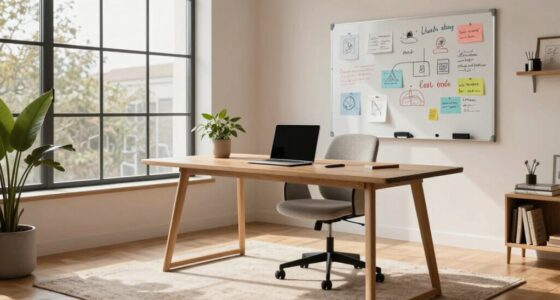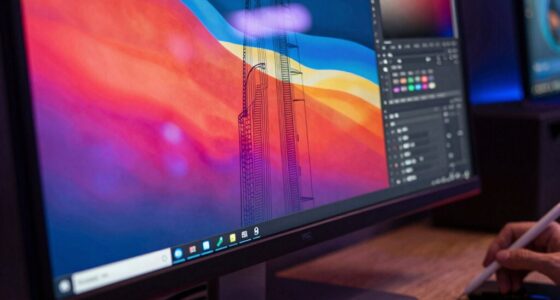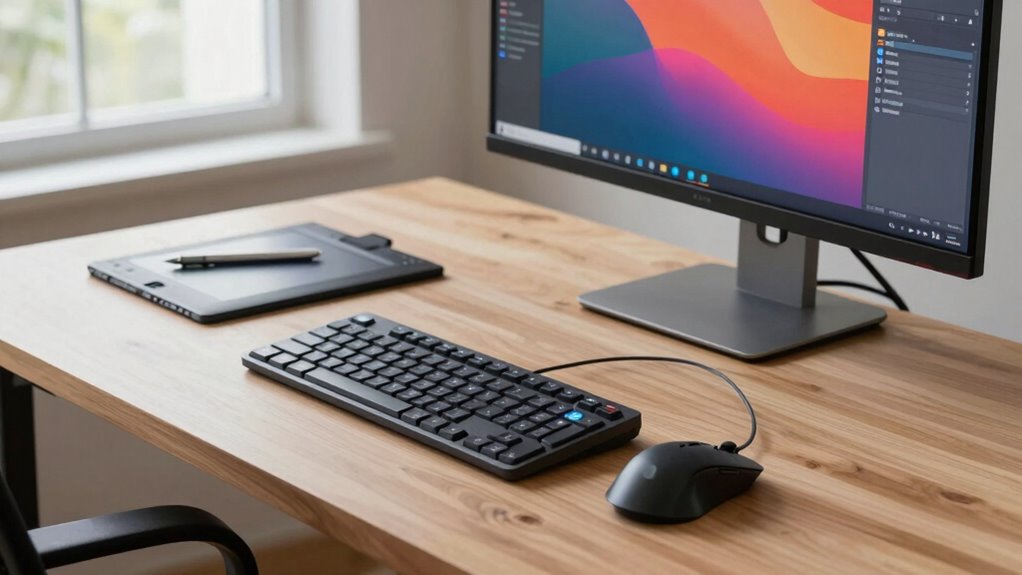

Advanced input devices like gesture controls and voice recognition reshape your desk movement by reducing unnecessary motions and promoting natural interactions. They enable you to control devices effortlessly, speeding up tasks and minimizing physical strain. This creates a more ergonomic setup, enhances workflow efficiency, and helps prevent injuries. As you explore these innovative tools, you’ll uncover how they make your workspace smarter and more comfortable for long-term use. Keep exploring to see how these technologies can transform your environment.
Open a free Amazon Business account
Business pricing, bulk buying and tax-exempt orders.
As an affiliate, we earn on qualifying purchases.
Key Takeaways
- Modern input devices like gestures and voice controls reduce the need for physical movement, streamlining desk activity.
- Natural interaction methods promote ergonomic postures, minimizing strain and enhancing long-term comfort.
- Integration of smart input technologies enables faster task execution and smoother workflow transitions.
- Reduced dependency on traditional peripherals decreases unnecessary desk movements and improves workspace efficiency.
- Evolving input devices support healthier work habits by encouraging minimal, ergonomic desk interactions.
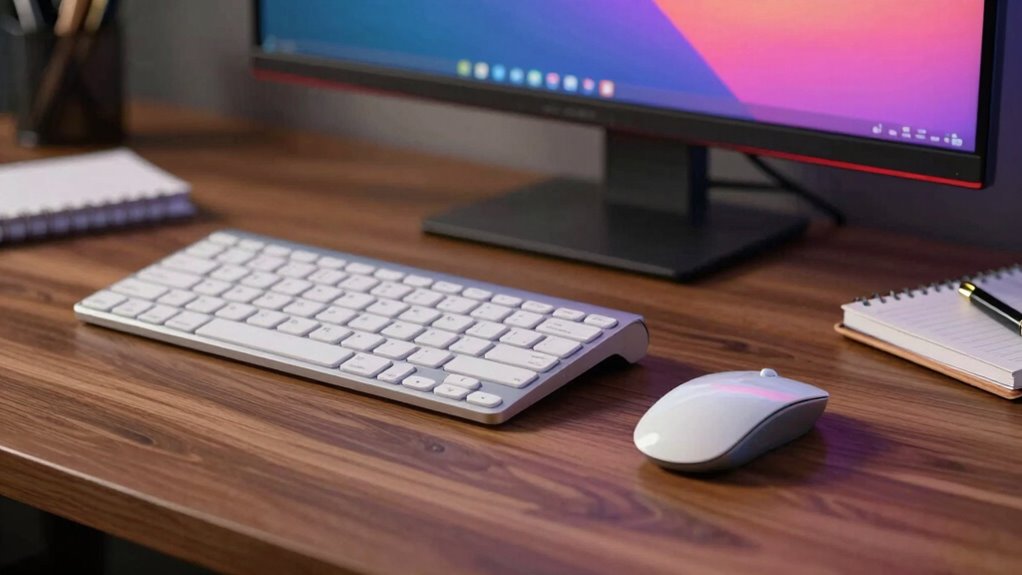
Your desk setup plays a crucial role in your productivity, especially when it comes to the input devices you choose. The way you interact with your workspace can either streamline or hinder your workflow. Modern input devices like gesture controls and voice recognition technology are revolutionizing how you move through your tasks, making your processes more intuitive and efficient. Instead of reaching for a mouse or keyboard constantly, you can now use natural gestures or voice commands to navigate, edit, and manage your work. This shift reduces physical strain and minimizes the time spent on repetitive actions, allowing you to focus more on your actual tasks.
Modern input devices like gesture controls and voice recognition enhance productivity by making interactions more intuitive and reducing physical strain.
Gesture controls, for example, enable you to manipulate your computer or mobile device with simple hand movements. These devices track your gestures and translate them into commands, which can include scrolling through documents, switching between applications, or zooming in on images. The fluidity of this interaction makes your workflow more seamless, especially during creative projects or presentations where quick adjustments are necessary. With gesture controls integrated into your desk setup, you spend less time hunting for the mouse or keyboard, making your entire process more natural and less interrupted. Additionally, as input devices evolve to incorporate more natural interaction methods, they are increasingly becoming an essential part of ergonomic workspace design. Incorporating ergonomic principles into your setup can further enhance comfort and prevent strain. Embracing these technological advancements can also help create a more ergonomic workspace, which promotes long-term comfort and efficiency. Keeping these innovations in mind can also support healthy work habits, reducing the risk of discomfort or injury.
Voice recognition technology takes this convenience even further. By speaking commands aloud, you can dictate documents, search the web, or control media without ever touching a device. This hands-free approach is particularly useful when multitasking or when your hands are occupied with other tools. For instance, you can say, “Open the spreadsheet,” or “Schedule a meeting for tomorrow,” and your system responds instantly. Voice recognition also helps reduce repetitive strain injuries associated with typing and mouse usage, promoting a healthier workspace. As these systems become more accurate and responsive, they eliminate a lot of frustration, enabling you to maintain a steady workflow without frequent pauses.
Combining gesture controls and voice recognition transforms your desk into a smart, intuitive workspace. Instead of traditional input devices that require precise manual operation, you interact with your environment more naturally. This shift encourages a more ergonomic setup, reducing unnecessary movements and fostering a more comfortable working posture. Over time, you’ll notice that these technologies help you accomplish tasks faster, with less fatigue, and with greater ease. Your desk setup, consequently, isn’t just about aesthetics or basic functionality; it’s about creating a dynamic environment where your inputs are as effortless and fluid as your ideas.

Nulea M501 Wireless Trackball Mouse Ergonomic Thumb Control,4 DPI Levels
- Ergonomic Thumb Control: Reduces muscle stress with smooth thumb movement
- Adjustable DPI Levels: Provides precise cursor control with 4 DPI settings
- True Wireless Connectivity: Connects to 3 devices via Bluetooth or USB dongle
As an affiliate, we earn on qualifying purchases.
As an affiliate, we earn on qualifying purchases.
Frequently Asked Questions
How Do Ergonomic Input Devices Prevent Repetitive Strain Injuries?
Ergonomic input devices prevent repetitive strain injuries through thoughtful ergonomic design, which promotes natural hand and wrist positions. They reduce strain by offering adjustable features, cushioned surfaces, and optimized layouts that minimize awkward movements. By using these devices, you prevent injury and enhance comfort, making your workflow more efficient. This focus on injury prevention not only safeguards your health but also helps maintain productivity over time.
What Are the Latest Trends in Input Device Technology?
You’ll notice the latest trends in input device technology include voice recognition and gesture controls. These innovations let you operate devices hands-free or with simple gestures, boosting efficiency and convenience. Voice recognition software now offers high accuracy, enabling seamless communication. Gesture controls are becoming more intuitive, reducing the need for traditional peripherals. Staying updated with these trends helps you enhance workflow, reduce strain, and adapt to increasingly digital work environments.
How Does Desk Layout Influence Device Placement Efficiency?
Imagine you’re in a time machine, and your desk arrangement is the key to efficiency. Your desk layout directly impacts device accessibility, making it easier to reach your mouse, keyboard, or other input devices. A well-organized setup minimizes movement, reduces strain, and boosts productivity. By thoughtfully designing your workspace, you guarantee that your devices are within comfortable reach, streamlining your workflow and keeping you focused on the task at hand.
Can Custom Input Devices Improve Productivity Significantly?
Yes, custom input devices can substantially boost your productivity. Voice recognition allows you to control applications hands-free, speeding up tasks and reducing strain. Gesture controls offer intuitive interaction, letting you navigate without reaching for traditional peripherals. By tailoring these devices to your workflow, you minimize interruptions, streamline processes, and work more efficiently. Customized input solutions adapt to your needs, making your desk setup more effective and responsive.
What Maintenance Is Required for Long-Term Device Performance?
To keep your input devices performing well long-term, you need to regularly calibrate them and install firmware updates. Calibration guarantees your device stays accurate, while firmware updates fix bugs and improve functionality. You should also clean your devices gently to prevent dust buildup and check connections periodically. By staying proactive with these maintenance steps, you’ll maintain peak performance, reduce downtime, and extend the lifespan of your devices.

Gravity: Offline Language Learning Voice Recognition Sensor for Micro:bit/Arduino / ESP32 – I2C & UART
- Easy Integration: Compatible with micro:bit, Arduino, ESP32
- Plug-and-Play: Supports I2C and UART communication
- Preloaded Commands: 121 built-in fixed command words
As an affiliate, we earn on qualifying purchases.
As an affiliate, we earn on qualifying purchases.
Conclusion
As you glide your fingers across your keyboard and navigate your mouse, you shape the rhythm of your desk’s movement and your workflow. The sleek lines of your input devices become extensions of your intent, guiding your tasks like a conductor leading an orchestra. With each click and swipe, you craft a seamless dance of productivity, turning an ordinary workspace into a dynamic space where ideas flow effortlessly and work feels almost like art in motion.

Innovative Gesture Control Device with Multi-Function Comfort Modes for Ultimate Relaxation XL53314
- Promotes Relaxation and Portability: Enhances relaxation and easy to carry
- Quiet Operation: Ensures a peaceful experience
- Ergonomic Design: Provides comfort and ease of use
As an affiliate, we earn on qualifying purchases.
As an affiliate, we earn on qualifying purchases.
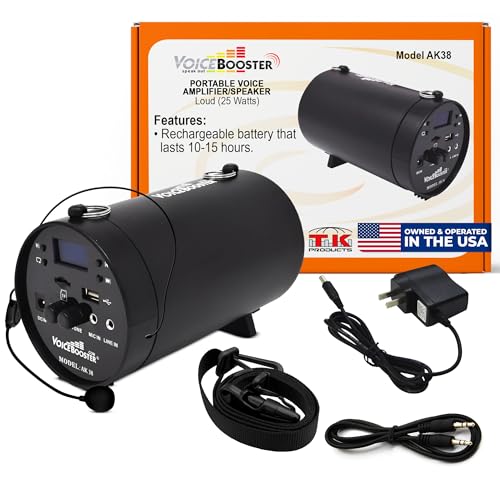
VoiceBooster Voice Amplifier for Teachers, 25W Rechargeable Speaker MR-AK38
- Powerful Sound Coverage: 25W output for up to 8,000 sq ft
- Long-Lasting Battery: 12-16 hours of use, 6-hour recharge
- Multiple Audio Inputs: MP3, USB, SD, FM radio ready
As an affiliate, we earn on qualifying purchases.
As an affiliate, we earn on qualifying purchases.
Flea & tick season Picks
flea and tick prevention
As an affiliate, we earn on qualifying purchases.