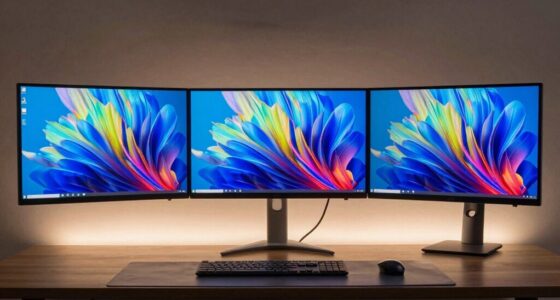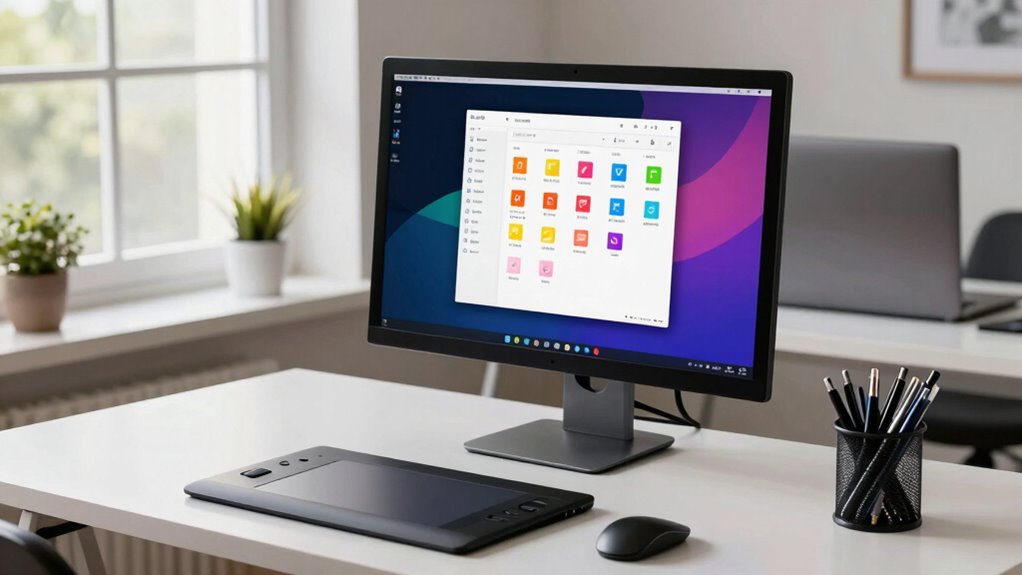

To build a cleaner workflow in creative software, start by organizing your files with dedicated folders for each project, using clear, consistent names. Develop a logical file structure and regularly back up your work to prevent loss. Customize shortcuts and automate repetitive tasks with scripts to speed up your process. Keep your workspace tidy and tailored to your needs to stay focused. Following these tips will help you create a more efficient, less stressful creative environment—discover more tips to optimize your workflow.

Get your wardrobe favorites delivered free — and shop member deals
- Fast, free delivery on millions of items
- Access to Prime Big Deal Days deals on October 6–7
- Prime Video, Amazon Music and more included
Key Takeaways
- Establish a structured folder system with consistent naming conventions for easy access and version control.
- Customize shortcuts and automate repetitive tasks to speed up workflow and reduce manual effort.
- Keep the workspace clutter-free by organizing panels and using tailored layouts for specific projects.
- Develop a clear project workflow to streamline asset management and task progression.
- Regularly back up files and declutter to maintain focus and prevent data loss.
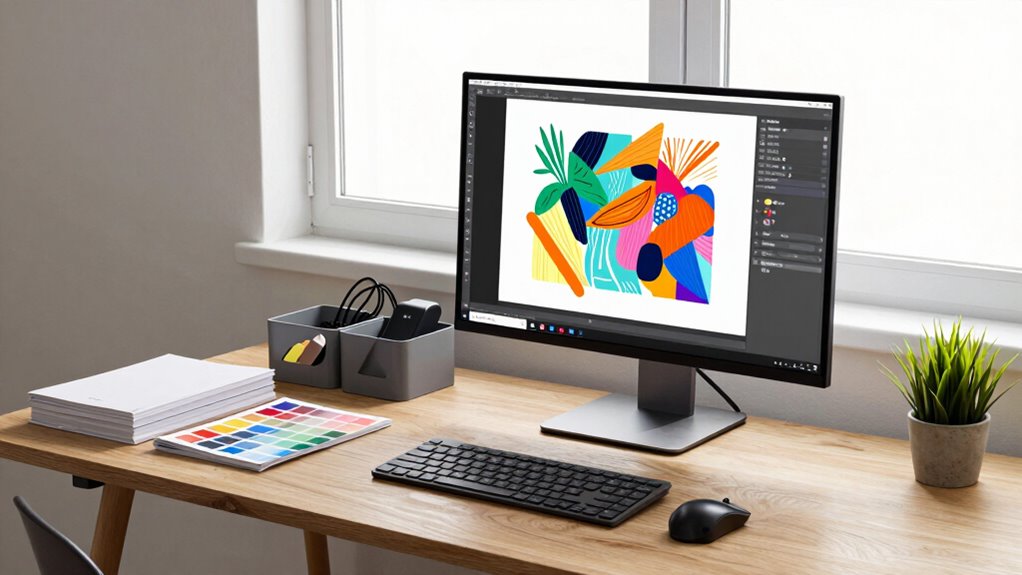
Ever wondered how some creators manage to stay organized and efficient while working on complex projects? The secret often lies in a well-structured workflow that keeps everything streamlined. One of the most vital elements is effective file organization. When your files are scattered or named inconsistently, it slows you down and increases the risk of errors. You want to develop a system where every project has a dedicated folder, with subfolders for assets, drafts, final versions, and backups. Use clear, descriptive names for files and folders so you can locate everything at a glance. This way, you avoid wasting time searching through clutter or opening the wrong files. Consistency is key; once you settle on a naming convention, stick to it across all your projects. This habit saves you from confusion and makes collaboration easier if you’re working with others. Incorporating file organization tips from reliable sources can further improve your system and ensure nothing gets overlooked. Additionally, establishing a standardized naming convention helps maintain clarity across all your files and projects. Implementing such standards can also facilitate easier version control and reduce the risk of working with outdated files. Developing a clear workflow structure can help you better manage multiple projects simultaneously and stay on schedule. Shortcut optimization is another powerful strategy to enhance your workflow. Most creative software offers a range of shortcuts that can dramatically speed up your work process. Take the time to learn and customize shortcuts for the actions you perform most often. For example, assigning a shortcut for frequently used tools, commands, or layers allows you to execute tasks without interrupting your flow. This minimizes mouse clicks and streamlines your orientation within the program. It’s worth investing some time upfront to set up personalized shortcuts because the time saved adds up over the course of a project. Some software even allows scripting or macro creation, automating repetitive steps and reducing manual effort. As you become more familiar with shortcut optimization, you’ll find yourself completing tasks faster and with less mental fatigue. In addition to organizing files and optimizing shortcuts, adopting a disciplined approach to your workspace helps maintain focus. Keep your digital environment clutter-free—close unnecessary panels and windows, and use workspace layouts that suit your workflow. Regularly back up your files to prevent data loss and keep your work safe. These habits, combined with a logical file organization system and shortcut mastery, create a cleaner, more efficient workflow. You’ll spend less time hunting down assets or maneuvering menus and more time on actual creative work. Over time, these small adjustments will become second nature, making your process smoother and more enjoyable. Ultimately, a cleaner workflow isn’t just about saving time; it’s about creating a productive environment where your creativity can flourish without unnecessary interruptions.
creative software file organization tools
As an affiliate, we earn on qualifying purchases.
As an affiliate, we earn on qualifying purchases.
Frequently Asked Questions
How Do I Choose the Right File Organization System?
You should choose a file organization system that’s simple and consistent. Start with a clear folder hierarchy that categorizes your projects logically, like by client or project type. Use descriptive file naming conventions, including dates or version numbers, to easily identify and locate files later. This combination helps you stay organized, saves time, and guarantees you can quickly find what you need without confusion.
What Tools Can Automate Repetitive Tasks?
Automate annoying, repetitive routines with tools like plugin automation and auto save features. Plugins can perform specific tasks automatically, saving you time and effort, while auto save guarantees your work stays safe without manual saves. By combining these tools, you create a seamless, streamlined workflow that minimizes mistakes and maximizes productivity. Embrace automation to free up more time for your creative pursuits, making your process more precise and efficient.
How Do I Back up My Workflow Effectively?
To back up your workflow effectively, start by using cloud storage solutions like Dropbox or Google Drive to automatically save your files. Implement version control tools such as Git or dedicated backup software to track changes and restore previous versions if needed. Regularly sync your work, set up automated backups, and keep multiple copies in different locations. This guarantees your creative projects stay safe, organized, and easily recoverable.
What Hardware Optimizations Improve Software Performance?
Think of your hardware as the engine fueling your creative journey. Upgrading your hardware, like faster RAM and SSDs, supercharges your software’s speed. Tweak your system configurations—adjusting settings for maximum performance—like fine-tuning an instrument. These improvements transform sluggish workflows into a smooth symphony of productivity, letting your ideas flow seamlessly and confidently. Embrace hardware upgrades and system tweaks, and watch your creative software perform at its peak.
How Can I Collaborate More Efficiently Within a Workflow?
To collaborate more efficiently, prioritize clear team communication and use version control tools. Keep everyone on the same page by sharing regular updates and feedback. Utilize version control to track changes, prevent conflicts, and streamline revisions. Establish consistent workflows and naming conventions, and encourage open dialogue. This way, your team stays organized, reduces errors, and accelerates project progress, making collaboration smoother and more productive.
As an affiliate, we earn on qualifying purchases.
Conclusion
A cluttered workspace hampers your creativity, just like a messy mind stalls your ideas. By building a cleaner workflow, you clear the chaos, making room for inspiration to flow freely. Think of your software as a well-organized toolbox—everything in its place, ready when you need it. When you simplify your processes, you not only save time but also release your true creative potential. Embrace order, and watch your projects flourish.
automation scripts for creative programs
As an affiliate, we earn on qualifying purchases.
As an affiliate, we earn on qualifying purchases.
project backup and storage solutions
As an affiliate, we earn on qualifying purchases.
As an affiliate, we earn on qualifying purchases.
Fall Picks
fall essentials
As an affiliate, we earn on qualifying purchases.