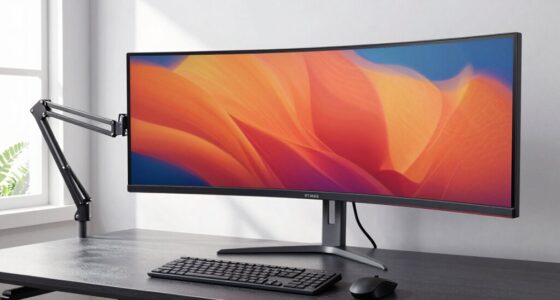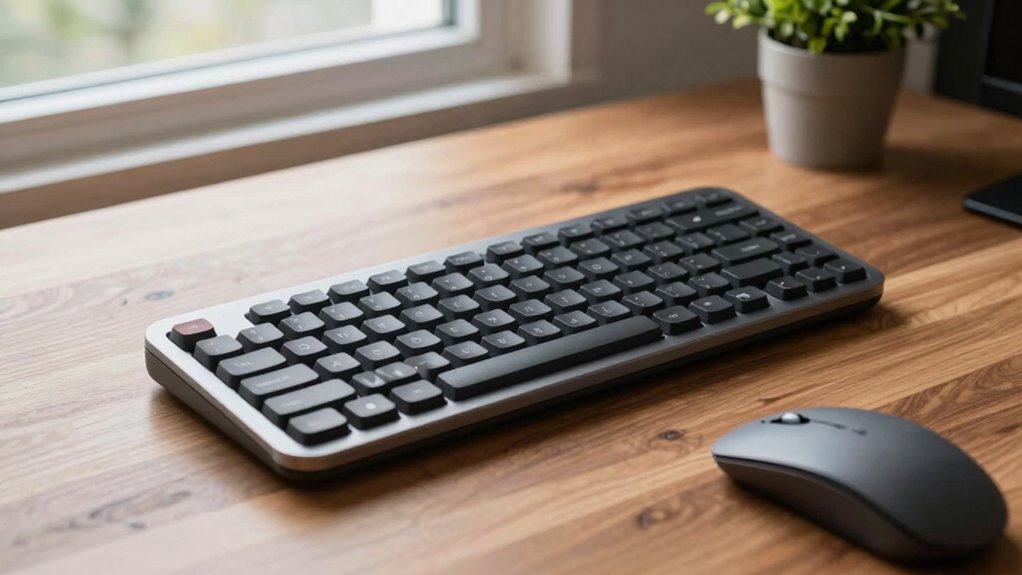

Ergonomic split keyboards are definitely worth the learning curve because they help reduce muscle strain and improve your overall comfort during long typing sessions. While it might take some time to adjust and regain your speed, the long-term benefits, like minimizing pain and promoting better posture, make it worth your effort. If you keep exploring, you’ll discover how these keyboards can boost your productivity and well-being over time.

Get your wardrobe favorites delivered free with Prime
- Fast, free delivery on millions of items
- Prime Video, Amazon Music and more included
- Member-only deals all year
Key Takeaways
- They reduce muscle strain and improve posture, offering long-term health benefits despite initial adaptation challenges.
- The learning curve may temporarily slow typing speed, but muscle memory develops with consistent practice.
- Long-term comfort and reduced fatigue can enhance productivity and focus during extended typing sessions.
- Customizable features like tenting and adjustable angles optimize ergonomic benefits and user comfort.
- Investing in ergonomic split keyboards promotes better health, sustainability, and workplace satisfaction over time.
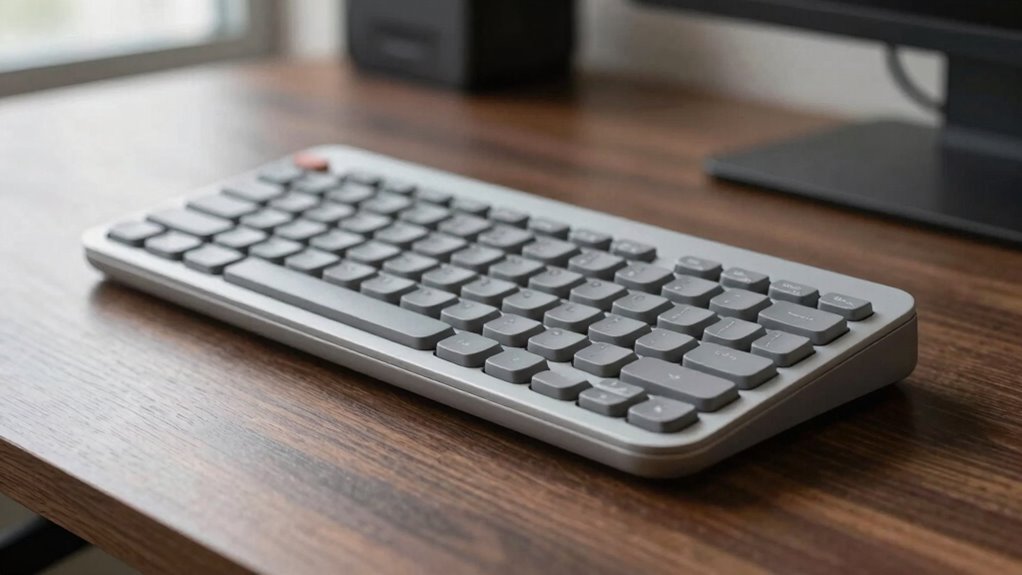
If you’re willing to invest some time learning a new typing style, ergonomic split keyboards are worth considering for their long-term health benefits. These keyboards are designed to reduce muscle strain by promoting a more natural hand and wrist position. When you type on a traditional keyboard, your hands tend to stay in a fixed, often awkward position, which can lead to discomfort and repetitive strain injuries over time. By contrast, ergonomic split keyboards allow you to position each half at an angle that aligns better with your natural arm movement, helping to minimize tension in your shoulders, neck, and wrists. Additionally, the design of ergonomic keyboards often incorporates features like tenting and adjustable tenting angles to further enhance comfort during prolonged use. Although adapting to this new layout might slow your initial typing speed, the health advantages can outweigh the temporary decrease in efficiency, especially if you spend long hours at your desk.
Getting used to the split design requires patience, but once you adjust, you’ll likely notice a significant reduction in muscle strain. The more relaxed your muscles are during typing, the less fatigue you experience, which can boost your overall comfort and productivity. Many users find that their wrists no longer ache after extended sessions, and they experience fewer instances of pain or numbness. Over time, as your muscles adapt to the ergonomic positioning, your muscles become less tense, and your posture improves, creating a healthier typing environment. While it might seem challenging at first, consistent practice helps you develop a new muscle memory that accommodates the split layout without sacrificing your accuracy or speed. Additionally, understanding the importance of biodiversity in designing sustainable workspaces can inspire more environmentally conscious choices in ergonomic equipment. A well-designed workspace that considers ergonomic principles can also contribute to better overall health and workplace satisfaction.
With patience, ergonomic split keyboards reduce muscle strain, improve posture, and boost comfort over time.
Speaking of typing speed, it’s common to see a temporary dip as you learn the layout. However, once you become familiar with the split keyboard, your speed can catch up—and sometimes even surpass—your previous performance on traditional keyboards. The ergonomic design encourages better finger placement and reduces unnecessary movements, which can enhance your overall efficiency after the initial learning phase. The key is to give yourself time to adapt without frustration; many users report that their improved comfort leads to longer, more focused typing sessions, ultimately increasing their productivity. Furthermore, incorporating ergonomic principles into your workspace setup can maximize the benefits and promote overall well-being. A proper ergonomic setup can further enhance comfort and reduce strain during long typing sessions. Overall, the combination of thoughtful design and dedicated practice makes ergonomic split keyboards a worthwhile investment for those prioritizing health and productivity.
As an affiliate, we earn on qualifying purchases.
Frequently Asked Questions
How Long Does It Typically Take to Adapt to an Ergonomic Split Keyboard?
It usually takes about one to three weeks to adapt to an ergonomic split keyboard. During this adjustment period, you’ll notice a learning curve as your muscles and fingers get used to the new layout. To speed up the process, practice regularly and give yourself time to build comfort and muscle memory. While initial adaptation might feel challenging, most users find the long-term benefits well worth the effort.
Are Ergonomic Split Keyboards Suitable for Gaming or Fast Typing?
Yes, ergonomic split keyboards can be suitable for gaming and fast typing if you choose models with mechanical switches and proper key spacing. While some worry about decreased speed, many find that once adapted, the increased comfort enhances performance. Mechanical switches provide tactile feedback, helping you type accurately and quickly. With practice, you’ll discover that ergonomic split keyboards can be just as responsive and efficient as traditional setups for gaming and fast typing.
What Are the Main Differences Between Split and Traditional Keyboards?
Split keyboards differ from traditional ones primarily in design variations that separate the keys into two halves, allowing you to adjust their angle and position for ergonomic benefits. This setup reduces strain on your wrists and shoulders, promoting better posture. While traditional keyboards have a single, continuous layout, split models offer customizable comfort, making them ideal if you seek improved ergonomics. However, there’s a learning curve to adapt to their unique design.
Can Ergonomic Split Keyboards Reduce Long-Term Wrist Pain?
Yes, ergonomic split keyboards can reduce long-term wrist pain. By promoting better wrist posture, they help prevent repetitive strain injuries often caused by traditional keyboards. The split design allows you to position your hands more naturally, decreasing tension and discomfort during extended typing sessions. Over time, this improved ergonomics can lead to less wrist pain, making your work more comfortable and reducing the risk of chronic issues.
Are There Affordable Ergonomic Split Keyboard Options Available?
Yes, there are affordable ergonomic split keyboard options available. You can find budget options that feature ergonomic design elements like adjustable tenting and split layouts, helping reduce strain without breaking the bank. Brands often offer models with ergonomic features at lower prices, so you don’t have to compromise on comfort. Shopping around and reading reviews can help you find a cost-effective keyboard that suits your needs and enhances your typing posture.
As an affiliate, we earn on qualifying purchases.
Conclusion
So, are ergonomic split keyboards worth the learning curve? The answer isn’t just about comfort—it’s about transformation. Once you embrace the initial challenge, you might find your workspace redefined. But the true question lingers: what could you access once your fingers and mind adapt? The journey may be intimidating, yet the potential rewards could forever change how you type. Are you ready to discover what lies beyond the familiar? The choice is yours.
ergonomic keyboard for wrist pain
As an affiliate, we earn on qualifying purchases.
As an affiliate, we earn on qualifying purchases.
As an affiliate, we earn on qualifying purchases.
Halloween Picks
halloween
As an affiliate, we earn on qualifying purchases.