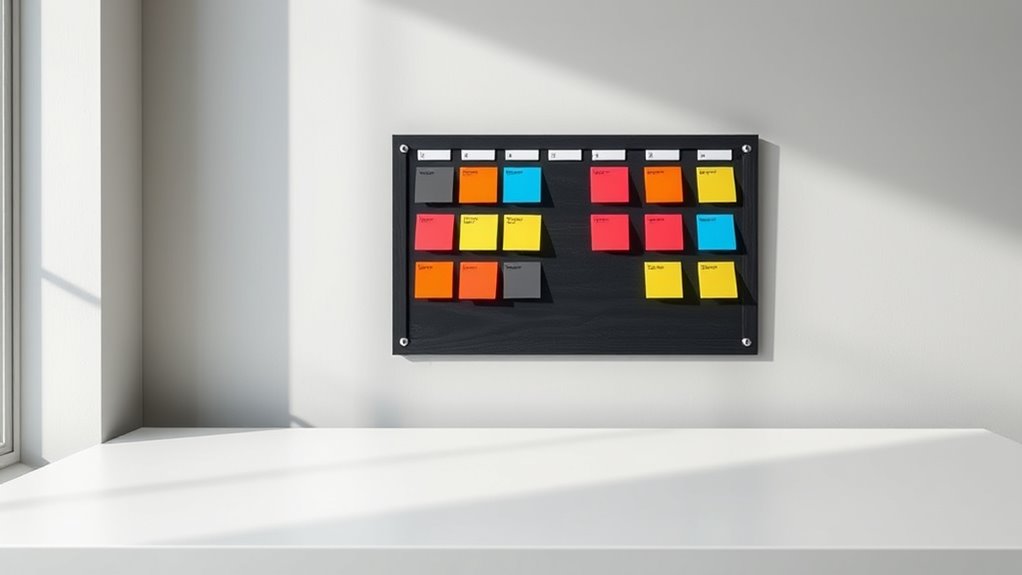

Using a minimalist Kanban board helps you organize tasks clearly and stay focused by visualizing your workflow in simple columns like “To Do,” “In Progress,” and “Done.” It encourages you to prioritize high-impact tasks, break down large projects, and avoid clutter, which keeps you motivated and on track. Regular reviews ensure your system remains effective and manageable. Keep exploring how this straightforward approach can transform your productivity—there’s more to discover in the details.
Key Takeaways
- Use a simple three-column layout: “To Do,” “In Progress,” “Done” for clear visual workflow.
- Focus only on high-priority tasks, eliminating unnecessary items to reduce clutter.
- Break large projects into smaller, actionable tasks for easier management.
- Regularly review and update the board to keep tasks relevant and prioritized.
- Keep the board clean and minimal to enhance focus and sustain long-term discipline.
If you’re tired of digging through cluttered bags or drawers, “Grid It Out” offers a smart solution to organize your gear efficiently. A minimalist approach to task management can dramatically improve your productivity, and a Kanban board is perfect for this purpose. By visualizing your workflow, you gain clarity on what needs to be done and when. With a simple, grid-based system, you can easily prioritize tasks, track progress, and keep everything in sight without feeling overwhelmed. Incorporating visual workflow techniques can further enhance your organization.
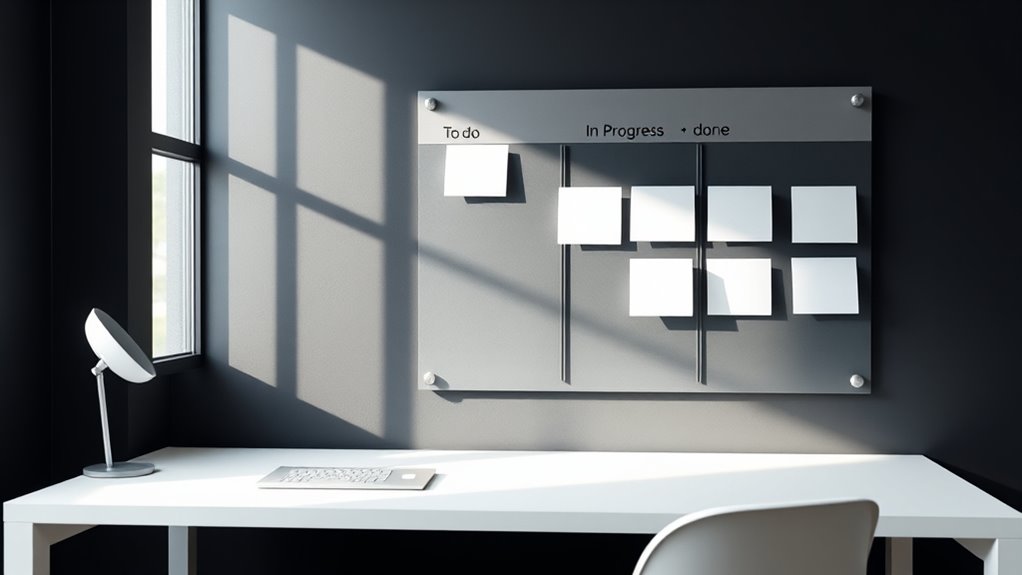
Using a Kanban board in a minimalist way means stripping it down to its essentials. You don’t need complicated software or a cluttered physical setup; a clean, straightforward board works best. Divide your board into three columns: “To Do,” “In Progress,” and “Done.” This setup provides a clear visual workflow, allowing you to see at a glance what’s upcoming, what’s underway, and what’s completed. When you focus on task prioritization, you quickly identify what’s most pressing, what can wait, and what might be unnecessary. This prevents you from wasting time on low-priority tasks and helps you stay aligned with your goals.
Streamline your workflow with a simple three-column Kanban: To Do, In Progress, and Done.
The key to maintaining a minimalist Kanban system is discipline. Keep your task list concise—only the most important tasks should occupy your board. Break down larger projects into smaller, actionable items, and move them through the columns as you work. This process not only keeps your workflow transparent but also motivates you by providing a visual record of your accomplishments. Seeing tasks move from “To Do” to “Done” gives you a sense of progress, boosting your focus and efficiency.
Another benefit of using a minimalist Kanban board is that it encourages you to continuously evaluate and refine your priorities. When you review your board regularly, you can reassess which tasks are still relevant and which can be eliminated. This ongoing task prioritization keeps your workload manageable and aligned with your current objectives. Plus, because your system is simple and clutter-free, you’re more likely to stick with it long-term.
In essence, “Grid It Out” isn’t just about neatness; it’s about creating a visual workflow that simplifies your task management. By keeping your Kanban board minimal, you remove distractions and focus on what truly matters. This approach empowers you to stay organized, prioritize effectively, and maintain a steady, productive rhythm. Whether you’re managing personal projects or professional responsibilities, this streamlined system helps you work smarter, not harder.

Kanban Board BLACK Minimalist Aluminum Composite Sign 8.5 x 10 inches
Enhance Safety & Organization Anywhere – Perfect for offices, warehouses, schools, and more! These black directional arrow signs…
As an affiliate, we earn on qualifying purchases.
As an affiliate, we earn on qualifying purchases.
Frequently Asked Questions
How Do I Customize a Kanban Board for Different Projects?
You can customize a Kanban board by adjusting its columns and cards to match your project-specific workflows. Use different colors or labels for tasks, add custom fields, and create specific stages that reflect your process. Many tools offer customization options, so you can tailor the board to suit each project’s unique needs. This way, your Kanban remains flexible, helping you stay organized and focused on your goals.
What Tools or Apps Are Best for Digital Kanban Boards?
You should try tools like Trello, Jira, or Asana for digital Kanban boards. They offer task automation features that save you time, and their visual customization options help you tailor the workspace to your needs. These apps are user-friendly, flexible, and support seamless collaboration, making managing different projects efficient. Whether you’re tracking personal tasks or team projects, these tools keep your workflow clear and organized.
How Can I Integrate Kanban With Other Productivity Methods?
Integrating Kanban with other productivity methods is like fitting puzzle pieces together seamlessly. You can prioritize tasks on your Kanban board, ensuring the most important ones get immediate attention, and use time blocking to allocate specific periods for focused work. By syncing these methods, you streamline task prioritization, manage your workflow better, and stay on top of deadlines without feeling overwhelmed. It’s a simple way to boost your overall productivity.
What Are Common Pitfalls When Using a Minimalist Kanban Approach?
A common pitfall in minimalist Kanban is overloading tasks, which can clutter your board and cause confusion. You might also neglect priorities, focusing on too many small tasks instead of what truly matters. To avoid this, limit work-in-progress, and regularly review your priorities. Keep your board simple but focused, ensuring you stay productive without overwhelming yourself or losing sight of essential goals.
How Frequently Should I Review or Update My Kanban Board?
Did you know that 70% of successful teams review their Kanban boards at least weekly? You should review your Kanban board weekly or bi-weekly for the best results. Keep your update cadence consistent to prevent tasks from piling up or slipping through the cracks. Regular reviews help you stay focused, adapt quickly, and keep your workflow smooth—making your minimalist setup more effective and less cluttered.

Large Project Management Vision Board, 36"x45" Office Whiteboard for Scheduling & Tracking Progress, Laminated Wall Planner for Managers & Entrepreneurs
DRY ERASE PROJECT MANAGEMENT PLANNER: Be made of 250 gsm construction paper,laminated by special formula film that is…
As an affiliate, we earn on qualifying purchases.
As an affiliate, we earn on qualifying purchases.
Conclusion
Think of your Kanban board as a well-tended garden. With simple, mindful care—pulling weeds of distraction and planting seeds of focus—you’ll see your productivity blossom. Keep it minimal, like tending only what truly matters. As you nurture this garden daily, tasks will flow smoothly, and growth becomes inevitable. Embrace this gentle discipline, and watch your projects flourish effortlessly—turning chaos into a vibrant, organized landscape you can always enjoy.

Notebook – To Do List: 5"x8" | 62 pages | Task List | Dot Grid and To-Do List Pages
As an affiliate, we earn on qualifying purchases.
As an affiliate, we earn on qualifying purchases.
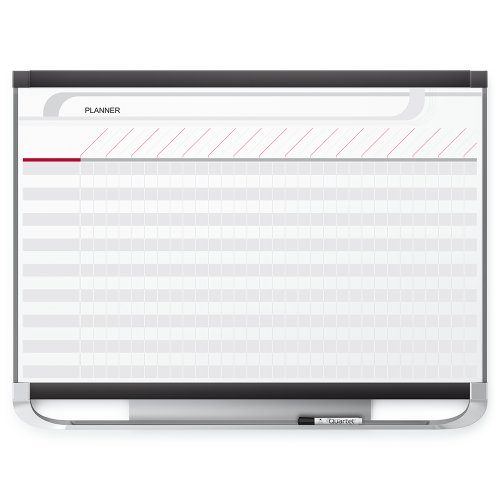
Quartet Prestige 2 Magnetic Total Erase Project Planner, 3 x 2 Feet Board with 16 Row/29 Column Chart (PP32P2)
Sold as 1 Each.
As an affiliate, we earn on qualifying purchases.
As an affiliate, we earn on qualifying purchases.