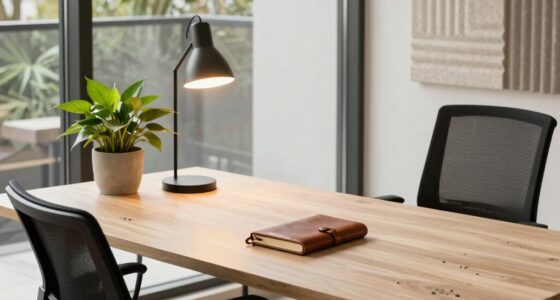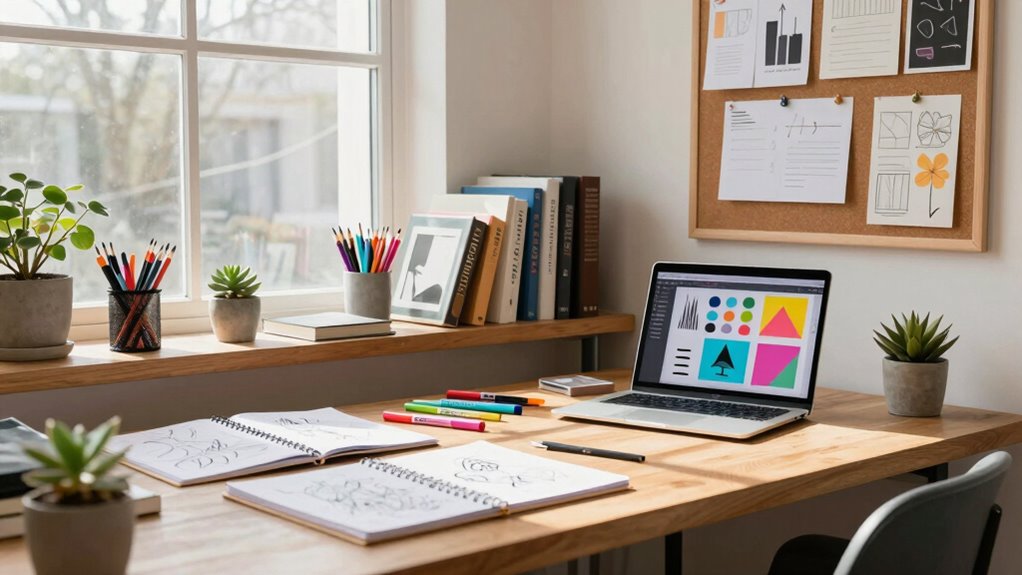

Every quarter, you should review your workspace for ergonomic comfort, ensuring your chair, monitor, and keyboard promote good posture. Organize digital files and refresh your storage system to stay efficient. Check that your tools are within reach and clutter is minimized, and adjust lighting to boost focus. Keep supplies inspiring and up to date, and update your environment to match your evolving needs. Staying proactive in these areas helps you create a productive, inspiring environment—there’s more to discover for ideal results.
Key Takeaways
- Review and refresh workspace layout to enhance workflow and ergonomic comfort.
- Organize and declutter supplies, tools, and digital files for easy access and efficiency.
- Assess lighting conditions, adjusting for optimal focus and mood.
- Update creative resources and inspiration materials to stimulate new ideas.
- Evaluate ergonomic setup and make necessary adjustments for ongoing comfort.
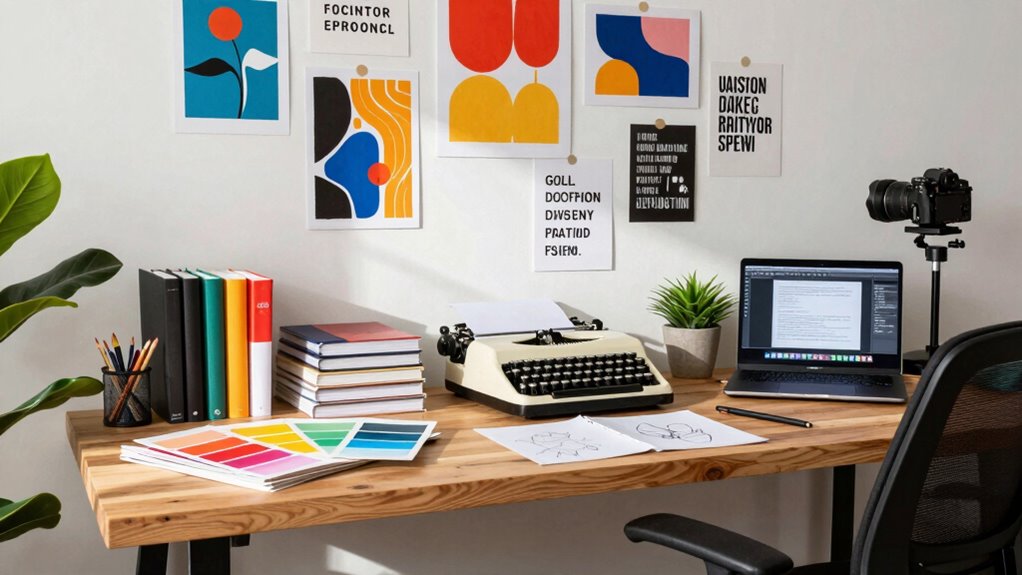
A well-organized workspace can considerably boost your creativity and productivity, but many creative professionals overlook the importance of regularly auditing their environments. Every quarter, taking the time to review your workspace helps you identify what’s working and what’s not, guaranteeing you stay inspired and efficient. Start with your ergonomic setup. Comfort is key to sustained focus, so check your chair height, monitor positioning, and keyboard placement. If your workspace isn’t ergonomically sound, you might experience fatigue or discomfort that hampers your creative flow. Adjust your desk and seating to promote good posture, and consider investing in ergonomic accessories if needed. This small effort can prevent long-term health issues and keep you energized during your creative sessions. Additionally, paying attention to your workspace ergonomics ensures your environment supports your physical well-being, which is essential for sustained productivity. Regularly inspecting your ergonomic setup also helps you adapt to any changes in your physical needs over time, fostering ongoing comfort.
Regular workspace audits keep you inspired, comfortable, and focused on your creative goals.
Next, examine your digital organization. Digital clutter can be just as distracting as physical mess, so review your files, folders, and desktop organization. Clear out unused files, rename vague document titles, and create a structured folder hierarchy. Keeping your digital workspace tidy saves you time searching for assets and helps you stay focused on your work. Sync your devices and ensure cloud backups are up to date, so your work remains secure and accessible. Streamlining your digital environment feeds into your overall productivity, making it easier to jump into projects without distraction. Incorporating digital organization principles can further enhance your efficiency. Regularly updating your file naming conventions and folder structures can also prevent confusion and save you time in the long run.
As part of your quarterly audit, evaluate your physical workspace’s overall layout. Are your tools within arm’s reach? Is your workspace cluttered with unnecessary items that divert your attention? Removing distractions and optimizing your layout can make a significant difference in your ability to work seamlessly. Keep your most-used tools front and center, and store less-frequent items out of sight to create a clean, inspiring environment. Ensuring your workspace promotes effective workflow allows you to transition smoothly between tasks, reducing downtime and frustration. Additionally, consider the placement of your seating and work surfaces to support your posture and comfort during long creative sessions.
Don’t forget to assess your lighting. Proper lighting reduces eye strain and enhances focus. Natural light is ideal, but if that’s limited, ensure you have quality task lighting that doesn’t create glare or shadows. Also, consider the ambiance—adding plants or artwork can boost your mood and stimulate your creativity. Incorporating lighting solutions that mimic natural light can help maintain your energy levels throughout the day.
Finally, review your creative resources. Are your supplies organized and easily accessible? Do you have everything you need to start new projects? Stock up on essentials and keep your workspace stocked with inspiring materials. Regularly updating your environment’s elements ensures your workspace continues to serve as a fertile ground for your ideas and innovations. By conducting this quarterly audit, you create a workspace that adapts to your evolving needs, helping you stay motivated and productive throughout the year.

Marsail Ergonomic Office Chair: Office Desk Chair with High Back Mesh and Adjustable Lumbar Support Rolling Work Swivel Task Chairs with Wheel 3D Armrests and Headrest
- Fully Adjustable Headrest: 2D adjustable for personalized comfort
- Reclining Backrest: Adjusts from 90° to 120°
- 3D Adjustable Armrests: Customizable for various postures
As an affiliate, we earn on qualifying purchases.
As an affiliate, we earn on qualifying purchases.
Frequently Asked Questions
How Often Should I Update My Workspace Layout?
You should update your workspace layout every three to six months to maintain ideal workspace ergonomics and lighting. Regular updates help you adapt to new projects or equipment, ensuring comfort and productivity. Pay attention to how your lighting is optimized and whether your ergonomic setup supports your posture. Small adjustments can make a big difference, so stay proactive in refining your workspace to prevent discomfort and enhance creativity.
What Tools Can Help Streamline My Workspace Organization?
Think of your workspace as a garden that needs tending. Digital tools like Trello or Notion help you weed out clutter and plan projects efficiently. Storage solutions such as labeled boxes or cloud backups keep your supplies and files organized, so everything’s within reach. These tools streamline your workspace organization by simplifying tasks, freeing your mind to focus on creativity rather than chaos. Regularly using them keeps your creative garden thriving.
How Do I Identify Clutter That Hampers Productivity?
You can identify clutter that hampers productivity by regularly examining your workspace for clutter zones—areas where papers, supplies, or equipment pile up. Use storage solutions like shelves, drawers, and containers to organize these zones. Keep an eye out for items you no longer use or need, and remove or donate them. Creating designated storage solutions helps prevent clutter from reappearing, ensuring your workspace stays efficient and inspiring.
When Should I Replace or Upgrade My Equipment?
Think of your equipment as the foundation of your creative tower; if it’s crumbling or outdated, your work suffers. You should replace or upgrade your gear when ergonomic adjustments no longer support comfort, or software updates slow down your workflow. When your tools strain your body or hinder progress, it’s time for an upgrade. Staying current keeps your creative energy flowing smoothly, like a well-oiled machine ready for new ideas.
How Can I Incorporate New Creative Inspirations During Audits?
You can incorporate new creative inspirations during audits by updating your mood board with fresh ideas and themes. Explore art installations or exhibitions for innovative concepts, then reflect those influences in your workspace. Rearrange or add visual elements inspired by these sources to stimulate your creativity. Regularly integrating these new inspirations keeps your environment dynamic, motivates your projects, and helps you stay connected to evolving artistic trends.

Single LCD Computer Monitor Free-Standing Desk Stand Mount Riser for 13 inch to 32 inch screen with Swivel, Height Adjustable, Rotation, Vesa Base Stand Holds One (1) Screen up to 77Lbs(HT05B-001))
- Compatibility: Fits 13 to 32 inch screens with VESA mounts
- Cable Management: Includes cord organization system
- Ergonomic Design: Elevates monitor for better posture
As an affiliate, we earn on qualifying purchases.
As an affiliate, we earn on qualifying purchases.
Conclusion
Remember, your workspace isn’t just a place—it’s the canvas where your creativity paints its masterpiece. By regularly auditing your environment, you guarantee it fuels your passion rather than stifles it. Think of it as tending a garden: prune the clutter, nurture inspiration, and watch your ideas bloom. So, take this quarterly moment to refresh your space; your future projects will thank you for it, turning everyday routines into a symphony of innovation.

WALI Desk File Organizer, 4 Tier Desktop Paper Letter Tray Organizer with Drawer and 2 Pen Holders, Office Desk Accessories & Workspace Organizers for Office, Home Supplies(DO005DH-B), 1 Pack, Black
- All-in-One Desk Organizer: Includes 4 letter trays, drawer, and pen holders
- Premium Metal Construction: Made from thickened steel wire mesh for durability
- Space-Saving Design: Vertical file organizer and tiered trays maximize space
As an affiliate, we earn on qualifying purchases.
As an affiliate, we earn on qualifying purchases.

Lepro LED Desk Lamp for Home Office, 9.5W 750LM Touch Desk Light, Black
- Multiple Lighting Modes: 5 modes with 5 brightness levels
- Eye-Caring Soft Light: Frosted shade reduces flicker and glare
- Space-Saving Design: Sleek, minimalist, fits any desk
As an affiliate, we earn on qualifying purchases.
As an affiliate, we earn on qualifying purchases.