

To hide wires and keep your workspace tidy, start by evaluating your current setup and identifying problem areas like tangled or exposed cables. Gather supplies like cable clips, sleeves, and cable ties to secure and conceal wires neatly. Use under-desk trays and cable boxes to hide cords, and label each cable for easy management. Regularly maintain your system by checking for damage and re-routing cables. Continue to explore these tips for a cleaner, clutter-free workspace.
Key Takeaways
- Assess your workspace to identify cable clutter and plan effective organization strategies.
- Use cable ties, clips, sleeves, and conduits to secure and conceal wires neatly along surfaces.
- Install under-desk trays, cable boxes, and adhesive mounts to hide and manage cables out of sight.
- Label cables with color codes or tags for easy identification and quick adjustments.
- Regularly inspect and adjust cables to prevent tangling, damage, and maintain a tidy, safe environment.
Assess Your Cable Setup and Identify Problem Areas

Before you can improve your cable management, you need to understand your current setup. Start by examining how your wires are arranged. Check the wire length of each cable—longer wires can create unnecessary clutter and tangles. Identify where cables are stretched tight or hanging loosely, which can cause clutter and hazards. Also, look at your power strip placement; if it’s overloaded or poorly positioned, it can lead to messy cords and difficulty accessing outlets. Take note of problem areas, such as cables crossing pathways or trailing across the floor. Understanding these issues helps you decide where to shorten, bundle, or reposition wires. Additionally, assessing your setup for potential fire hazards ensures your workspace remains safe. Recognizing contrast ratios and their impact on image quality can also help in planning your setup for optimal visual clarity. Conducting a thorough cable safety inspection can prevent potential accidents and ensure compliance with safety standards. This assessment provides a clear foundation for organizing your workspace and creating a cleaner, safer environment.
Gather Essential Cable Management Supplies

To successfully organize your cables, you’ll need to gather the right supplies. Start with cable ties, Velcro straps, or reusable clips to keep cords neat and prevent tangling. Consider cable sleeves or conduits for a clean, streamlined look. Wireless alternatives can reduce clutter by eliminating some cords altogether, improving your workspace‘s appearance and safety. Don’t forget ergonomic considerations—select cable management tools that allow easy access and adjustments without strain. Adhesive mounts or clips can help secure cables to desks or walls, keeping them out of the way. Having the right supplies on hand ensures your workspace stays tidy and functional, making future adjustments simple. With these essentials, you’re well on your way to a cleaner, more organized work environment.
Use Cable Clips and Adhesive Mounts for Secure Organization

Using cable clips and adhesive mounts is an effective way to keep your cables securely organized and prevent them from slipping or tangling. Proper wire clip placement guarantees cables stay along your desk or wall, reducing clutter. Choose adhesive mount options that suit your workspace, like strong silicone or plastic mounts, to assure durability. Place clips close enough to prevent slack but not so tight that they damage cables. Secure power cords along edges or behind furniture, and route data cables along walls or under desks. Clear, well-placed clips make it easy to access cords when needed without creating mess. Additionally, selecting appropriate cable management solutions can further enhance the neatness and safety of your workspace. Properly organizing cables not only improves aesthetics but also minimizes accidental disconnection, which is crucial for maintaining productivity. Using cable ties or velcro straps can help bundle cables together for a cleaner look. By carefully selecting adhesive mount options and strategically positioning wire clips, you create a clean, efficient workspace that’s both functional and visually tidy. Incorporating organized wiring practices can also help maintain long-term order and prevent future clutter.
Implement Cable Sleeves and Tubing for a Tidy Look
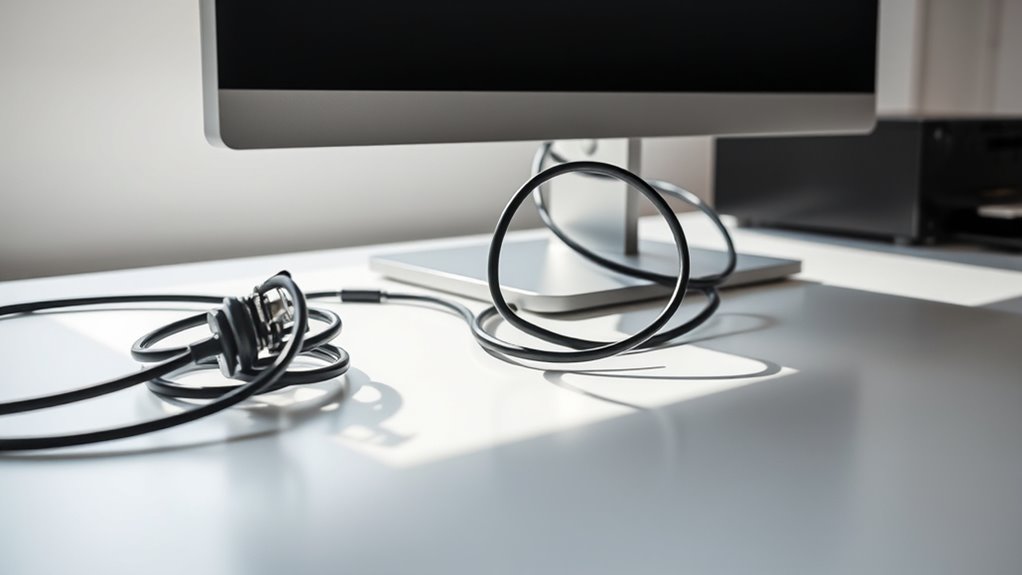
Choosing the right material for cable sleeves and tubing is key to ensuring durability and a clean look. With easy installation tips, you can quickly enclose your cables without hassle. Plus, selecting the right style can enhance your space’s overall aesthetic while keeping everything neat. For those interested in performance upgrades, considering tuning options can also help optimize your setup.
Material Choices and Durability
Choosing high-grade cable sleeves and tubing guarantees your setup remains organized and durable over time. Quality materials provide excellent wire insulation and protect cables from wear, tear, and environmental damage. Look for cable protective sleeves that are flexible yet tough, ensuring they won’t crack or degrade easily. Consider these factors:
- Reinforced fabric or rubber for added durability
- Resistance to heat, moisture, and UV rays
- Smooth inner lining to prevent wire abrasion
- Compatibility with various cable sizes
- Ease of cleaning and maintenance
Investing in durable materials means fewer replacements and a cleaner workspace. Proper material selection ensures your cables stay protected and neatly concealed, maintaining a professional look and reducing potential damage caused by daily use. Prioritize quality to keep your workspace tidy and your cables secure.
Easy Installation Tips
Implementing cable sleeves and tubing is a straightforward way to achieve a tidy, professional look in your workspace. These accessories help contain multiple wires, reducing clutter and making your setup look organized. To make installation easier, measure your cables first and choose sleeves or tubing that fit snugly. Wireless alternatives can minimize the number of cables you need to manage, but for remaining wires, cable length optimization is key—eliminate excess slack to prevent tangling. Slip the cables into the sleeves or tubing, then secure them along your desk or walls using clips or adhesive mounts. This simple step not only enhances aesthetics but also protects your cables from damage, ensuring a cleaner workspace with minimal effort. Additionally, understanding cable management principles can help you design a more efficient and safe setup.
Aesthetic Enhancements
To create a sleek, professional appearance in your workspace, incorporating cable sleeves and tubing is an effective strategy. These tools help hide unsightly wires and give your setup a clean look. Use wire color coordination to match cables with your environment, making them less noticeable. Decorative cable covers add a stylish touch while concealing wires effectively. When selecting sleeves and tubing, consider flexibility, durability, and ease of installation. You can also combine various colors or patterns for a personalized aesthetic. Properly securing the sleeves prevents movement and keeps everything tidy. Additionally, labeling cables inside the covers enhances accessibility without sacrificing appearance. Understanding self‑defense against manipulation can help you recognize and prevent covert tactics used to control or influence your workspace or personal environment. Proper cable management not only improves aesthetics but also reduces potential hazards, such as tripping or damage to wires. Incorporating ergonomic principles into your setup can further promote comfort and productivity. Paying attention to cable length and routing can also minimize clutter and improve overall workspace comfort.
Utilize Under-Desk Trays and Cable Boxes to Conceal Wires
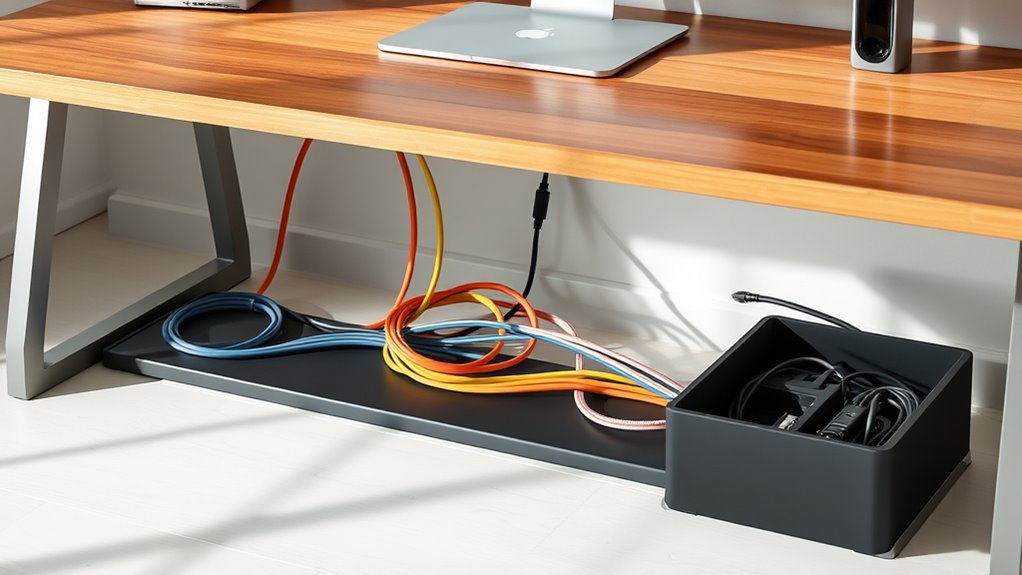
Using under-desk trays and cable boxes makes hiding wires simple and neat. To get started, pick devices that fit your workspace and are easy to install. With the right tools and a bit of planning, you can keep your cables organized in no time.
Easy Installation Tips
Keeping wires out of sight is easier than you might think. Using under-desk trays and cable boxes simplifies installation and keeps your workspace tidy. To start, measure your cable length and adjust wires accordingly to avoid excess slack. Utilize cable routing techniques such as running wires along edges or through designated channels to reduce clutter. When installing trays or boxes:
- Securely attach trays beneath your desk using screws or adhesive strips
- Route cables neatly through cable channels before placing them in boxes
- Use zip ties or Velcro straps to bundle excess wire
- Position cable boxes close to power outlets for easy access
- Regularly check and adjust wire lengths to prevent tangles or slack
- Consider proper cable management to enhance safety and efficiency
- Implementing cable organization strategies can further improve workspace safety and appearance
- Remember that wire safety is crucial to prevent electrical hazards in your workspace
- For optimal results, choose products with certifications and endorsements from beauty experts to ensure quality and reliability
These tips streamline installation, improve safety, and help maintain a clean, professional workspace.
Choosing Suitable Devices
Are you unsure which devices are best for hiding your cables effectively? Under-desk trays and cable boxes are great options. They keep wires out of sight and reduce clutter, creating a cleaner workspace. Consider wireless alternatives for devices like keyboards and mice to cut down on cords altogether. When choosing devices, pay attention to power strip placement; position it close to your devices but hidden behind a tray or box. This prevents cords from stretching across your desk and keeps everything organized. Use under-desk trays to route cables neatly underneath, and cable boxes to contain excess wiring and power strips. Incorporating proper cable organization helps maintain a tidy environment while making it easier to access and manage your cables whenever needed. Additionally, selecting cable management accessories designed for specific setups can further enhance overall neatness and efficiency. Implementing cable organization strategies can also improve safety by reducing tripping hazards and potential damage to wires.
Label Your Cables for Easy Identification
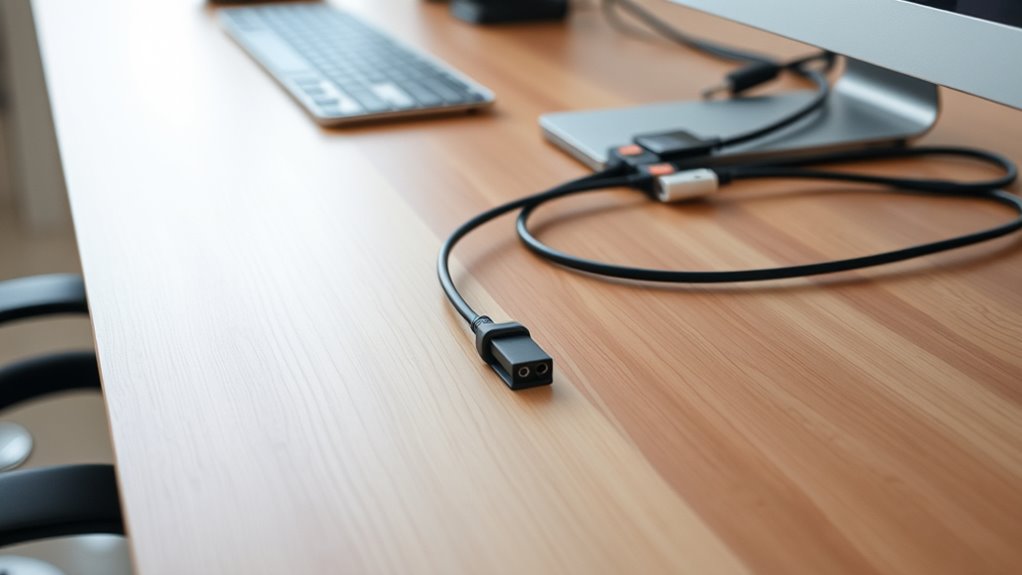
Have you ever struggled to identify which cable connects to what? Labeling your cables makes this easier. Use color coded labels to quickly distinguish between different devices or functions. Handwritten tags offer a flexible, low-cost option, but consider printed labels for a cleaner look. Clear labels save time during troubleshooting and rearranging, preventing confusion later. Here are some tips to improve your labeling:
Label your cables with color codes or clear tags to simplify troubleshooting and organization.
- Use consistent color schemes for specific devices
- Write legible, concise descriptions
- Apply labels near connectors, not just ends
- Incorporate symbols or icons for quick recognition
- Regularly update labels if your setup changes
Proper labeling keeps your workspace organized and efficient. Whether opting for vibrant color coded labels or simple handwritten tags, clear identification is key to effective cable management. Effective cable identification is essential for maintaining a tidy workspace and avoiding frustration. To enhance your organization further, explore methods to simplify your cable setup and ensure quick access when needed. Incorporating organized storage solutions can help keep your cables neat and accessible.
Tidy up With Cable Ties and Velcro Straps
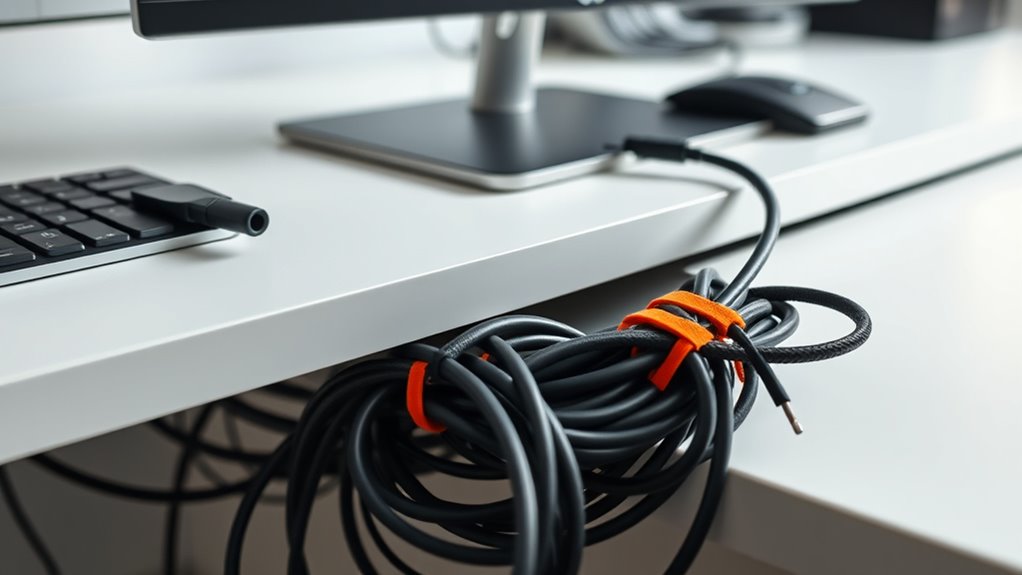
To maintain a neat and organized cable setup, using cable ties and Velcro straps is essential. These tools help bundle cables together, reducing clutter and making your workspace look tidy. For added efficiency, use color-coded labels to identify different cables quickly, saving you time during troubleshooting or reorganization. Velcro straps are reusable, allowing you to easily adjust or detach cables without damage. When bundling, aim for cable concealment by neatly routing cords along the desk or behind furniture, hiding them from view. Secure loose cables to prevent tangling or accidental disconnection. Additionally, understanding cable management benefits can help you appreciate the importance of a clean workspace. With these simple steps, your cables stay organized, accessible, and out of sight, creating a cleaner, more professional workspace.
Maintain and Adjust Your Cable System Regularly
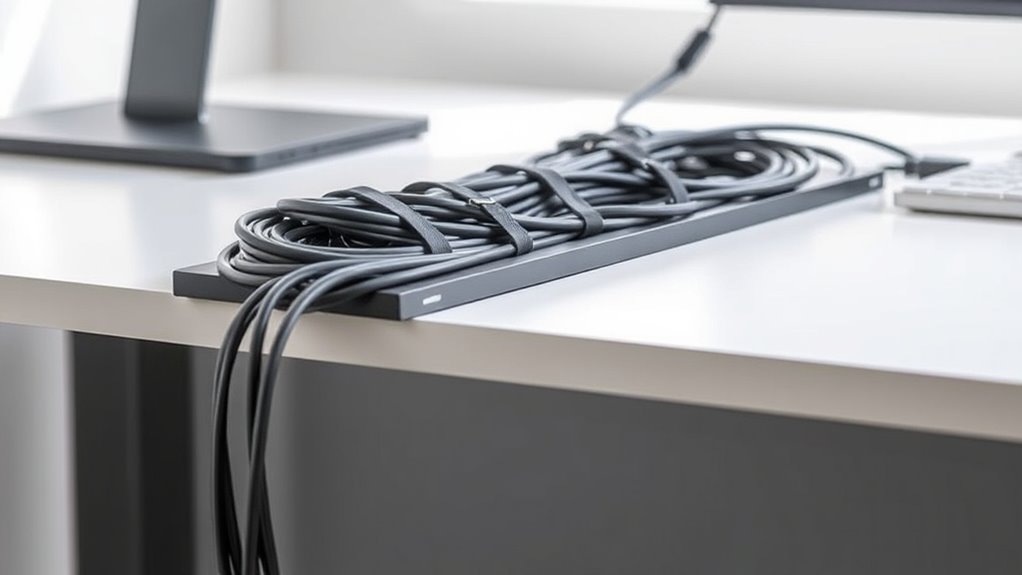
Regularly inspecting and adjusting your cable system keeps everything neat and functioning smoothly. Over time, wires can shift, loosen, or clutter, disrupting effective wire management and cable organization. Set a routine to check for tangled cords, loose connections, or worn-out insulation. Re-route cables as needed to prevent strain or interference, and untangle any knots. Use clips or ties to secure loose wires and keep pathways clear. Periodic adjustments help you identify potential issues before they escalate, ensuring a clean workspace. Remember, consistent maintenance minimizes clutter, reduces damage risks, and improves overall efficiency. Incorporate these steps into your routine for a well-organized, reliable cable system:
- Check for tangled or loose wires
- Re-route cables to avoid strain
- Replace damaged or frayed cords
- Secure cables with clips or ties
- Clean dust and debris from connectors
Frequently Asked Questions
What Are the Safety Precautions When Handling Electrical Cables?
When handling electrical cables, you should always check for proper electrical insulation to prevent shocks. Make sure cables are labeled correctly so you can identify their purpose and avoid accidental disconnections or damage. Turn off the power before working on any wiring, and avoid overloading circuits. Keep cables organized to prevent tripping hazards, and use insulated tools for added safety. Following these precautions maintains you safe and ensures reliable connections.
How Can I Prevent Damage to My Cables Over Time?
Did you know that damaged cables can cause up to 80% of electrical failures? To prevent this, regularly check your cables for wear and tear, especially on the cable insulation. Avoid bending or twisting cables excessively, and store them properly when not in use. Using protective sleeves or cable organizers helps maintain the integrity of the cable insulation, reducing the risk of damage and extending their lifespan.
Are There Eco-Friendly Cable Management Options Available?
Yes, eco-friendly cable management options are available. You can use biodegradable materials for cable sleeves and covers, which break down naturally without harming the environment. Recycled cable ties are also a great choice—they’re made from repurposed plastics, reducing waste. By choosing these sustainable solutions, you help protect the planet while keeping your workspace organized and clutter-free.
What Should I Do if My Cables Are Too Short or Too Long?
If your cables are too short or long, you should consider using cable extensions to add length or cable shortening tools to reduce excess slack. Cable extensions are simple to connect and provide extra reach, while cable shortening helps tidy up long cables by cutting or securing them neatly. Always choose quality accessories to guarantee safety and maintain a clean workspace, making your setup more efficient and organized.
How Can I Improve Airflow Around My Cables to Prevent Overheating?
Improving airflow around your cables is like giving your workspace a gust of fresh air. To optimize cable ventilation, avoid bunching cables together and leave space between them for air to circulate. Use cable clips or ties to keep wires organized and prevent blocking airflow. Elevate cables off surfaces with cable sleeves or conduits, which enhances airflow optimization and reduces overheating risks, keeping your setup cool and efficient.
Conclusion
Think of your workspace as a garden—you need to tend to it regularly to keep everything thriving. By applying these cable management tips, you’ll transform your wires from a tangled mess into a neat, organized landscape. Keep an eye on your setup, prune any chaos, and adjust as needed. With a little effort, you’ll enjoy a clean, clutter-free environment that’s easy to maintain—making your workspace a well-tended oasis of productivity.