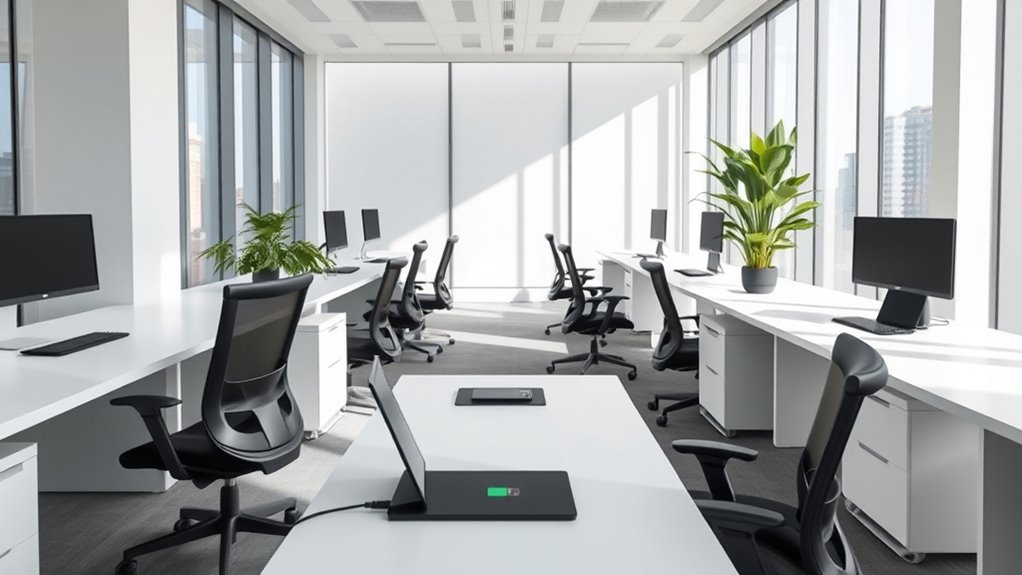

In a smart office, integrating technology with minimalism means embedding devices into walls and ceilings to keep your space clean and stylish. Voice control and automated energy systems reduce clutter and streamline daily tasks, helping you focus more on work. Sleek, hidden tech enhances both aesthetics and functionality, creating an airy, modern environment. If you want to discover how these intelligent design choices work together smoothly, explore further to uncover the details.
Key Takeaways
- Embed devices into walls and ceilings to maintain clean, unobtrusive office aesthetics.
- Use centralized control systems to reduce visible gadgets and clutter.
- Implement voice control for seamless operation of lighting and climate, minimizing physical controls.
- Automate energy management to optimize utility use without adding visual complexity.
- Design with open spaces and sleek lines, blending technology seamlessly into minimalist environments.
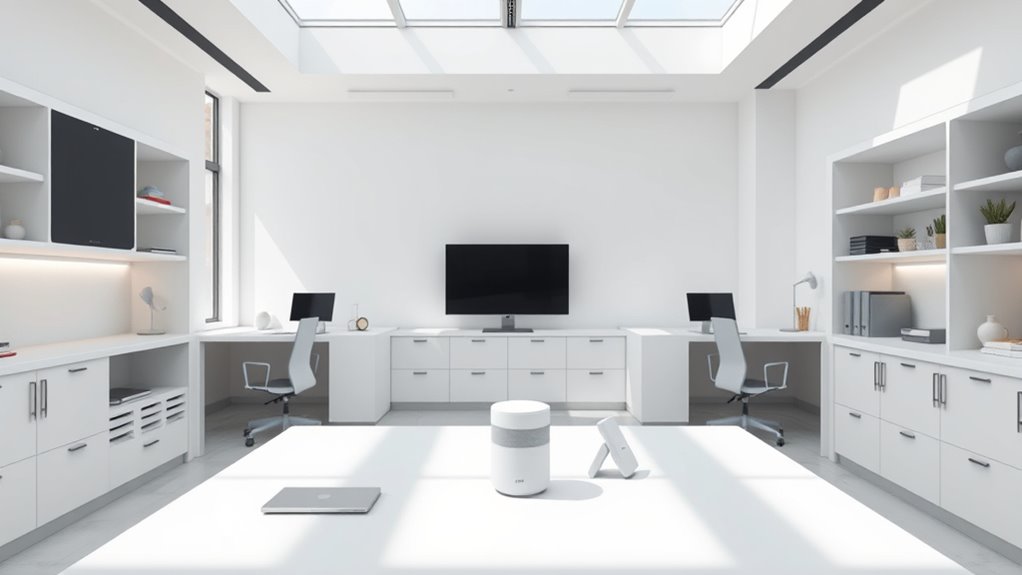
In recent years, smart offices have embraced minimalism to create more efficient and inviting work environments. This approach isn’t just about aesthetics; it’s about streamlining your space to improve productivity and comfort. One of the key ways to achieve this is through voice control. With voice-activated systems, you can operate lighting, thermostats, and even conference equipment without cluttering your desk or workspace with multiple remotes or switches. Instead of steering through a maze of buttons, you simply speak, and your commands are executed instantly. This not only reduces physical clutter but also fosters a seamless, intuitive workflow, allowing you to focus on your tasks rather than managing technology. Incorporating high-impact recommendations ensures your smart office remains both functional and clutter-free. Energy management plays an equally essential role in this minimalist transformation. Smart offices leverage advanced energy management systems that automatically adjust lighting, climate control, and other utilities based on your needs and occupancy patterns. For instance, when a meeting ends and a room becomes unoccupied, the system dims the lights and adjusts the temperature to save energy. This reduces waste and lowers energy bills, aligning with the minimalist philosophy of reducing excess. These intelligent systems are designed to operate quietly and efficiently, contributing to a calm and clutter-free environment. You won’t find yourself constantly fiddling with switches or thermostats; instead, your office subtly adapts to your presence and preferences, creating a more harmonious workspace. Integrating voice control and energy management into your office doesn’t mean sacrificing style for function. On the contrary, these technologies help maintain a sleek, uncluttered look. Devices are often embedded into the environment, hidden behind panels or integrated into ceilings and walls, preserving the clean lines that minimalism champions. You’ll notice fewer gadgets on desks and walls, replaced by centralized control systems that are both functional and discreet. This integration allows you to create a space that feels open and airy, free from the visual chaos of traditional tech setups. Ultimately, the goal of combining minimalism with smart technology is to enhance your work experience. Voice control simplifies interactions, reducing the need for physical controls, while energy management promotes sustainability and cost savings. Together, these elements help you craft an office environment that’s not only modern and stylish but also efficient and easy to maintain. By focusing on these smart solutions, you’re creating a workspace that’s both aesthetically pleasing and highly functional — a true reflection of minimalist innovation.

Herdio 6.5'' Bluetooth in Wall in Ceiling Speakers 600W 2-Way Flush Mount Speakers System with Wall Amplifier Receiver for Home Theater Office (2Pairs, Paintable-Grille)
Bluetooth Ceiling Speakers: Independent 4 channel wall amplifier bring you stereo sound effects. The in wall amplifier allows…
As an affiliate, we earn on qualifying purchases.
As an affiliate, we earn on qualifying purchases.
Frequently Asked Questions
How Can I Ensure Data Security in a Minimalistic Smart Office?
You can guarantee data security in your minimalistic smart office by implementing strong cybersecurity protocols and using data encryption. Regularly update your software and firmware to patch vulnerabilities, and restrict access to sensitive information through multi-factor authentication. Keep your network secure with firewalls and VPNs, and educate your team about phishing threats. These steps help protect your data without cluttering your sleek, efficient workspace.
What Are Cost-Effective Solutions for Integrating Smart Technology?
Imagine building a sleek, streamlined ship with DIY upgrades and budget-friendly devices guiding your course. You can achieve this by choosing affordable smart gadgets, like smart bulbs or plugs, that easily integrate without clutter. These devices are simple to install and cost-effective, helping you optimize your office’s technology. Focus on versatile, scalable solutions that fit your budget, ensuring your smart office remains efficient and minimalist without breaking the bank.
How Do Smart Offices Impact Employee Productivity and Well-Being?
Smart offices boost your productivity and well-being by promoting ergonomic design and maximizing natural lighting. When your workspace adapts to your needs with adjustable desks and smart lighting, you’ll feel more comfortable and focused. These features reduce fatigue and eye strain, helping you stay alert and motivated. As a result, you work more efficiently, enjoy better overall health, and experience less stress, creating a healthier, more productive environment.
What Maintenance Is Required for Smart Office Systems?
Maintaining smart office systems is as vital as keeping a spaceship in perfect orbit. You’ll need to perform regular hardware troubleshooting to prevent glitches and unexpected breakdowns. System updates are necessary too—they ensure your tech runs smoothly and securely. Schedule routine check-ups, clean hardware components, and stay current with software updates to keep everything functioning seamlessly. Staying proactive prevents costly downtimes and keeps your office operating at peak efficiency.
How Can I Customize Smart Features to Suit My Workflow?
You can customize smart features to suit your workflow by exploring the settings or control panels of your smart office system. Adjust automation, notifications, and device integrations to streamline your daily tasks. Use workflow customization tools to tailor smart feature tailoring, ensuring the technology aligns with your specific needs. Regularly update your system and experiment with different configurations to optimize efficiency and create a seamless, clutter-free workspace.
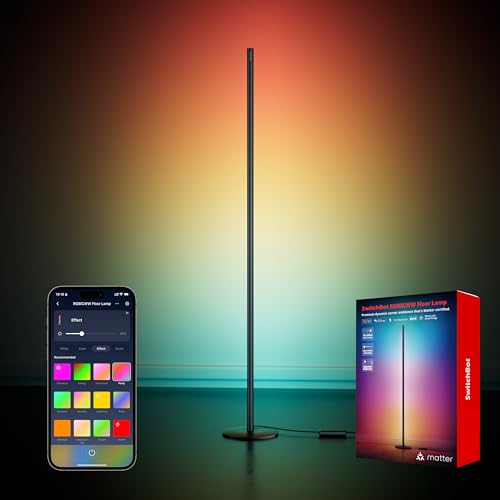
SwitchBot Smart Floor Lamp RGBICWW Voice/App Controlled Works with Alexa, Apple Home & Google, Matter, Warm & Cool White, 1200lm Music Sync, Lamp for Living Room for Bedroom — Christmas/Holiday décor
Floor Lamp with Matter: The SwitchBot Floor Lamp supports Matter, letting you control it with voice commands via…
As an affiliate, we earn on qualifying purchases.
As an affiliate, we earn on qualifying purchases.
Conclusion
By embracing smart technology and minimalism, you create an efficient, clutter-free workspace that boosts productivity and well-being. Did you know that 78% of employees report feeling more focused in minimalist environments? Integrating sleek tech with simple design not only enhances your office’s aesthetics but also streamlines your daily tasks. When you prioritize clarity and functionality, you foster a workspace that’s both inspiring and practical—making every workday more enjoyable and effective.

Industrial Automated Systems: Instrumentation and Motion Control (Book Only)
As an affiliate, we earn on qualifying purchases.
As an affiliate, we earn on qualifying purchases.

Airmont Products (2 Pack) Outlet Shelf – Wall Mount Organizer for Echo Dot, HomePod Mini, Alexa and Smart Home Devices – Bathroom Space Saver, Renter-Friendly for Kitchen, Bedroom, Office
PRECISION-MADE CONSTRUCTION: Engineered from a durable matte polymer that resists flexing, humidity, and daily wear. Creates a stable…
As an affiliate, we earn on qualifying purchases.
As an affiliate, we earn on qualifying purchases.