
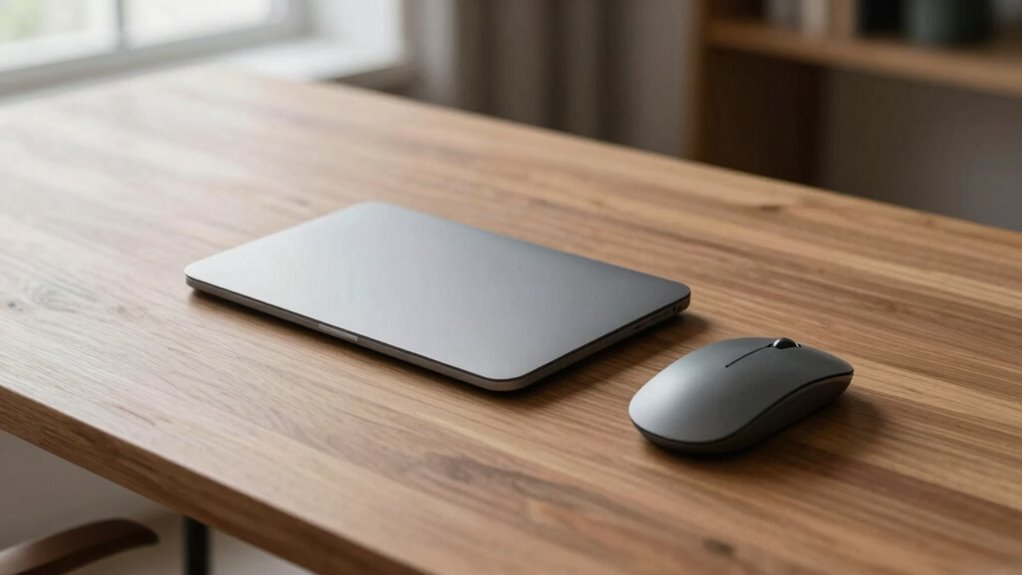
For a minimalist desk, a trackpad offers a sleek, seamless look that blends into your workspace and reduces visual clutter, while a compact or wireless mouse can provide more precise control for detailed tasks. Trackpads promote ergonomic comfort and support gestures, keeping your hand in a natural position, whereas mice may support better accuracy for certain work. Both options can match your style and workflow—continue exploring to find the best fit for your clean, functional space.
Key Takeaways
- Trackpads offer a sleek, integrated look that minimizes visual clutter on minimalist desks.
- Wireless or compact mice support a clean aesthetic while providing precise control for detailed tasks.
- Trackpads enhance workspace simplicity with fewer cables and mechanical parts, boosting durability.
- Mice can be ergonomically shaped for comfort and support extended use, aligning with user preferences.
- Both devices can be chosen to complement a minimalist style, balancing functionality and visual harmony.
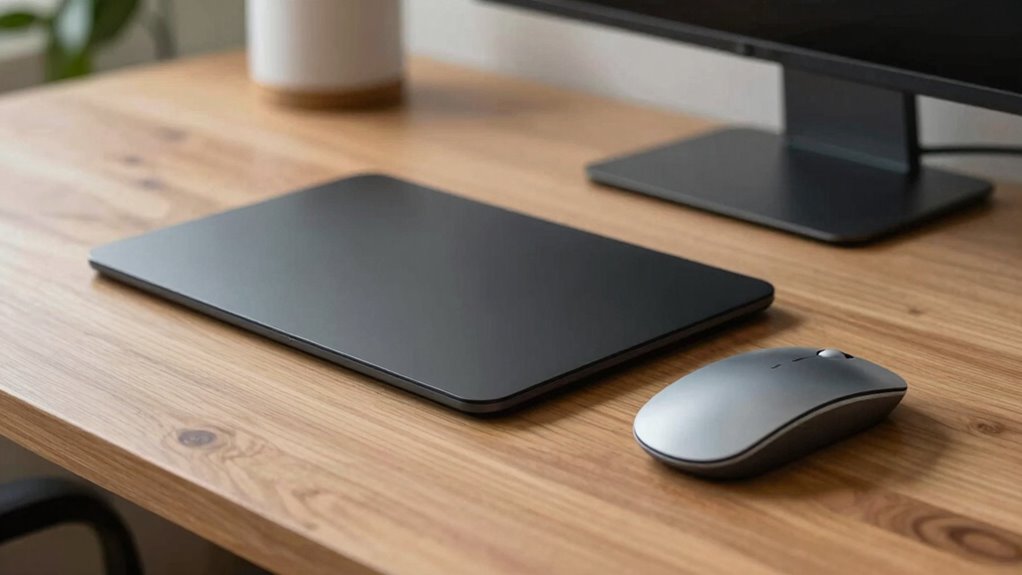
When designing a minimalist desk, choosing the right pointing device can considerably impact both aesthetics and functionality. Your choice between a trackpad and a mouse influences not just how you interact with your computer but also the overall look of your workspace. If you prioritize clean lines and simplicity, a trackpad often blends seamlessly into your desk’s design, maintaining the sleek aesthetic appeal that minimalist setups demand. Its slim profile minimizes clutter, and with fewer cables or extra accessories, your workspace remains visually uncluttered. Besides visual harmony, a trackpad offers ergonomic benefits; since it allows your hand to stay in a natural, relaxed position, it reduces the strain on your wrist and arm during extended use. Many modern trackpads also support gestures, making navigation more intuitive without the need for extra buttons or moving parts, which further preserves the minimalist vibe. Additionally, because trackpads often have fewer mechanical parts, they tend to be more durable and require less maintenance over time.
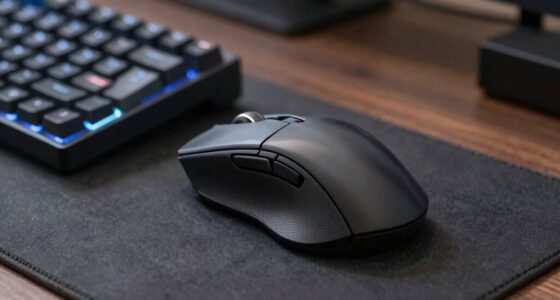
On the other hand, a mouse can bring a different set of benefits that might sway your decision. While traditional mice often have a bulkier design, opting for a wireless or compact model can help maintain a minimalist aesthetic. Mice tend to deliver more precise control, especially for tasks that require accuracy, such as graphic design or gaming. From an ergonomic perspective, many mice are designed with contours that fit comfortably in your hand, providing support and reducing fatigue over long periods. If your work involves detailed editing or precise cursor movements, a mouse might offer a more efficient experience. However, it’s important to contemplate the cable management or wireless setup; a cluttered desk with tangled cords disrupts the clean, minimal look you’re aiming for. Wireless mice and their charging docks can be discreet if chosen carefully, preserving the streamlined appearance. Furthermore, understanding the importance of environmental impact in choosing your devices can guide you towards options that are both functional and eco-friendly. Considering device durability is also crucial, especially when aiming to maintain a clutter-free workspace over time. When selecting between these options, it’s helpful to evaluate how each device complements your overall lifestyle and work habits to create a cohesive, stylish environment.
In addition, researching user preferences can help you decide which pointing device aligns best with your comfort and workflow, ensuring long-term satisfaction. Ultimately, your choice depends on your workflow and preferences. If you value a clutter-free, sleek aesthetic and ergonomic comfort, a trackpad might be the best fit. If precision, speed, and a tactile feel are more important, then a compact or wireless mouse could serve you better. Both options can complement a minimalist setup if selected thoughtfully, emphasizing clean lines and functional simplicity. Whichever you choose, take into account it integrates seamlessly into your workspace without adding unnecessary visual noise or ergonomic discomfort. Your goal is to create a balanced environment where aesthetics meet comfort, allowing you to work efficiently while maintaining the minimalist ethos you love.

ProtoArc T1 Plus Bluetooth Trackpad for Windows 10/11, Large Multi-Gesture Touchpad with High-Precision Wireless Trackpad Mouse for Desktop and Laptop, Grey Black
Windows 10/11 Only: The T1 Plus wireless trackpad is designed exclusively for Windows 11 and Windows 10 (PC,…
As an affiliate, we earn on qualifying purchases.
As an affiliate, we earn on qualifying purchases.
Frequently Asked Questions
Which Is More Durable for Long-Term Use?
A mouse generally offers better long-term reliability and durability compared to a trackpad. Mice have fewer moving parts, making them less prone to wear and tear over time. Trackpads, with their touch surfaces and sensitive components, can degrade faster with constant use. If you’re prioritizing durability, a high-quality mouse is usually the better choice for long-term use on minimalist desks.
How Do Trackpads and Mice Impact Workspace Organization?
You find that trackpads help keep your workspace tidy by eliminating extra cables and peripherals, thanks to their gesture sensitivity. They also adapt well to different surfaces, making them versatile for minimalist desks. Mice, however, may require more space and a dedicated surface, potentially cluttering your setup. Overall, trackpads enhance workspace organization by reducing clutter and offering seamless gesture control, while mice need more surface area and cables.
Are There Ergonomic Differences Affecting Wrist Health?
Did you know that improper ergonomic design can cause wrist strain in up to 60% of users? When it comes to wrist health, trackpads often promote a more natural hand position, reducing strain, while mice can sometimes cause awkward wrist angles. Choosing devices with ergonomic design features, like adjustable angles or cushioned surfaces, helps prevent wrist strain and supports long-term wrist health, especially if you work for hours each day.
Which Device Offers Better Customization Options?
You’ll find that mice generally offer better customization options, such as button programmability, allowing you to assign specific functions for efficiency. Trackpads tend to have limited gesture customization, though some high-end models provide multi-touch gestures. If customization is your priority, a mouse gives you more control over button functions, whereas trackpads focus more on gesture-based commands. Choose based on whether you prefer physical buttons or touch gestures for your workflow.
How Do They Perform With Different Operating Systems?
You’ll find that trackpads excel across different operating systems, thanks to gesture recognition features that are often well-integrated, especially on Macs and Windows. Mice tend to work universally with minimal setup, offering smoother multi-device support. The theory that trackpads are more adaptable holds true when it comes to gestures, but mice deliver reliable performance regardless of OS, making both options suitable depending on your multitasking and navigation needs.

Amazon Basics Portable Wireless Computer Mouse, Ergonomic, 2.4 GHz Optical, DPI Adjustable, Easy to Use, Compatible With PC, Mac, Laptop, Black
COMFORTABLE NAVIGATION: The wireless mouse is designed for smooth and easy computer interface navigation, and provides ease of…
As an affiliate, we earn on qualifying purchases.
As an affiliate, we earn on qualifying purchases.
Conclusion
Ultimately, choosing between a trackpad and a mouse comes down to your personal style and workspace. Think of your desk like a blank canvas—both tools are brushes, but one might feel more natural for your strokes. If you prefer sleek, space-saving minimalism, a trackpad is like a gentle breeze—light and effortless. But if precision and comfort matter more, a mouse is your steady hand. Pick what feels right, and your desk will stay effortlessly organized.

Amazon Basics Multi-Touch Trackpad with Dual Device Control, Wireless Touchpad for Windows PC, Rechargeable, 6.4-inch, Black
MULTI-TOUCH GESTURES: Wireless trackpad offers multi-touch control with up to four finger gestures and built-in left and right…
As an affiliate, we earn on qualifying purchases.
As an affiliate, we earn on qualifying purchases.

Logitech POP Mouse, Compact and Portable Wireless Bluetooth Mouse with Programmable Buttons and Quiet Clicks, Easy-Switch Between up to 3 Devices, Laptop, Tablet, PC – Mist
Start With a POP: Proudly express yourself and add style to your space with the Logitech POP Mouse,…
As an affiliate, we earn on qualifying purchases.
As an affiliate, we earn on qualifying purchases.