
Large pen displays impact your desk ergonomics by requiring more space and careful positioning to prevent strain. You’ll need to make sure the screen is at eye level and that your chair and desk support good posture. Proper arm and hand support become essential to avoid fatigue, especially during long sessions. Adjusting your workspace for size and comfort helps you work efficiently without discomfort. If you’re curious about fine-tuning your setup, there’s more to think about below.
Key Takeaways
- Larger pen displays require more desk space, influencing overall workspace arrangement and posture.
- Proper screen positioning at eye level is crucial to prevent neck and eye strain with bigger screens.
- Increased arm movement with large displays necessitates adequate arm support and ergonomic desk setups.
- Well-calibrated stylus sensitivity ensures precise control, reducing repetitive strain during extended use.
- An ergonomic workspace tailored for large displays enhances comfort and minimizes physical fatigue.
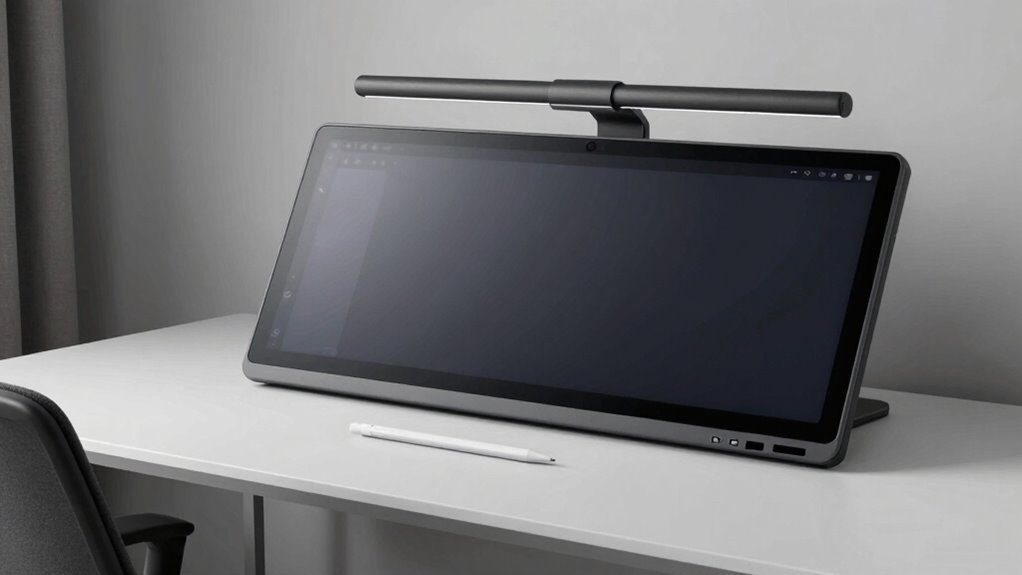
Pen displays have become indispensable tools for digital artists and designers, but their effectiveness depends heavily on proper desk ergonomics. When working with large pen displays, you might find yourself reaching for the screen more often, which can cause strain if your workspace isn’t set up correctly. The size of your display influences your posture, hand positioning, and overall comfort during long creative sessions. If your pen display is too large, you may be tempted to lean forward or stretch uncomfortably, leading to neck, shoulder, or back pain. Conversely, a well-placed large display can boost productivity, but only if your desk setup considers ergonomic principles.
Proper ergonomics are essential for comfortable, productive use of large pen displays.
One key aspect is guaranteeing your pen’s stylus sensitivity is optimized. Larger screens often come with increased stylus sensitivity, allowing for more precise control and a natural drawing experience. Proper screen calibration becomes critical here, as it ensures that the stylus movements translate accurately onto the display. When your screen isn’t calibrated correctly, you might experience lag or misalignment, forcing you to adjust your posture or grip awkwardly to compensate. Regular calibration minimizes these issues, helping you work comfortably and efficiently without unnecessary strain. Additionally, stylus sensitivity can vary between models, so understanding its impact can help you select the right device for your needs.
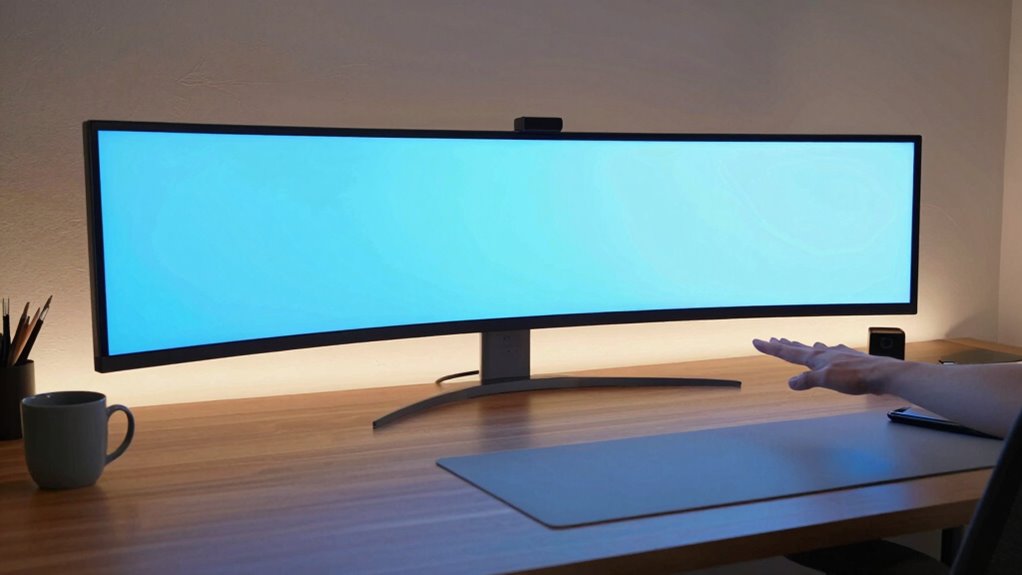
Positioning the large pen display at eye level is indispensable. If the screen is too low or too high, you’ll strain your neck or eyes. Ideally, the top of the display should be at or just below eye level, with your chair adjusted so your feet rest flat on the floor and your elbows are at a comfortable 90-degree angle. This setup reduces tension in your shoulders and wrists, which is especially important when working on sizable screens that demand extended focus. Keep in mind that a larger display might also mean a wider workspace, so verify your desk can accommodate the size without forcing you into awkward postures. Ensuring proper desk space is crucial for maintaining good ergonomics with larger displays.
You should also consider your hand and wrist positioning. Using a large pen display often involves more arm movement, so supporting your arm properly is essential to prevent fatigue. An adjustable desk or ergonomic chair can help you maintain a natural, relaxed posture. Make sure your workspace allows for smooth, unrestricted arm movement, and position your keyboard and mouse in a way that doesn’t cause you to reach or twist unnaturally. If your setup is off, even the most advanced pen display can become uncomfortable over time.
Ultimately, the size of your pen display impacts your entire ergonomic setup. By paying attention to stylus sensitivity, screen calibration, and proper positioning, you can create a workspace that enhances your creative process while minimizing physical strain. A large display offers incredible detail and control, but only if your desk ergonomics support its use comfortably and efficiently.
ergonomic large pen display stand
As an affiliate, we earn on qualifying purchases.
As an affiliate, we earn on qualifying purchases.
Frequently Asked Questions
How Do Pen Displays Impact Overall Workspace Organization?
Large pen displays can clutter your workspace, making it harder to stay organized. To keep things tidy, you need creative storage solutions that easily accommodate your device and accessories. Good cable management is essential; use clips or sleeves to prevent tangles and maintain a clean surface. By integrating these strategies, you’ll create a more efficient and visually appealing workspace that enhances your productivity and comfort.
Are There Specific Chair Adjustments Needed for Large Pen Displays?
For large pen displays, you should adjust your chair to support proper posture, especially 腰部支持 (lumbar support). Sitting upright with your back fully supported reduces strain and improves comfort. A height-adjustable chair helps keep your feet flat on the floor, knees at 90 degrees, and your eyes level with the display. This setup minimizes neck and back fatigue, making prolonged work sessions more ergonomic and productive.
How Does Screen Angle Influence Ergonomic Comfort?
Adjusting the screen tilt is essential for ergonomic comfort, as it helps you maintain a neutral neck position and reduces strain. When setting your large pen display, make sure the screen angle minimizes glare and keeps the top of the display at or slightly below eye level. Also, maintain a comfortable viewing distance to prevent eye fatigue. Proper screen angle and viewing distance together optimize your posture and reduce discomfort during extended use.
What Are the Long-Term Health Effects of Using Large Pen Displays?
Using large pen displays can markedly impact your health over time, but with proper posture alignment, you can avoid the worst. Without breaks, you might experience digital fatigue that feels endless, leading to eye strain, neck pain, and reduced focus. Long-term, poor ergonomics can cause chronic musculoskeletal issues. Staying mindful of your posture and taking regular breaks helps protect your body, ensuring your creative energy remains unstoppable and your health stays intact.
How Can Users Prevent Eye Strain With Large Pen Displays?
To prevent eye strain with large pen displays, you should practice regular eye exercises to reduce fatigue. Adjust your screen brightness to match ambient lighting, avoiding glare and excessive contrast. Take breaks every 20 minutes to look away and focus on distant objects. Ensuring proper ergonomic positioning and blinking frequently also helps keep your eyes comfortable during extended use. These steps can markedly reduce eye strain and promote healthier viewing habits.
adjustable monitor arm for large screens
As an affiliate, we earn on qualifying purchases.
As an affiliate, we earn on qualifying purchases.
Conclusion
In the dance between size and comfort, larger pen displays might seem like a grand stage, but they can also lead to a cramped, awkward performance on your desk. Think of your workspace as a stage—you want enough room for every act to flow smoothly. By choosing the right size, you’re not just improving your setup; you’re ensuring your creativity has room to breathe. After all, a well-placed tool sparks the best ideas.
stylus calibration tool for pen displays
As an affiliate, we earn on qualifying purchases.
As an affiliate, we earn on qualifying purchases.
ergonomic desk setup for digital artists
As an affiliate, we earn on qualifying purchases.
As an affiliate, we earn on qualifying purchases.