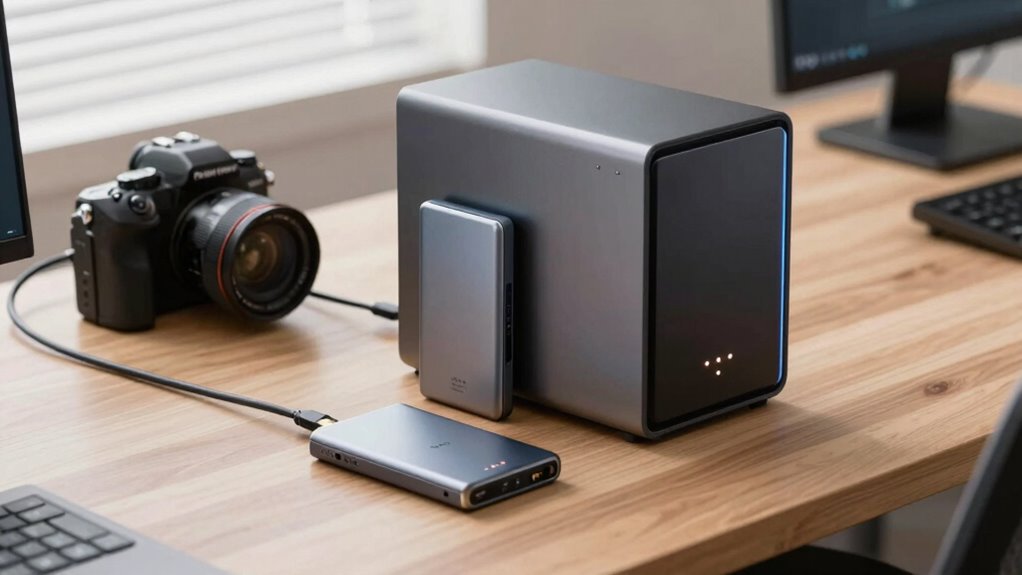

If you’re looking for portability and quick access, external SSDs are ideal—they’re easy to set up and great for on-the-go editing. If you need remote access, collaboration, and automated backups, a NAS system suits better, though it requires more setup and investment. Both options offer data security and encryption, but NAS can handle larger projects and multi-user workflows. To find out which fits your needs best, keep exploring the details below.
Key Takeaways
- External SSDs offer portability and quick access, ideal for mobile editing and on-the-go workflows.
- NAS systems provide centralized storage and remote access, supporting collaborative work across multiple devices.
- External SSDs are easier to set up and use, while NAS requires technical knowledge and higher initial investment.
- Both options support data encryption, but NAS often offers more advanced security features.
- NAS devices excel in automated backups and long-term data protection for extensive creative projects.
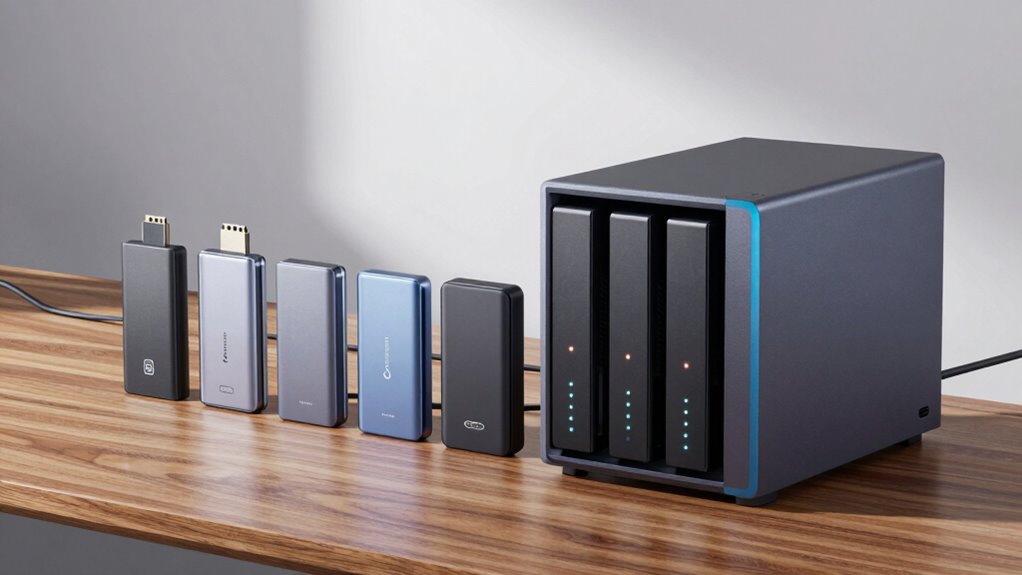
When it comes to managing large files and ensuring smooth creative workflows, choosing the right storage solution is essential. Both external SSDs and NAS systems have their advantages, but understanding how they fit into your workflow can help you make the best choice. External SSDs are portable, fast, and straightforward to set up, making them ideal for on-the-go editing and quick access to crucial files. They often come with built-in data encryption options, which help protect your work from unauthorized access, especially if you carry your drives to different locations. Additionally, many external SSDs support cloud backup integration, allowing you to automatically sync files to a secure cloud service. This not only provides an off-site backup but also adds an extra layer of security in case of physical damage or loss.
External SSDs offer portable, fast storage with built-in encryption and cloud backup options for secure, on-the-go access.
NAS devices, on the other hand, are designed for centralized storage that multiple users can access simultaneously. They’re perfect if you work with a team or need to access files from different devices across a studio or office. NAS systems often come with advanced data encryption features, giving you peace of mind knowing your sensitive creative assets are protected from cyber threats. Plus, with cloud backup options integrated into many NAS setups, you can automate backups to the cloud, ensuring your work is always safe and recoverable. This setup allows for continuous data protection without manual intervention, which is crucial when managing extensive project files. Moreover, NAS systems can be configured to support remote access, enabling you to work from anywhere with an internet connection. An additional benefit is that some NAS devices support expandable storage, providing flexibility as your data needs grow.
While external SSDs are more portable, they typically require manual backups to the cloud or other storage solutions, whereas NAS devices can be configured for automatic, scheduled backups, including cloud backups. This makes NAS systems particularly appealing for long-term storage and collaboration. Additionally, some NAS devices support RAID configurations, which can enhance data redundancy and performance. However, NAS setups usually involve a higher initial investment and require some technical knowledge to configure and maintain properly. External SSDs, by contrast, are more user-friendly and require minimal setup, making them a quick solution for individual creators or those who need mobile storage.
Furthermore, understanding the data encryption capabilities of each storage type can significantly impact your decision, especially when dealing with sensitive or proprietary creative assets. As technology advances, both options continue to improve their security features to meet evolving privacy standards, ensuring your work remains protected. Ultimately, your choice depends on your specific needs. If you prioritize speed, portability, and simple backup options, an external SSD might be the best fit. But if you need reliable, multi-user access, centralized storage, and automated data protection, a NAS with integrated cloud backup and data encryption offers a comprehensive solution. Both options support secure workflows, but understanding how they align with your creative processes will help you optimize your storage strategy effectively.

Samsung T7 Portable SSD 1TB Titan Gray, USB 3.2 Gen 2, Up to 1,050MB/s
- Designed for Creators: Fast speeds and durable for creators
- Fast Data Transfer: Up to 1,050MB/s read/write speeds
- High Capacity Storage: Up to 4TB storage capacity
As an affiliate, we earn on qualifying purchases.
As an affiliate, we earn on qualifying purchases.
Frequently Asked Questions
How Do External SSDS Impact Battery Life on Portable Devices?
Using external SSDs can increase battery drain on your portable device because they draw power during data transfer, impacting power efficiency. When you connect an SSD, your device works harder to maintain the connection, which can reduce battery life. To minimize this, choose power-efficient SSDs, disconnect them when not in use, and avoid continuous data transfers. This way, you can better preserve your device’s battery while enjoying fast storage.
Can NAS Devices Support Real-Time Collaborative Editing?
Yes, NAS devices can support real-time collaborative editing, but you might face latency issues depending on your network speed. They excel in cloud collaboration by providing centralized storage accessible by multiple users simultaneously. To minimize delays, guarantee your network has high bandwidth and low latency. This setup allows you to work collaboratively without needing external SSDs for immediate access, making NAS a solid choice for team projects.
Are There Specific Security Concerns With External SSDS?
Imagine your external SSD like a locked treasure chest—its security hinges on physical security and data encryption. You should be cautious about theft or loss, as unencrypted data can be easily accessed. To mitigate risks, enable encryption and keep the drive in a safe place. Without proper security measures, external SSDs pose risks similar to leaving sensitive documents in an accessible drawer. Protect your creative work wisely.
How Do External SSDS Perform in Extreme Temperatures?
External SSDs generally struggle with extreme temperatures, which can threaten their temperature resilience. In very hot or cold environments, you might notice slower performance or potential data loss. To protect your data integrity, prevent exposing your SSD to extreme heat or cold, and store it in a controlled environment. Proper handling ensures your external SSD performs reliably, even in challenging temperature conditions, safeguarding your important creative files.
What Are the Long-Term Maintenance Costs for NAS Systems?
Think of NAS maintenance costs like tending a garden—they require consistent effort. Over time, you’ll spend on replacing drives, updating firmware, and ensuring data redundancy is intact. Power consumption adds to ongoing expenses, especially if you run the system 24/7. While initial costs might be higher than external SSDs, investing in a reliable NAS reduces long-term expenses by safeguarding your data and minimizing downtime.

Promise Technology Pegasus2 R4-12TB RAID System (4 X 3TB) Thunderbolt 2 RAID Storage P2R4HD12US
- High-Speed Data Transfer: Up to 20Gbps transfer rate
- Optimized for 4K Editing: Perfect for 4K video workflows
- Designed for Creatives: Ideal for photographers and videographers
As an affiliate, we earn on qualifying purchases.
As an affiliate, we earn on qualifying purchases.
Conclusion
Choosing between external SSDs and NAS depends on your needs, but think of them as different types of vehicles on your creative journey. An external SSD is a sleek sports car—fast and portable, perfect for quick trips and on-the-go edits. A NAS, on the other hand, is like a sturdy RV—great for long hauls and sharing with a team. Whichever you choose, make certain it drives your creativity smoothly and efficiently.

SANDISK 500GB Extreme Portable SSD (Old Model) – Up to 1050MB/s, USB-C, USB 3.2 Gen 2, IP65 Water and Dust Resistance, Updated Firmware – External Solid State Drive – SDSSDE61-500G-G25
- High-speed NVMe Performance: Up to 1050MB/s read, 1000MB/s write
- Durable and Water-resistant: IP65 rated, 3-meter drop protection
- Portable and Secure: Includes carabiner loop for attachment
As an affiliate, we earn on qualifying purchases.
As an affiliate, we earn on qualifying purchases.
multi-user NAS for creative teams
As an affiliate, we earn on qualifying purchases.
As an affiliate, we earn on qualifying purchases.