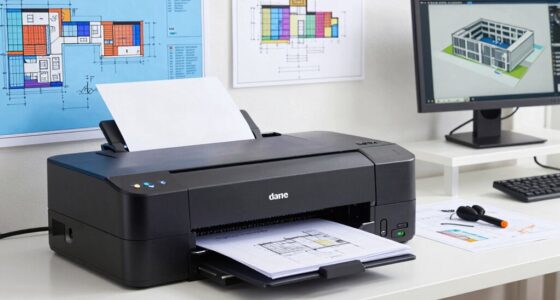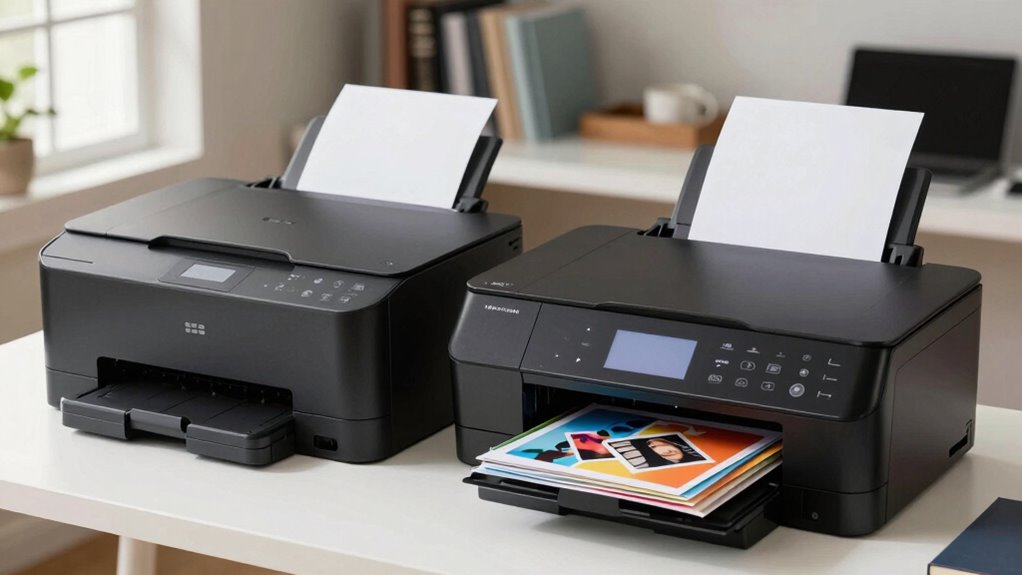

If you mainly print text documents quickly and in high volume, a laser printer is your best choice, as it offers fast speeds and lower per-page costs. However, if you want to produce vibrant photos or detailed color materials, an inkjet printer provides superior color accuracy and media versatility. Consider your typical printing needs to make the right decision. Keep exploring to find out which type suits your home office best.

Get your wardrobe favorites delivered free — and shop member deals
- Fast, free delivery on millions of items
- Access to Prime Big Deal Days deals on October 6–7
- Prime Video, Amazon Music and more included
Key Takeaways
- Laser printers are ideal for high-volume, fast printing of text documents in a home office setting.
- Inkjet printers excel at producing vibrant color images and photo-quality prints for creative projects.
- Laser printers generally have lower ongoing costs per page, making them cost-effective for frequent printing.
- Inkjet printers may require more frequent ink replacements and maintenance due to slower ink drying and media limitations.
- Choose based on primary needs: laser for speed and volume, inkjet for color accuracy and photo printing.
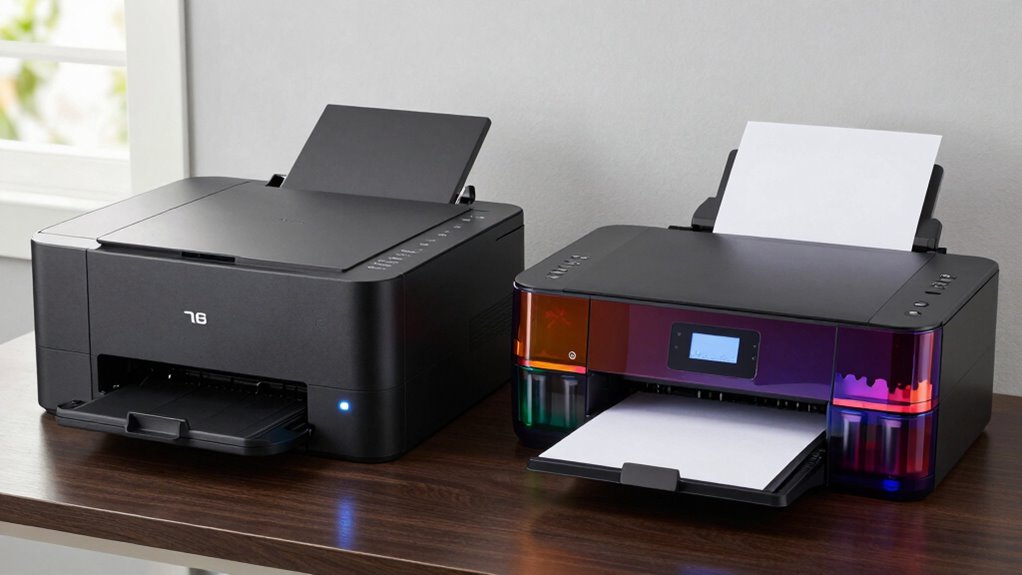
When choosing a printer for your home office, understanding the differences between laser and inkjet models is vital. Both types serve different needs, and your decision will depend on how you prioritize factors like color accuracy and print speed. Laser printers excel in producing sharp text quickly, making them ideal if your primary task involves printing documents rather than images. They typically offer faster print speeds, allowing you to handle large volumes without long waits, which is perfect if you’re balancing a busy schedule. With laser printers, you’ll notice that your text prints are crisp and clear, thanks to their toner-based technology. However, when it comes to color accuracy, laser printers usually focus more on document quality rather than vibrant image reproduction. If your work involves frequent color presentations or high-quality photo printing, a standard laser model might fall short.
On the other hand, inkjet printers shine in delivering superior color accuracy, especially for images and photos. They can produce more vibrant, detailed color outputs, which is essential if your home office tasks include graphic design, photo editing, or creating marketing materials. Inkjet models tend to be slower than laser printers, so if you often need to print large volumes quickly, they might not be the best fit. Their slower print speeds can cause delays when you’re trying to meet tight deadlines. Additionally, inkjet printers often handle a variety of media types better, such as glossy photo paper, which enhances the quality of your images. They also tend to have more versatile media handling capabilities, which can be a significant advantage for creative projects. However, they may require more frequent ink replacements and maintenance, especially if used heavily, which can add to your ongoing costs.
Furthermore, understanding the technology differences between toner and ink can help you make a more informed decision based on your specific printing needs.
In essence, if your focus is on fast, high-volume printing of text documents, a laser printer is likely your best choice, offering quick print speeds and efficient operation. Conversely, if your work demands high-quality color images and detailed photo printing, an inkjet printer will serve you better, despite being slower and potentially more costly over time. Consider what matters most for your home office—whether it’s speed, cost, color fidelity, or print quality—and choose a model that aligns with those priorities. Making the right choice will streamline your workflow and guarantee you get the most out of your home printing setup.
best laser printers for home office
As an affiliate, we earn on qualifying purchases.
As an affiliate, we earn on qualifying purchases.
Frequently Asked Questions
Which Printer Type Is More Environmentally Friendly?
You’ll find laser printers generally more environmentally friendly due to lower energy consumption during operation and longer-lasting toner cartridges, which reduce waste. Many brands support recycling programs, making it easier to dispose of cartridges responsibly. Inkjet printers, while initially less energy-efficient, can be eco-friendly if you choose models with eco-mode settings and participate in recycling programs. Overall, laser printers tend to have a smaller environmental footprint.
How Do Inkjet Printers Perform With Photo Printing?
When it comes to photo printing, inkjet printers often surprise you with their performance. They excel in photo color accuracy, capturing vibrant hues and subtle shades that make your images pop. With high print resolution, they produce sharp, detailed photos that impress. You might wonder if they can truly match professional quality—rest assured, inkjet printers deliver stunning photo prints, making them your go-to choice for vivid, high-quality images at home.
What Is the Typical Lifespan of Each Printer Type?
Laser printers typically last around 5-10 years with proper printer maintenance, thanks to their durable components. Inkjet printers usually have a shorter lifespan, around 3-5 years, because of their more delicate parts and ink system. When considering a cost comparison, laser printers may be more cost-effective long-term due to their durability and lower ink costs, while inkjets might need more frequent replacements or repairs, impacting overall longevity.
Are There Wireless Options Available for Both Printers?
Wireless options are available for both laser and inkjet printers, making them as accessible as a smartphone in your hand. You can easily connect via wireless connectivity, allowing seamless mobile printing from your laptop, tablet, or smartphone. This flexibility helps you print documents and photos without the hassle of cords. Whether you choose a laser or inkjet, both offer wireless features, making your home office more efficient and clutter-free.
How Often Do Ink Cartridges or Toner Need Replacement?
You’ll need to replace ink cartridges for inkjet printers every few months, depending on usage, with cartridge cost and ink efficiency affecting how often you buy replacements. For laser printers, toner lasts longer—often thousands of pages—so toner replacement is less frequent. Overall, laser toner is more cost-effective over time due to better toner efficiency, whereas inkjet cartridges tend to be more expensive per page and need more frequent replacement.
high volume color inkjet printer
As an affiliate, we earn on qualifying purchases.
As an affiliate, we earn on qualifying purchases.
Conclusion
Ultimately, choosing between a laser and inkjet printer depends on your needs. If you prioritize speed and durability, a laser printer is your best bet. For vibrant photos and occasional printing, an inkjet suits you better. Remember, “The proof of the pudding is in the eating”—test both if possible. Make your decision wisely, knowing that investing in the right printer can save you time and frustration in the long run.
affordable monochrome laser printer
As an affiliate, we earn on qualifying purchases.
As an affiliate, we earn on qualifying purchases.
As an affiliate, we earn on qualifying purchases.
Fall Picks
fall essentials
As an affiliate, we earn on qualifying purchases.