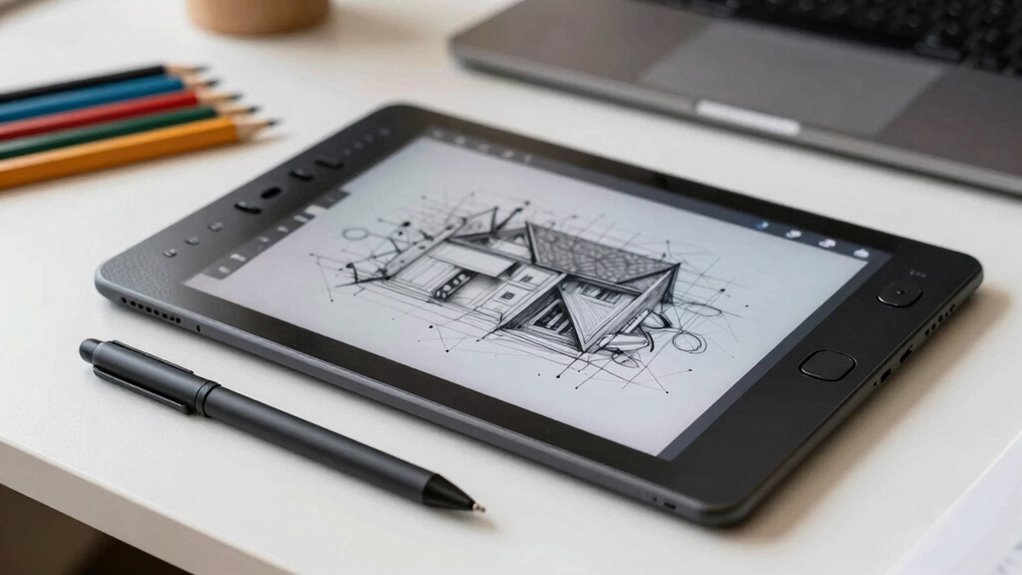
If you prioritize comfort and seek a natural drawing feel, a pen display offers real-time feedback and ergonomic benefits, reducing neck and eye strain. However, if budget and portability matter most, pen tablets are a more affordable choice and easy to set up. Both tools can elevate your work, but your decision depends on your workflow, long-term goals, and how much importance you place on ergonomic design. Keep exploring to find the best fit for your creative needs.

Get your wardrobe favorites delivered free — and shop member deals
- Fast, free delivery on millions of items
- Access to Prime Big Deal Days deals on October 6–7
- Prime Video, Amazon Music and more included
Key Takeaways
- Pen displays offer a more natural drawing experience with real-time visual feedback, enhancing creativity and precision.
- Pen tablets are more affordable and portable, making them suitable for beginners or budget-conscious designers.
- Ergonomically, pen displays reduce neck and eye strain by allowing direct screen work, supporting long-term comfort.
- Pen tablets require looking at a separate monitor, which can lead to awkward postures and increased physical strain over time.
- The choice depends on budget, workflow preferences, and long-term ergonomic needs for sustainable creative practice.
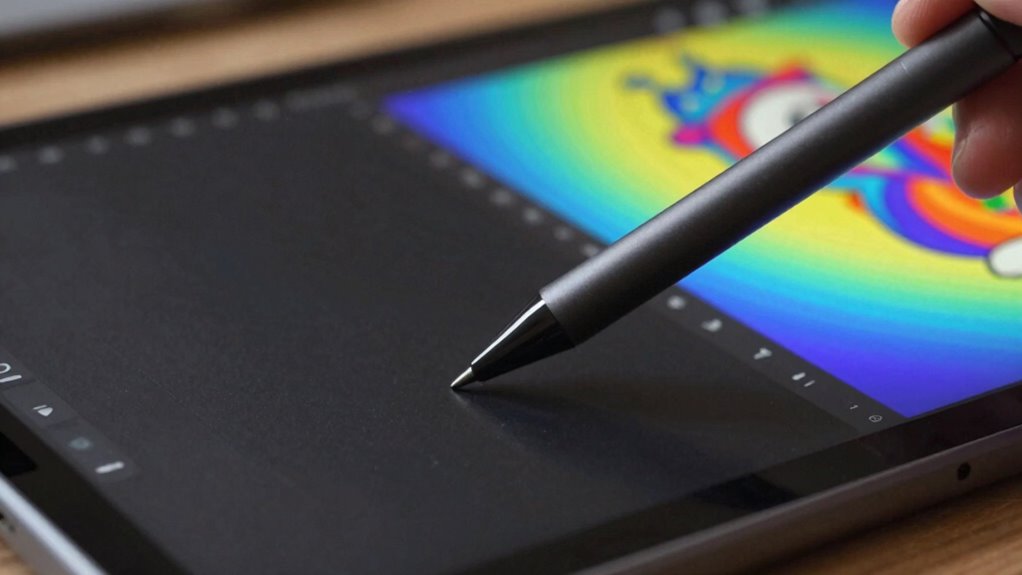
Choosing between pen tablets and pen displays can appreciably impact your workflow as a designer. Both tools have their strengths, but understanding their differences helps you make a decision that best suits your needs. When considering ergonomic benefits, pen displays often come out ahead. Since they mimic traditional drawing on paper, they allow you to work directly on the screen, reducing strain on your neck, shoulders, and eyes. You don’t have to look away from your work to see it on a separate monitor, which can lessen fatigue and improve posture during long creative sessions. Pen tablets, on the other hand, require you to look at a separate monitor while drawing on a surface that’s positioned elsewhere. This setup can lead to awkward postures and increased physical strain over time, especially if you’re not accustomed to it. Additionally, ergonomic benefits can significantly influence your comfort and long-term health as a designer. Opting for tools that support ergonomic design can help prevent repetitive strain injuries and promote sustainable creative habits. A well-designed workspace setup also plays a crucial role in maintaining comfort during extended creative periods.
Pen displays offer a more natural, ergonomic drawing experience by working directly on the screen, reducing strain during long sessions.
Cost comparison is another important aspect. Pen tablets tend to be more budget-friendly, making them attractive if you’re just starting out or working within a tight budget. They usually come with a stylus and a basic drawing surface that’s compatible with most computers. Pen displays, however, tend to be notably more expensive because they include a built-in screen, higher resolution, and often more advanced features. While the initial investment is higher, some designers find the enhanced workflow and ergonomic comfort justify the cost. Plus, high-end pen displays often come with better color accuracy and pressure sensitivity, which can be essential for professional work. Moreover, professional-grade features can be a deciding factor for those seeking high-quality output. For some, the cost-to-benefit ratio of a pen display makes it a worthwhile investment in their creative setup. It’s important to weigh these factors carefully to ensure your chosen device aligns with your long-term artistic goals.
Your choice also depends on your workflow and preferences. If you prefer a more traditional drawing feel and want to keep costs low, a pen tablet can be a practical option. It’s portable, easy to set up, and works well with most design software. But if you value the immediacy of drawing directly on your work, and you’re willing to invest more for that convenience, a pen display offers a more natural experience. It allows you to see your work in real-time and adjust your strokes instantly, which can boost creativity and efficiency. Additionally, some designers appreciate the tactile feedback of pen displays, which can enhance precision and control during detailed work. When selecting a device, considering user experience and how it aligns with your working style can help ensure satisfaction and productivity.
Ultimately, your decision should balance ergonomic benefits and cost. If comfort and reducing physical strain are top priorities, a pen display might be worth the higher price. Conversely, if budget constraints are tight and you’re comfortable with a slightly less intuitive setup, a pen tablet can serve you well. Both tools can elevate your design process, so thinking about your specific needs and preferences will help you choose the right one.
As an affiliate, we earn on qualifying purchases.
Frequently Asked Questions
Which Device Offers Better Color Accuracy for Professional Work?
A pen display offers better color accuracy for professional work because it uses advanced display technology, often supporting high color calibration standards like Adobe RGB or DCI-P3. These screens provide more precise color reproduction, making your work more accurate. Pen tablets rely on your monitor’s existing display technology, which might not be as calibrated or color-accurate. So, if color precision matters most, a pen display is the superior choice.
How Do Pen Pressure Sensitivity Levels Affect Digital Artwork?
Pen pressure sensitivity levels directly impact your digital artwork by allowing nuanced control over stroke thickness and shading. Higher sensitivity levels provide smoother gesture responsiveness, making your lines more natural and expressive. Good stylus ergonomics guarantees comfort during long sessions, reducing fatigue. When you choose a device with adjustable pressure sensitivity, you gain greater precision, helping you achieve detailed, professional-quality work. This combination enhances your overall creative control and workflow.
Are There Significant Differences in Device Durability?
Yes, there are significant differences in device durability. You should look at durability testing results and material quality to determine how long a device lasts under regular use. Pen displays often have sturdier screens and better build quality, while pen tablets might use lighter materials. Choosing a device with high durability guarantees it withstands daily wear and tear, making it a better investment for long-term use.
What Are the Compatibility Concerns With Different Design Software?
You need to check software integration and hardware compatibility before choosing a device. Some pen tablets or displays work seamlessly with popular design software like Adobe Photoshop or Illustrator, while others may require extra drivers or updates. Make certain your device supports your preferred programs and that the drivers are up-to-date. Compatibility issues can cause lag or limited functionality, so verifying these details beforehand saves you time and frustration during creative work.
How Do Battery Life and Portability Compare Between the Two?
Imagine your creative journey as a river flowing smoothly; battery longevity and portability are your boat’s sails. Pen tablets often have longer battery life and are lightweight, making them easy to carry on your artistic voyage. Pen displays, however, may need a constant power source and tend to be bulkier. Wireless connectivity in tablets enhances freedom, letting you sketch anywhere without tethered restrictions, fueling your artistic flow.
graphics pen tablet for beginners
As an affiliate, we earn on qualifying purchases.
As an affiliate, we earn on qualifying purchases.
Conclusion
So, whether you choose a pen tablet or a pen display, remember that fancy gadgets won’t turn you into a design genius overnight. It’s all about your skill, patience, and maybe a little bit of luck. So go ahead, pick what feels right—just don’t blame your tools if your masterpiece still looks like a toddler’s doodle. After all, true artistry comes from within, not from the shiny surface staring back at you.
professional pen display monitor
As an affiliate, we earn on qualifying purchases.
As an affiliate, we earn on qualifying purchases.
affordable pen tablet for digital art
As an affiliate, we earn on qualifying purchases.
As an affiliate, we earn on qualifying purchases.
Fall Picks
fall essentials
As an affiliate, we earn on qualifying purchases.