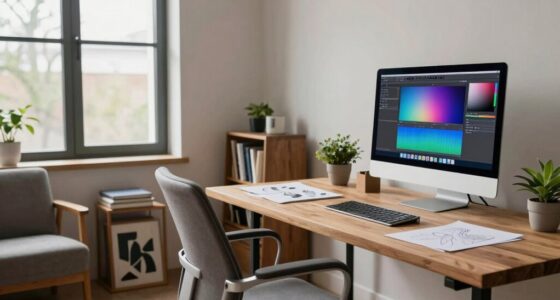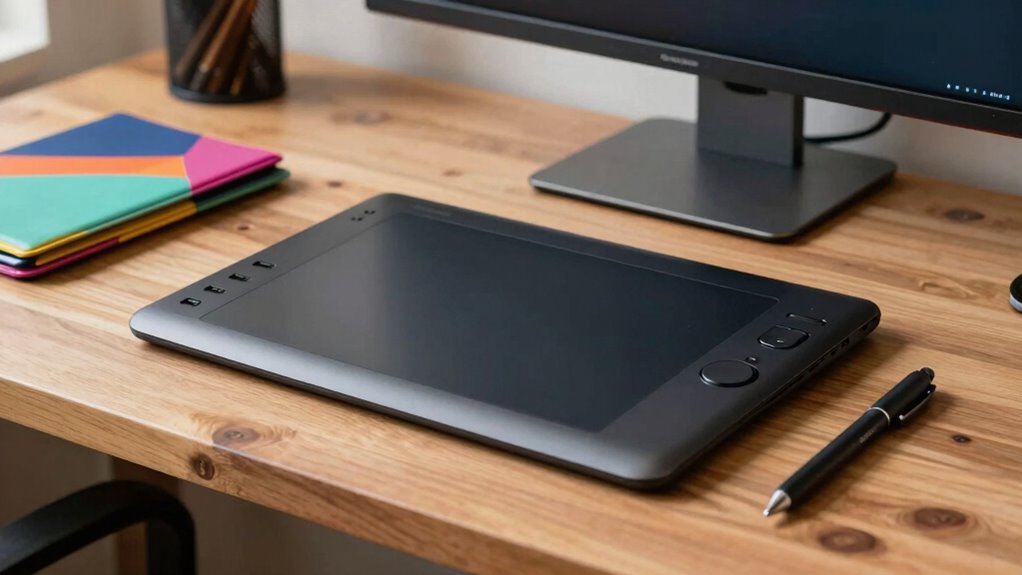

For a desk setup, choosing a drawing tablet that matches your monitor size and workspace is key. A medium to large tablet (around 10 to 16 inches) offers more drawing space and better precision, ideal for detailed work. If your desk is compact, a smaller tablet (around 7 to 10 inches) provides portability and convenience for quick sketches. Balancing size with ergonomic comfort prevents strain over long sessions. Keep browsing to find tips on selecting the perfect fit for your setup.
Key Takeaways
- Choose a size that matches your monitor dimensions for comfortable, seamless drawing surface integration.
- Larger tablets are ideal for detailed work but require ample desk space and ergonomic setup.
- Smaller tablets offer portability and save space but may limit precision during extended sessions.
- Ensure the tablet size aligns with your workspace constraints and ergonomic needs to prevent fatigue.
- Consider your primary use—long detailed projects benefit from larger tablets, while quick sketches suit smaller devices.
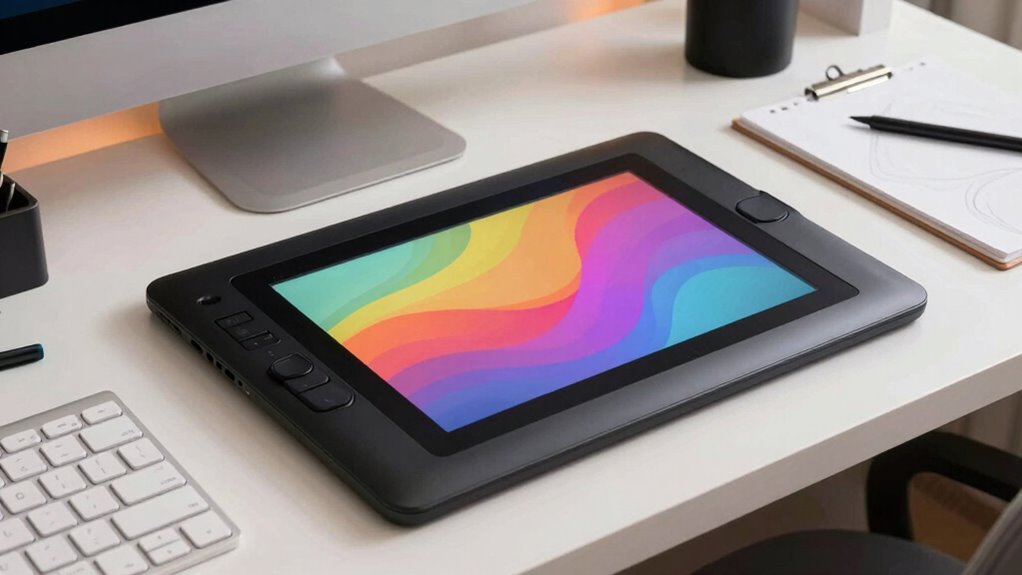
Choosing the right drawing tablet size for your desk setup is essential to guarantee comfort and productivity. When selecting a tablet, you need to contemplate how its size impacts your workflow and overall ergonomic comfort. Tablet ergonomics play a critical role in preventing strain during long drawing sessions, so opting for a size that fits comfortably on your desk and in your hand can make a significant difference. Larger tablets offer more drawing space, which is great if you prefer detailed work or want more room to maneuver your stylus. However, they can be cumbersome and take up valuable desk real estate, especially if your workspace is limited. On the other hand, smaller tablets are more portable drawing devices, easy to store, and ideal for quick sketches or on-the-go use. But they may restrict your drawing precision and limit your ability to work comfortably for extended periods.
If your primary focus is creating detailed digital art or working on complex projects, a medium to large-sized tablet makes sense. These provide ample space for precise strokes, and with proper tablet ergonomics, you can avoid wrist strain and fatigue. Keep in mind that the tablet’s size should complement your monitor size, ensuring you don’t have to stretch or lean forward to reach the edges. A good rule of thumb is to select a tablet that’s roughly the same width as your monitor or slightly smaller, so your hand can comfortably reach all areas without excessive movement. Additionally, considering the ergonomics of tablet design can help prevent discomfort during extended drawing sessions. Understanding ergonomic principles can also assist in designing a workspace that minimizes strain while working for long periods. It’s also helpful to consider the size compatibility between your tablet and other equipment to maintain a cohesive and comfortable setup. Being mindful of workstation setup and how your equipment interacts can further enhance your comfort and efficiency during creative sessions. Furthermore, choosing a tablet with adjustable pen pressure sensitivity can significantly improve your control and reduce hand fatigue.
For casual sketching, note-taking, or if you frequently work while traveling, smaller tablets or portable drawing devices are more convenient. These devices are designed to be lightweight and easily transported, allowing you to work anywhere without sacrificing much functionality. While they may not offer the same drawing surface as larger models, advances in technology have made many portable devices quite capable of handling detailed work, especially when paired with a good stylus.
Ultimately, the best size depends on your specific needs, workspace constraints, and how much importance you place on tablet ergonomics. A larger tablet can enhance your drawing experience by offering more space and comfort, but only if it fits well within your desk setup. Smaller, portable devices excel for mobility and quick sketches but might compromise some precision. Balancing these factors will help you choose a drawing tablet size that elevates your artistic workflow without causing unnecessary discomfort or inconvenience.
As an affiliate, we earn on qualifying purchases.
Frequently Asked Questions
How Does Tablet Size Affect Drawing Precision and Detail?
A larger drawing tablet enhances your drawing precision and detail, allowing for more natural hand-eye coordination and smoother strokes. It offers ergonomic comfort by reducing strain during long sessions, as you can work more comfortably without cramped movements. Smaller tablets may feel less precise, but they’re portable and space-efficient. Choose a size that balances detail needs with your workspace, ensuring you maintain good hand-eye coordination and comfort for extended creative sessions.
Can a Small Tablet Be Suitable for Professional Artists?
A small tablet can be suitable for professional artists, especially if you prioritize portability and precision with gesture control. For example, imagine a digital illustrator who prefers a compact device to work comfortably on the go. Its ergonomic design allows for natural hand movements, making detailed work manageable. While it might lack a large drawing surface, a well-designed small tablet offers excellent control and flexibility for professional needs.
What Are the Portability Considerations for Different Tablet Sizes?
When considering portability, smaller tablets offer better ergonomic comfort and are easier to carry around, fitting comfortably in bags or backpacks. They also save storage space, making them ideal for artists on the go. Larger tablets may provide more workspace but can be cumbersome to transport and may strain your wrist during extended use. Choose a size that balances your workspace needs with your portability preferences.
How Does Screen Resolution Impact the Choice of Tablet Size?
Higher screen resolution enhances your work’s detail, making larger tablets more appealing for precision tasks. It improves color accuracy, so your artwork looks true to life, which is vital for professional work. When choosing size, consider stylus compatibility—smaller tablets often have better responsiveness. Larger screens offer more space for detailed work, but guarantee your device supports high resolution and your stylus works seamlessly for the best results.
Are Larger Tablets Compatible With All Computer Setups?
Larger tablets are compatible with most computer setups, but they may affect ergonomic comfort and workspace organization. For example, if you work on a 27-inch monitor, a sizable tablet can enhance your workflow, but it might require extra desk space and proper positioning. Make certain your desk can accommodate the tablet comfortably, maintaining good posture. Always consider your workspace’s size and your ergonomic needs before opting for a larger model.
As an affiliate, we earn on qualifying purchases.
Conclusion
Choosing the right drawing tablet size depends on your workspace and artistic needs. For instance, Sarah, a freelance illustrator, started with a small tablet but found her workflow hindered by limited space. Upgrading to a medium-sized tablet allowed her to work more comfortably and creatively, boosting her confidence. Remember, investing in a size that fits your desk and style can transform your art experience, making every stroke feel more natural and inspiring.
portable drawing tablet for artists
As an affiliate, we earn on qualifying purchases.
As an affiliate, we earn on qualifying purchases.
As an affiliate, we earn on qualifying purchases.