
As a creative professional, you rely on your digital assets like photos, designs, and videos, so having backup drives and redundancy isn’t optional—it’s vital. Using multiple drives minimizes the risk of losing valuable work due to hardware failure, while cloud storage provides off-site protection against disasters. Regularly testing backups and encrypting sensitive data guarantees your assets stay safe and accessible. Keep exploring to discover how layering these strategies can keep your work reliably protected.

Get your wardrobe favorites delivered free with Prime
- Fast, free delivery on millions of items
- Prime Video, Amazon Music and more included
- Member-only deals all year
Key Takeaways
- Creative professionals handle valuable digital assets that require reliable backup and redundancy to prevent data loss.
- Multiple backup drives reduce the risk of losing projects due to hardware failure.
- Redundant storage strategies ensure continuous access to work even if one drive fails.
- Combining local backups with cloud storage enhances data security and disaster recovery.
- Regular testing and encryption of backup drives protect sensitive data and maintain backup integrity.
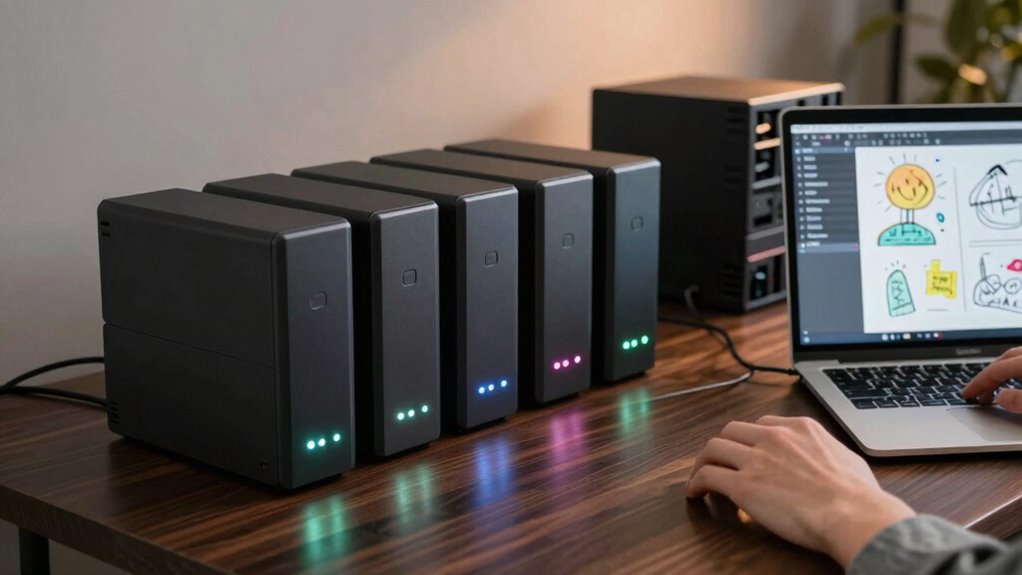
As a creative professional, your work often depends on the safety of valuable digital assets like photos, designs, and videos. When you’re juggling multiple projects and deadlines, losing even a single file can set you back considerably. That’s why having a reliable backup strategy is indispensable. Using backup drives is a smart move, but it’s equally important to understand the importance of redundancy. Relying on just one backup isn’t enough. You need multiple layers of protection to guarantee your work stays safe, no matter what happens.
Cloud storage plays a critical role in creating that redundancy. By uploading your files to a secure cloud platform, you can access your assets from anywhere, at any time. It acts as an off-site backup, protecting your files from local disasters like fires, theft, or hardware failure. Plus, many cloud services now offer data encryption, which means your files are scrambled and unreadable to anyone without the proper key. Data encryption adds an extra layer of security, making your sensitive designs and client information nearly impossible for hackers to access. Combining cloud storage with local backup drives gives you peace of mind, knowing your assets are protected both physically and digitally. Additionally, understanding hardware failure and how to prevent it can help you maintain the integrity of your backups over time. Regularly testing your backups ensures that your data remains accessible and intact, preventing surprises when you need them most. Incorporating redundant storage strategies, such as having multiple backup drives, further minimizes the risk of data loss. Implementing a cloud backup solution ensures your data is stored securely off-site and remains accessible even if physical drives are compromised. Moreover, understanding the potential for hardware failures and planning accordingly can significantly extend the longevity of your backups.
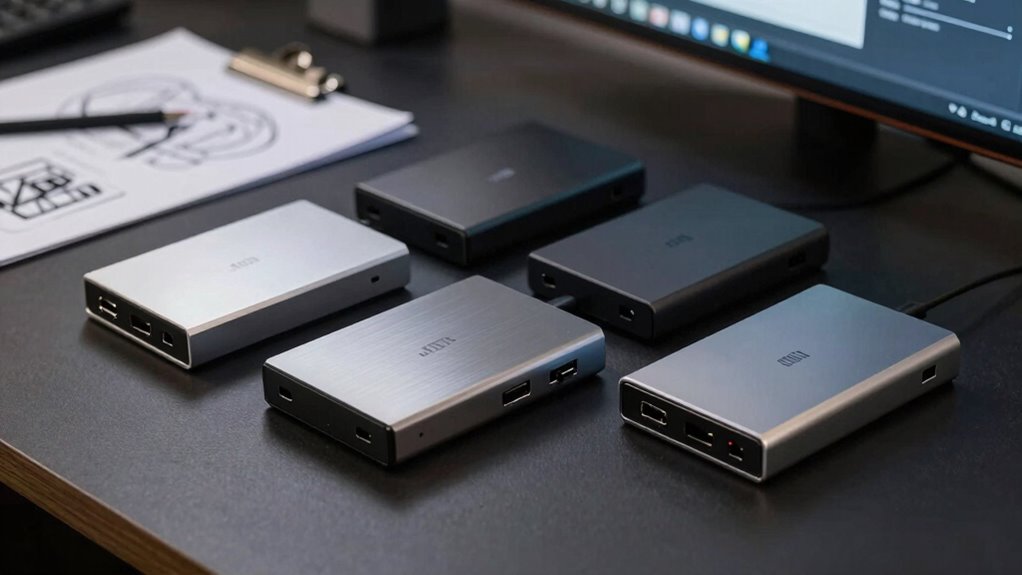
external backup drives for creative professionals
As an affiliate, we earn on qualifying purchases.
As an affiliate, we earn on qualifying purchases.
Frequently Asked Questions
How Often Should I Back up My Creative Projects?
You should back up your creative projects daily or after significant work sessions, ensuring your data is protected. Use backup scheduling to automate this process, so nothing gets missed. Always encrypt your backups for security, especially with sensitive or proprietary files. Regular backups minimize data loss, and encryption keeps your work safe from unauthorized access. Staying consistent with this routine guarantees your projects are protected, no matter what happens.
What Is the Best Backup Drive for High-Capacity Data?
The best backup drive for high-capacity data offers fast data transfer rates and broad drive compatibility. Look for models with USB 3.2 or Thunderbolt for quick transfers, especially if you work with large files. Choose a drive that’s compatible with your system—whether Mac, Windows, or both—and consider those with multiple ports or rugged designs for durability. This guarantees seamless backups and reliable storage for your creative projects.
Are Cloud Backups Sufficient for Creative Professionals?
Think of relying solely on cloud backups like sailing on a calm sea—beautiful until a storm hits. Cloud backups can be sufficient, but you need to take into account cloud security and your internet dependency. If your internet drops or a security breach occurs, your data’s at risk. Combining cloud backups with physical drives offers a stronger fortress, ensuring your creative work stays safe no matter what storms come your way.
How Do I Securely Store Backup Drives?
You should store backup drives securely by using strong encryption protocols to protect your data from unauthorized access. Keep drives in a locked, physically secure location like a safe or locked cabinet to prevent theft or damage. Regularly update encryption and security measures, and consider disconnecting drives when not in use. Combining encryption with physical security guarantees your backups stay safe from both cyber threats and physical harm.
What Are the Costs Associated With Redundant Backup Systems?
The costs of redundant backup systems vary based on your setup, but a thorough cost analysis helps you balance expenses with risk mitigation. Expect to spend on additional drives, storage solutions, and potential cloud services. While initial costs might seem high, investing in redundancy reduces the risk of data loss, saving you money and stress in the long run. Ultimately, it’s a smart move for protecting your creative work.
cloud storage services for data backup
As an affiliate, we earn on qualifying purchases.
As an affiliate, we earn on qualifying purchases.
Conclusion
So, next time you’re tempted to skip that backup drive, remember: losing your work isn’t just a bad day—it’s a career killer in disguise. Redundancy isn’t overkill; it’s your safety net when creative chaos strikes. Don’t be that artist who learns the hard way that “it’ll be fine” isn’t a backup strategy. Invest in extra drives now, or risk becoming the tragic hero of your own digital disaster story. Choose wisely—your future self will thank you.
As an affiliate, we earn on qualifying purchases.
redundant backup solutions for digital assets
As an affiliate, we earn on qualifying purchases.
As an affiliate, we earn on qualifying purchases.
Fall Picks
fall essentials
As an affiliate, we earn on qualifying purchases.