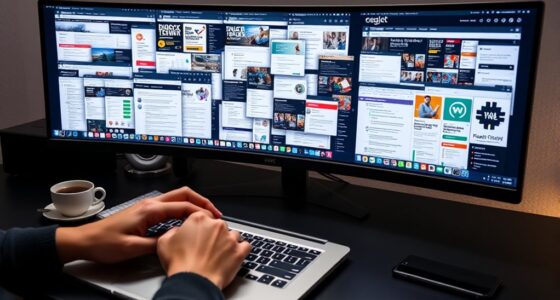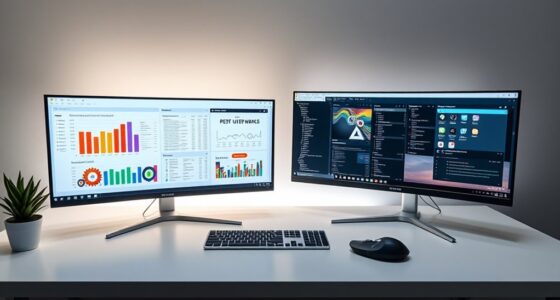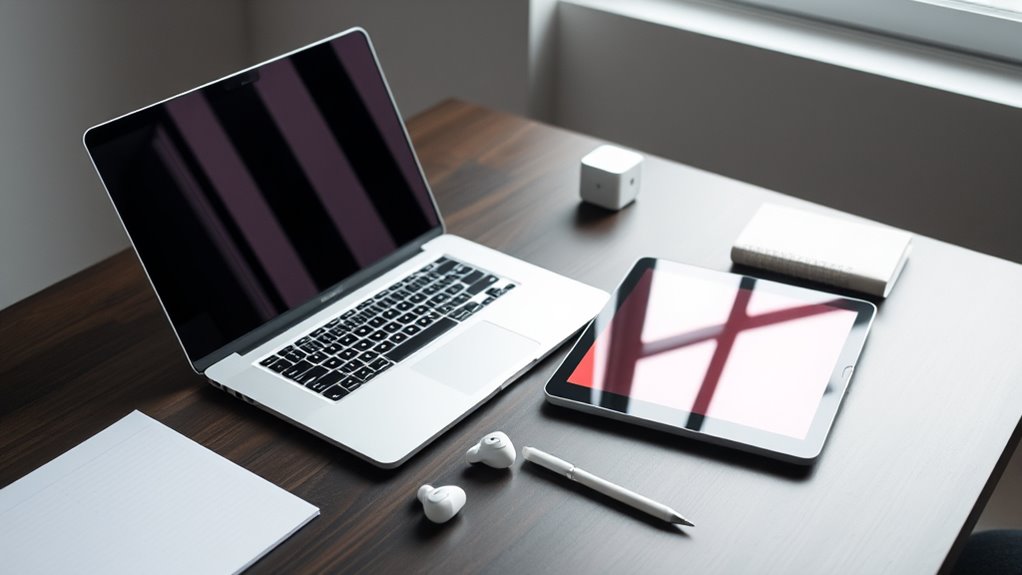

Choosing the right device depends on your work habits and lifestyle. If you need high power for demanding tasks, a desktop is ideal, but it can clutter your space. Laptops balance portability with performance, perfect for on-the-go tasks. Tablets are great for casual browsing and quick notes, helping maintain a clutter-free setup. To keep your workflow seamless and efficient, consider what suits your daily routine best—more insights are just ahead.
Key Takeaways
- Choose a device based on your portability needs; laptops and tablets are ideal for mobility, desktops suit stationary setups.
- Prioritize compatibility with your essential software and peripherals to streamline your workflow and minimize clutter.
- Match device power and performance to your tasks—desktops for intensive work, tablets for casual use, and laptops for balanced needs.
- Consider ecosystem integration to ensure seamless synchronization across devices and reduce setup and maintenance complexity.
- Plan for future-proofing by selecting versatile devices that adapt to evolving tasks and technology, avoiding frequent replacements.
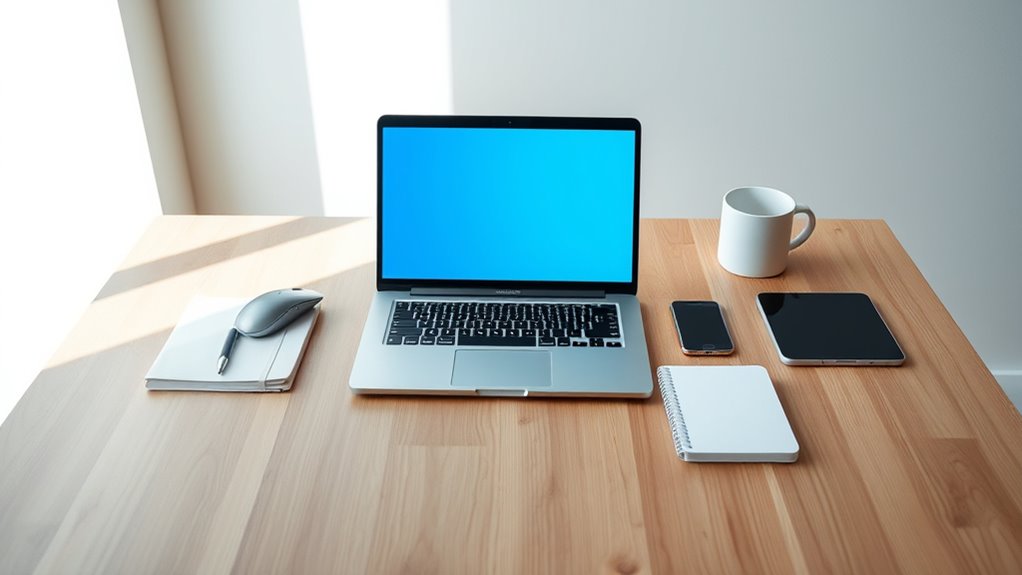
Selecting the right device can substantially impact your daily productivity and entertainment experience. When choosing between a desktop, laptop, or tablet, considering your portability needs and device compatibility is essential. Your lifestyle, work habits, and preferred environment all influence which device best suits your workflow. If you often work on the go, portability considerations become paramount. Tablets and laptops are lightweight and compact, making them easy to carry around, whether you’re commuting, traveling, or moving between meetings. Desktops, on the other hand, are bulkier and require a stationary setup, but they typically offer more power and expandability.
Device compatibility also plays a pivotal role. Not all devices support the same software or peripherals equally. For example, if you rely heavily on specific applications or have existing hardware like printers, external drives, or specialized accessories, you’ll want a device that seamlessly integrates with those. Laptops generally strike a balance—they are compatible with most software and peripheral devices, especially if they run popular operating systems like Windows or macOS. Tablets, while portable, may have limitations depending on your needs. Some apps might not be available or fully functional on tablet versions, and connecting external devices can sometimes be tricky.
Your daily routine influences how you weigh these factors. If you spend most of your time at a desk and need maximum power for tasks like video editing or software development, a desktop might be worth the space and setup effort. Desktops also tend to be more upgradeable, so you can enhance performance over time. However, if your work involves frequent movement, a laptop might serve you better, providing a good mix of portability and performance. For casual browsing, media consumption, or note-taking, a tablet could be enough, especially when ease of use and convenience are your priorities.
Another aspect to consider is how each device fits into your existing ecosystem. If you’re already invested in a particular operating system, it makes sense to choose a device compatible with that environment, ensuring smooth synchronization of files, apps, and settings. Compatibility issues can cause frustration and disrupt your workflow, so evaluating how well a device plays with your current setup saves you time and headaches later. Additionally, thinking about future-proofing your device choices can help ensure long-term satisfaction and adaptability.
In the end, selecting the right device boils down to understanding your specific needs regarding portability and compatibility. Think about where you’ll use your device most often, what software and peripherals you require, and how each option aligns with your daily tasks. Making an informed choice helps you maintain a clutter-free workflow, keeping your workspace efficient and your digital life seamless.

Logitech G413 SE Full-Size Mechanical Gaming Keyboard - Backlit Keyboard with Tactile Mechanical Switches, Anti-Ghosting, Compatible with Windows, macOS - Black Aluminum
Take your gaming skills to the next level: The Logitech G413 SE is a full-size keyboard with gaming-first...
As an affiliate, we earn on qualifying purchases.
Frequently Asked Questions
How Do Device Ergonomics Impact Long-Term Productivity?
Device ergonomics greatly impact your long-term productivity by preventing discomfort and reducing strain. When you use ergonomic accessories, like adjustable stands or supportive cushions, you improve your posture and minimize fatigue. Optimizing your posture helps prevent injuries and keeps you focused longer. Regularly adjusting your workspace to support proper ergonomics ensures you work comfortably and efficiently, boosting your overall productivity over time.
What Security Features Should I Consider for Each Device Type?
Think of your device as a fortress guarding your work. You need strong password protection and biometric security like fingerprint or facial recognition to keep intruders out. For laptops and tablets, prioritize these features since they’re portable and vulnerable. Desktops should also have robust security, but focus on firewalls and encryption. By locking your digital doors, you guarantee your clutter-free workflow stays protected from threats.
How Does Device Repairability Influence Overall Workflow?
Device repairability directly impacts your workflow by minimizing downtime. If your device has a modular design, you can replace faulty components easily, saving you repair costs and keeping your work flowing smoothly. Without this, repairs become costly and time-consuming, disrupting your productivity. Prioritizing devices with good repairability guarantees you stay clutter-free and efficient, avoiding the chaos of prolonged repairs and frequent replacements.
Can a Device’s Operating System Affect Multitasking Efficiency?
Did you know that 78% of users report improved multitasking with a compatible OS? Your device’s operating system directly impacts multitasking efficiency, as OS compatibility determines how smoothly multiple apps run simultaneously. If your OS has multitasking limitations, you might experience lag or crashes, disrupting productivity. Choosing a device with an OS optimized for multitasking guarantees you can switch between tasks seamlessly, keeping your workflow clutter-free and efficient.
What Are the Environmental Impacts of Choosing Each Device?
You should consider the environmental impacts of your device choice, focusing on energy consumption and recyclability. Laptops typically use less energy and are more recyclable than desktops, reducing your carbon footprint. Tablets often consume even less energy and have shorter lifespans, which can impact recyclability. By choosing a device with lower energy use and better recyclability, you help minimize environmental harm and promote sustainable technology use.

XPPen Drawing Tablet with Screen Full-Laminated Graphics Drawing Monitor Artist13.3 Pro Graphics Tablet with Adjustable Stand and 8 Shortcut Keys (8192 Levels Pen Pressure, 123% sRGB)
PLEASE NOTE:XPPen Artist13.3 Pro drawing tablet Need to connect with computer,you need to use it with your computer...
As an affiliate, we earn on qualifying purchases.
Conclusion
Choosing the right device is like finding the perfect key to unlock your productivity. I once switched from a cluttered laptop to a sleek tablet, and suddenly my workspace felt lighter, clearer. According to recent studies, decluttering digital tools boosts efficiency by up to 30%. When you pick what fits your workflow, you’re not just choosing a device—you’re opening the door to a more organized, stress-free day. Trust your instincts and let the right device be your key.

XPPen Updated Deco 01 V3 Drawing Tablet-16384 Levels of Pressure Battery-Free Stylus, 10x6 Inch OSU Graphic Tablet, 8 Hotkeys for Digital Art, Teaching, Gaming Drawing Pad for Chrome, PC, Mac, Android
Word-first 16K Pressure Levels: The upgraded stylus features 16,384 levels of pressure sensitivity and supports up to 60...
As an affiliate, we earn on qualifying purchases.

HUION Inspiroy H1060P Graphics Drawing Tablet with 8192 Pressure Sensitivity Battery-Free Stylus and 12 Customized Hot Keys, 10 x 6.25 inches Digital Art Tablet for Mac, Windows PC and Android
Working Area Configuration - HUION art tablet equips with a 10 x 6.25 inches working area, providing the...
As an affiliate, we earn on qualifying purchases.