
Using a document scanner helps you create digital copies of receipts, contracts, and notes, making it easy to organize and access files while reducing physical clutter. It streamlines your workflow by enabling quick searches, automatic backups, and seamless sharing via cloud storage. With advanced features, your paperless office becomes more secure, efficient, and sustainable. Keep exploring how these tools can transform your minimalistic workspace and make your tasks even smoother.

Get your wardrobe favorites delivered free — and shop member deals
- Fast, free delivery on millions of items
- Access to Prime Big Deal Days deals on October 6–7
- Prime Video, Amazon Music and more included
Key Takeaways
- Document scanners enable quick digitization, reducing physical paper clutter and supporting a minimalist workspace.
- Automated workflows streamline document organization, tagging, and backups, minimizing manual handling.
- Cloud integration allows secure, remote access to digital files, decreasing the need for physical storage.
- Advanced scanning features improve digital copy quality, facilitating easy retrieval and collaboration.
- Enhanced security measures protect sensitive digital documents, ensuring a clutter-free, secure workflow.

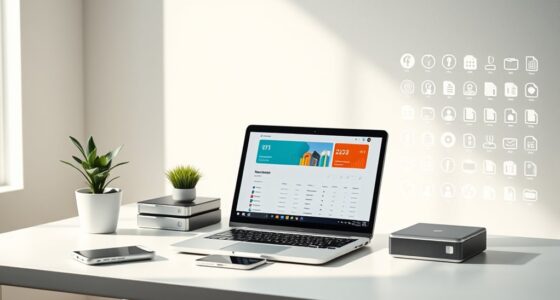
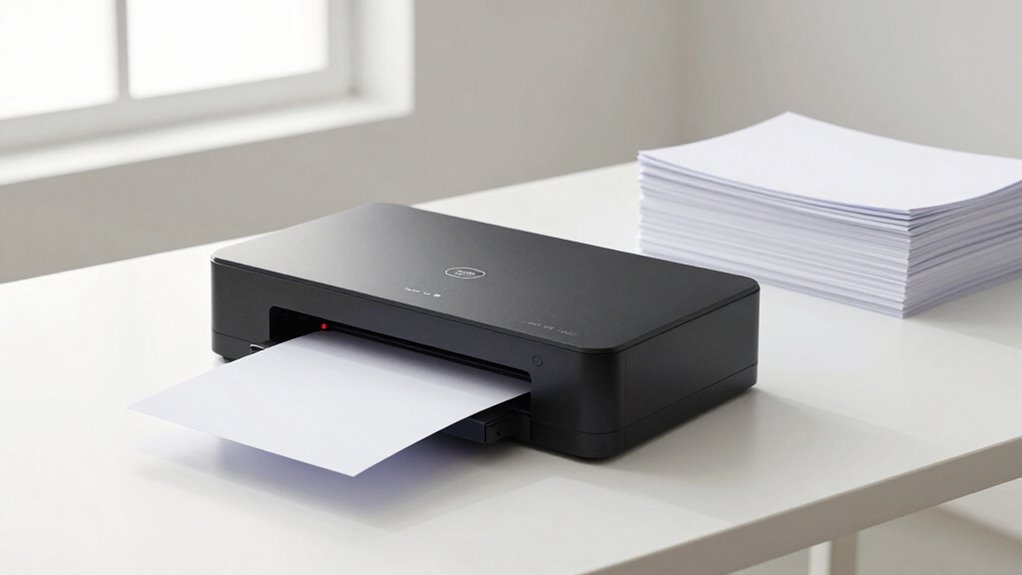
Document scanners play a vital role in streamlining a minimalist paper workflow. Instead of cluttering your space with stacks of paper, you can digitize your documents quickly and efficiently. When you scan papers, you’re creating digital copies that can be stored securely and accessed easily. This shift not only reduces physical clutter but also makes it simpler to organize and retrieve important files. With the right scanner, you can convert receipts, contracts, notes, and other documents into digital formats that fit seamlessly into your workflow.
Digital storage becomes a crucial part of this process. Once your documents are scanned, you can save them on your computer or external drives, which helps keep your workspace tidy. But the real game-changer is cloud integration. Many modern scanners come equipped with features that allow direct uploading to cloud services like Google Drive, Dropbox, or OneDrive. This means you don’t need to manually transfer files; the scanner uploads your scans automatically. Cloud integration ensures your files are backed up securely and accessible from any device, anywhere, at any time. You can work remotely, share documents instantly, or access your files on the go, all without the hassle of physical storage or email attachments.
By digitizing your documents and utilizing cloud integration, you significantly cut down on paper clutter and reduce the risk of losing important papers. You can create organized folders, tag files, and even set up automatic backups, which simplifies your document management. Plus, digital storage makes it easier to search for specific files using keywords or metadata, saving you time and frustration. This seamless transition from paper to digital also enhances collaboration, especially if you work with a team. Instead of printing copies or mailing scanned PDFs, everyone can access, review, and edit documents in real-time, streamlining your entire workflow.
In addition, the combination of digital storage and cloud integration offers long-term benefits. You can keep archives of past documents without taking up physical space, and your files stay protected against damage or loss. Modern scanners also utilize advanced scanning technologies to improve the quality and accuracy of your digital copies. Incorporating automated workflows can further enhance efficiency, especially for repetitive tasks. With efficient scanning and cloud sync features, you’re not just decluttering; you’re creating a more agile, accessible, and sustainable way to manage your documents. Embracing these technologies means you can focus more on your work and less on managing paper, while digital document organization simplifies your entire process. Additionally, understanding the importance of digital security can help you protect sensitive information stored digitally. Utilizing secure encryption methods is essential to safeguard your data from unauthorized access.
document scanner with cloud integration
As an affiliate, we earn on qualifying purchases.
As an affiliate, we earn on qualifying purchases.
Frequently Asked Questions
How Do I Choose the Best Scanner for My Needs?
To choose the best scanner for your needs, consider the optical resolution—higher DPI means clearer images, especially for detailed documents. Also, check connectivity options like USB, Wi-Fi, or Ethernet to guarantee seamless integration with your devices. Think about your scanning volume and speed requirements, and choose a model that balances quality and convenience. This way, you’ll find a scanner that efficiently supports your minimalist paper workflow without unnecessary features.
What Are Common Challenges in Transitioning to a Paperless Workflow?
Shifting to a paperless workflow can be challenging, especially when balancing eco-friendly practices with digital organization. You might struggle with digitizing old documents or staying consistent in your new routines. Resistance to change and technical hiccups could slow you down. But, by focusing on eco-friendly habits and establishing clear digital systems, you’ll find it easier to overcome these hurdles, making your shift smoother and more sustainable.
How Secure Is Digital Document Storage?
Digital document storage is generally secure if you use strong encryption protocols and trusted cloud security measures. You’re protected when your data is encrypted both during transfer and at rest, making unauthorized access difficult. Additionally, reputable cloud services implement multi-factor authentication and regular security updates, so you can feel confident that your digital files stay safe. Still, it’s wise to stay proactive and follow best practices for cybersecurity.
Can I Integrate Scanners With Existing Software Tools?
Yes, you can integrate scanners with your existing software tools. Over 70% of businesses now use cloud integration to streamline workflows. Modern scanners support OCR accuracy, making digital text extraction seamless. These features enable you to connect your scanner directly to your preferred document management systems, improving efficiency. Check your scanner’s compatibility and software APIs to guarantee smooth integration, so your digital workflow remains efficient and secure.
What Maintenance Is Required for Document Scanners?
You need to perform regular maintenance routines like cleaning the scanner glass and rollers to keep it functioning smoothly. Calibration procedures help guarantee accurate scans and should be done periodically, especially if you notice quality issues. Keep your software updated and follow the manufacturer’s guidelines for maintenance. By doing so, you’ll extend your scanner’s lifespan, maintain high scan quality, and avoid costly repairs or downtime.
automatic document feeder scanner
As an affiliate, we earn on qualifying purchases.
As an affiliate, we earn on qualifying purchases.
Conclusion
Switching to a minimalist paper workflow with document scanners can boost your efficiency and reduce clutter. Did you know that businesses save up to 40% of their time by digitizing documents instead of manual filing? Embracing this change means less stress, quicker access to files, and a cleaner workspace. Take the leap today—streamline your process and enjoy the benefits of a clutter-free, digital-first approach that puts control back in your hands.
high resolution portable scanner
As an affiliate, we earn on qualifying purchases.
As an affiliate, we earn on qualifying purchases.
As an affiliate, we earn on qualifying purchases.
Fall Picks
fall essentials
As an affiliate, we earn on qualifying purchases.