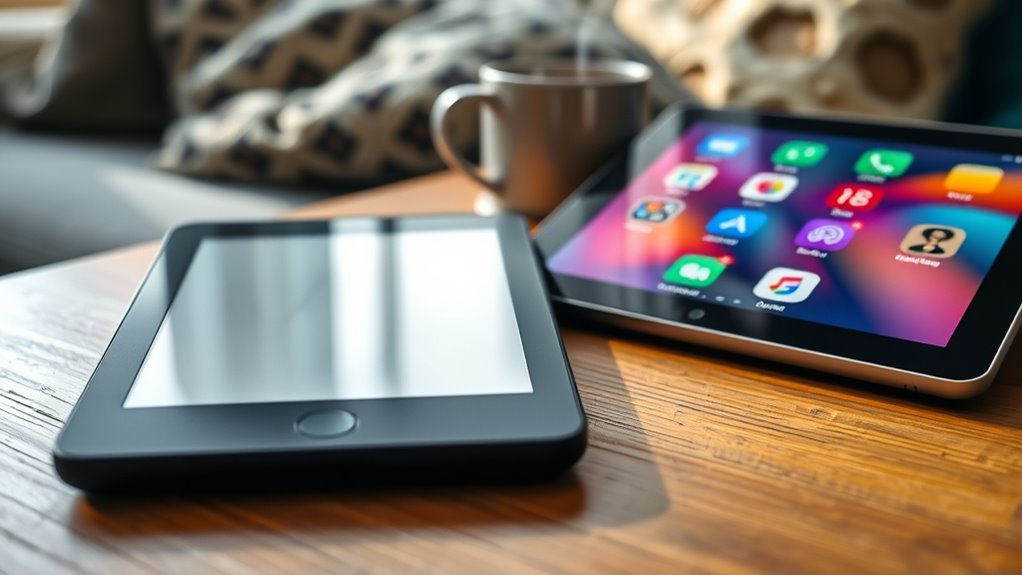

If you want a distraction-free experience, an e-reader is the better choice because it uses an e-ink screen that mimics paper, reducing glare and blue light that can cause eye strain. It keeps you focused with no notifications or apps to tempt you away. Tablets, with colors and multimedia, can be more distracting. To discover which device suits your needs best, keep exploring the differences closer.
Key Takeaways
- E-readers use e-ink screens that mimic paper, reducing glare and blue light for a more comfortable, distraction-free reading experience.
- They are designed solely for reading, providing a focused environment without notifications or multimedia distractions found on tablets.
- E-readers offer longer battery life and durability, making them ideal for extended outdoor or rugged use without interruptions.
- Tablets have color displays and multimedia features, which can distract from reading and reduce focus.
- For a truly distraction-free environment, e-readers are generally better than tablets due to their specialized, minimalist design.
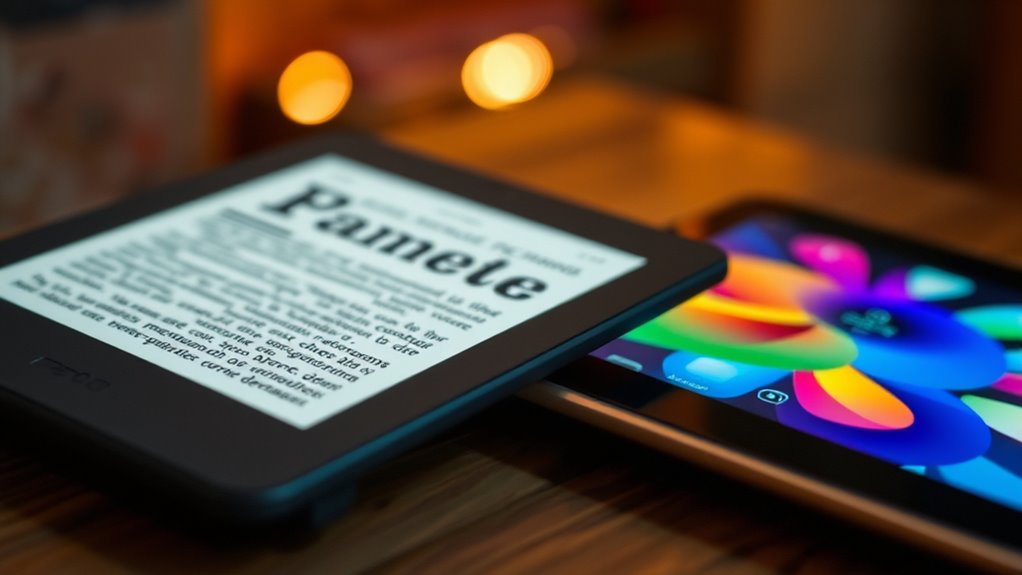
When choosing between an e-reader and a tablet, you need to contemplate how you plan to use your device for reading and other activities. If your main goal is a distraction-free reading experience, understanding the differences in reading comfort and device durability can help you make the right choice. E-readers are designed specifically for reading, featuring e-ink screens that mimic the look of paper. This technology reduces glare and eye strain, making prolonged reading sessions more comfortable, especially under bright sunlight. You won’t experience the flickering or blue light exposure common with tablets, which can cause fatigue and disrupt sleep. As a result, e-readers often provide higher reading comfort, allowing you to focus on the content without distraction.
E-readers offer glare-free, paper-like screens for comfortable, distraction-free reading in any environment.
Device durability is another essential aspect to consider. E-readers tend to be more robust than tablets because they use simpler hardware and are built primarily for reading. Their screens are usually scratch-resistant, and many models are waterproof, making them suitable for outdoor use or reading in the bath. On the other hand, tablets are more versatile but also more delicate. They often have glass screens that can crack or shatter if dropped and are more vulnerable to damage from water or dust. If you’re someone who reads in different environments or tends to handle devices roughly, an e-reader’s durability might appeal more to you.
Additionally, e-readers are generally lighter and more compact, which adds to their portability and ease of use during long reading sessions. Their battery life is typically longer, often lasting weeks on a single charge, since they only need power for refreshing the screen during page turns. This means you can enjoy extended reading without constantly worrying about recharging. Tablets, while more versatile with features like color displays, apps, and multimedia, tend to consume more battery power and require more frequent charging.
In essence, if you’re after a device that prioritizes reading comfort and durability, an e-reader is usually the better option. It provides a more natural, paper-like reading experience and is built to withstand daily use. Tablets are better suited if you want a multi-purpose device with the ability to switch between reading, browsing, gaming, and multimedia. But for pure reading, especially if you value comfort and long-term durability, an e-reader remains the clear choice.
Frequently Asked Questions
How Do E-Ink Displays Impact Eye Strain Over Prolonged Reading Sessions?
E-ink displays reduce eye strain during long reading sessions because they mimic paper and have minimal screen glare. Their high contrast levels make text clearer without causing fatigue, unlike backlit screens that emit blue light. You’ll notice less eye discomfort and strain, even after hours of reading, since e-ink screens don’t flicker or emit harmful light, making them ideal for extended, distraction-free reading.
Are Tablets More Cost-Effective Than Dedicated E-Readers Long-Term?
Tablets are generally less cost-effective than dedicated e-readers over the long term. Their higher upfront cost, combined with frequent upgrades and additional expenses like apps and accessories, impacts your cost comparison. E-readers offer long-term savings because they’re specifically designed for reading, lasting longer on a single charge and needing fewer replacements. If you prioritize budget-friendly, distraction-free reading, an e-reader proves to be a smarter investment over time.
Can E-Readers Access a Wide Range of Digital Bookstores and Formats?
Yes, e-readers can access a wide range of digital bookstores and formats. You’ll find many models support popular formats like EPUB and MOBI, ensuring format compatibility. While their digital bookstore accessibility might be more limited compared to tablets, most e-readers allow you to sideload books from various sources. This makes them a great choice if you want a focused, distraction-free reading experience without sacrificing access to diverse digital bookstores.
How Does Device Weight Influence Reading Comfort Over Extended Periods?
Imagine holding a feather—it’s light and effortless. When a device weighs less, you’ll notice less hand fatigue during long reading sessions. An ergonomic design that minimizes weight helps you maintain comfort and focus without strain. Heavier tablets can cause hand fatigue, making extended reading less enjoyable. Choosing a lightweight device allows you to read comfortably for hours, turning reading into a relaxing escape rather than a tiring chore.
Do Tablets Offer Better Features for Multimedia Consumption Alongside Reading?
Tablets offer better features for multimedia consumption with vibrant color displays that enhance videos and images. They also provide versatile apps for streaming, gaming, and browsing, making them ideal for entertainment. However, their battery life tends to be shorter than e-readers, so you might need to recharge more often during extended use. If multimedia is your priority, a tablet delivers a richer experience despite the shorter battery life.
Conclusion
Ultimately, choosing between an e-reader and a tablet depends on your reading style. If you crave a distraction-free experience, an e-reader offers a dedicated, paper-like screen—like having your favorite book in a secret garden, untouched by the chaos of modern life. While tablets are versatile, they can lead you down rabbit holes faster than Alice in Wonderland. So, stick to your e-reader if you value focus, and keep your reading time truly timeless.