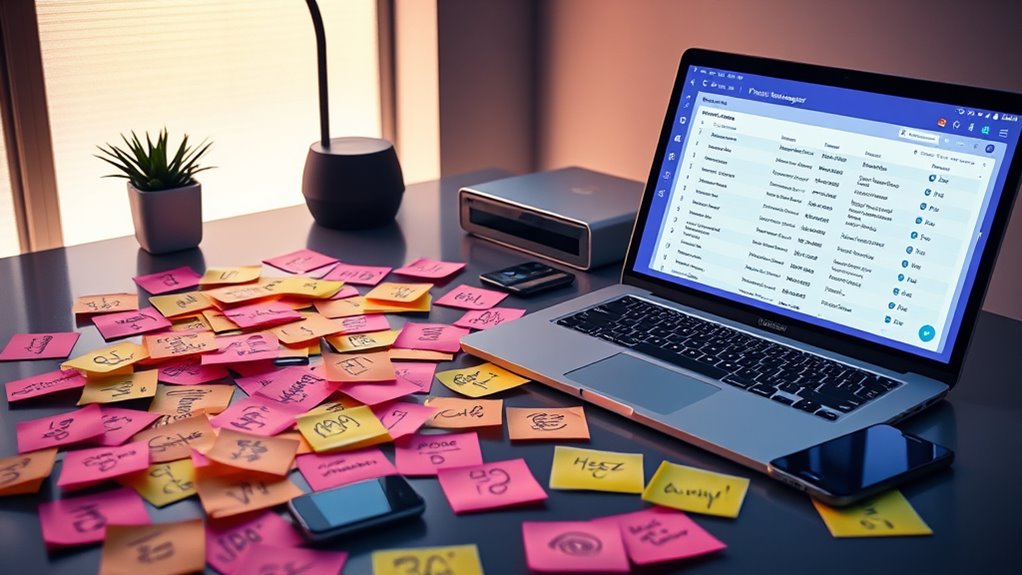

To manage password overload without chaos, use a password manager to securely store all your login details in one place, requiring only a strong master password. Create unique, complex passwords for each account and avoid reuse. Enable two-factor authentication for added security, especially on sensitive sites. Regularly update your passwords and keep your login routines consistent. If you want practical tips to simplify your digital life and stay secure, there’s more you can do.
Key Takeaways
- Use a password manager to securely store and organize all login credentials with a single master password.
- Generate and save unique, strong passwords for each account to prevent reuse and enhance security.
- Enable two-factor authentication on critical accounts for added protection beyond passwords.
- Regularly update passwords and avoid using easily guessable information like birthdays or pet names.
- Develop a consistent login routine and leverage automated features of password managers to reduce chaos.
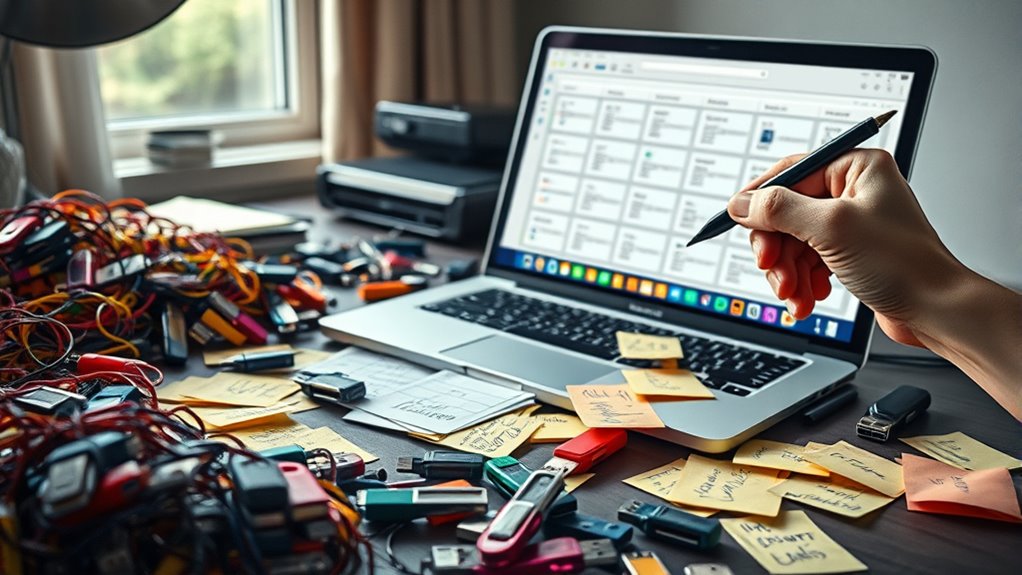
In today’s digital world, managing multiple passwords has become an overwhelming burden for many. With countless accounts—from emails and social media to banking and work platforms—it’s easy to feel lost in a sea of login credentials. This overload not only causes frustration but also poses substantial risks to your password security and digital identity. When you use weak or repeated passwords, you leave yourself vulnerable to cyberattacks and identity theft. That’s why developing effective strategies to handle your logins is essential for safeguarding your personal information and maintaining control over your online presence.
One of the most important steps you can take is to adopt a password management system. Rather than trying to remember every unique password, you can rely on a reputable password manager. These tools securely store all your login details in an encrypted vault, accessible with a single strong master password. This approach helps you generate complex, unique passwords for each account—an essential practice for robust password security—and reduces the temptation to reuse passwords across multiple sites. By doing so, you considerably diminish the risk of a security breach compromising multiple accounts at once. Plus, a password manager automates the login process, saving you time and mental effort, and reducing the chances of accidentally entering incorrect credentials. Additionally, using a dedicated device for managing sensitive passwords can further enhance your security by limiting exposure to malware or phishing attacks.
Adopt a password manager to securely store and generate unique, complex passwords effortlessly, reducing breach risks and saving time.
Another tip is to create a memorable yet strong master password. Consider using a passphrase made up of several random words or a sentence that only you can easily recall. Avoid common passwords or easily guessable information like birthdays or pet names. Remember, your master password is the gateway to your entire digital identity, so it needs to be both secure and memorable. Once you establish this, using a password manager to handle the rest becomes much easier. It also encourages you to change passwords periodically and avoid using the same password across different sites, further enhancing your security.
Additionally, enabling two-factor authentication (2FA) wherever possible adds an extra layer of protection. Even if someone manages to steal your password, 2FA can prevent unauthorized access by requiring a second verification step, such as a code sent to your phone. This simple step makes it much harder for cybercriminals to compromise your digital identity.
Managing multiple passwords doesn’t have to be chaotic or overwhelming. By using a password manager, creating strong, unique passwords, and enabling additional security steps like 2FA, you can protect your digital identity without losing your mind over login details. These practices not only strengthen your password security but also give you peace of mind knowing your online presence is better defended against threats.
Frequently Asked Questions
How Secure Are Password Managers Against Hacking?
Password managers are generally quite secure because they use strong password encryption to protect your data. While no system is completely hacker vulnerabilities-proof, reputable managers employ advanced security measures, such as zero-knowledge architecture, making it difficult for hackers to access your stored passwords. Regular updates and strong master passwords further enhance their security. Overall, they considerably reduce your risk compared to weak or reused passwords.
Can Biometric Authentication Replace All Passwords Effectively?
Biometric authentication can’t fully replace passwords yet, despite its impressive biometric accuracy. It’s like trusting a single key to protect your entire castle—risky and sometimes unreliable. While it simplifies login processes, biometric data can be hacked or fooled, making it a risky password replacement. You should still keep strong, unique passwords as a backup, and use multi-factor authentication for better security.
What Should I Do if I Forget a Password?
If you forget a password, don’t panic. Start by using the password recovery or reset procedures provided by the service. Usually, you’ll need to verify your identity through email or security questions. Follow the prompts to create a new password. To prevent future issues, consider using a password manager to securely store your passwords and avoid the chaos of forgotten logins.
Are There Risks in Using Cloud-Based Password Storage?
Like a delicate spider’s web, cloud-based password storage offers convenience but comes with risks. While cloud security has improved, vulnerabilities can expose your password privacy if hackers breach servers. You must weigh the ease of access against potential threats. Always choose reputable providers, enable two-factor authentication, and regularly update passwords. Remember, trusting the cloud is like placing your secrets in a vault—secure but not invulnerable.
How Often Should I Update My Passwords?
You should update your passwords every three to six months to maintain security. When updating, make sure your passwords are complex—using a mix of letters, numbers, and symbols—and avoid sharing them. Regularly changing passwords reduces risks from breaches and unauthorized access. Also, avoid reusing passwords across sites. This proactive approach keeps your accounts safer and minimizes the chaos of managing multiple logins.
Conclusion
Imagine a world where managing passwords feels effortless, not overwhelming. While some believe using a single, simple password for everything is risky, others argue that a good password manager balances security with convenience. The truth is, adopting a proven system—like strong, unique passwords stored safely—can ease your login chaos. By staying organized and cautious, you can confidently navigate your digital life without the stress of password overload.