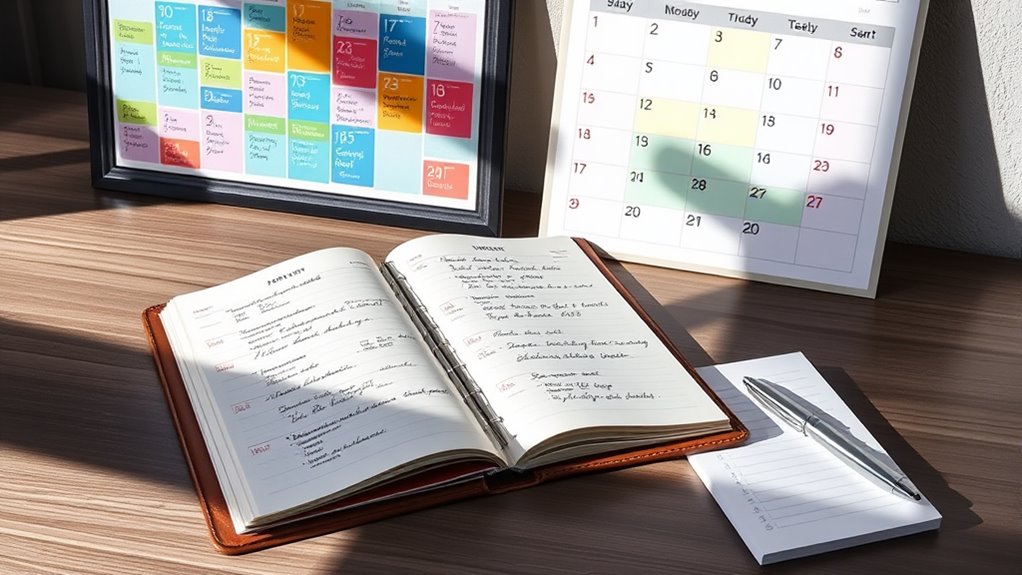

Using both a calendar and a to-do list can keep you organized and on track. Your calendar helps you visualize your schedule, allocate time, and prevent overcommitment. Meanwhile, the to-do list keeps your tasks visible and flexible, making it easier to prioritize. Combining these tools creates a balanced system that boosts focus and productivity. If you want to discover how to make them work seamlessly together, there’s more to explore below.

Get your wardrobe favorites delivered free with Prime
- Fast, free delivery on millions of items
- Prime Video, Amazon Music and more included
- Member-only deals all year
Key Takeaways
- Both tools serve different roles: calendar schedules time blocks, while to-do lists track tasks without fixed deadlines.
- Using both enhances organization by combining structured planning with flexible task management.
- Calendars prevent overcommitment and improve time management through visual scheduling.
- To-do lists ensure tasks are remembered and prioritized, reducing forgetfulness.
- Integrating both tools creates a balanced system for clarity, focus, and increased productivity.
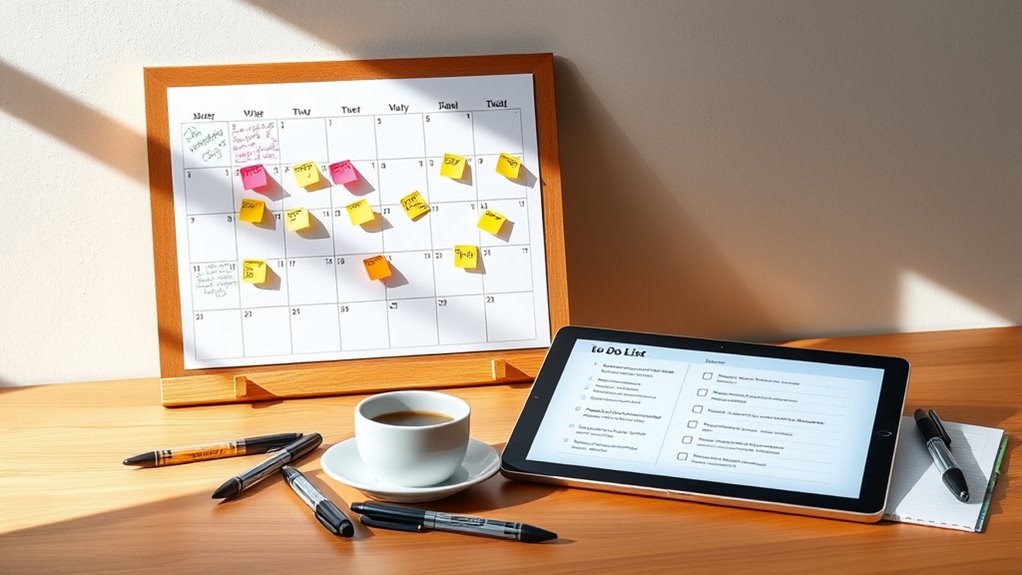
When it comes to managing your tasks, choosing between a calendar and a to-do list can substantially impact your productivity. Both tools serve different purposes, and understanding how to leverage them can help you stay organized and efficient. A calendar is ideal for visualizing your schedule, allowing you to allocate specific time slots for tasks through time blocking. When you use your calendar for this purpose, you’re fundamentally assigning a dedicated period for each activity, which helps prevent overcommitting and ensures you allocate enough time for your priorities. Time blocking also minimizes the risk of procrastination because it creates a clear structure, making it easier to focus on one task at a time. Additionally, integrating your calendar with digital reminders can further enhance your adherence to scheduled tasks.
Using a calendar for time blocking helps prevent overcommitment and boosts focus on one task at a time.
On the other hand, a to-do list functions as your flexible task tracker. It’s perfect for capturing daily, weekly, or long-term tasks without the pressure of fixed deadlines. When you use a to-do list, you can easily add, remove, or reprioritize tasks as your day evolves. The key to making your to-do list effective is priority setting—deciding which tasks are urgent and important, and tackling those first. This approach helps you stay focused on what truly matters, rather than getting bogged down by less critical activities. A well-maintained to-do list keeps your goals visible and top of mind, acting as a constant reminder of what needs to be accomplished.
While both tools are useful on their own, many productivity experts recommend using them together for maximum effect. Your calendar can serve as the framework for your day, blocking out time for high-priority tasks identified on your to-do list. For instance, once you’ve determined your most important tasks, you can schedule specific time slots to work on them. This combination ensures you’re not only aware of what needs to be done but also when you’ll do it. It also helps you avoid the common pitfall of neglecting important tasks because they’re not scheduled or prioritized properly. Recognizing the importance of visual organization and task prioritization can significantly boost your overall productivity.
Ultimately, whether you need both depends on your workflow and preferences. If you’re someone who thrives on structure, integrating both tools can streamline your day. The calendar keeps you disciplined through time blocking and priority setting, while the to-do list ensures you don’t forget or overlook tasks. Together, they create a balanced system that promotes clarity, focus, and productivity—making it easier to stay organized and accomplish your goals efficiently.
As an affiliate, we earn on qualifying purchases.
Frequently Asked Questions
How Do I Prioritize Tasks on My To-Do List Effectively?
To prioritize tasks effectively, assign priority levels to each item, distinguishing urgent from important ones. Use task batching to group similar tasks, which boosts efficiency and focus. Start your day by tackling high-priority tasks first, then move to lower ones. Regularly review your list, adjusting priorities as needed. This approach helps you stay organized, guarantees critical tasks get done, and minimizes overwhelm.
Can Digital Calendars Integrate Seamlessly With To-Do List Apps?
Yes, digital calendars often feature to-do integration, making it easy for you to sync tasks with your schedule. You can link your to-do list apps like Todoist or Microsoft To Do with your digital calendar, enabling seamless updates and reminders. This integration helps you stay organized by viewing tasks alongside appointments, ensuring you never miss deadlines or double-book yourself. With this setup, managing your day becomes more efficient and straightforward.
What Are the Signs I Need Both a Calendar and a To-Do List?
You might need both a calendar and a to-do list when your daily tasks start overlapping or feeling overwhelming. If you notice difficulty with time management or struggle to categorize tasks effectively, it’s a sign. A calendar helps schedule appointments, while a to-do list keeps track of tasks. Using both guarantees you stay organized, prioritize efficiently, and meet deadlines without missing important commitments.
How Often Should I Review and Update My Planning Tools?
You should review your planning tools daily or at least every couple of days to stay on top of tasks and appointments. Update strategies by adding new items, rescheduling deadlines, and crossing off completed tasks. Regular review helps you stay organized, prioritize effectively, and adapt to changes quickly. Make it a habit, so your calendar and to-do list remain accurate and useful, boosting your productivity and reducing stress.
Are There Any Specific Tools Recommended for Beginners?
Think of task management as planting seeds; for beginners, simple tools like Todoist, Trello, or Microsoft To Do act as your fertile ground. These beginner tools help you organize tasks effortlessly and build habits without overwhelming complexity. They’re intuitive, visual, and easy to learn, making them perfect for starting your journey. As your skills grow, you can nurture your system with more advanced tools, but these lay a strong foundation.
As an affiliate, we earn on qualifying purchases.
Conclusion
Think of your calendar and to-do list as your daily toolkit—each has its own purpose. The calendar is your GPS, guiding you through scheduled appointments and deadlines, while the to-do list is your trusted compass, pointing you toward tasks that need action. When you use both together, you navigate your day with confidence and ease. Like a well-balanced team, they work best side by side, helping you stay organized and in control of your journey.
As an affiliate, we earn on qualifying purchases.
As an affiliate, we earn on qualifying purchases.
Halloween Picks
halloween
As an affiliate, we earn on qualifying purchases.