Dark mode can help you focus better, especially in low-light environments, by reducing glare and eye strain during prolonged use. It minimizes harsh light, making it easier to concentrate without discomfort, and is ideal for dim settings. Light mode might be better in bright environments where vibrant colors and clarity are needed. To discover which mode suits your needs best and how lighting influences your focus, explore the full details below.
Key Takeaways
- Dark mode reduces glare and eye strain in low-light environments, helping sustain focus over prolonged periods.
- Light mode offers higher brightness and better visibility in well-lit settings, minimizing visual discomfort.
- Proper adjustment of brightness and color temperature enhances comfort and focus in both modes.
- Personal preferences and ambient lighting significantly influence which mode improves concentration.
- Innovative adaptive display features may automatically optimize mode for better focus and reduced fatigue.

Samsung 24" (S30GD) Essential Monitor with IPS Panel and Tilt Only Stand, 100Hz Refresh Rate, Ergonomic Design, Advanced Eye Care, Game Mode, LS24D304GANXZA
VIVID COLORS: Experience stunning colors across the entire display with the IPS panel. Colors remain bright and clear…
As an affiliate, we earn on qualifying purchases.
As an affiliate, we earn on qualifying purchases.
Understanding the Visual Impact of Dark and Light Modes

Understanding the visual impact of dark and light modes is essential because each setting affects how you perceive and interact with content. Color contrast plays a key role in this, influencing how easily you can read text and identify details. Dark mode typically offers higher contrast with light text on a dark background, which can enhance focus and reduce glare in low-light environments. Conversely, light mode provides a brighter background, often making colors appear more vibrant. Both modes impact visual ergonomics, affecting your comfort and potentially reducing eye strain. Additionally, adjusting display settings can help tailor the visual experience further to your preferences and lighting conditions. For example, Color contrast adjustments can optimize readability and reduce fatigue during prolonged use. Moreover, understanding the environmental lighting in which you use your device can further guide your choice between dark and light modes. For instance, ambient lighting conditions can influence which mode is more comfortable for extended viewing. By understanding these differences, you can choose the mode that best suits your environment and visual needs. Making informed choices about color contrast and ergonomics helps optimize your viewing experience and supports better focus and comfort.

JESOHO Blue Light Screen Protector for iPhone 13/13 Pro/14/16e/17e (6.1inch), Eye Protection Tempered Glass Film, Scratch-Resistant, No Bubble with Easy Installation Kit, 2 Pack
Applicable model: Compatible with iPhone 13/13 Pro/14/16e/17e (6.1Inch).Please check the model of your iPhone in “Settings”-General-About- Model Name,…
As an affiliate, we earn on qualifying purchases.
As an affiliate, we earn on qualifying purchases.
How Each Mode Affects Eye Strain and Fatigue
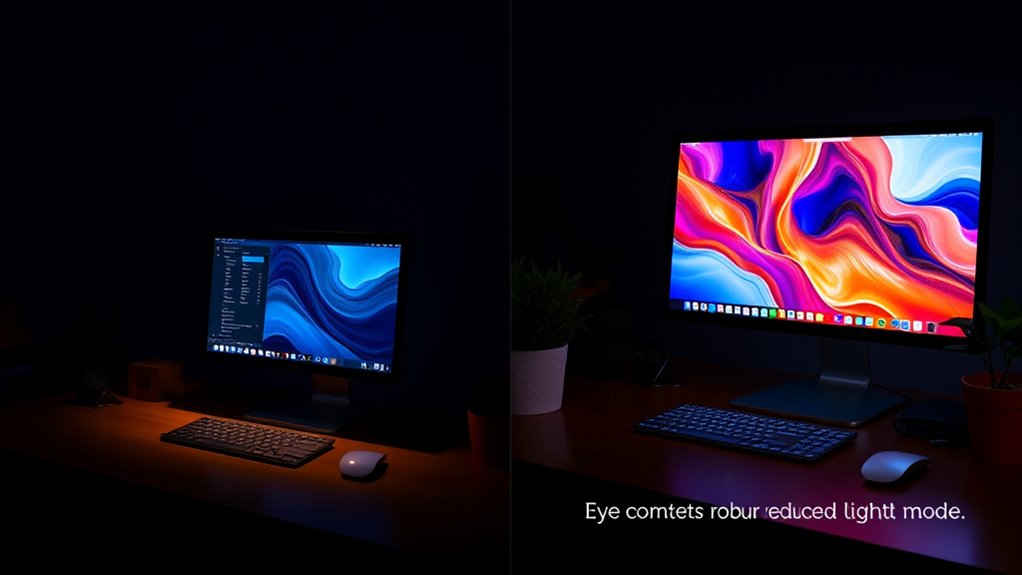
You might notice that light mode can cause more eye strain, especially in low-light environments. On the other hand, dark mode tends to reduce fatigue during extended screen use. Understanding how each mode impacts your eyes can help you choose the best option for comfort. Additionally, adaptive learning technologies are being developed to personalize display settings based on user preferences and environmental conditions. Some studies suggest that proper installation and maintenance are crucial for ensuring safe and efficient use of devices, which can also influence eye comfort during prolonged usage. Moreover, adjusting brightness levels to match ambient lighting can further enhance visual comfort and reduce strain over time.
Light Mode: Eye Strain
Have you ever noticed how your eyes feel tired after hours of staring at a bright screen? Light mode, with its high screen brightness and cooler color temperature, can increase eye strain and fatigue. Bright screens force your eyes to work harder to process the intense light, especially in low-light environments. This constant adjustment can cause discomfort and headaches over time. To minimize this, consider lowering your screen brightness and adjusting the color temperature to warmer tones. Doing so can reduce glare and lessen eye fatigue. Staying aware of these factors helps protect your eyes during prolonged use, making light mode less stressful when managed properly. Additionally, screen settings like contrast and refresh rate can also influence eye comfort during extended use. Being aware of visual ergonomics can further help in reducing strain and improving overall comfort during prolonged screen time. Incorporating proper lighting in your workspace can also help balance screen brightness with ambient light, reducing overall eye strain. Paying attention to ambient lighting conditions can further enhance visual comfort and prevent unnecessary eye stress.
Dark Mode: Reduced Fatigue
Switching to dark mode can considerably reduce eye fatigue, especially during extended screen time. When your screen brightness is lower and the color contrast is optimized for darker backgrounds, your eyes strain less, helping you stay focused longer. Dark mode minimizes glare and harsh light, which can cause discomfort after hours of use. By reducing bright whites and high contrast, your eyes don’t have to work as hard to adjust between the screen and ambient lighting. This decreased effort lessens fatigue and prevents dryness or irritation. If you often work late or in dim environments, dark mode can be a helpful way to protect your eyes and keep fatigue at bay, making your screen time more comfortable and sustainable. Additionally, incorporating screen settings such as blue light filters or adjusting contrast can further enhance comfort during prolonged use. Optimizing display brightness settings to match ambient lighting conditions can also reduce eye strain. Incorporating HEPA filters into your environment can further improve air quality, which may help reduce eye irritation caused by airborne allergens and pollutants during long periods indoors. Moreover, maintaining good air quality can prevent dryness and irritation, supporting overall eye comfort during extended screen sessions.

ORANZI 98.6% Blue Light Blocking Glasses for Computer & Gaming – Anti Harmful Blue Ray for Better Sleep, Amber Lenses Anti Fatigue & Eye Strain
Improve Sleep & Reduce Eye Strain – ORANZI blue light blocking lenses elevate your screen time comfort with…
As an affiliate, we earn on qualifying purchases.
As an affiliate, we earn on qualifying purchases.
The Influence of Lighting Conditions on Mode Preference
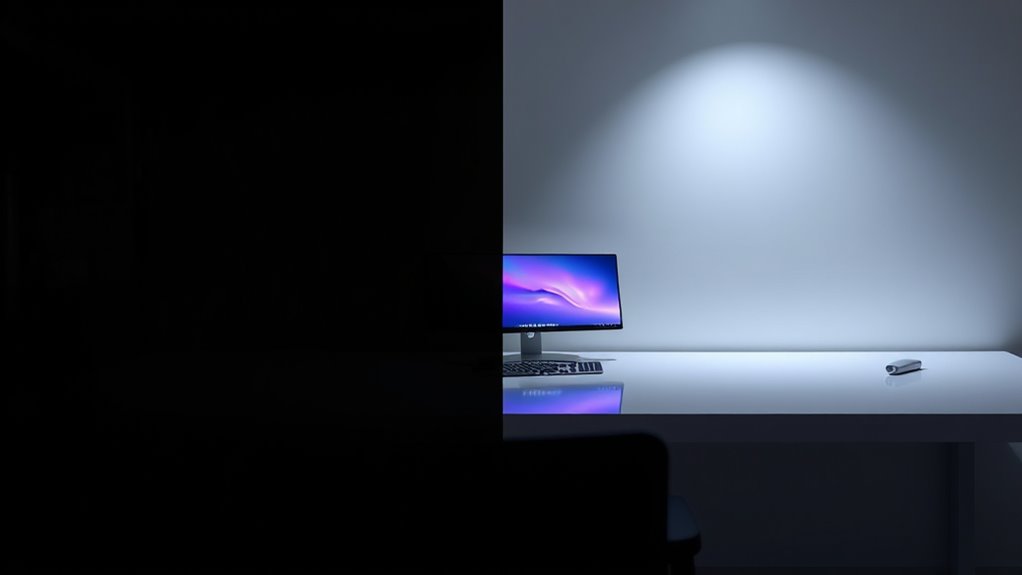
Your lighting environment plays a big role in which mode feels more comfortable. Bright ambient light often makes light mode easier on your eyes, while darker settings favor dark mode. Understanding these conditions helps you pick the best display for your environment and reduces eye strain. Additionally, selecting a display mode that complements your skin tone, such as the benefits of skin hydration, can enhance your overall visual comfort. Recognizing the impact of lighting conditions on focus and eye health is crucial for choosing the optimal display setting. Incorporating creative practice into your routine can also help you develop better awareness of your visual needs and adapt your environment accordingly. Being mindful of environmental factors, like natural light and ambient brightness, can further improve your comfort and focus during extended screen time. Considering ergonomic principles can also help optimize your workspace for better eye health and concentration.
Ambient Light Impact
Ambient lighting conditions considerably influence your preference for dark or light mode. When the surroundings are bright, you might lean toward light mode because it offers better color contrast, making text and visuals clearer. Conversely, in dim or low-light environments, dark mode can reduce glare and minimize screen brightness, helping you focus without straining your eyes. The interplay of ambient light affects how your eyes perceive screen content, impacting comfort and readability. If your workspace is well-lit, light mode often feels natural and less tiring. In darker settings, dark mode helps prevent excessive brightness from overwhelming you. Adjusting your device’s mode based on ambient light ensures ideal visibility and comfort, allowing you to stay focused longer without unnecessary eye fatigue.
Eye Strain Differences
Lighting conditions directly influence how much eye strain you experience when using dark or light mode. In bright environments, your eyes may strain more with light mode because of increased screen glare, which reflects off surfaces and makes it harder to focus. Conversely, dark mode reduces screen glare and can lessen eye fatigue in low-light settings. However, blue light emitted from screens can contribute to eye strain regardless of the mode, especially if you’re exposed for long periods. Blue light scatters more in your eyes, causing discomfort and potential sleep disruption. Choosing the right mode depends on your environment; in brighter settings, dark mode often helps minimize eye strain, while in darker rooms, light mode might be more comfortable.
Environment Compatibility
Since lighting conditions vary throughout the day, choosing between dark and light mode depends heavily on your environment. In bright settings, high screen brightness and ideal color contrast in light mode make text easier to read, reducing eye strain. Conversely, in dim or dark environments, dark mode minimizes glare and reduces eye fatigue, especially when screen brightness is lowered. Your environment influences how well each mode performs; bright rooms favor light mode for clarity, while darker spaces benefit from dark mode’s softer visuals. Adjusting your screen brightness accordingly can improve comfort and focus. Ultimately, your preference may shift based on ambient light, but understanding how color contrast and screen brightness interact helps you select the mode that best suits your environment.

Voncerus LED Desk Lamp with Clamp, Eye-Caring Clip on Lights for Home Office, 3 Modes 10 Brightness, Long Flexible Goose-Neck, Metal, Swing Arm Architect Task Table Lamps with USB Adapter, Black
Long Flexible Goose-Neck & Extended Lifespan: This desk lamp features a 360° long flexible goose neck, allowing you…
As an affiliate, we earn on qualifying purchases.
As an affiliate, we earn on qualifying purchases.
Cognitive Focus and Mental Clarity in Different Display Settings
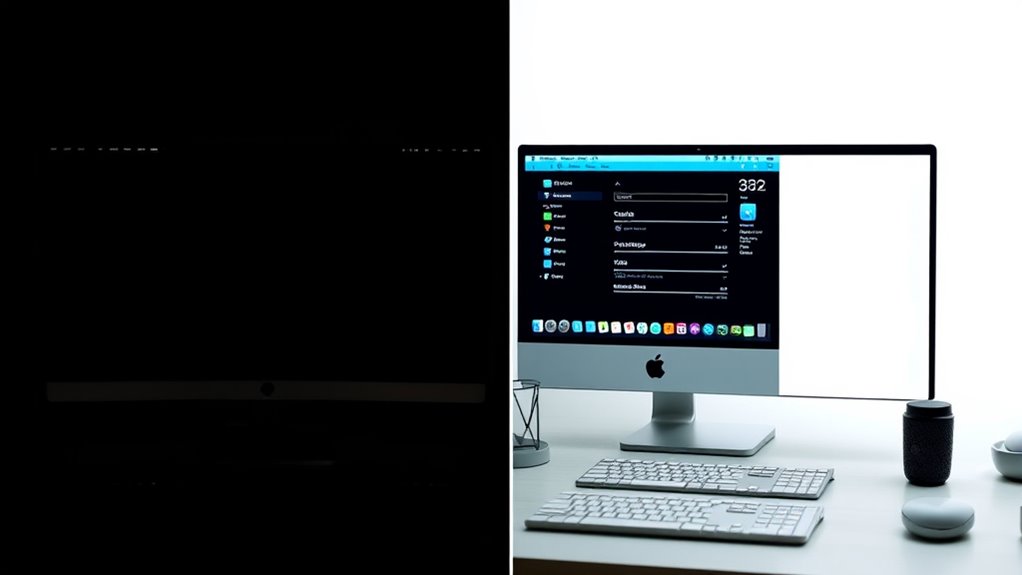
Choosing between dark mode and light mode can considerably impact your ability to focus and think clearly. The key factors are color contrast and screen brightness, which affect how easily you process information. Dark mode offers high contrast with light text on a dark background, reducing eye strain in low-light environments and helping your brain concentrate. Conversely, light mode provides brighter backgrounds and more natural color contrast, making it easier to read in well-lit conditions. When screen brightness is optimized, your mental clarity improves because your eyes don’t have to strain or adapt constantly. Ultimately, the display setting that minimizes visual fatigue allows you to maintain sharper focus and clearer thinking, enhancing your overall cognitive performance during extended tasks.
User Experience and Personal Comfort Factors
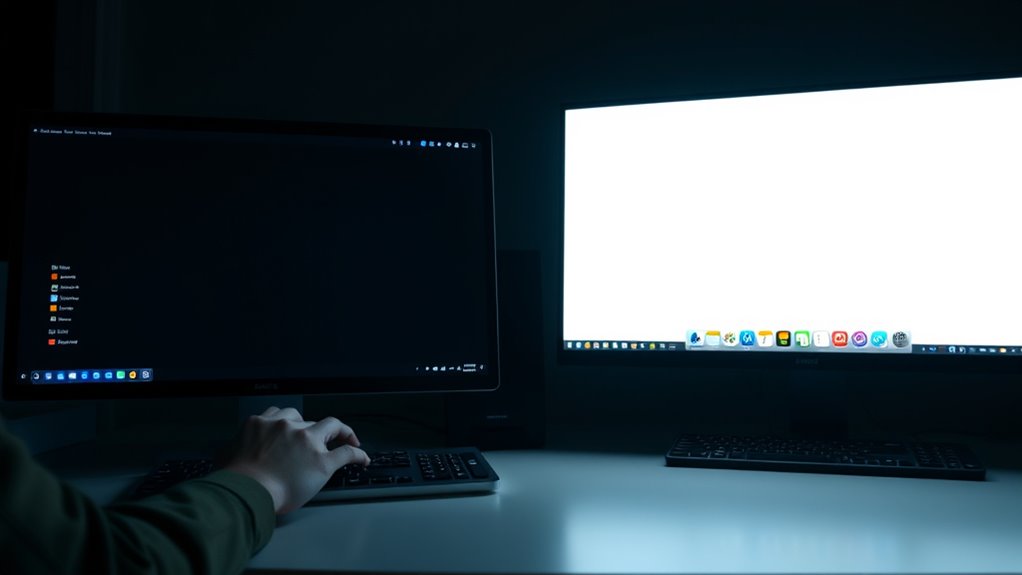
Your comfort and overall user experience often hinge on personal preferences and how your eyes react to different display settings. When choosing between dark and light modes, consider these factors:
- Color contrast: High contrast can reduce eye strain but may be distracting for some users, affecting focus.
- Screen ergonomics: Proper positioning and brightness adjustments can improve comfort, regardless of mode.
- Personal comfort: Your eye sensitivity determines whether dark or light mode feels more natural and less fatiguing.
Ultimately, your experience depends on how these elements interact with your daily tasks. Some prefer dark mode for reduced glare, while others find light mode easier to read. Tailoring these factors to your needs enhances focus and comfort.
The Role of Ambient Environment in Mode Effectiveness
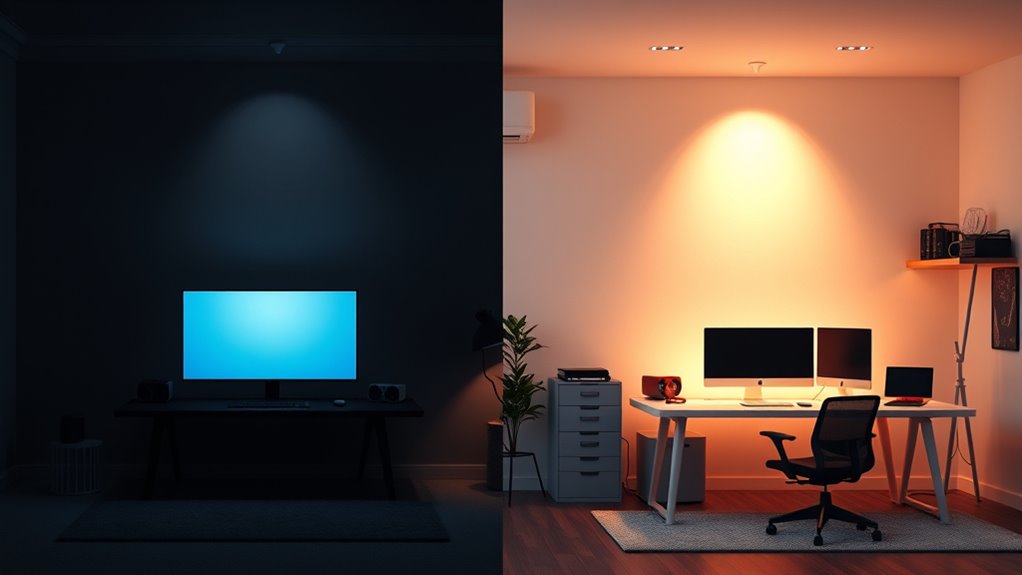
Your environment plays a vital role in how effective dark or light mode feels. Bright lighting can make dark mode harder to read, while dim settings may reduce eye strain in light mode. Additionally, noise levels can impact your focus, influencing which mode helps you work best.
Lighting Conditions Influence Mode
Lighting conditions play a crucial role in determining how effective dark mode or light mode can be. Your ambient environment influences how your eyes perceive screen brightness and color temperature, impacting focus. For example:
- Bright surroundings may cause glare, making dark mode less comfortable.
- Cooler color temperatures in the environment can enhance the contrast of light mode.
- Dim settings might favor dark mode, reducing eye strain and improving focus.
Adjusting your screen brightness to match ambient light prevents eye fatigue. Similarly, setting an appropriate color temperature ensures your display complements your environment, helping you stay attentive. When lighting is ideal, both modes become more effective, but your personal preference and the context will guide the best choice for focus. Adapting your display to your environment is key to maximizing productivity.
Noise Levels Affect Focus
Noise levels in your environment can markedly influence how effectively you can focus, especially when choosing between dark mode and light mode. High noise levels and auditory distractions can make it harder to concentrate, regardless of your display settings. In noisy settings, dark mode might help you stay calmer and reduce visual fatigue, but it won’t block out distracting sounds. Conversely, if your environment is quiet, light mode may be less disruptive and easier on your eyes. Ultimately, minimizing noise levels or using noise-canceling headphones enhances your focus more than display mode alone. Recognizing how auditory distractions impact your concentration helps you select the best environment and mode to stay productive. Adjusting both your environment and display settings can significantly improve your focus.
Comparing Productivity Levels With Dark and Light Modes
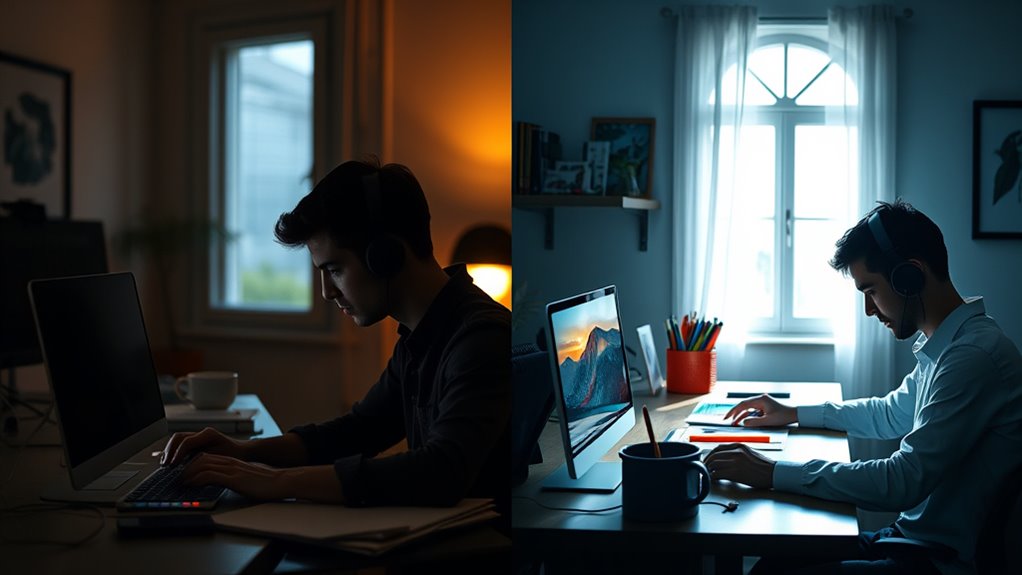
Research on productivity shows mixed results when comparing dark and light modes, but understanding how each affects focus and comfort can help you choose the best option for your work. Your productivity can depend on factors like:
- Color contrast: High contrast improves visibility, making it easier to distinguish text and reduce eye strain.
- Font readability: Clear, legible fonts are essential; some find dark mode enhances font clarity, while others prefer light mode.
- Ambient lighting: Your environment influences which mode boosts focus; dim settings may favor dark mode, while well-lit areas suit light modes.
Ultimately, your personal preference and the nature of your tasks matter most. Experiment with both modes to see which one enhances your productivity and maintains your comfort throughout the day.
The Science Behind Color Schemes and Attention Span
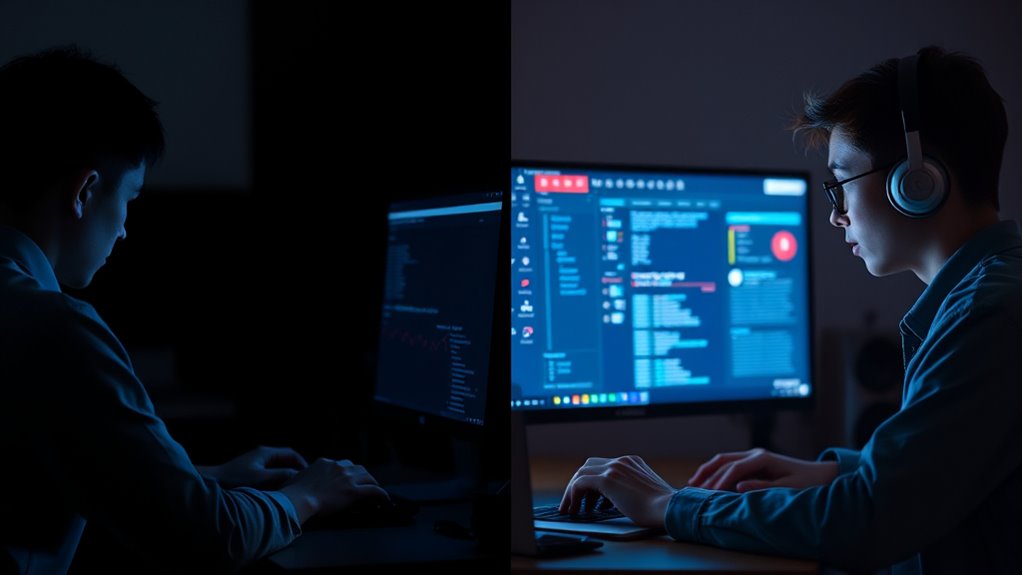
Color schemes can considerably influence your attention span by affecting how your brain processes information. Color psychology shows that certain hues evoke specific emotional responses, which can either enhance or hinder focus. For example, blue tends to promote calmness and concentration, helping you stay attentive longer. Conversely, overly bright or contrasting colors may cause visual fatigue or distraction, reducing your ability to maintain focus. Your attention span is sensitive to visual stimuli, and the right color scheme can create an environment conducive to deep work. Understanding the science behind color psychology helps you choose modes that optimize focus, whether you prefer dark or light backgrounds. By aligning your environment with what supports your attention span, you can work more efficiently and stay engaged longer.
Practical Tips for Choosing the Right Mode for Your Needs
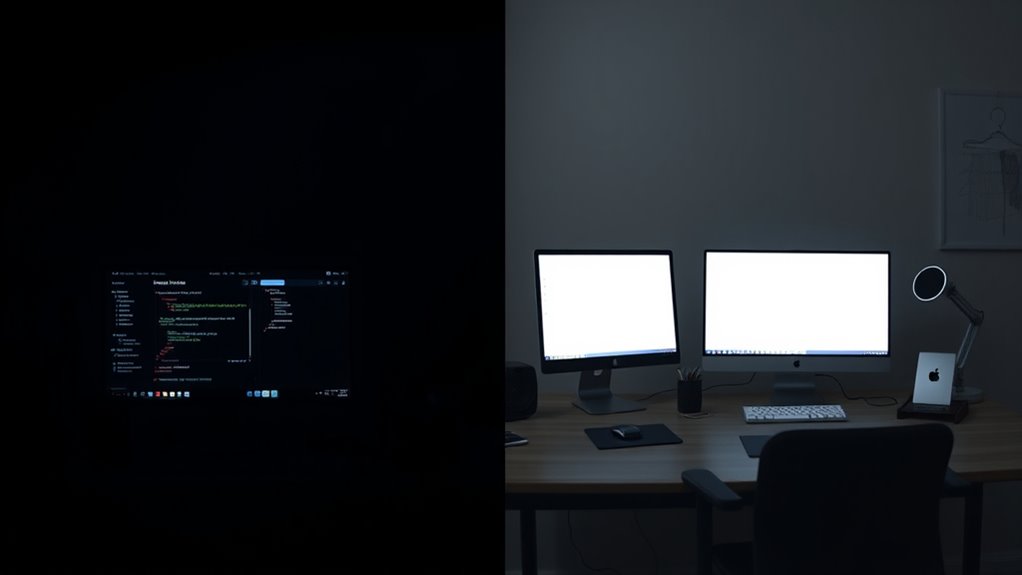
Choosing the right mode depends on your specific needs and environment, so it’s important to contemplate how each option impacts your comfort and focus. To make an informed choice, consider these practical tips:
- Adjust screen brightness to match your lighting conditions, reducing eye strain.
- Prioritize high color contrast if you find it easier to distinguish text and elements.
- Switch between dark and light modes based on your activity—dark mode for low-light environments, light mode for brighter settings.
Future Trends and Innovations in Display Technologies

As display technology continues to evolve, we’re seeing innovative trends that promise to enhance your viewing experience remarkably. Future displays will likely feature advanced calibration tools, allowing you to fine-tune color temperature and achieve perfect color accuracy effortlessly. Expect more personalized options that automatically adjust brightness, contrast, and color settings based on ambient light, reducing eye strain and improving focus. Flexible, foldable screens will become more common, offering seamless progressions between modes like dark or light to suit your environment. Additionally, new materials and mini-LED technology will improve contrast ratios and color depth. These innovations aim to optimize your display’s performance, making it easier for you to focus and interact comfortably, whether in dark or bright settings.
Frequently Asked Questions
How Do Individual Visual Impairments Influence Mode Preference?
If you have a visual impairment, your display adaptation preferences vary. You might favor dark mode if it reduces glare and enhances contrast, making it easier to see. Conversely, some may prefer light mode for better clarity and color perception. Your choice depends on how your visual impairment affects your vision. Experimenting with different display settings helps you find the mode that minimizes eye strain and improves focus.
Can Switching Modes Improve Sleep Quality or Circadian Rhythms?
Switching modes can improve your sleep quality and circadian rhythms by adjusting screen temperature and ambient lighting. Using dark mode with warmer tones in low-light environments reduces blue light exposure, helping you fall asleep faster. Conversely, bright or light modes with cooler tones are better during daytime, aligning with natural light. By matching your screen settings to your ambient lighting, you support healthier sleep patterns and better overall circadian rhythm regulation.
What Role Does Screen Brightness Play Alongside Dark or Light Modes?
Screen brightness plays a essential role alongside dark or light modes by reducing screen glare and minimizing eye strain. When you adjust brightness to match your environment, it helps maintain comfortable viewing and prevents your eyes from working harder. Also, consider color temperature; warmer tones can lessen blue light exposure, further supporting your focus and sleep quality. Balancing brightness and color temperature enhances your overall visual comfort, no matter your chosen mode.
Are There Specific Tasks Better Suited for Dark or Light Modes?
You might find that certain tasks reveal their secrets in dark or light modes. When working with color contrast-heavy designs or detailed images, dark mode can reduce glare and eye strain, especially in dim ambient lighting. On the other hand, light mode excels for reading in bright environments or editing documents. Pay attention to how your eyes respond, and choose the mode that keeps you focused and comfortable.
How Do Different Age Groups Respond to Dark Versus Light Display Settings?
You may notice that different age groups respond differently to dark and light display settings because of variations in color perception and aesthetic preferences. Younger users often prefer dark mode for its sleek look, while older users might favor light mode for better readability. Your eye comfort and visual clarity can influence your choice, making it essential to select the display setting that aligns with your personal preferences and visual needs.
Conclusion
Ultimately, choosing between dark and light modes depends on your personal comfort and environment. Pay attention to how each setting impacts your focus and eye health, and don’t forget, “the right tool is only right if it fits the task.” Experiment with both to find what helps you stay sharp and productive. Remember, your best mode is the one that keeps you focused and feeling good—so trust your instincts and adapt as needed.