
TL;DR

Get your wardrobe favorites delivered free with Prime
- Fast, free delivery on millions of items
- Prime Video, Amazon Music and more included
- Member-only deals all year
This article explains how a single video can generate a full publishing kit—titles, descriptions, clips, social posts—entirely on your machine. It emphasizes a workflow that keeps everything local, avoiding cloud reliance while streamlining content creation.
Imagine finishing a video—your work is done. But then the real effort begins: crafting titles, descriptions, clips, social posts, and more. It often feels like the work never ends, and most tools force you into slow, cloud-based funnels.
What if you could get all those assets—ready to publish—straight from your own machine? No waiting for uploads, no API limits, no privacy worries. That’s what a local-first, video-to-publishing workflow promises. It turns one video into an entire publishing kit, all without relying on the cloud, giving you control and speed.
In this article, I’ll walk you through how this works, what you get, and why it might just be a game-changer for serious creators and publishers.
Key Takeaways
- A local-first workflow can produce all assets from one video—titles, clips, social posts, and playlists—without uploading to the cloud.
- Four analysis layers—audio, visual, fusion, and intelligence—give your system a deep understanding of your content.
- Review and edit assets before publishing, with live progress indicators and provenance info.
- Everything is packaged into a single, ready-to-publish bundle tailored for multiple platforms.
- Choosing local processing boosts privacy, speeds up production, and grants full ownership of media assets.
As an affiliate, we earn on qualifying purchases.
How a Local Workflow Turns One Video Into Everything You Need
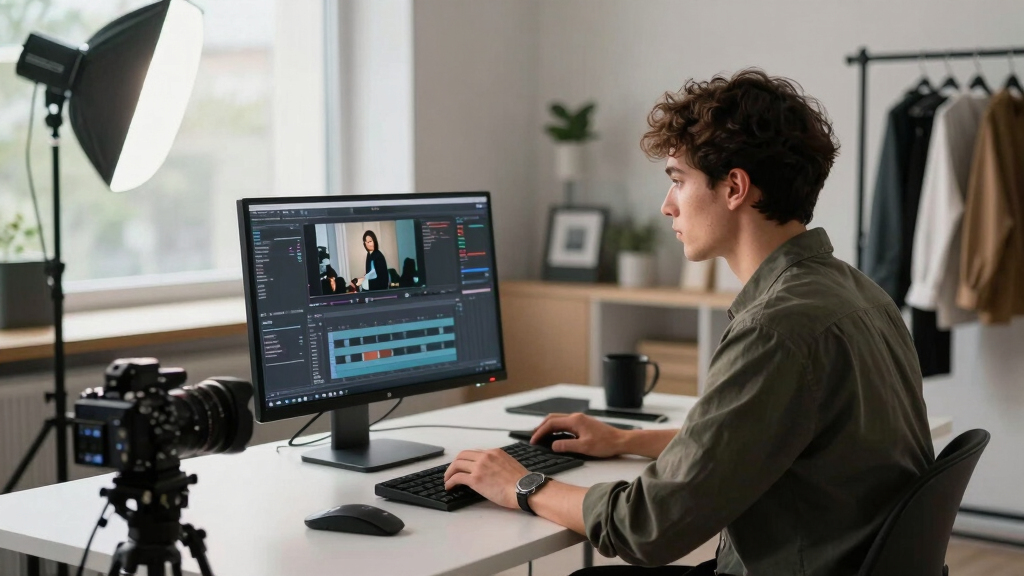
Think of it like a chef’s kitchen: you drop in your ingredients (your video), and the machine slices, seasons, and plates everything for you. It’s a process that captures the video’s essence—its key moments, themes, and visuals—then turns those into titles, descriptions, clips, and social posts.
For example, upload your latest explainer video, and the system analyzes the speech, detects scene changes, reads on-screen text, and understands the flow. It then drafts a catchy title, tags, a full description, and short clips perfect for TikTok or Instagram Reels—all on your local machine.
This isn’t just about copying and pasting. It’s about understanding what makes your video engaging, so each asset hits the mark—without cloud delays or data leaks.
As an affiliate, we earn on qualifying purchases.
The Four Layers That Make This All Possible
Most tools only transcribe speech. This workflow does much more—four layers that work together like a well-oiled machine, enabling a deep understanding of your video content. This is crucial because the quality of your assets depends on how well the system interprets your footage. If you want to learn more about how this works, check out this detailed guide.
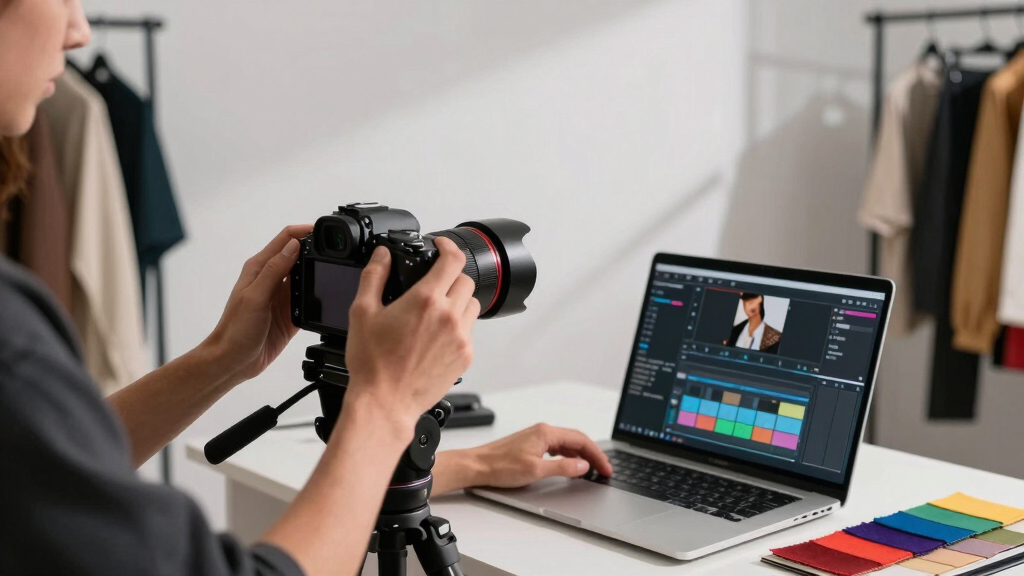
1. Audio Layer: Transcribes speech with speaker tags and timing. Think of it as a detailed, timestamped transcript that helps identify who said what and when, enabling precise captioning and clip extraction.
2. Visual Layer: Detects scene changes, reads on-screen text, and describes frames—like an eye scanning your video. This layer is vital for generating accurate thumbnails, chapter markers, and visual cues that align with your narrative.
3. Fusion Layer: Merges the audio and visual data, creating a synchronized map of what’s happening and saying. This combined understanding ensures that context is preserved, allowing for more meaningful asset generation like highlight reels or thematic tags.
4. Intelligence Layer: Analyzes the fused data to spot key moments, hooks, and themes—your video’s story on a silver platter. This layer’s insights enable automatic creation of engaging titles, social posts, and playlists that resonate with viewers and save you time.
These four layers work in concert, turning raw footage into a smart, context-aware package. The implication is that your assets aren’t just mechanically generated—they are informed by a layered understanding of your content, which enhances quality and relevance. The tradeoff is increased system complexity, but the payoff is assets that truly reflect your video’s core message, reducing manual editing and boosting engagement.

As an affiliate, we earn on qualifying purchases.
From Drop to Dispatch in Just Four Simple Steps
Imagine your workflow as a quick four-step dance: For more insights, see this comprehensive overview.
- Drop or link: Upload your video file or paste a YouTube link. The system auto-detects the source and channel info, preparing the data for analysis.
- Analyze: Background workers transcribe, analyze visuals, and fuse data—no waiting for you. This process leverages efficient local algorithms that process data rapidly, minimizing delays and enabling immediate feedback.
- Review: Assets are drafted and queued in the workspace. You see titles, clips, social posts, all ready for tweaks. This review stage is crucial because it allows you to verify the system’s interpretations, correct any inaccuracies, and tailor assets to your style before publishing. The ability to catch and fix errors at this stage prevents potential misrepresentation or misalignment with your branding.
- Approve & Ship: Hit publish. Assets go straight to your platforms—no cloud dependency, just a local command. This step ensures your content is live quickly and securely, with full control over the final output. Learn more about publishing workflows at Forsale100.
For example, you finish a tutorial, review the suggested titles, tweak a few, then click publish. Your content is live, fully packaged, and ready for promotion—all from your desktop. This streamlined process reduces the typical back-and-forth of cloud-based tools, saving you time and reducing reliance on external servers, which can introduce delays or privacy issues.

social media video publishing kit
As an affiliate, we earn on qualifying purchases.
As an affiliate, we earn on qualifying purchases.
What You Get: A Package for Every Platform
The core idea is a single, comprehensive package that contains everything needed for distribution. From one video, you get:
- Multiple optimized titles with scores indicating which fits best within character limits, allowing you to select the most impactful and platform-appropriate options.
- Full descriptions with chapters, hashtags, and keywords—saving you time in crafting engaging, discoverable content.
- Thumbnail concepts based on key moments—these are automatically generated but can be customized for branding consistency.
- Short clips for TikTok, Reels, Shorts—auto-cut and styled to maximize engagement, with options for manual refinement if needed.
- Blog drafts, newsletter summaries, and social posts tailored for each network—these assets are designed to repurpose your content efficiently, expanding your reach without extra effort.
- Playlist configurations, with reordering, styling, and playback settings—giving you a polished, professional presentation ready for publication.
This comprehensive package minimizes the need for multiple tools and manual assembly, ensuring your assets are consistent, relevant, and ready to deploy. To explore similar workflows, visit Style Guru for more tips.ions allow you to prioritize quality and relevance, making your workflow more efficient and less error-prone.

Can You Preview and Customize Before Publishing?
Yes. The workflow emphasizes previewing and editing—just like a photo editor or video suite. You see the assets in a dedicated review panel, with options to tweak titles, change clips, or adjust descriptions. This step is critical because it allows you to ensure that all assets align with your branding, messaging, and content standards before going live. It also helps catch potential errors—such as misinterpreted captions or inappropriate thumbnails—before they reach your audience.
For example, you might see a suggested thumbnail that doesn’t quite match the scene you want to highlight. You can swap it for a different frame, or regenerate a clip if it’s not quite right. This interactive review process empowers you to fine-tune every detail, ensuring the final package is polished and accurate. Testing on mobile devices is also part of the workflow—preview your published links on your phone to confirm playback, styling, and layout. This ensures your content looks good across all platforms and devices, reducing post-publishing corrections and boosting viewer satisfaction.

Why Keep Everything on Your Machine? The Benefits of a Local Workflow
Choosing a local-first approach means your data stays with you. No cloud hosting, no data leaks, and faster turnaround times. You control your pipeline, and your media never leaves your machine unless you want it to. This is especially important for sensitive projects—such as corporate videos, personal content, or proprietary material—where privacy and control are paramount. By processing everything locally, you eliminate the risk of accidental exposure or hacking that can occur with cloud storage.
Imagine editing a sensitive corporate video or a personal project—no risk of accidental sharing or hacking. Plus, processing is lightning-fast since you’re not waiting for uploads or downloads. This local approach also offers more consistent performance, unaffected by fluctuating internet speeds or service outages. While cloud solutions often promise scalability and remote collaboration, they can introduce latency and dependency on third-party servers. In contrast, a local workflow provides immediate, predictable results and full ownership of your assets, which is crucial for industries with strict compliance standards or for creators who value privacy above all.
While cloud solutions often promise scalability, with a local workflow, you gain privacy, speed, and independence—key for serious creators or those in regulated industries. The tradeoff is that you take on the responsibility for hardware maintenance and updates, but the benefits in control and security often outweigh these considerations for many professionals.
Frequently Asked Questions
What exactly is generated from one video?
From a single video, you can produce titles, descriptions, clips, thumbnails, social posts, playlists, and even blog drafts—all tailored for each platform and ready to publish.
Does it create only an embed, or also playlists and player settings?
It creates complete packages, including playlists with reordering, styling, and playback settings, plus customizable players—giving you full control over how your content appears online.
Can you preview assets before publishing?
Absolutely. The system offers real-time preview options for titles, clips, and layouts, so you can make adjustments and test on mobile devices before going live.
Does this workflow work offline or only on a local network?
It’s designed to run entirely on your machine, so you don’t need an internet connection or cloud access once set up—perfect for sensitive projects or limited internet environments.
How does a local workflow compare with cloud publishing in terms of setup?
Local setups require initial installation and configuration but eliminate ongoing cloud reliance, offering faster processing, better privacy, and full ownership of your media assets.
Conclusion
Turning one video into a full publishing kit without relying on the cloud isn’t just a pipe dream. It’s a practical, powerful approach that puts you in control—speeding up your workflow and safeguarding your content.
Imagine a future where every upload becomes a rich, ready-to-go package, all crafted on your machine. That’s the promise of a local-first, video-to-publishing workflow. It’s time to take back control and make your content work for you—faster, smarter, and safer.

Fall Picks
fall essentials
As an affiliate, we earn on qualifying purchases.