Using dual monitors can greatly boost your productivity by making multitasking and window management easier. They help improve accuracy, reduce errors, and streamline complex tasks. However, they can also cause distractions if your workspace isn’t well-organized or if notifications get overwhelming. Whether they increase your focus or lead to distraction depends on how you set them up and manage your workflow. Continue exploring to discover how to optimize dual monitor use for your needs.
Key Takeaways
- Dual monitors can significantly boost productivity by enabling multitasking and quicker window management.
- They improve accuracy and reduce errors through easier data cross-referencing and verification.
- Distractions from screen clutter and notifications can diminish benefits if workspace organization isn’t optimized.
- User variability affects effectiveness; some experience enhanced focus, while others face increased cognitive load and distraction.
- Proper ergonomic setup and task-specific use maximize benefits and minimize potential downsides like fatigue and visual clutter.
The Case for Dual Monitors: Boosting Efficiency
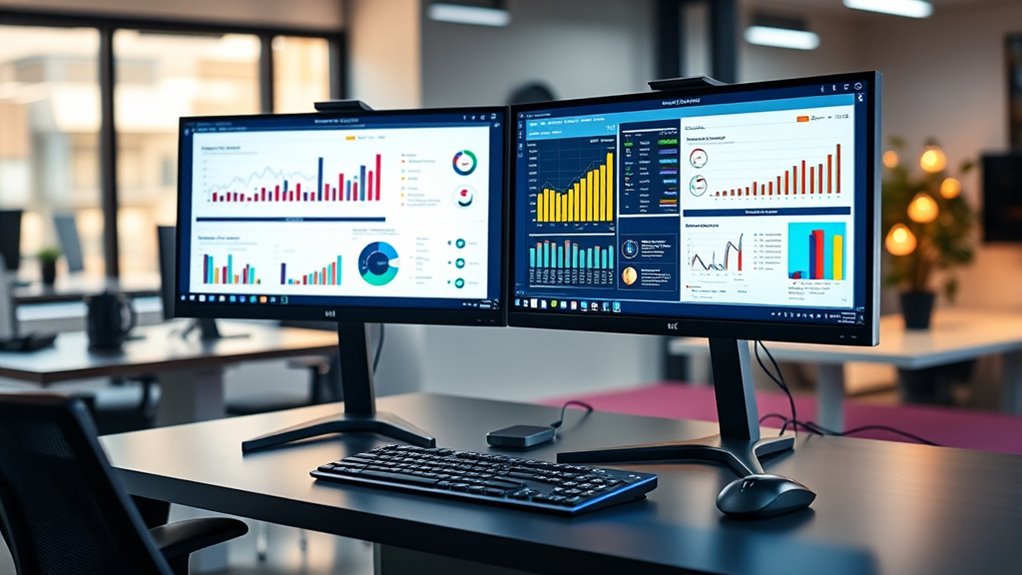
Using dual monitors can substantially boost your productivity by allowing you to multitask more efficiently. When setting up, verify your hardware compatibility first; check that your graphics card supports multiple displays and matches your monitor inputs. Proper display calibration is essential to create a seamless workflow, preventing eye strain and ensuring consistent color and brightness across screens. Well-calibrated monitors make it easier to work on detailed tasks like graphic design or editing, reducing errors and improving accuracy. Additionally, matching resolutions and color profiles minimizes visual inconsistencies that can distract or slow you down. hardware compatibility and display calibration are critical factors that ensure an optimal setup, which can enhance your overall work efficiency, especially when combining different types of displays such as various sizes and styles. This setup helps you stay organized and boosts your productivity.
Common Challenges and Distractions Caused by Multiple Screens
While dual monitors can boost productivity, they also introduce common challenges that can hinder your focus. One major issue is screen clutter, which makes it easy to get overwhelmed by multiple open windows and notifications. This visual chaos can lead to cognitive overload, where your brain struggles to process all the information at once. Instead of helping you work efficiently, too many screens can cause you to switch tasks frequently, losing valuable time and focus. You might find yourself distracted by irrelevant notifications or tempted to keep multiple tabs open, making it harder to concentrate on the task at hand. Recognizing these challenges is key to managing your workspace effectively and preventing your screens from becoming a source of distraction rather than productivity. Additionally, understanding how to properly shift gears on your devices can help you navigate between tasks more smoothly and stay focused.
How Dual Monitors Affect Focus and Attention
Have you noticed how dual monitors can both sharpen and weaken your focus? Using two screens can increase your attention span by allowing quick access to multiple tasks, reducing constant app switching. However, they can also raise your cognitive load, making it harder to prioritize information. This divided attention can lead to distractions or superficial engagement. To optimize focus, consider the following:
- Manage window clutter to prevent overwhelm
- Establish clear boundaries between tasks
- Use dedicated screens for specific work areas
- Be mindful of the temptation to multitask excessively
- Incorporate mindfulness techniques, such as meditation, to improve concentration and manage mental fatigue mental health. Additionally, implementing ergonomic setups can help reduce physical strain and improve overall focus during extended work sessions. Paying attention to visual ergonomics can also minimize eye strain and fatigue, contributing to better concentration. Recognizing the importance of cognitive load management is essential for maintaining mental clarity and productivity. Balancing these factors helps ensure dual monitors enhance concentration rather than diminish it, keeping your attention sharp and your cognitive load manageable.
Productivity Gains: Who Really Benefits From Two Screens?
Using two screens can make you more efficient when multitasking, letting you switch between tasks faster and reduce time spent opening and closing windows. However, it also increases the chance of getting distracted by multiple open apps or notifications. So, while some users see real productivity gains, others might find their focus slipping away. Additionally, voiceover techniques used in engaging multimedia content can either enhance focus or contribute to distraction depending on execution. Moreover, the presence of fetal movements and other physical sensations during pregnancy can serve as natural cues to take breaks, helping maintain concentration and prevent fatigue. Recognizing the importance of ergonomic setup ensures that dual monitors support comfort and reduce strain during extended use. Implementing efficient technology like dual monitors with reliable performance can also influence the overall productivity outcome. Ensuring the trustworthiness of the brand can also influence the consistency and quality of the tools used to support productivity.
Multitasking Efficiency Boosts
Having two monitors can substantially enhance your ability to multitask efficiently. By spreading out your tasks, you reduce the risk of multitasking overload and improve workflow. With more screen real estate, you can keep multiple applications open simultaneously without feeling overwhelmed. This setup helps you switch between tasks faster and stay organized, preventing screen clutter from becoming a distraction.
To maximize these benefits, consider:
- Keeping related windows side by side for quick reference
- Using dedicated screens for communication and work tools
- Avoiding overlapping windows that increase clutter
- Setting up workflows that leverage both screens for seamless multitasking
This approach allows you to handle multiple tasks more comfortably, boosting productivity without sacrificing focus.
Potential for Distractions
While dual monitors can boost productivity, they also introduce potential distractions that can negate these benefits. Background noise from conversations or open office environments can become more noticeable as you juggle multiple screens, pulling your focus away from tasks. Visual clutter is another issue; having multiple windows and notifications open can overwhelm your workspace, making it harder to concentrate. Without discipline, you might find yourself switching between screens aimlessly or getting sidetracked by non-essential information. These distractions can lead to decreased efficiency, counteracting the advantages of having extra screen space. Additionally, the mindful decluttering of digital workspace can help reduce visual clutter and improve focus. Establishing digital workspace organization by managing open windows and notifications effectively can further minimize distractions and enhance your focus during work sessions. A well-structured digital environment supports productivity and helps maintain your attention on important tasks. Proper monitor placement and ergonomic setup can also help reduce physical strain and keep your attention sharp.
The Impact of Dual Monitors on Work Quality and Error Rates
Dual monitors can considerably enhance your work quality by reducing errors and increasing accuracy. With more screen space, you can cross-reference data easily, leading to lower visual error rates. This setup promotes better work consistency, as you’re less likely to miss details or make misjudgments. Using dual screens can also streamline complex tasks, minimizing the chances of mistakes caused by switching contexts. To maximize these benefits, consider:
Dual monitors boost accuracy and reduce errors through easier data cross-referencing and multitasking.
- Improving data verification processes
- Enhancing multitasking efficiency
- Reducing the need for constant window switching
- Supporting precise, detail-oriented work
Implementing diverse and creative monitor setups can further optimize your workflow by tailoring the environment to your specific tasks and preferences. Additionally, understanding how Volkswagen Tuning techniques improve engine performance can inspire innovative configurations for your workspace, promoting better focus and productivity. Recognizing the importance of proper ergonomic setup can also prevent fatigue and discomfort during extended work sessions. Paying attention to monitor placement can significantly reduce eye strain and improve comfort during long work hours, especially when considering ergonomic principles for workspace design.
Best Practices to Maximize Benefits and Minimize Distractions
To fully reap the benefits of dual monitors, it’s essential to adopt best practices that enhance focus and reduce distractions. Prioritize proper visual ergonomics by positioning your screens at eye level and maintaining a comfortable distance to prevent screen fatigue. Use consistent color schemes and organize your workspace to minimize clutter, which helps keep your attention on tasks. Limit multitasking across multiple windows by grouping related tasks on each screen, reducing the need for constant shifting and decreasing visual strain. Take regular breaks to rest your eyes and stretch your body, further combating screen fatigue. Adjust brightness and contrast settings for ideal comfort. Incorporating automation’s role in business intelligence can help streamline data handling and keep your workflow efficient, allowing you to stay focused and productive. These strategies help you stay focused, enhance productivity, and avoid the pitfalls of distraction and eye strain.
Comparing Single vs. Dual Monitor Setups in Different Professions
Your profession influences how you benefit from single or dual monitors, especially in creative tasks like design or writing. A dual setup can boost workflow efficiency and make technical tasks, such as coding or data analysis, easier to manage. Understanding these differences helps you choose the best setup for your specific work demands.
Creative Workflow Efficiency
Creative professionals often find that using two monitors can substantially boost workflow efficiency by reducing the need to switch between tabs and applications. This setup helps you view multiple projects or tools simultaneously, streamlining your creative process. However, it can also introduce visual clutter, making it harder to focus. To minimize screen fatigue, arrange your monitors ergonomically and customize display settings. Dual screens allow you to:
- Keep reference images or documents open on one screen while working on the other
- Manage multiple layers or timelines without constant toggling
- Compare design iterations side-by-side
- Quickly access communication tools without interrupting your workflow
While productivity increases, be mindful of potential distractions. Proper organization helps you leverage the benefits while avoiding overwhelm and fatigue.
Technical Task Management
Different professions benefit differently from single versus dual monitor setups, as the nature of their tasks influences how effectively each configuration enhances productivity. In technical task management, dual monitors can streamline software integration, allowing you to view multiple dashboards or code windows simultaneously. This setup reduces toggling between applications and improves workflow efficiency. However, hardware compatibility is vital; ensure your system supports dual monitors without performance issues. Some technical roles, like software developers or engineers, gain significant advantages from expanded screen real estate, enabling better multitasking and detailed analysis. Conversely, if your hardware isn’t compatible or your tasks are straightforward, a single monitor might suffice. Ultimately, evaluating your software needs and hardware capabilities helps determine whether dual monitors will boost your productivity or cause unnecessary distraction.
Technological and Ergonomic Considerations for Dual Monitors
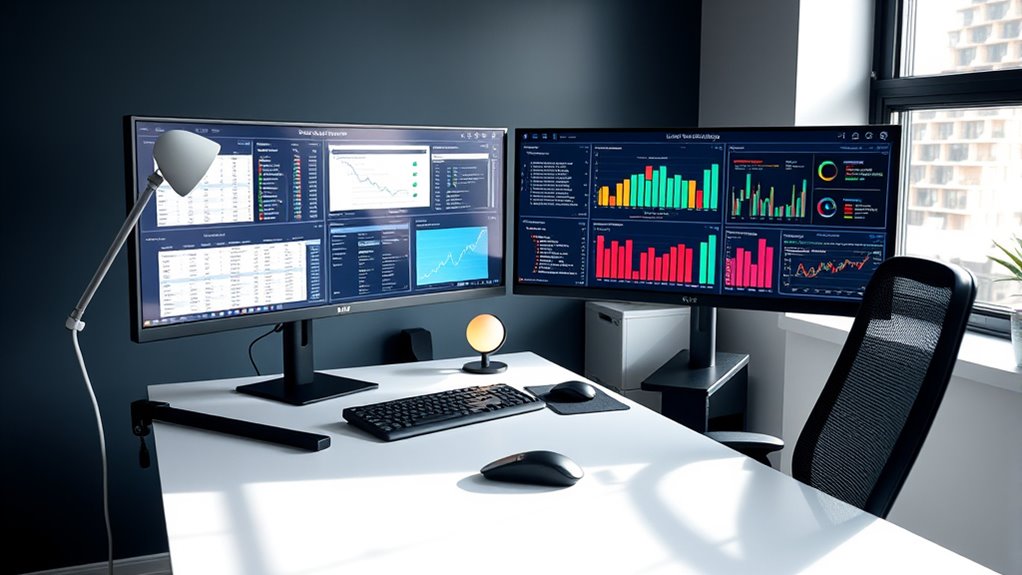
When setting up dual monitors, paying attention to technological and ergonomic factors can considerably boost your productivity and comfort. An ergonomic setup guarantees your monitors are at eye level, reducing neck strain, while proper display calibration ensures accurate colors and sharp images. To optimize your workspace, consider these key points:
Ergonomic and calibrated monitor setups enhance comfort and productivity.
- Adjust monitor height and tilt for a natural viewing angle
- Use high-quality cables and adapters to ensure seamless connectivity
- Calibrate displays for consistent color and brightness
- Position monitors to minimize glare and reflections
Focusing on these details enhances both visual comfort and workflow efficiency. Proper ergonomic setup prevents fatigue, and calibrated displays improve accuracy in tasks like design or data analysis. Taking these steps creates a more comfortable, productive environment for long-term use.
Making the Decision: Are Dual Monitors Right for Your Workflow?
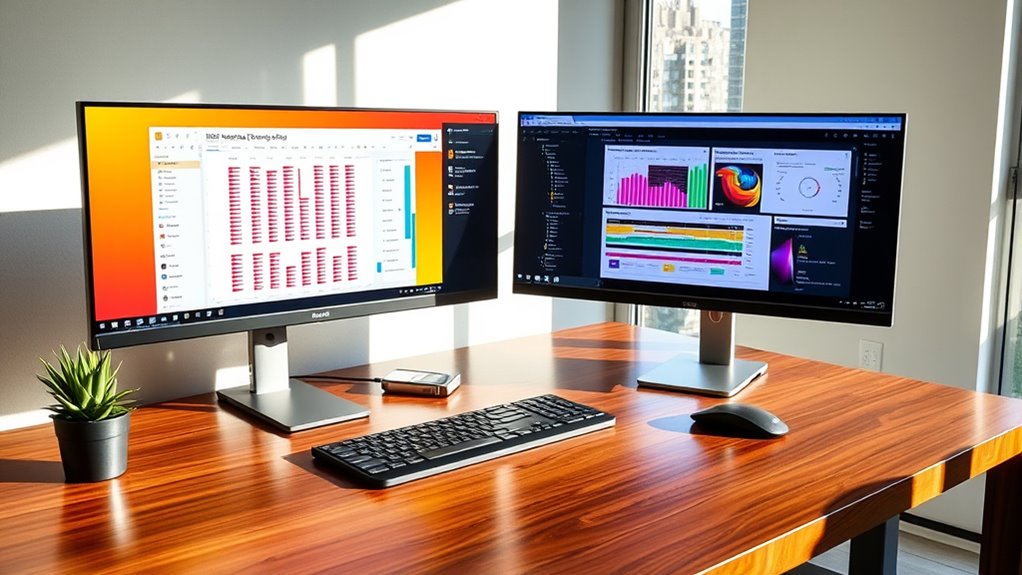
Deciding whether dual monitors suit your workflow depends on how you work and the tasks you need to complete. If your work involves multitasking, referencing multiple documents, or managing complex projects, dual screens can boost efficiency. However, consider potential downsides like increased visual clutter, which can make your workspace feel chaotic and hinder focus. Additionally, prolonged use may lead to screen fatigue, causing eye strain and reducing productivity over time. If you find yourself constantly switching between tabs or windows, dual monitors might be a good fit. But if you prefer a minimal setup or are easily distracted, they could do more harm than good. Reflect on your daily tasks and ergonomic needs to decide if the benefits outweigh the drawbacks for your specific workflow.
Frequently Asked Questions
Can Dual Monitors Cause Increased Eye Strain or Discomfort?
Using dual monitors can cause increased eye strain and discomfort if you don’t take proper precautions. You might experience eye fatigue and visual discomfort from extended screen time and constant focus shifting. To reduce these issues, adjust your monitor brightness, maintain a comfortable distance, and follow the 20-20-20 rule—every 20 minutes, look at something 20 feet away for at least 20 seconds. Proper ergonomics helps prevent eye-related discomfort.
What Are the Cost Implications of Switching to Dual Monitors?
Switching to dual monitors involves initial hardware expenses and ongoing costs. You should perform a cost analysis to compare the price of an additional monitor and necessary accessories against potential productivity gains. While hardware expenses may seem high upfront, increased efficiency could justify the investment over time. Keep in mind, though, consider potential additional costs such as upgraded graphics cards or extra desk space when evaluating the overall investment.
How Do Dual Monitors Impact Collaborative Work or Meetings?
Using dual monitors can enhance your collaborative efficiency during meetings by allowing you to view multiple documents, chat windows, or presentation materials simultaneously. This setup helps you stay engaged and responsive, improving meeting dynamics. You can easily switch between tasks without constantly minimizing or opening new windows, making discussions smoother. Overall, dual monitors support more effective collaboration, fostering better communication and coordination during team interactions.
Are There Specific Tasks or Professions That Benefit Most From Dual Monitors?
If you’re a coder or a creative professional, dual monitors boost your efficiency by allowing you to view multiple windows simultaneously. Imagine your coding environment on one screen while referencing documentation on the other, or your design tools open side-by-side. This setup streamlines your workflow, reduces switching time, and enhances focus, making it ideal for tasks that demand multitasking and detailed attention.
How Can I Set up Dual Monitors for Optimal Ergonomics and Productivity?
To set up dual monitors for ideal ergonomics and productivity, start by positioning them at eye level to reduce neck strain. guarantee ergonomic placement by keeping monitors about an arm’s length away and aligned directly in front of you. Calibrate your monitors for accurate color and brightness, which minimizes eye fatigue. Adjust the height and angle so your neck stays neutral, and use consistent monitor settings for a seamless workflow.
Conclusion
So, are dual monitors truly the productivity booster everyone claims? It depends on how you use them—and whether you can resist the temptation of distractions. With the right setup and mindset, you might gain access to a new level of efficiency. But one wrong move could just as easily turn your workspace into chaos. Ready to take the plunge? The answer might surprise you—if you’re willing to find out.