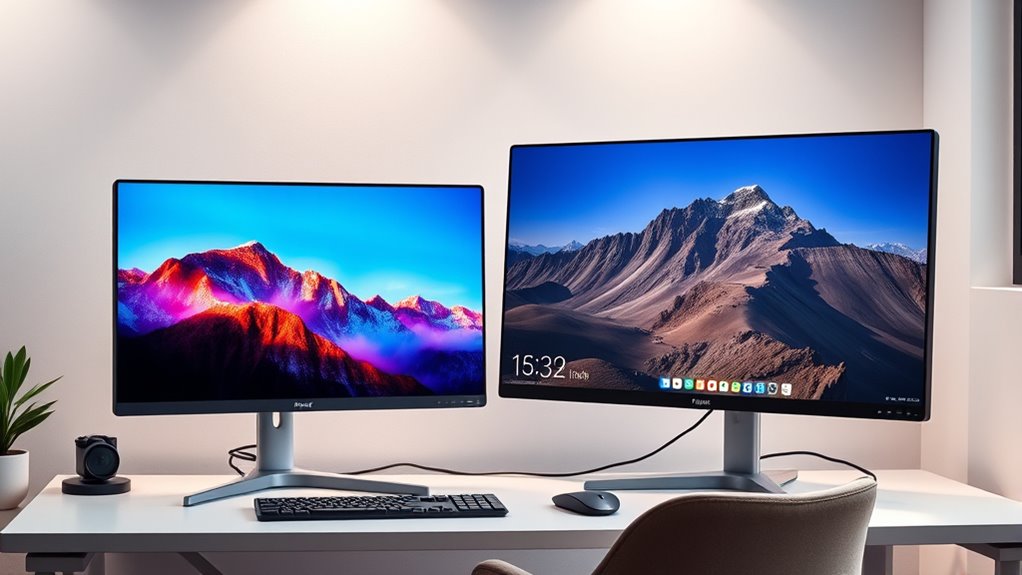

Choosing the perfect monitor size isn’t about going as big as possible, but finding what suits your workspace and tasks. Bigger screens can boost productivity and reduce eye strain if they fit your desk and viewing distance, but oversized monitors might cause discomfort or clutter your space. It’s all about balancing ergonomic comfort, aesthetics, and function. Want to discover how to select an ideal size that enhances both your work and style? Keep exploring to find out more.
Key Takeaways
- Larger monitors can improve ergonomics and multitasking but may cause discomfort if they don’t fit your workspace or viewing distance.
- The ideal monitor size balances visual appeal, workspace harmony, and your specific tasks for optimal productivity.
- Bigger screens encourage better sitting posture but can lead to eye or neck strain if excessively large or improperly set up.
- Smaller monitors promote focus but might limit multitasking and overall workflow efficiency.
- Proper setup and considering workspace constraints are essential to determine if a larger monitor truly enhances your experience.
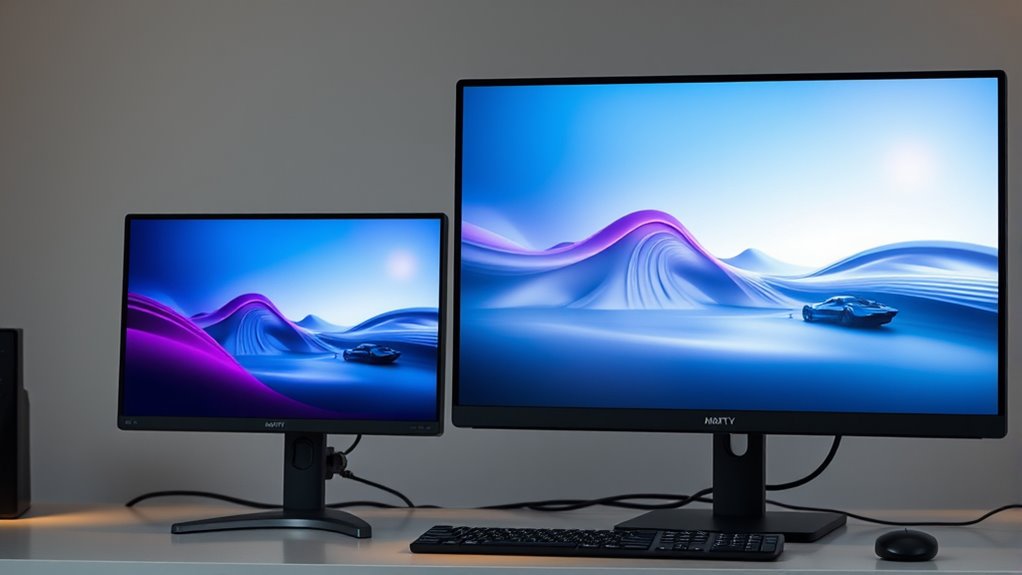
When it comes to choosing a monitor, bigger isn’t always better. While a larger screen can seem appealing at first glance, it’s essential to consider how size impacts your overall experience. One key factor is ergonomic benefits. A bigger monitor may tempt you to sit farther back, which can reduce eye strain and promote better posture. However, if the monitor is too large for your desk or viewing distance, you might end up craning your neck or adjusting your position constantly, leading to discomfort over time. The goal is to find a size that allows you to see everything clearly without straining your eyes or neck. For many, a monitor that fits comfortably within their field of view helps maintain good ergonomic habits, preventing fatigue and discomfort during long work or gaming sessions. Proper setup when selecting monitor size can significantly influence your comfort and productivity.
Aesthetic appeal also plays a significant role in your choice. A larger monitor often creates a sleek, modern look that can elevate your workspace’s style. It can fill a blank desk space and make your setup look more professional or attractive. Still, if the size overwhelms your desk or clashes with your other equipment, it might detract from the overall aesthetic. You want a monitor that complements your workspace, not dominates it. The right size balances visual impact with harmony in your environment. Keep in mind that a monitor’s design, bezel thickness, and stand also influence its aesthetic appeal. Sometimes, a smaller monitor with a minimalist frame can look just as sophisticated as a larger one, especially if the goal is a clean, uncluttered look.
Beyond looks, take into account how size affects your productivity. A larger screen provides more real estate for multitasking, allowing you to have multiple windows open side-by-side, which can boost efficiency. However, if the monitor is excessively large, you may find yourself moving your head or eyes more to see different parts of the screen, which can become distracting. In contrast, a smaller monitor encourages a more focused view, which can be beneficial for tasks that require concentration. Ultimately, the ideal size depends on your specific needs and workspace constraints. The key is to select a monitor that offers enough screen space to work comfortably without sacrificing ergonomic benefits or aesthetic harmony.

LG 27US500-W Ultrafine Monitor 27-Inch 4K UHD (3840×2160) HDR10 IPS Borderless Design Reader Mode Flicker Safe Switch App HDMI DisplayPort – White
4K UHD with 1000:1 Contrast Ratio – This UltraFine display with a 1000:1 contrast ratio displays deeper blacks…
As an affiliate, we earn on qualifying purchases.
As an affiliate, we earn on qualifying purchases.
Frequently Asked Questions
How Does Monitor Size Affect Eye Strain During Prolonged Use?
Monitor size can impact eye strain, especially during long use. Larger screens may cause you to move your eyes more, leading to fatigue, while smaller screens might force you to squint or strain. Additionally, bigger monitors can increase screen glare, which worsens eye discomfort. To reduce eye strain, choose a size that fits your workspace, adjust brightness settings, and minimize glare with proper lighting and screen filters.
What Is the Ideal Monitor Size for Small Workspaces?
For small workspaces, a 24-inch monitor strikes the perfect balance between ergonomics considerations and aesthetic appeal. It fits comfortably without crowding your desk, reducing eye strain and promoting good posture. Choose a monitor with adjustable height and tilt to enhance ergonomics. Its sleek design blends well with your workspace, maintaining a tidy and professional look. This size ensures you stay productive without sacrificing style or comfort.
Can Larger Monitors Improve Gaming Performance Significantly?
A larger monitor can make your gaming experience feel like you’re stepping into a whole new world, greatly boosting your immersion. While it doesn’t always improve performance, it enhances resolution clarity and allows you to see more detail. Plus, choosing an ergonomic design ensures comfort during long sessions. So, yes, a bigger screen can substantially elevate your gaming, making every move feel epic and more engaging.
How Does Monitor Size Influence Multitasking Efficiency?
A larger monitor boosts your multitasking efficiency by offering more screen space for multiple windows and applications. With higher resolution options, you get clearer images and sharper text, enhancing your productivity. Additionally, choose a monitor with ergonomic adjustments like height, tilt, and swivel to reduce strain during long work sessions. This combination helps you stay comfortable and focused, making multitasking smoother and more effective.
Are Larger Monitors More Energy-Efficient Than Smaller Ones?
Larger monitors aren’t necessarily more energy-efficient; they’re like giant energy hogs demanding more power. You’ll find they typically consume more energy, increasing your environmental impact. Smaller screens often use less power, making them a greener choice. If energy consumption and environmental impact matter to you, choose a monitor that balances size with efficiency. Remember, bigger isn’t always better for your wallet or the planet.

VIVO Premium Single 17 to 32 inch VESA Monitor and Touch Screen Desk Stand with Rotating Base, Freestanding Pneumatic Height Adjustable Arm, 12 inch Maximum Screen Height, Black, STAND-V001R
Fits 17” to 32” Screens: Single freestanding tabletop monitor mount fitting most screens 17” to 32” in size….
As an affiliate, we earn on qualifying purchases.
As an affiliate, we earn on qualifying purchases.
Conclusion
Think of choosing a monitor like picking a boat for a voyage. Bigger might seem like the spacious yacht, but if it’s too unwieldy, you won’t enjoy the ride. Sometimes, the smaller vessel offers just the right balance of comfort and control. Remember, the perfect monitor size is your personal harbor—where your work and play sail smoothly. So, don’t just chase the biggest; find the one that feels like home for your digital adventures.

Gawfolk 49 Inch Curved Gaming Monitor, 5120×1440 Dual QHD, 120Hz, 1500R, AMD FreeSync, 32:9, Height Adjustable Ultra-Wide Computer Screen for Multitasking
Immersive 49-Inch Dual QHD Panoramic Ultra-Wide Curved Monitor: Experience a game-changing view with the 1500R curved screen that…
As an affiliate, we earn on qualifying purchases.
As an affiliate, we earn on qualifying purchases.

AOC e1659Fwu 16-Inch Ultra Slim 1366×768 Res 200 cd/m2 Brightness USB 3.0-Powered Portable LED Monitor (Renewed)
16" (15.6" viewable) display, 200 cd/m2 Brightness,16:9 Aspect Ratio. Max Resolution 1366 x 768, 500:1 Contrast Ratio, 8ms…
As an affiliate, we earn on qualifying purchases.
As an affiliate, we earn on qualifying purchases.