If you value durability, precision, and custom features, a mechanical keyboard is worth the hype. It offers longer-lasting switches, faster response times, and customizable designs that enhance your typing or gaming experience. While they cost more upfront, their longevity and performance often justify the investment. If you’re curious whether the benefits outweigh the price for your needs, exploring further will help you decide if it’s right for you.
Key Takeaways
- Mechanical keyboards offer superior durability, with switches lasting around 50 million keystrokes, compared to about 5 million for regular keyboards.
- They provide faster, more precise response and satisfying tactile feedback, enhancing typing accuracy and gaming performance.
- Customization options and aesthetic features like RGB lighting make mechanical keyboards more personalized and visually appealing.
- Mechanical models are more expensive upfront but tend to last longer, offering better long-term value for frequent users.
- Regular keyboards are quieter, more affordable, and sufficient for casual tasks, making the hype less necessary for everyday use.
Understanding the Key Differences in Design and Functionality

While both mechanical and regular keyboards serve the same basic purpose, their designs and functionalities differ considerably. Mechanical keyboards feature individual switches under each key, providing tactile feedback and durability, while regular keyboards often use membrane switches, which are softer and quieter. These design differences offer ergonomic benefits, as mechanical keyboards can be customized with adjustable height and key spacing, reducing strain during extended use. Aesthetic differences are also notable; mechanical keyboards often have a more robust, high-tech look with customizable keys and backlighting, whereas regular keyboards tend to be simpler and more uniform. These distinctions influence not only comfort but also visual appeal, helping you choose a keyboard that suits both your ergonomic needs and personal style.
Performance and Responsiveness: Which Keyboard Reigns Supreme?

When it comes to performance and responsiveness, mechanical keyboards generally outperform regular membrane keyboards thanks to their individual switches, which react instantly to each keystroke. This faster response enhances your gaming performance by reducing input lag and provides precision during intense matches. For office productivity, quick and accurate typing boosts efficiency and minimizes fatigue. The table below highlights key differences:
| Feature | Mechanical Keyboard | Regular Keyboard | Impact |
|---|---|---|---|
| Response Time | Faster, more precise | Slightly delayed | Better gaming, typing speed |
| Key Durability | Longer lifespan | Shorter lifespan | Cost-effective over time |
| Tactile Feedback | Clear, satisfying clicks | Muffled, softer feel | Improves accuracy |
| Adaptability | Customizable switches | Fixed, limited options | Personalization, comfort |
In addition, the customization options available for mechanical keyboards allow users to tailor their setup to specific needs, further enhancing performance and comfort. Choosing a keyboard with interchangeable switches can further enhance your typing experience and overall performance. A wide range of switch types offers even more ways to personalize your keyboard to match your preferred feel and sound. Moreover, ongoing advancements in technology integration continue to push the boundaries of what mechanical keyboards can offer.
The Feel and Sound: Tactile Feedback vs. Quiet Operation

The feel and sound of a keyboard considerably influence your typing experience, especially when it comes to tactile feedback and noise levels. Mechanical keyboards typically offer a satisfying tactile response, thanks to keycap material and switch design, providing clear feedback with each press. This makes typing more precise but can generate more noise. Additionally, mechanical models often feature customizable backlight options, enhancing visual appeal without affecting sound. Your choice depends on preferences: if you value a responsive, tactile feel and don’t mind the noise, a mechanical keyboard is ideal. However, if quiet operation is your priority, a regular keyboard might better suit your needs. Studies indicate that the tactile feedback from mechanical keyboards can improve typing accuracy and overall satisfaction. Moreover, the material and design of mechanical switches can impact the durability and consistency of the tactile response over time.
Customization Options and Aesthetic Appeal
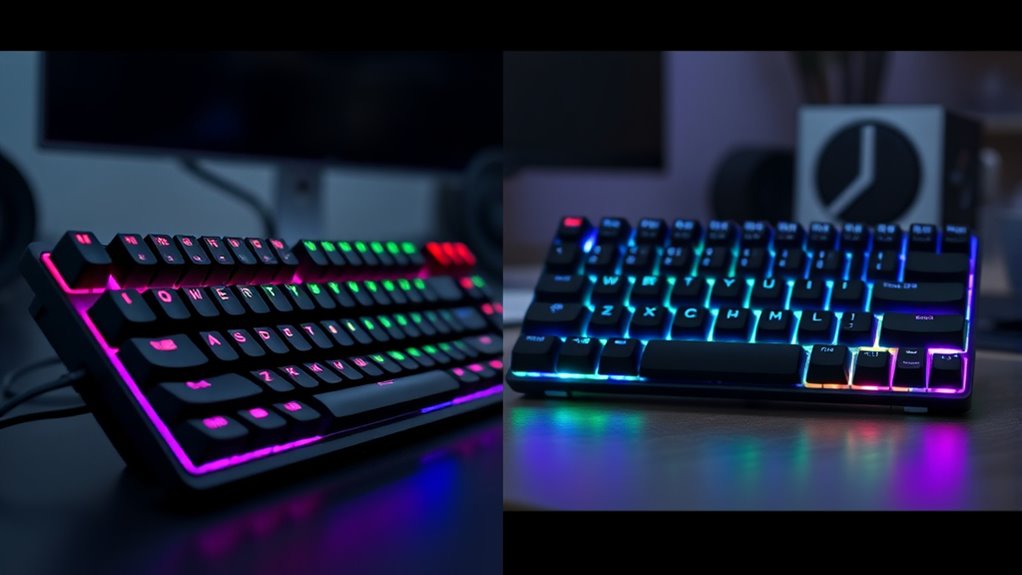
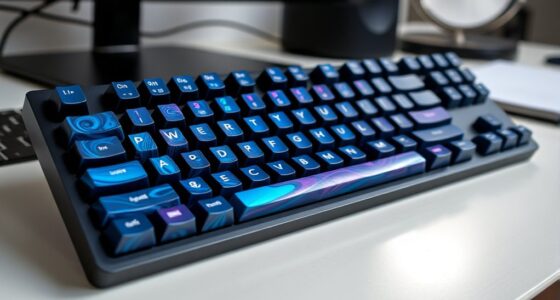
Mechanical keyboards often offer a wide range of customization options that let you tailor the device to your preferences and style. You can choose different keycap designs, colors, and materials for a personalized look. Aesthetic customization allows you to create a keyboard that reflects your personality or matches your workspace decor. Lighting effects are another popular feature, enabling you to add vibrant RGB backlighting or dynamic color patterns. These lighting options aren’t just for aesthetics—they can also improve visibility in low-light environments. With the ability to customize both the visual appeal and lighting effects, mechanical keyboards give you a more engaging and visually striking experience. This level of personalization makes them stand out compared to regular keyboards, which typically offer limited aesthetic options. Additionally, comfort solutions like key switches designed for reduced strain can enhance overall typing comfort during extended use. Furthermore, the variety of switch types and ergonomic designs allows users to further optimize their typing experience for comfort and efficiency, which can contribute to better mindfulness during use to avoid strain and fatigue. For example, some options include programmable keys that can streamline repetitive tasks and improve productivity.
Durability and Lifespan of Mechanical vs. Regular Keyboards
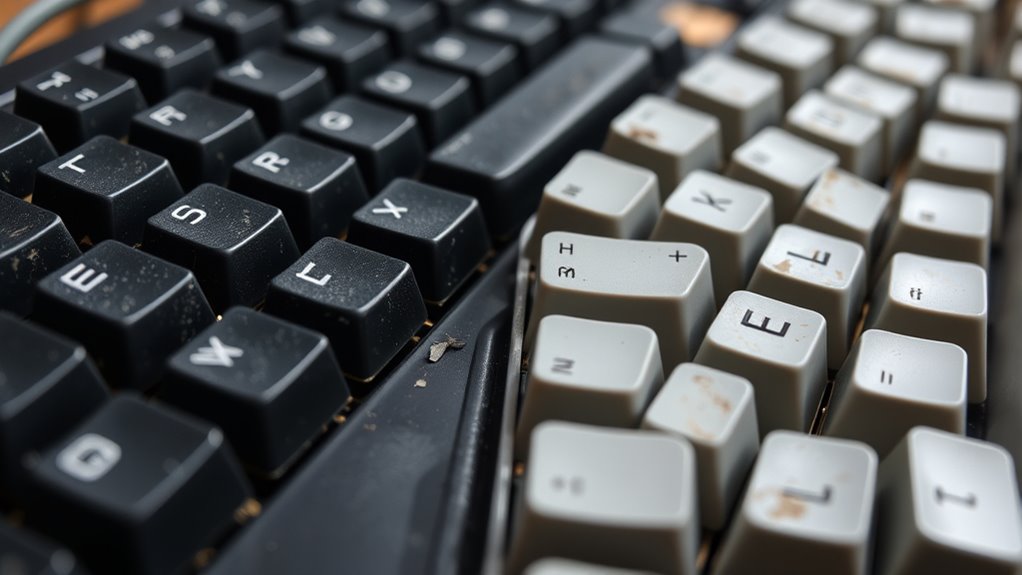
When comparing durability, you should consider how long your keys last and what materials hold the build together. Mechanical keyboards typically have switch components that can withstand millions of presses, unlike regular keyboards. The quality of the build materials also plays a vital role in how long your keyboard remains functional. Additionally, investing in a comprehensive insurance policy can provide peace of mind for unexpected damages or issues that might arise over time. Choosing a keyboard with high-quality materials and construction further enhances longevity, making it a worthwhile investment. Moreover, selecting models with long-lasting switches can significantly impact the overall lifespan of your keyboard. As Jack from 1023 points out, understanding the durability and lifespan of your keyboard components is key to making an informed choice.
Key Switch Longevity
While regular keyboards tend to have a shorter lifespan due to their simpler switch mechanisms, mechanical keyboards are built for durability, often lasting considerably longer. The key switch longevity directly impacts switch durability and overall key lifespan. Mechanical switches are rated for around 50 million keystrokes or more, meaning they can endure years of heavy use. In contrast, membrane switches typically last about 5 million keystrokes. Additionally, the switch design of mechanical keyboards often allows for easier replacement and maintenance, further extending their lifespan. The use of high-quality materials in switch construction also contributes significantly to their resilience. Here’s what influences switch durability:
- Quality of the switch design and materials
- Frequency of use and typing intensity
- Proper maintenance and cleaning
Because of these factors, mechanical switches generally offer superior key lifespan, making them a reliable choice if longevity is your priority.
Build Material Durability
The build materials of keyboards substantially influence their overall durability and lifespan. High build quality ensures that your keyboard can withstand daily wear and tear, maintaining functionality over time. Mechanical keyboards often feature sturdy plastics, aluminum cases, or metal backplates, which enhance material resilience and prevent cracking or warping. Regular keyboards typically use cheaper plastics that may degrade faster, leading to a shorter lifespan. The choice of materials directly impacts how well your keyboard resists impacts, dust, and moisture. Additionally, the artistic significance of the materials used can enhance the aesthetic appeal and cultural value of the device. If you value longevity, investing in a keyboard with robust build quality and resilient materials is essential. Durability isn’t just about appearance; it’s about how well your keyboard withstands prolonged use without losing performance or structural integrity. Moreover, the material composition can influence the overall weight and portability of the keyboard, affecting user convenience. Using high-quality materials can also contribute to a more premium feel and better tactile feedback during use. Incorporating durable build materials can further extend the lifespan of your keyboard by providing additional resistance to environmental factors. In addition, selecting materials with superior impact resistance can help prevent damage from accidental drops or knocks, further prolonging your keyboard’s service life.
Impact on Typing Speed and Accuracy
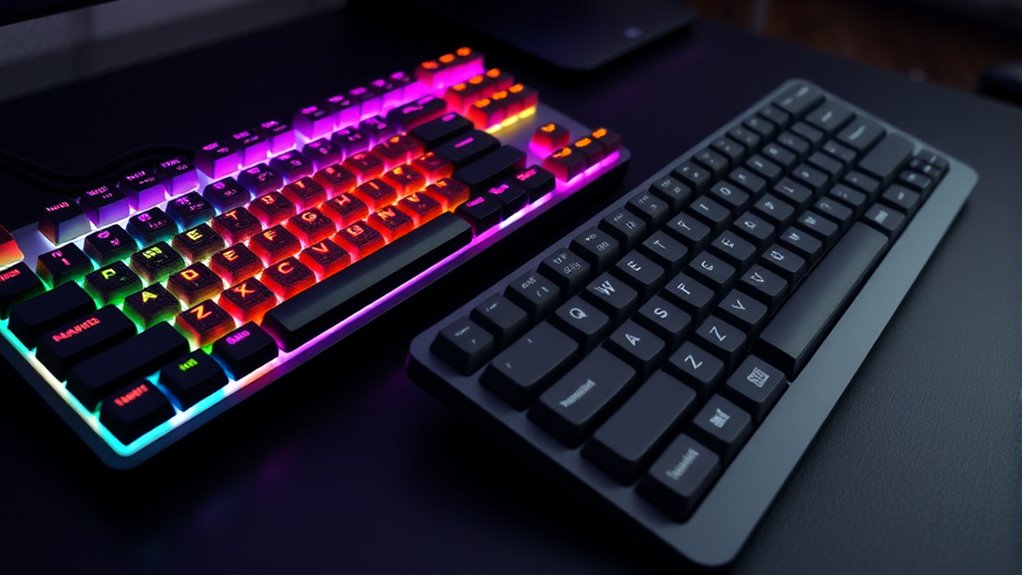
Mechanical keyboards often enhance your typing speed and accuracy compared to regular membranes because their tactile feedback and consistent keystroke actuation allow for quicker, more precise input. This improvement impacts your overall typing ergonomics by reducing fatigue and minimizing errors. Additionally, the noise reduction features in some mechanical models can help you focus better, especially in shared spaces. Consider these points: 1. Tactile feedback helps you develop better finger placement, increasing speed. 2. Consistent keystrokes reduce missed keys and typing errors. 3. Noise reduction options make long typing sessions less distracting for you and others. Furthermore, sound vibrations are believed to enhance cellular regeneration and overall health, which can contribute to a more comfortable and sustainable typing experience. Incorporating keyboard switch types can further optimize comfort and performance based on your preferences. These factors contribute to faster, more accurate typing, making mechanical keyboards a worthwhile upgrade for those seeking efficiency and comfort.
Cost Considerations: Is It Worth the Investment?
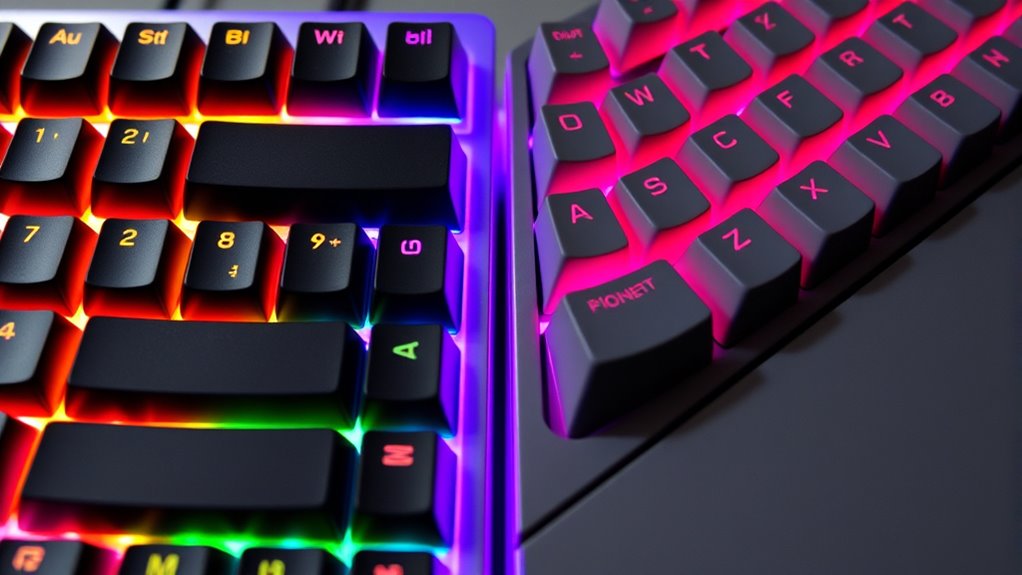
Investing in a mechanical keyboard can be a significant upfront cost compared to regular membrane models, but it’s essential to weigh these expenses against the benefits you gain. The cost comparison shows that mechanical keyboards typically range from $70 to over $200, depending on features and brand. While this may seem steep initially, their durability and improved typing experience offer higher investment value over time. Consider this table:
| Feature | Cost Range |
|---|---|
| Regular Membrane | $10 – $50 |
| Mechanical Keyboard | $70 – $200+ |
Although the initial expense is higher, the longevity and performance enhancements make mechanical keyboards a worthwhile investment for many users seeking better quality and durability.
Compatibility and Compatibility Challenges

When choosing between mechanical and regular keyboards, compatibility issues can arise with your devices and software. Different devices may require specific connection types or drivers, which can create hurdles. You’ll need to take into account these factors to ensure your keyboard works seamlessly with your setup.
Device Compatibility Variations
Device compatibility can vary markedly between mechanical and regular keyboards, often presenting unexpected challenges for users. Mechanical keyboards tend to have more complex device compatibility issues due to their customizable features and advanced software integration. You might find that some mechanical keyboards require specific drivers or firmware updates to work properly with your system. Conversely, regular keyboards generally offer plug-and-play compatibility that works seamlessly across most devices.
Here are some key points to contemplate:
- Mechanical keyboards often need specialized drivers for advanced functions, impacting device compatibility.
- Software integration varies, with mechanical keyboards sometimes offering customizable macros or lighting that may not be universally supported.
- Compatibility issues could arise with certain operating systems or software, especially if the device relies heavily on proprietary drivers.
Connection Types Compatibility
Connection types play a crucial role in determining how well your keyboard integrates with different devices, and they can present unique compatibility challenges. Wireless connectivity offers convenience, but it may require specific protocols like Bluetooth or proprietary dongles, which can limit compatibility across devices. If your device doesn’t support wireless options, you’ll need a keyboard with wired compatibility, such as USB or PS/2 connections. Some keyboards feature hybrid options, allowing both wired and wireless use, but these can sometimes cause pairing or recognition issues. Before choosing a keyboard, ensure your device supports the connection type you prefer. Compatibility issues often stem from outdated ports or incompatible wireless standards, so double-check your device’s specifications to avoid frustrations down the line.
Software and Driver Support
Choosing a keyboard isn’t just about compatibility with ports; software and driver support also play an essential role in guaranteeing smooth operation. If you opt for a mechanical keyboard, you might benefit from advanced software features like customizable macros, lighting effects, and key remapping. However, compatibility challenges can arise if the manufacturer doesn’t regularly provide driver updates, leading to issues with functionality or stability.
Consider these points:
- Ensure the keyboard’s software is compatible with your operating system.
- Check if driver updates are released frequently to fix bugs and improve performance.
- Evaluate if the software allows you to personalize features to match your workflow.
Without proper support, even a high-quality mechanical keyboard can become frustrating to use.
Popular Use Cases and Ideal User Profiles
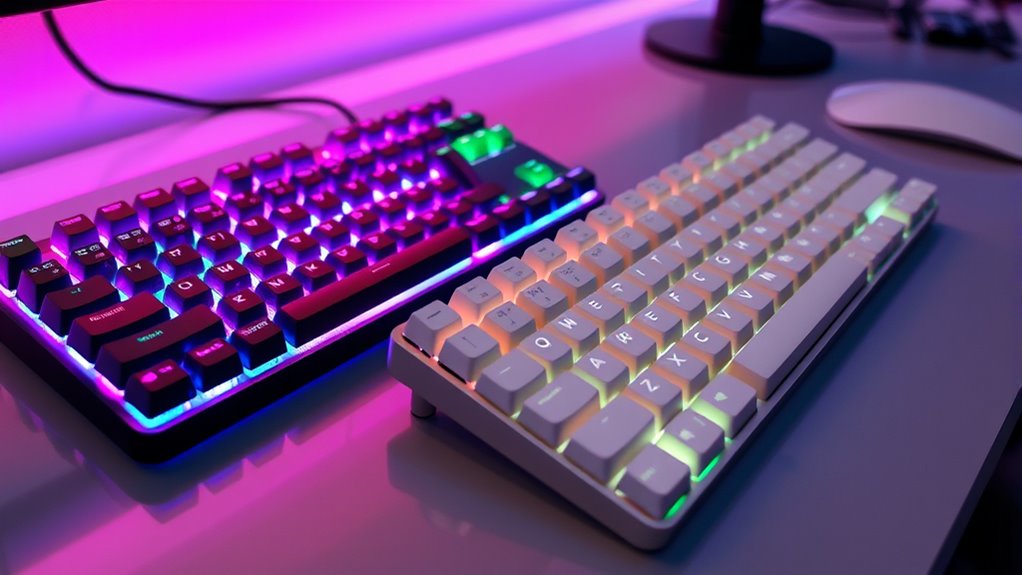
Mechanical keyboards are popular among gamers, programmers, and writers who value tactile feedback and durability. If you’re into gaming performance, a mechanical keyboard can provide faster response times and better control, enhancing your gameplay. For programmers and writers, the distinct keystrokes reduce fatigue during long typing sessions and improve accuracy. In an office setting, they boost productivity by offering a more comfortable typing experience and reducing mistakes. These keyboards are ideal if you spend hours typing or need reliable, responsive keys. However, they might be overkill for casual users or those focused solely on basic tasks. Ultimately, if your work or hobbies demand precision, durability, or a satisfying tactile feel, a mechanical keyboard is a strong choice.
Making the Right Choice for Your Needs
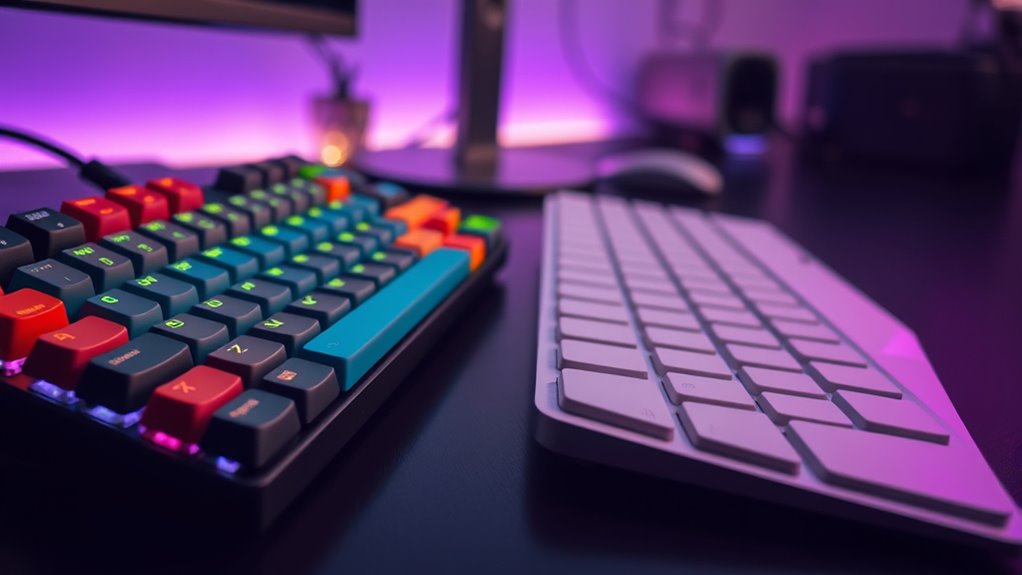
To choose the right keyboard, consider where you’ll use it most often and what feels comfortable for you. Think about how your environment might affect your typing experience, like noise levels or desk space. Your personal preferences for key feel and aesthetics also play a big role in making the best decision.
Usage Environment Adaptability
When considering the environment in which you’ll use your keyboard, it is vital to think about factors like noise levels, durability, and portability. Your choice should match your setting to maximize ergonomics comfort and minimize disruptions.
- Office or shared space: A regular keyboard is quieter and more portable, making it suitable for shared environments.
- Gaming or desk setup: Mechanical keyboards often offer better ergonomics comfort and durability, but can be noisier.
- Travel or on-the-go use: Portability is key, so a compact regular keyboard might be more practical, while some mechanical options are portable but noisier.
Assess your environment’s noise tolerance, space, and durability needs to choose the best keyboard for your situation.
Personal Preference Factors
Choosing the right keyboard ultimately depends on your personal preferences and how you prioritize features like typing feel, sound, and aesthetics. If ergonomic benefits are important, a mechanical keyboard with adjustable height or wrist support might be your best choice, reducing strain during long typing sessions. Alternatively, if aesthetic appeal matters most, you’ll want a keyboard that complements your setup with sleek designs, customizable keycaps, or RGB lighting. Consider how much noise you’re comfortable with, as mechanical keyboards tend to be louder than regular ones, which could influence your decision. Ultimately, your choice should reflect what feels most comfortable and visually satisfying for you, ensuring that your keyboard enhances your productivity and enjoyment without sacrificing personal style or ergonomic health.
Frequently Asked Questions
Are Mechanical Keyboards Suitable for Gaming or Professional Typing?
Yes, mechanical keyboards are excellent for both gaming and professional typing. They enhance your gaming performance with faster response times and better tactile feedback, allowing for quicker reactions. For typing accuracy, mechanical switches offer precise keystrokes that reduce errors and fatigue during long sessions. If you prioritize performance, durability, and comfort, a mechanical keyboard is a worthwhile investment that can markedly improve your overall experience.
How Do Mechanical Keyboards Impact Long-Term Health and Ergonomics?
Mechanical keyboards can positively impact your long-term health and ergonomics by reducing strain with their tactile feedback and customizable keys. Their ergonomic benefits help prevent repetitive strain injuries and fatigue during extended use. However, poor posture or incorrect setup can negate these advantages. To maximize long-term health effects, guarantee proper positioning, take regular breaks, and adjust your keyboard to fit your ergonomic needs.
Can Mechanical Keyboards Be Used Effectively on Mobile Devices?
You can definitely use mechanical keyboards effectively on mobile devices. While some worry about portability, many models now offer mobile compatibility and touch screen integration, making them practical for on-the-go use. With Bluetooth or USB-C connections, you can seamlessly connect your mechanical keyboard to tablets or smartphones, enhancing typing comfort and accuracy. This setup transforms your mobile device into a more efficient workstation, proving the hype is worth it for productivity enthusiasts.
Do Mechanical Keyboards Require Special Maintenance or Cleaning?
Yes, mechanical keyboards do require some special maintenance and cleaning. You should regularly perform keyboard cleaning by removing keycaps and gently cleaning them with compressed air or a soft brush. Follow maintenance tips like avoiding spills, keeping it dry, and cleaning around switches carefully. This helps maintain performance and prolongs lifespan. Proper upkeep is simple with routine cleaning and careful handling, ensuring your mechanical keyboard stays in excellent condition for years.
Are There Environmental Benefits to Choosing Mechanical Over Regular Keyboards?
Choosing a mechanical keyboard offers environmental benefits like recyclability benefits since many components are durable and can be reused or recycled. They often have lower energy consumption because of their efficient switches and LED lighting, reducing electricity usage over time. By opting for a mechanical keyboard, you contribute to less electronic waste and a smaller carbon footprint, making it a more eco-friendly choice compared to regular keyboards.
Conclusion
Ultimately, choosing between a mechanical and regular keyboard depends on what matters most to you. If you crave tactile feedback, durability, and customization, a mechanical keyboard is worth the investment. But if you prefer quiet, budget-friendly typing, a regular keyboard might suit your needs. The theory that mechanical keyboards boost productivity holds some truth—many find the satisfying feel helps them type faster and more accurately. So, pick what aligns with your style and enjoy your improved typing experience.