To build a whisper-quiet PC, select low-noise components like silent fans, vibration-dampened drives, and hush power supplies. Optimize cooling by managing airflow with well-placed fans and considering liquid cooling options. Use soundproof enclosures and acoustic panels to dampen vibrations and noise. Proper cable management improves airflow and reduces rattles. Fine-tuning BIOS settings and regular maintenance help keep noise levels low. Keep exploring to discover detailed tips for a tranquil, high-performance workspace.
Key Takeaways
- Select low-noise components like vibration-dampened fans, quiet power supplies, and hard drives with noise reduction features.
- Optimize airflow with strategic fan placement, cable management, and case modifications to reduce turbulence and heat hotspots.
- Incorporate soundproofing materials such as acoustic panels, foam, or mass-loaded vinyl inside and around the case.
- Use fan control software, undervolt components, and configure BIOS settings to run fans at lower speeds.
- Regularly clean dust and adjust component placement to maintain optimal silence and system efficiency.
Choosing Low-Noise Components
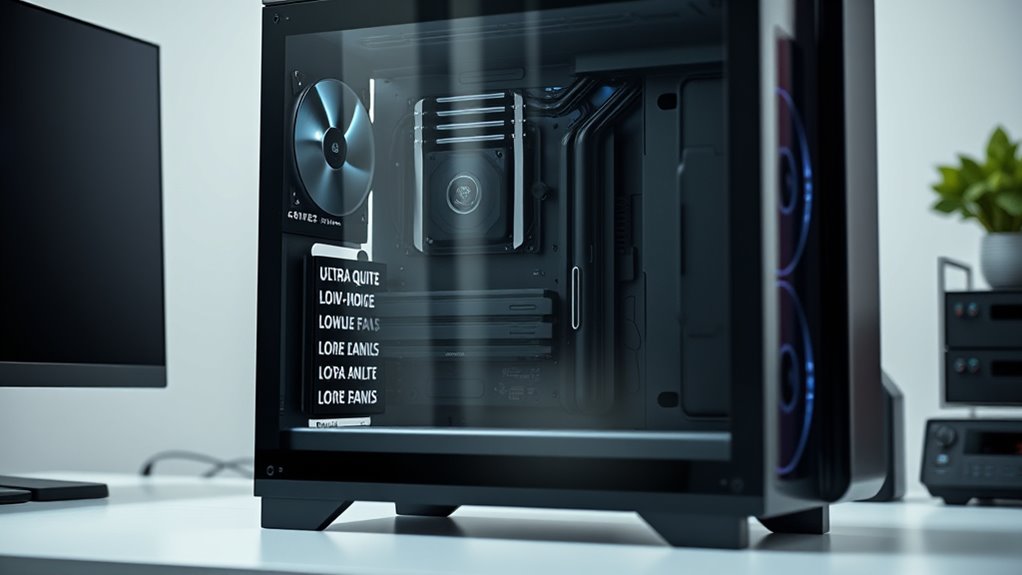
When building a whisper-quiet PC, selecting low-noise components is vital. Start by choosing fans designed for silent operation, which produce minimal fan noise even under load. Look for models with optimized blade designs and low RPM ratings. Vibration dampening is also essential; ensure your fans and components have rubber mounts or pads to reduce vibration noise that can amplify fan noise. When selecting power supplies and hard drives, opt for models with built-in noise reduction features or vibration isolation. These small adjustments markedly cut down on unwanted sounds. Additionally, selecting components with noise-optimized features can further diminish overall system noise and improve your quiet computing experience. Properly component compatibility can also help prevent unnecessary vibrations and noise issues, ensuring a more silent workspace from the start. Choosing components with sound-dampening materials can further absorb vibrations and reduce operational noise, creating a more peaceful environment. Incorporating soundproofing techniques into your build can enhance noise reduction efforts and maintain a tranquil workspace. For example, selecting components with low-noise specifications can significantly decrease the overall operational sound, creating a nearly silent workspace from the start.
Optimizing Cooling Solutions
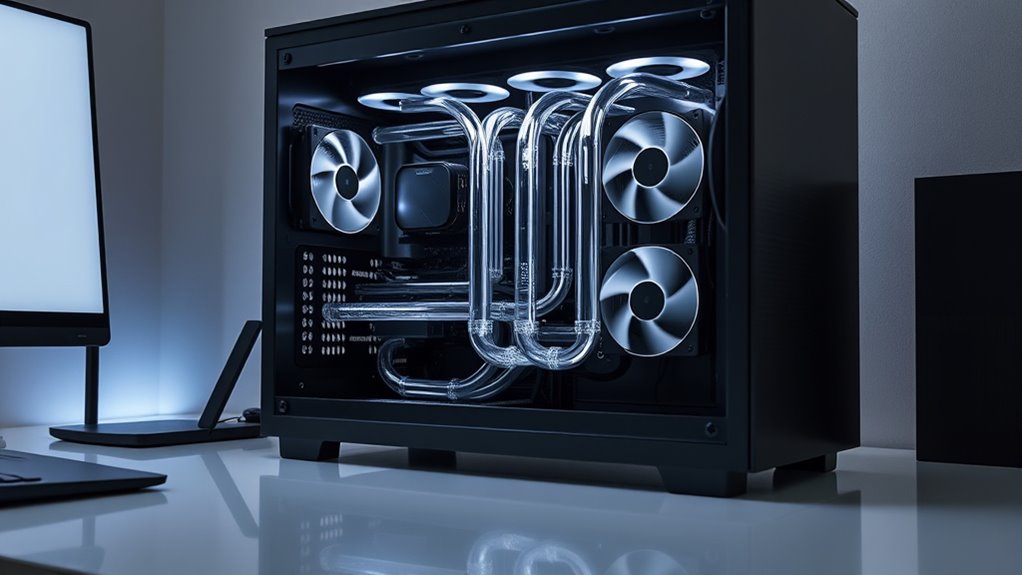
After selecting low-noise components, the next step is to optimize your cooling solutions to maintain silence without sacrificing performance. Start by considering case mods that improve airflow, such as removing unnecessary drive bays or adding ventilation holes. These modifications help direct airflow efficiently, reducing the need for loud fans. Switch to silent fans designed specifically for quiet operation; these fans spin at lower speeds while still providing adequate cooling. Proper fan placement is essential—ensure intake and exhaust fans work together to create a smooth airflow path. Additionally, consider using fan control software or hardware to adjust speeds based on temperature, keeping noise levels minimal during light workloads. Using operating hours information from entertainment venues like SeaWorld or Disneyland can help plan your PC work sessions during quieter times, minimizing noise-related distractions. Incorporating case airflow improvements can significantly enhance the overall noise reduction, creating an even more peaceful computing environment. Combining case mods with silent fans creates an effective, whisper-quiet cooling system that maintains your PC’s performance. Furthermore, understanding asset division principles can help in planning hardware upgrades cost-effectively, ensuring your silence optimization doesn’t lead to unnecessary expenses. Implementing high-quality cooling solutions such as liquid cooling or specialized heatsinks can also further reduce audible noise levels. To achieve optimal silence, selecting noise-reducing materials for internal components can also contribute to quieter operation.
Implementing Soundproofing Techniques
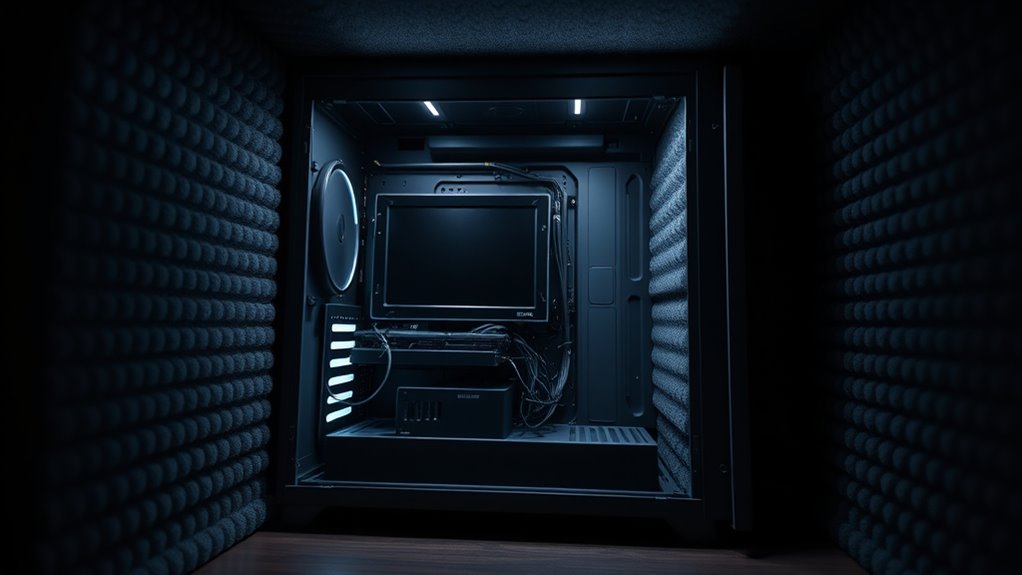
To effectively reduce noise, start implementing soundproofing techniques that target both airborne and structure-borne sound. One effective method is installing acoustic panels inside your PC case and on surrounding walls to absorb sound waves. These panels help minimize airborne noise from fans and components. Additionally, use sound dampening materials around the case, such as foam or mass-loaded vinyl, to reduce vibrations transmitting through the chassis. Sealing gaps and openings with weatherstripping or acoustic sealant prevents sound leakage. Incorporating Glycolic Acid benefits can also improve the skin’s overall appearance, which can be beneficial if you’re working in a quiet, comfortable environment. For optimal results, consider soundproofing techniques that are specifically designed for electronic enclosures to further enhance noise reduction. Implementing professional soundproofing methods can also significantly improve the effectiveness of your setup. Understanding Home Furnishings options and their role in creating a more comfortable and tranquil workspace can help you craft an environment conducive to focused work. Combining these strategies creates a quieter environment by dampening the noise before it escapes your workspace. Remember, the goal is to absorb and block sound, so focus on quality sound dampening materials and proper installation for the best results.
Managing Cables and Airflow
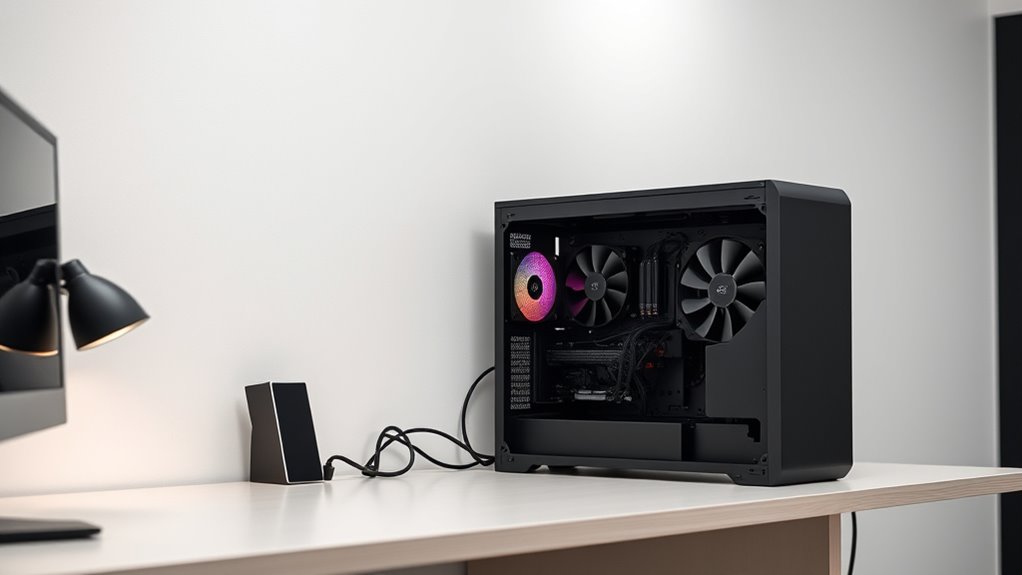
Effective cable management is essential for maintaining ideal airflow and minimizing noise within your PC. When cables are organized, air moves freely, reducing the workload on fans and lowering noise levels. Use zip ties or Velcro straps to bundle cables neatly behind the motherboard tray, avoiding clutter in airflow paths. Proper airflow optimization prevents hotspots, reducing fan speed and noise. Additionally, airflow optimization helps in maintaining system temperature and performance. Good airflow also contributes to overall system stability, preventing overheating during intensive tasks. Ensuring that components such as the engine tuning are optimized can further improve cooling efficiency. Here’s a visual guide:
| Cable Type | Proper Placement | Benefits |
|---|---|---|
| Power Cables | Tucked along case edges | Improves airflow, neatness |
| Data Cables | Routed behind components | Reduces obstruction |
| Fan Connectors | Secure away from fans | Minimizes vibration noise |
Implementing these steps ensures your PC runs quietly and efficiently. Effective cable management improves overall system stability and longevity.
Fine-Tuning Your System for Silence
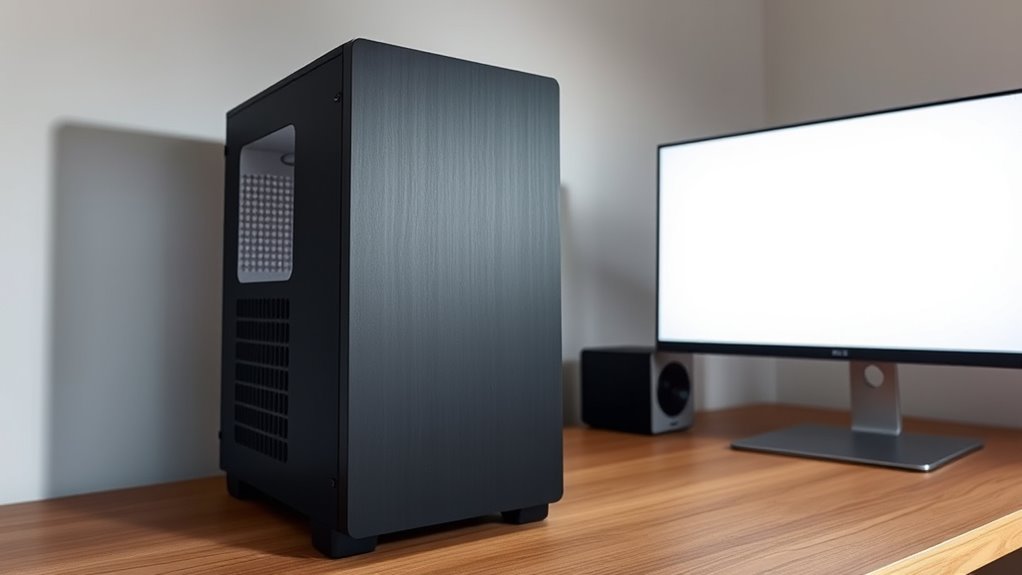
Fine-tuning your system for silence involves adjusting your hardware and software settings to minimize noise without sacrificing performance. Start by applying noise dampening materials inside your case to absorb vibrations and reduce sound leakage. Swap out standard power supplies for hush power supplies designed with quieter fans and better insulation. Configure fan curves through your motherboard’s BIOS to keep fans running at lower speeds when possible. Consider undervolting your CPU and GPU to decrease heat and fan noise. Additionally, disable any unnecessary background processes that increase system load. Regularly clean dust from fans and heatsinks to prevent noise caused by debris. Being aware of noise reduction techniques can help you select components suited for quieter operation. Understanding vibration damping can further enhance noise control by minimizing physical disturbances within your system. Implementing proper component placement can also significantly reduce vibrations and noise levels, creating a quieter environment while maintaining ideal system performance. Incorporating soundproofing enclosures can provide an additional layer of noise isolation, further contributing to a whisper-quiet setup.
Frequently Asked Questions
How Does Ambient Room Noise Affect PC Silence?
Ambient room noise can make your PC’s sound less noticeable, but it also affects how you perceive its silence. To optimize quietness, you should use soundproof materials around your workspace and incorporate vibration damping inside your PC case. These measures help isolate internal noise, reducing its impact on the room’s overall sound level. By controlling both internal vibrations and external noise, you create a more peaceful environment and a truly whisper-quiet PC.
Can Software Adjustments Reduce System Noise?
Think of your PC as a orchestra conductor; software adjustments are like guiding the musicians. You can reduce system noise by lowering fan speed through BIOS or software controls, preventing loud, discordant sounds. Additionally, sound dampening tools like fan control software help keep the noise harmonious. These tweaks make your system quieter, creating a peaceful workspace where every component plays in perfect silence.
Are Silent Power Supplies Less Reliable?
Silent power supplies are generally as reliable as traditional ones, but some worry about their longevity due to reduced cooling. You can find high-quality silent power supplies with excellent longevity if you choose reputable brands and models with efficient cooling systems. As long as you prioritize good airflow and proper maintenance, your silent power supply should last just as long, ensuring your work machine remains quiet and dependable without sacrificing reliability.
What’s the Impact of Case Size on Noise Levels?
A larger case generally reduces noise levels because it allows better case insulation and more strategic fan placement. With more space, you can add quieter fans and position them to optimize airflow, minimizing the need for high-speed fans. Plus, better insulation helps dampen sound, making your PC quieter. So, choosing a bigger case can considerably improve silence by giving you more control over fan placement and sound dampening options.
How Often Should I Clean My PC to Maintain Silence?
Think of your PC as a well-tuned orchestra that needs regular tuning. You should clean it every three to six months to prevent dust buildup, which can cause fans to work harder and generate more noise. Regular fan maintenance keeps everything running smoothly and quietly. Use compressed air to remove dust from vents, filters, and fans, ensuring your system stays whisper-quiet and performing at its best.
Conclusion
By carefully selecting low-noise components, optimizing cooling, and soundproofing your case, you create a workspace that’s both quiet and efficient. Managing cables and airflow ensures your system stays cool without adding noise, while fine-tuning helps you attain that perfect silence. Sometimes, it’s the small details—like a whisper of airflow or a snug cable route—that make all the difference. In the end, your quiet PC becomes a sanctuary where focus and peace naturally come together.