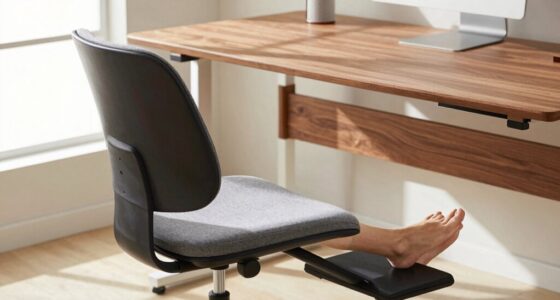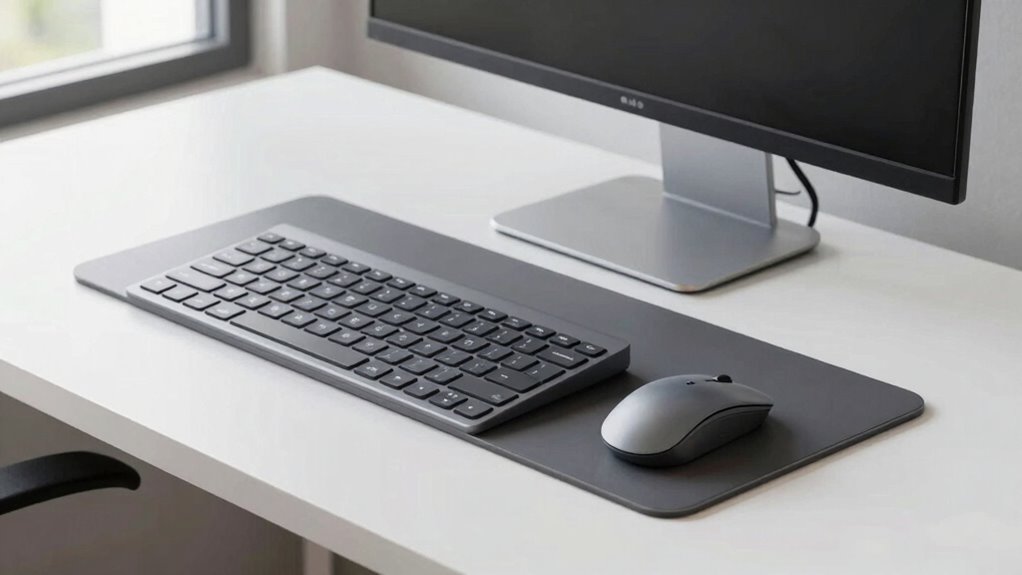

Using a well-designed keyboard tray can substantially improve your ergonomic posture and reduce strain during long work sessions. It allows you to adjust the height, tilt, and angle to maintain a natural wrist and arm position, preventing discomfort and injury. Supporting your wrists with cushioned pads and ensuring your forearms are parallel to the floor promotes better movement and less fatigue. For more tips on optimizing your workspace, keep exploring how ergonomic adjustments can benefit your health.

Get your wardrobe favorites delivered free with Prime
- Fast, free delivery on millions of items
- Prime Video, Amazon Music and more included
- Member-only deals all year
Key Takeaways
- Keyboard trays improve ergonomic setup by enabling proper height and angle adjustments to reduce strain.
- Adjustable trays help maintain neutral wrist and shoulder positions for comfortable, long-term use.
- Properly positioned trays prevent hunching and reaching, promoting natural arm alignment.
- Features like wrist support and tilt adjustments enhance comfort and minimize repetitive stress injuries.
- Incorporating ergonomic principles with keyboard trays boosts overall health, work efficiency, and comfort.
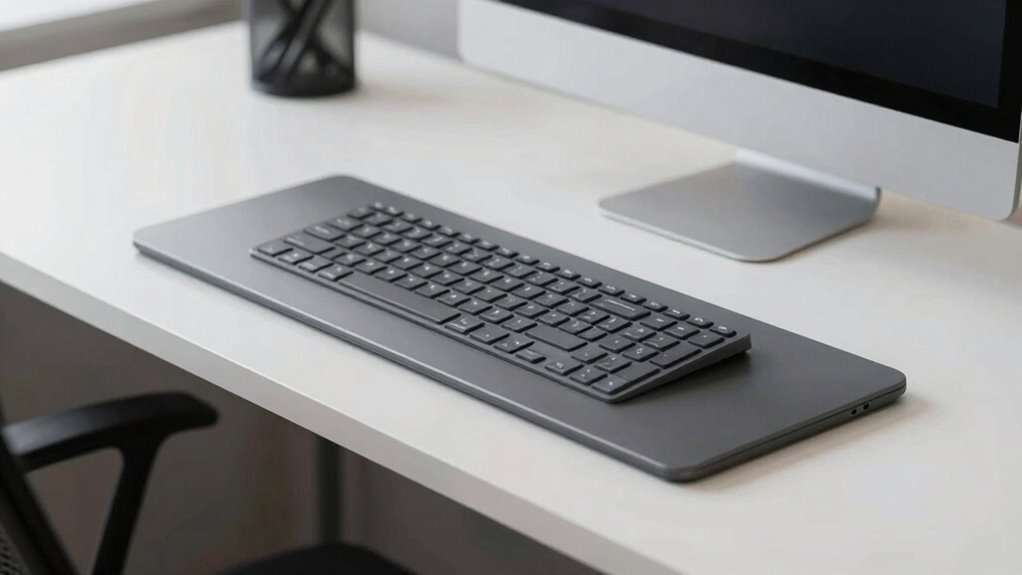
Using a keyboard tray can considerably improve your ergonomic setup and reduce strain during long hours at your desk. One of the key benefits is that it helps position your keyboard and mouse at a comfortable height, minimizing unnecessary stress on your wrists and shoulders. When selecting a tray, look for one that offers wrist support; this feature encourages a neutral wrist position, preventing awkward angles that lead to discomfort or repetitive strain injuries. Proper wrist support keeps your wrists straight and relaxed as you type, reducing the risk of conditions like carpal tunnel syndrome.
Adjustable height is another essential aspect of an effective keyboard tray. An adjustable tray allows you to customize the height so your forearms are parallel to the floor, which is ideal for ergonomic posture. This flexibility ensures you don’t have to hunch or reach up, both of which cause tension and fatigue over time. When your keyboard is at the right height, it helps maintain natural arm and shoulder alignment, reducing the chance of muscle strain and fatigue during extended work sessions.
Positioning your keyboard correctly is indispensable for comfort and efficiency. With an adjustable tray, you can fine-tune the height to fit your unique body dimensions. This flexibility supports a more natural typing position, keeping your wrists in a neutral stance and preventing downward or upward bending. Proper wrist support on your tray complements this by providing a cushioned surface that keeps your wrists aligned and reduces pressure points. Together, adjustable height and wrist support create an ideal environment that promotes healthy movement and minimizes discomfort.
In addition to wrist support and adjustable height, a good keyboard tray should allow for proper tilt and angle adjustments. This enables you to find the most comfortable typing position, further reducing strain on your wrists and forearms. When your keyboard is angled correctly, you avoid awkward wrist bends that can lead to pain or fatigue. Incorporating ergonomic principles into your setup ensures better overall health and comfort during long work hours. Proper positioning combined with ergonomic features encourages frequent breaks and movement, which are essential for maintaining comfort over long work periods.
Investing in a quality keyboard tray with these features isn’t just about comfort; it’s about safeguarding your long-term health. By setting up your workspace to support proper ergonomic principles, you’ll be able to work more efficiently and with less discomfort. Whether you work at a desk or from home, incorporating adjustable height and wrist support into your setup can make a significant difference in how you feel after hours of typing.
Popular right now

Bose QuietComfort True Wireless Noise-Cancelling Earbuds, Black

De'Longhi 15-Bar Pump Espresso Machine with Milk Frother & Temperature Control

Ninja DualZone Smart XL Air Fryer, 10-Qt, 6-in-1, DZ950
As an affiliate, we earn on qualifying purchases.
Frequently Asked Questions
How Do I Choose the Right Keyboard Tray Size?
To choose the right keyboard tray size, measure your workspace and consider your ergonomic needs. You want a tray that comfortably supports your keyboard and mouse without feeling cramped or overly spacious. Look for options that match your desk’s aesthetics and fit your budget. Budget-friendly options can still be sturdy and functional, so prioritize size and comfort first, then find a tray that complements your setup aesthetically.
Are There Adjustable Keyboard Trays for Different Desk Setups?
Did you know 75% of office workers experience discomfort from improper ergonomic setup? Yes, there are adjustable keyboard trays designed to fit various desk setups. These trays let you customize ergonomic keyboard placement and accommodate different desk heights, ensuring comfort and reducing strain. With easy adjustments, you can optimize your workspace for better posture, regardless of your desk’s dimensions. This flexibility helps you maintain a healthy, ergonomic workspace daily.
How Do Keyboard Trays Impact Wrist Health Long-Term?
Keyboard trays positively impact your wrist health long-term by reducing wrist extension and minimizing repetitive strain. When you position your keyboard at an ergonomic height on a tray, you keep your wrists in a neutral position, lowering the risk of pain and injury. Over time, this helps prevent conditions like carpal tunnel syndrome and tendinitis. Using adjustable trays guarantees your setup adapts to your needs, promoting better wrist health with consistent, proper alignment.
Can Keyboard Trays Accommodate Ergonomic Accessories?
Yes, keyboard trays can accommodate ergonomic accessories, especially with tray customization. You can add keyboard tray accessories like wrist rests, document holders, or tilt adjusters to improve comfort and support. Customizing your tray allows you to position everything ideally, reducing strain and promoting better ergonomic habits. Always choose a tray that offers flexibility for accessory placement, ensuring your workspace adapts to your needs for long-term wrist health and comfort.
What Materials Are Best for Durable, Comfortable Trays?
You should choose keyboard trays made from sturdy materials like high-quality plastic, metal, or wood, which offer excellent material durability for long-lasting use. For cushioning comfort, look for trays with padded or gel-filled wrist rests, soft edges, or foam padding. These features help prevent strain and increase comfort during extended typing sessions. Combining durable materials with cushioned elements guarantees your workspace remains functional and comfortable over time.
Conclusion
Investing in a good keyboard tray and prioritizing ergonomic positioning can truly make a difference in your daily comfort and productivity. Don’t wait until discomfort becomes a bigger problem—taking small steps now can prevent future aches and pains. Remember, a stitch in time saves nine, so set up your workspace properly today. Your body will thank you tomorrow, and you’ll find yourself working more efficiently with less strain.