
An ergonomic mouse feels comfortable because it supports your hand’s natural, relaxed posture, reducing strain and fatigue. It features a shape that fits your hand without forcing grip, with button placement that minimizes awkward movements. The wrist support cushions or contours keep your wrist aligned, preventing discomfort. Overall, it encourages relaxed finger and palm positioning to avoid tension. Keep exploring to discover how the right ergonomic features can improve your long-term comfort and health.
Key Takeaways
- Supports a natural, neutral hand position to reduce strain and prevent fatigue during extended use.
- Features cushioned or contoured wrist supports that keep the wrist aligned and minimize pressure points.
- Fits comfortably within the hand’s natural curves, avoiding finger overreach and hand stretching.
- Has responsive, easy-to-reach buttons and scroll wheels to reduce awkward finger movements.
- Overall design promotes relaxed grip, minimizes repetitive motions, and enhances long-term comfort.
Using an ergonomic mouse can considerably reduce strain and discomfort during long hours at your computer. The key to comfort lies in how well the mouse supports your hand posture and provides adequate wrist support. When you choose a mouse that promotes a natural hand position, you’re less likely to experience fatigue or pain. A good ergonomic design encourages your hand to rest in a neutral position, where your wrist isn’t bent unnaturally or twisted. This helps prevent strain on your tendons and reduces the risk of repetitive strain injuries.
An ergonomic mouse supports natural hand posture, reducing strain and preventing repetitive injuries during long computer sessions.
Wrist support plays a vital role in overall comfort. An ergonomic mouse often features a cushioned or contoured surface that cradles your wrist, keeping it aligned with your forearm. This support minimizes pressure points that can cause discomfort after hours of use. If your wrist is supported properly, you won’t have to exert extra effort to maintain control, which decreases muscle tension. Some models even have adjustable palm rests or removable wrist pads, allowing you to customize your setup for maximum comfort. Additionally, ergonomic design principles aim to optimize comfort and reduce fatigue by considering the natural movement of your hand and wrist. Incorporating proper ergonomics into your setup can further enhance comfort and prevent injury over time.
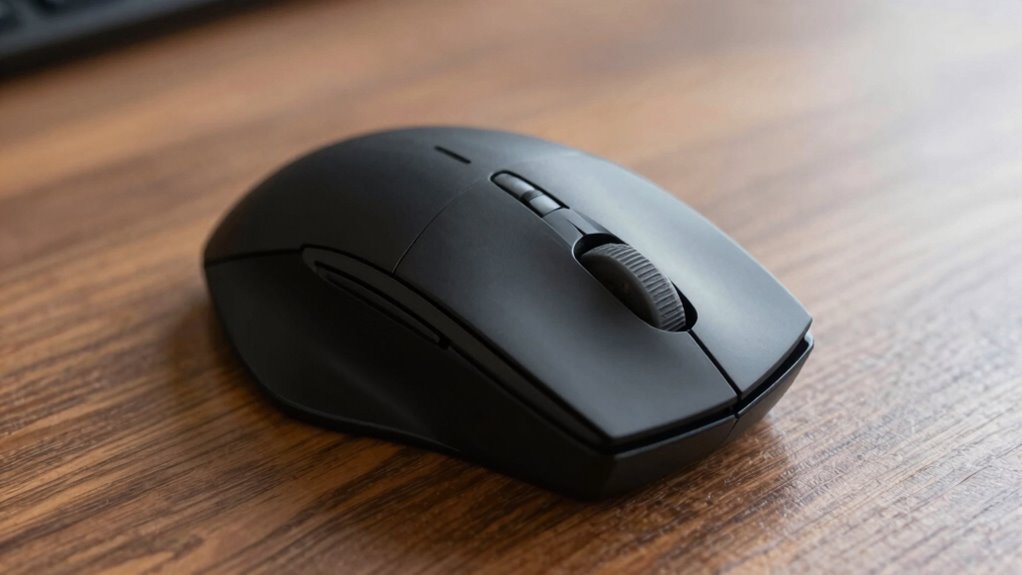
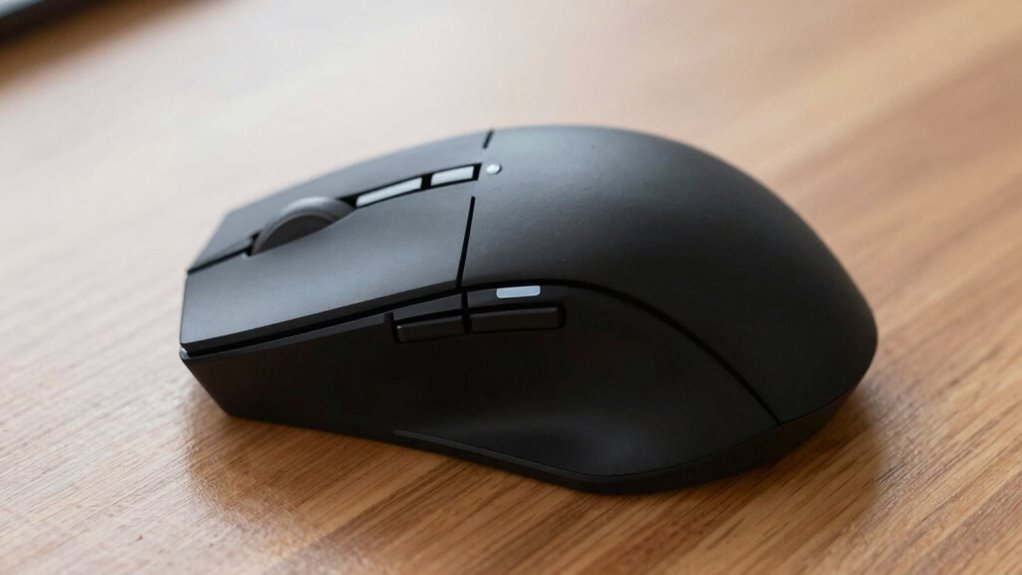
The shape and size of the mouse matter just as much as its features. An ergonomic mouse should fit comfortably in your hand without forcing you to stretch or squeeze. If the mouse is too small, your fingers may overreach, leading to unnecessary strain. Conversely, a mouse that’s too large can cause your hand to be awkwardly stretched out, making fine movements more difficult and tiring. You want a shape that naturally conforms to your hand’s curves, supporting your palm and fingers in a relaxed position.
In addition to shape, the button placement and scroll wheel should be within easy reach, reducing the need for awkward finger movements. This minimizes unnecessary hand and wrist movements, further promoting a comfortable hand posture. The responsiveness of the mouse also matters; a responsive, smooth tracking sensor ensures you don’t have to press hard or make excessive adjustments. Choosing a responsive sensor can greatly improve your overall experience, especially during detailed tasks or gaming. Properly positioned buttons can also prevent repetitive strain, reducing the likelihood of long-term discomfort.
Ultimately, a comfortable ergonomic mouse is about reducing strain and supporting your natural hand posture while providing reliable wrist support. It encourages a relaxed grip, minimizes repetitive movements, and fits well in your hand. When you select a mouse with these features, your long work hours become less fatiguing, and your overall comfort increases. Remember, investing in a well-designed ergonomic mouse isn’t just about convenience — it’s about protecting your health and making sure that your computer experience remains comfortable and sustainable over time.
As an affiliate, we earn on qualifying purchases.
Frequently Asked Questions
How Do I Clean and Maintain My Ergonomic Mouse?
To clean and maintain your ergonomic mouse, start with gentle cleaning techniques like wiping it with a soft, slightly damp cloth to remove dirt and grime. Use compressed air to clear dust from buttons and crevices. Regular maintenance tips include avoiding eating near your mouse, unplugging it during long breaks, and checking for software updates. This keeps your mouse functioning smoothly and extends its lifespan.
Are Wireless Ergonomic Mice as Comfortable as Wired Ones?
Wireless ergonomic mice can be just as comfortable as wired ones when they have strong battery life and reliable connectivity options. Think of them as free spirits, untethered and agile, allowing your hand to glide naturally. With long-lasting batteries and seamless Bluetooth or RF connections, they eliminate clutter and restrictiveness. As long as these features are solid, you’ll enjoy the same comfort and ease, no matter if they’re wireless or wired.
Can an Ergonomic Mouse Help With Wrist Pain?
Yes, an ergonomic mouse can help with wrist pain by promoting better wrist alignment, reducing strain and discomfort. When you use a properly designed ergonomic mouse, it encourages a natural hand position, which can lead to significant pain relief over time. This improved wrist alignment minimizes pressure points and muscle tension, making your work sessions more comfortable and lowering the risk of repetitive strain injuries.
What Is the Ideal Size for an Ergonomic Mouse?
Think of an ergonomic mouse like a glove tailored for your hand. The ideal size depends on your hand size and grip style—if you have small hands, opt for a compact design; for larger hands, a bigger mouse offers better control. Your grip style—palm, claw, or fingertip—also influences size choice. Ultimately, choose a mouse that feels natural, supporting your hand comfortably without strain or awkward stretching.
How Do I Know if an Ergonomic Mouse Fits My Hand?
To know if an ergonomic mouse fits your hand, consider your hand size and grip style. If you have a small hand, look for a mouse with a compact design; for larger hands, choose a bigger one. Your grip style—palm, claw, or fingertip—also matters. Try holding the mouse naturally; it should feel comfortable without stretching or pinching your fingers. A proper fit reduces strain and enhances your overall comfort during use.
As an affiliate, we earn on qualifying purchases.
Conclusion
Choosing the right ergonomic mouse is like finding a trusted partner that moves with you seamlessly. When it fits your hand’s unique shape and reduces strain, it becomes an extension of your body, not an obstacle. Remember, comfort isn’t just about feel—it’s about making your daily tasks smooth sailing. Invest in the right design, and you’ll discover that your workspace can transform into a haven where productivity flows effortlessly, like a gentle stream.
ergonomic mouse with adjustable palm rest
As an affiliate, we earn on qualifying purchases.
As an affiliate, we earn on qualifying purchases.
responsive ergonomic mouse for long hours
As an affiliate, we earn on qualifying purchases.
As an affiliate, we earn on qualifying purchases.