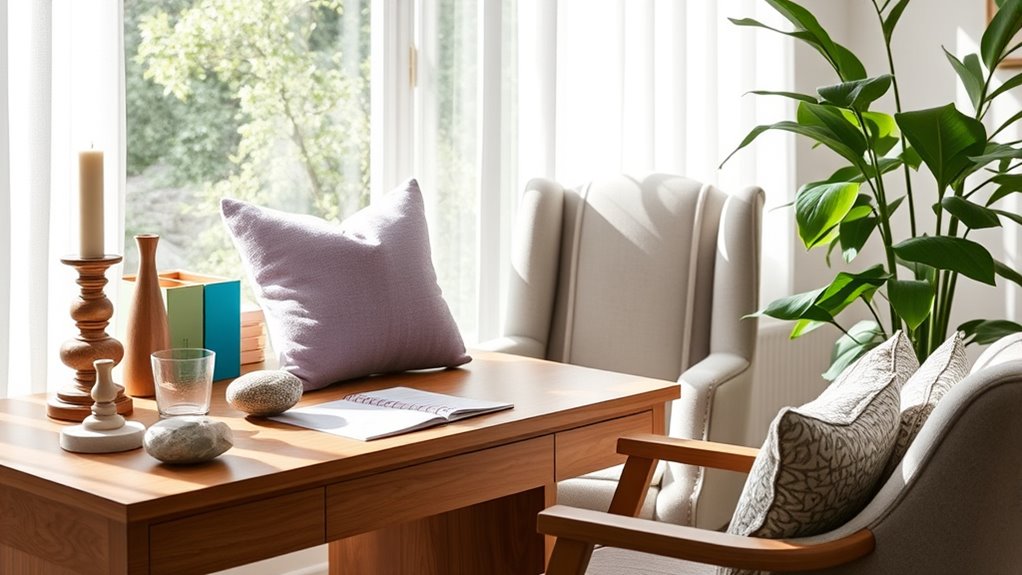

To tailor your workspace to your sensory preferences, start by understanding what helps or hampers your focus. Adjust noise levels with sound masking or ear protection if needed, and keep visual clutter to a minimum through organized storage and calming colors. Pay attention to lighting and contrast to reduce eye strain and promote alertness. Customizing these elements creates a comfortable environment that boosts productivity. Continue exploring ways to optimize your space to feel more in control and calm.
Key Takeaways
- Assess your sensory sensitivities to sounds, visuals, and lighting to identify what enhances or hampers your focus.
- Use sound masking or noise-canceling devices to manage auditory distractions according to your preferences.
- Keep your workspace organized and clutter-free to minimize visual distractions and promote calmness.
- Adjust lighting and color schemes to create an environment that supports alertness or relaxation as needed.
- Personalize sensory inputs, such as calming colors or ambient noise, to optimize comfort and sustained concentration.
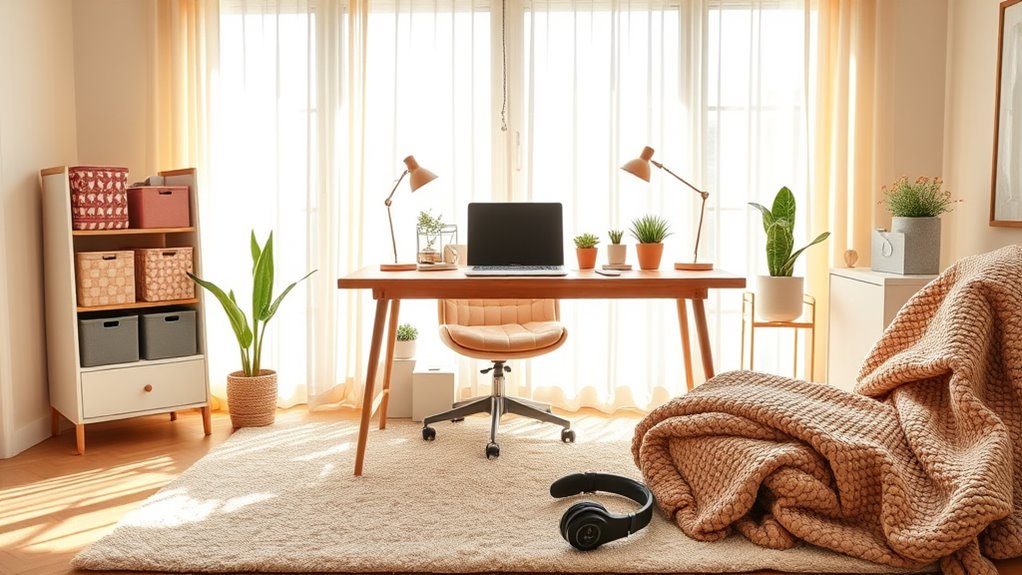
Creating a workspace that aligns with your sensory preferences can substantially boost your focus and comfort. When designing your environment, paying attention to how sound and visuals impact you is essential. For many, noise levels can either enhance or hinder concentration. If background noise distracts you, consider sound masking techniques. Sound masking involves introducing a consistent, neutral background sound—like white noise or specialized soundscapes—that helps drown out distracting sounds and creates a more stable auditory environment. It’s especially effective if you’re easily disturbed by conversations, office chatter, or traffic noise. By incorporating sound masking, you can create a sense of auditory calm that allows you to concentrate better and stay engaged for longer periods.
Visual clutter also plays a significant role in how comfortable and focused you feel at work. A cluttered workspace can be overwhelming, leading to increased stress and decreased productivity. To optimize your environment, aim for a clean, organized space that minimizes visual distractions. Use storage solutions to keep unnecessary items out of sight, and maintain a tidy surface that only displays essential tools or items. When your visual field is clear of clutter, your brain isn’t forced to process extraneous information, which helps you stay focused on your tasks. Additionally, consider adjusting your workspace lighting and color scheme to suit your preferences, as these visual elements can influence your mood and alertness.
Understanding your sensory sensitivities allows you to tailor your workspace more effectively. If you find certain sounds unbearable, you might opt for noise-canceling headphones or earplugs. Conversely, if ambient noise helps you stay energized, select sound masking options that provide just enough background sound without overwhelming you. When it comes to visuals, keep your environment simple and organized, avoiding bright or chaotic patterns that could be distracting. Personalize your space with calming colors or minimal decorations that promote a sense of tranquility.
Furthermore, considering how the contrast ratio of your workspace lighting or screens impacts your visual comfort can make a significant difference. A balanced contrast ratio reduces eye strain and enhances clarity, helping you work more efficiently. Ultimately, the goal is to craft a workspace where your senses are supported rather than overwhelmed. Whether that means integrating sound masking to control auditory input or reducing visual clutter to create a calming visual environment, you want a space that feels right for you. By taking these steps, you’ll find it easier to stay focused, reduce stress, and work more efficiently. Tailoring your environment to your unique sensory needs isn’t just about comfort—it’s about creating a foundation for sustained productivity and well-being.
Frequently Asked Questions
How Do I Identify My Specific Sensory Preferences?
To identify your sensory preferences, pay attention to how different environments affect you. Notice if loud noises, bright lights, or certain textures overwhelm or energize you. Experiment with adjusting your workspace by reducing sensory input or adding calming elements. Recognize patterns in your reactions to find what feels most comfortable. Your sensory sensitivity guides you toward creating a personalized environment that enhances focus and comfort, tailored to your unique needs.
Can Workspace Customization Improve Productivity?
Customizing your workspace can substantially boost your productivity by reducing sensory overload. When you incorporate personalized lighting, you create a comfortable environment that minimizes distractions and fatigue. Adjusting your lighting and other sensory elements to match your preferences helps you stay focused and energized throughout the day. By tailoring your workspace, you make it easier to concentrate, stay motivated, and perform at your best, ultimately enhancing your overall work experience.
What Are Common Sensory Distractions in Workspaces?
Ever wonder what pulls your focus away? Common sensory distractions in workspaces include high noise levels and overwhelming visual stimuli. These elements can break your concentration and reduce productivity. You might find yourself distracted by chatter, ringing phones, or cluttered surroundings. By recognizing these triggers, you can adjust your environment—using noise-canceling headphones or decluttering—to create a space that helps you stay focused and efficient.
How Can I Balance Sensory Input With Colleagues?
To balance sensory input with colleagues, you should communicate your needs clearly. Use noise reduction headphones or white noise to block distractions, and control lighting with dimmable lamps or screen brightness adjustments. Respect their preferences too, and find common ground. By discussing sensory comfort openly, you create a workspace that accommodates everyone’s needs, fostering productivity and harmony without compromising your own sensory balance.
Are There Recommended Tools for Sensory Workspace Adjustments?
You should try noise-canceling headphones to block out distracting sounds and adjustable lighting to create a comfortable environment. These tools help you manage sensory input effectively, allowing you to focus better and feel more at ease. By customizing your workspace with these adjustments, you can improve your productivity and well-being while maintaining a good balance with colleagues’ needs. It’s a simple way to personalize your work area.
Conclusion
By understanding your sensory preferences, you create a workspace that energizes you, calms you, and keeps you focused. When you tailor your environment to suit your needs, you boost your productivity, reduce your stress, and enhance your well-being. You prioritize comfort, you foster creativity, and you cultivate clarity. Remember, your workspace should serve you—supporting your strengths, accommodating your sensitivities, and empowering you to perform at your best every day.