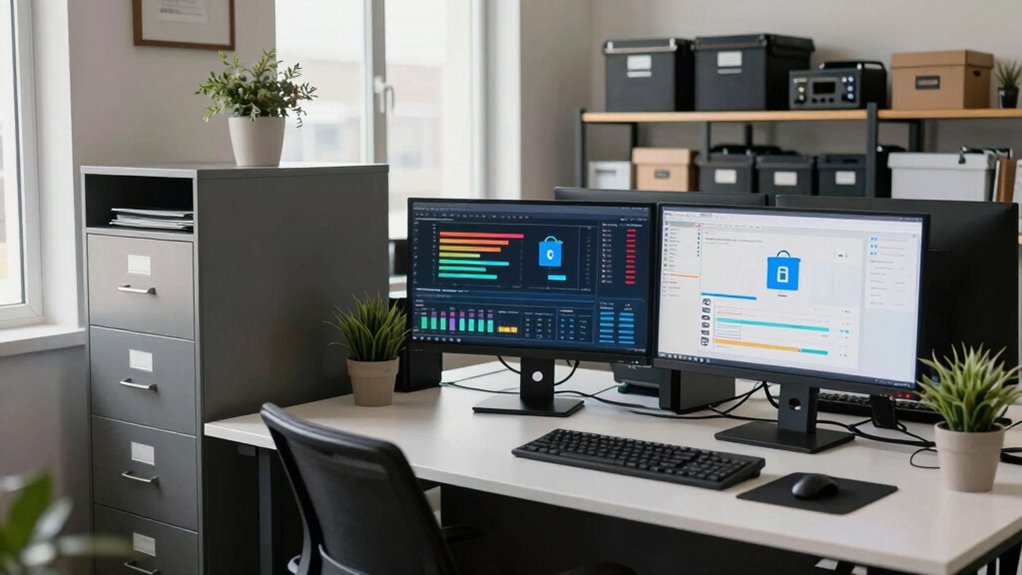

Including backup planning in your workspace design is vital because it protects your important data, client info, and project files from accidents, theft, or hardware failures. It helps you maintain productivity and avoid costly disruptions by ensuring your data stays accessible and secure. Incorporating backup strategies from the start also makes disaster recovery easier and quicker if something happens. Keep exploring to discover how a thoughtful workspace can keep you resilient and ready for anything.

Get your wardrobe favorites delivered free with Prime
- Fast, free delivery on millions of items
- Prime Video, Amazon Music and more included
- Member-only deals all year
Key Takeaways
- Integrating backup strategies ensures data protection and quick recovery, minimizing downtime in case of accidents or cyberattacks.
- Embedding backup solutions in workspace design promotes seamless access to secure data, maintaining productivity.
- Planning backups within the workspace prevents data loss due to hardware failures, theft, or natural disasters.
- Incorporating backup routines and testing into workspace layout ensures system reliability and ongoing data security.
- Combining cloud and physical backups in workspace planning creates a resilient environment for continuous business operations.
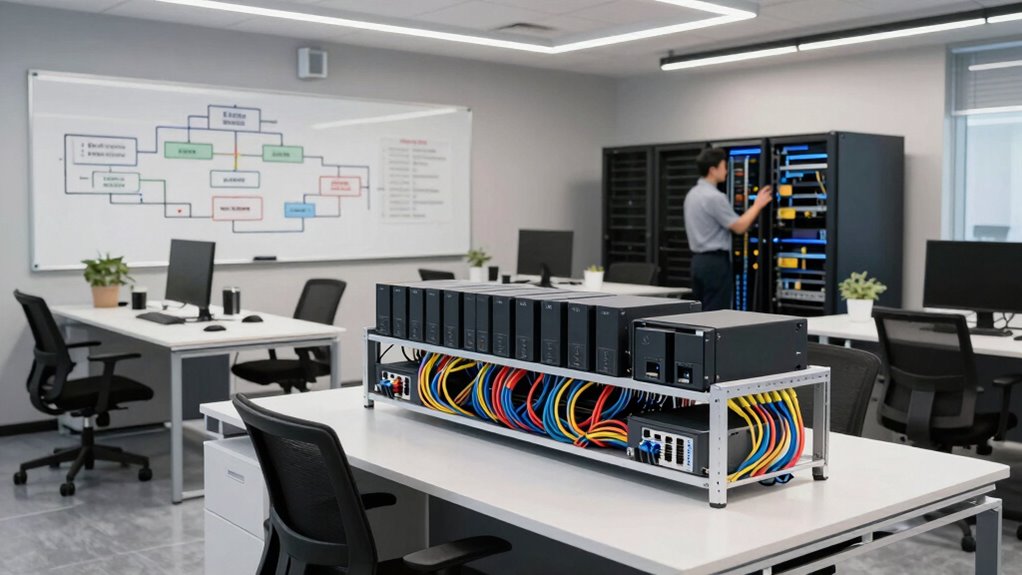
Creating an effective workspace isn’t just about aesthetics or layout; it’s also about safeguarding your productivity with solid backup planning. When you’re designing your environment, prioritizing data security should be a top priority. Your workspace isn’t just a physical space—it’s where your ideas, client information, and project files live. Without proper backup strategies, a single accident, theft, or technical failure can wipe out days or weeks of work. That’s why integrating backup planning into your workspace design is indispensable. It guarantees that your essential data remains protected and accessible, no matter what happens.
Protect your ideas and files by integrating reliable backup strategies into your workspace design.
Disaster recovery isn’t just a buzzword; it’s a fundamental part of your overall workspace planning. Think about what would happen if your devices were damaged or if a cyberattack compromised your systems. Without a clear disaster recovery plan, you risk losing everything. Including backup solutions in your workspace design means you’re prepared for these scenarios. You can restore data quickly, minimizing downtime and keeping your workflow smooth. Whether you’re working from a home office or a shared workspace, having a reliable backup system in place reduces anxiety and provides peace of mind.
When planning your workspace, you should evaluate where and how you’ll store backups. Cloud storage solutions are popular because they offer remote access and automatic updates. This way, even if your physical devices are compromised, your data remains safe and retrievable. Local backups, like external hard drives or network-attached storage (NAS), serve as additional layers of security, giving you options if internet access is interrupted. Combining these approaches creates a resilient backup ecosystem that supports your data security needs. Additionally, understanding backup frequency and how often you perform backups can significantly impact your data recovery success. Incorporating data redundancy into your backup strategy can further enhance your data protection. Implementing cloud security measures can also help ensure your stored data remains protected from cyber threats. Moreover, considering backup automation can streamline your processes and reduce the risk of human error, making your backup routine more reliable.
Another aspect to examine is how your workspace’s layout can facilitate regular backup routines. Designate specific areas or tools for backing up files, so the process becomes seamless and routine. Automating backups reduces the risk of forgetting or neglecting this essential task. Regularly testing your backup and disaster recovery processes ensures they work when needed. If you discover any gaps or issues, you can address them before a real emergency strikes. Incorporating backup testing into your routine guarantees your data recovery methods are reliable and effective when it matters most.
Incorporating backup planning into your workspace design isn’t just about protecting data; it’s about protecting your entire operation. It’s a proactive measure that keeps your work safe, even when unforeseen problems arise. By focusing on data security and disaster recovery in your workspace setup, you’re creating a resilient environment that supports your productivity and growth.
Popular right now

Bose QuietComfort Headphones (2nd Gen), Wireless Noise-Cancelling Over-Ear Headphones, Black

Dyson Airwrap i.d. Multi-Styler for Straight and Wavy Hair

De'Longhi 15-Bar Pump Espresso Machine with Milk Frother & Temperature Control
As an affiliate, we earn on qualifying purchases.
Frequently Asked Questions
How Does Backup Planning Impact Overall Workspace Aesthetics?
Backup planning impacts your workspace aesthetics by ensuring visual harmony and seamless aesthetic integration. When you design backup systems thoughtfully, they blend into your workspace without disrupting the overall look. You can choose discreet storage solutions and organize cables neatly, maintaining a clean and cohesive environment. This careful planning preserves the workspace’s aesthetic appeal while providing reliable backup, so functionality and style work together effortlessly.
What Are Common Backup Planning Mistakes in Workspace Design?
Did you know that 60% of data loss incidents could be prevented with proper backup planning? Common mistakes include neglecting data redundancy and overlooking emergency preparedness. You might also underestimate the importance of regular backups, risking significant downtime. To avoid these pitfalls, make sure your workspace design incorporates robust backup strategies, emphasizing data redundancy and emergency measures. This proactive approach safeguards your operations and keeps your workspace resilient.
How Often Should Backup Plans Be Reviewed or Updated?
You should review and update your backup plans regularly, at least every three to six months, to guarantee data security and recovery protocols stay effective. Regular updates help identify vulnerabilities, adapt to system changes, and incorporate new threats. By doing so, you minimize data loss risks and ensure quick recovery, maintaining a resilient workspace. Staying proactive in your backup planning keeps your organization prepared for unexpected disruptions.
Who Should Be Responsible for Backup Planning in a Workspace?
You’re the captain steering the ship, so responsibility allocation for backup planning falls squarely on your shoulders. You set the course, enforce policies, and guarantee everyone knows their role. As the navigator, you coordinate with IT and team members, making backup plans part of your workspace’s fabric. By taking charge, you create a safety net, ensuring data stays secure no matter what storms come your way.
What Are the Costs Associated With Implementing Backup Strategies?
Implementing backup strategies involves costs like hardware, software, and ongoing maintenance, which you need to take into account in your cost analysis. You might face implementation challenges such as integrating new systems with existing infrastructure or training staff. These expenses and hurdles can impact your budget and timeline. Planning ahead helps you allocate resources effectively, ensuring your backup strategy is both reliable and cost-efficient, ultimately protecting your workspace from data loss.
Conclusion
Think of your workspace like a ship sailing through unpredictable seas. Without a backup plan, one storm—like a data breach or hardware failure—can sink everything you’ve built. But with solid backup planning, you’re like a captain with a lifeboat, ready to weather any storm. Embrace backup planning as part of your workspace design, and you’ll navigate uncertainties with confidence, ensuring your journey continues smoothly no matter what challenges come your way.