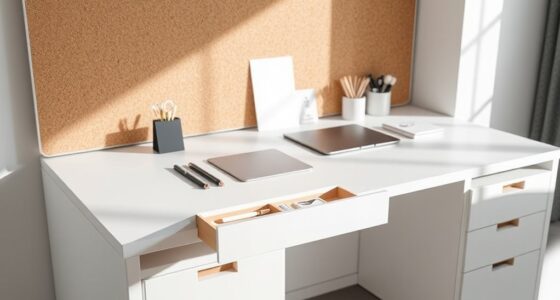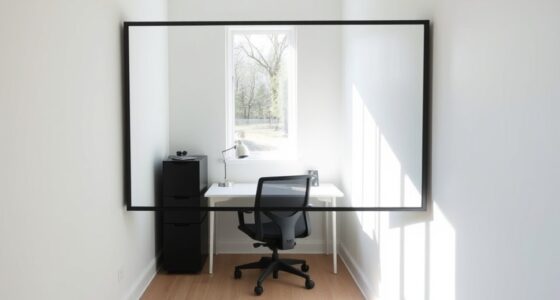
Facing a wall keeps your workspace distraction-free and personalized but can feel isolating and dull. Facing a window provides natural light, boosts mood, and encourages better posture but may cause glare or distractions. Facing a door offers awareness of visitors and control but can lead to interruptions and less natural light. Considering your work habits and preferences will help you find the best fit—if you keep exploring, you’ll discover how to optimize your setup.

Get your wardrobe favorites delivered free with Prime
- Fast, free delivery on millions of items
- Prime Video, Amazon Music and more included
- Member-only deals all year
Key Takeaways
- Facing a wall minimizes distractions and enhances focus but may feel isolating and limit natural light.
- Facing a window boosts mood, natural lighting, and posture but can cause glare and distractions.
- Facing a door allows visibility of visitors, promoting openness, but may lead to interruptions and reduced privacy.
- Proper ergonomic setup and lighting are essential regardless of desk placement to maximize comfort and productivity.
- Personal preferences and work habits should guide the optimal choice for desk positioning to improve focus and well-being.
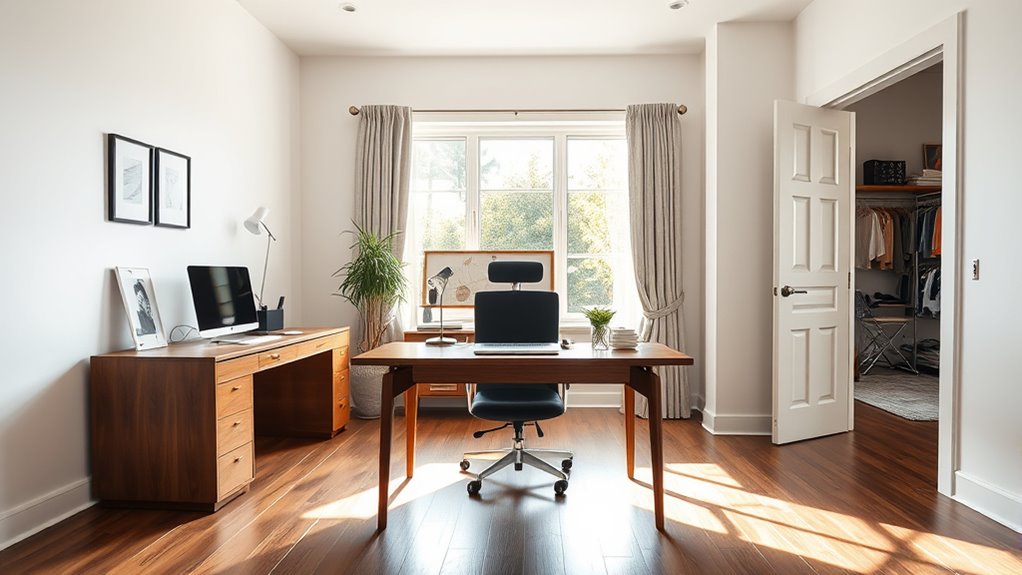
Are you struggling to find the perfect spot for your desk? Choosing the right location impacts your comfort, productivity, and overall well-being. One key factor is ergonomic positioning, which ensures your workspace supports good posture and reduces strain. Another important aspect is natural lighting, which can boost your mood and help you stay alert throughout the day. When deciding where to place your desk, you’ll need to weigh the pros and cons of facing a wall, a window, or a door.
If you opt to face a wall, you gain a clean, distraction-free backdrop that minimizes visual clutter. This setup allows you to focus solely on your screen without interruptions from outside activity. However, facing a wall can feel isolating and may limit your awareness of your surroundings. Without natural lighting directly in front of you, your workspace might appear dull, which can affect your mood and energy levels. To compensate, consider adding task lighting or a bright lamp. For ergonomic positioning, ensure your monitor is at eye level and about an arm’s length away, and your chair supports your lower back. Facing a wall also gives you the flexibility to hang motivational images or organizational tools that keep you focused.
Placing your desk near a window offers abundant natural lighting, which is proven to improve mood and reduce eye strain. When you position your desk so that the window is beside or behind you, you benefit from daylight, making your workspace more inviting and lively. Natural lighting helps you maintain better posture because you’re less likely to lean forward or strain your eyes, fostering better ergonomic positioning. Still, facing a window can introduce glare on your screen, especially during certain times of day, which can cause discomfort and force you to adjust your setup frequently. To avoid this, use window treatments like blinds or curtains and position your monitor to minimize direct reflections. Having a view outside may also serve as a mental break, boosting creativity and reducing stress, but it could also be distracting if there’s a lot of activity. Additionally, understanding the benefits of natural lighting can help you optimize your workspace even further.
Lastly, placing your desk facing a door offers a strategic advantage by giving you a clear line of sight to incoming visitors or colleagues, which can help you feel more in control and aware of your environment. This setup can foster a sense of openness and connectedness, but it might also lead to frequent interruptions, disrupting your focus. Natural lighting isn’t always directly accessible from this position, so you may need additional lighting solutions. For ergonomic success, ensure your chair and monitor are positioned so you can sit comfortably with your back supported and your eyes level with your screen, regardless of facing the door. Overall, each placement has its strengths and weaknesses, but considering your work habits and personal preferences will help you create a workspace that’s both comfortable and productive.
Frequently Asked Questions
How Does Desk Placement Affect Productivity?
Your desk placement considerably impacts your productivity by influencing ambient noise and visual distractions. Facing a window might boost creativity but also brings outside distractions, reducing focus. A wall-facing desk minimizes visual distractions, helping you concentrate, but can feel isolating. Facing the door allows quick interaction, yet might cause interruptions. Find a balance that reduces noise and distractions, so you stay engaged and efficient throughout your workday.
What Are the Best Lighting Options for Each Desk Position?
You should use natural light for a desk near a window, which boosts mood and reduces eye strain. For facing a door or wall, supplement with ambient lighting, like soft overhead or desk lamps, to prevent shadows and maintain focus. Avoid harsh overhead lights that cause glare. Combining natural light with adjustable ambient lighting guarantees a comfortable, well-lit workspace regardless of your desk position.
How Does Desk Orientation Influence Energy Levels Throughout the Day?
Imagine starting your day energized by natural light, but as afternoon hits, poor desk orientation can drain your mental focus. Facing a window boosts natural light, elevating energy levels and alertness, while facing a wall might cause fatigue and sluggishness. Proper desk placement helps maintain consistent energy, ensuring you stay productive and mentally sharp throughout the day. Your environment plays a vital role in sustaining your energy and focus.
Are There Ergonomic Benefits to Facing a Window or Wall?
Facing a window can boost your ergonomic comfort by providing natural light that reduces eye strain, helping you see clearly without harsh glare. It also enhances visual comfort, making your workspace more pleasant and less fatiguing. Conversely, facing a wall minimizes distractions and glare, allowing better focus. Both options offer ergonomic benefits depending on your needs, but prioritizing natural light generally promotes better eye health and overall well-being during work.
How Can I Minimize Distractions Based on Desk Placement?
To minimize distractions, position your desk away from busy areas and avoid cluttered spaces. Use decorative accessories strategically to create a calming environment that’s visually appealing without being distracting. If privacy concerns arise, add screens or plants to block out noise and visual interruptions. Keeping your workspace organized and personalized with minimal, intentional decor helps you stay focused, reducing external distractions and improving your overall productivity.
Conclusion
So, after all this talk, maybe the best spot for your desk is the one that’s least ideal—like facing a wall or a busy door. Ironically, sometimes blocking distractions works better than chasing the perfect view. Who knew that a simple choice could turn your workspace into a productivity pit or paradise? So go ahead, pick your spot wisely, or just embrace the chaos—after all, your comfort might be the real secret to getting things done.
Halloween Picks
halloween
As an affiliate, we earn on qualifying purchases.