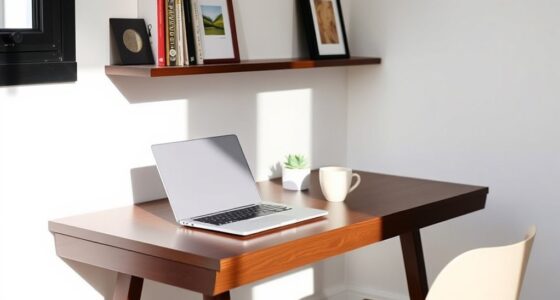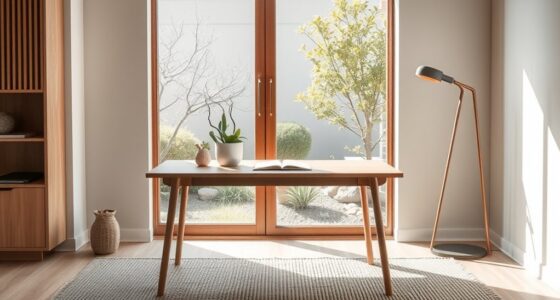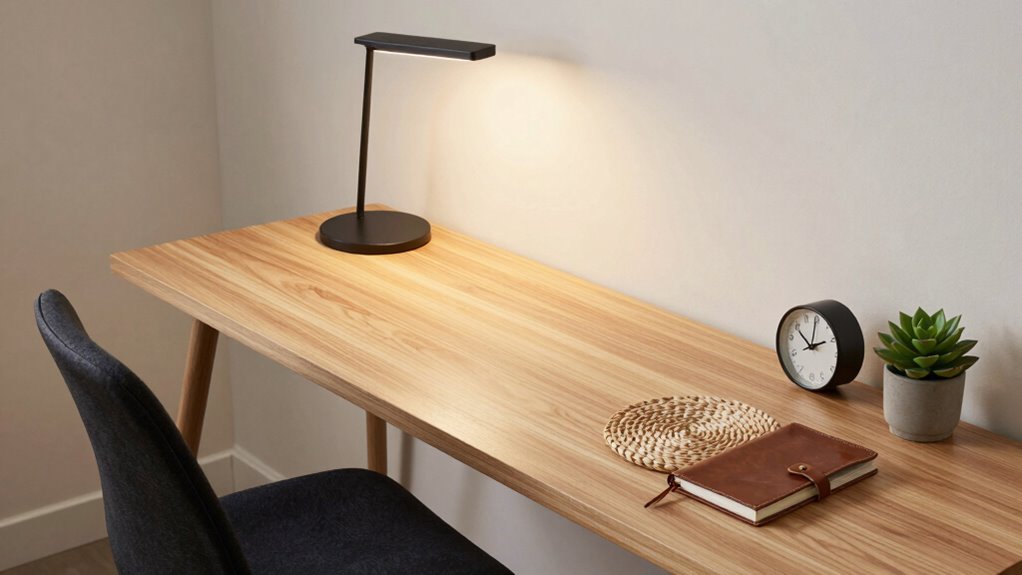

To build a desk setup that ages well, choose high-quality, durable materials like wood or metal, and avoid cheap plastics that crack easily. Incorporate ergonomic accessories such as adjustable chairs, desks, and supportive mice to promote comfort over time. Keep cables organized to prevent damage and easily upgrade components as needed. Arrange your workspace flexibly so it can adapt to future needs, ensuring long-term functionality. Keep exploring for more tips to make your setup truly lasting.

Get your wardrobe favorites delivered free with Prime
- Fast, free delivery on millions of items
- Prime Video, Amazon Music and more included
- Member-only deals all year
Key Takeaways
- Select high-quality, durable materials like metal, wood, or composites to ensure long-lasting furniture.
- Incorporate adjustable ergonomic accessories to promote comfort and adapt to changing needs over time.
- Implement effective cable management to maintain a tidy workspace and prevent damage.
- Design for flexibility with reconfigurable layouts and storage solutions to accommodate future upgrades.
- Regularly inspect, maintain, and upgrade components to extend the setup’s functional lifespan.
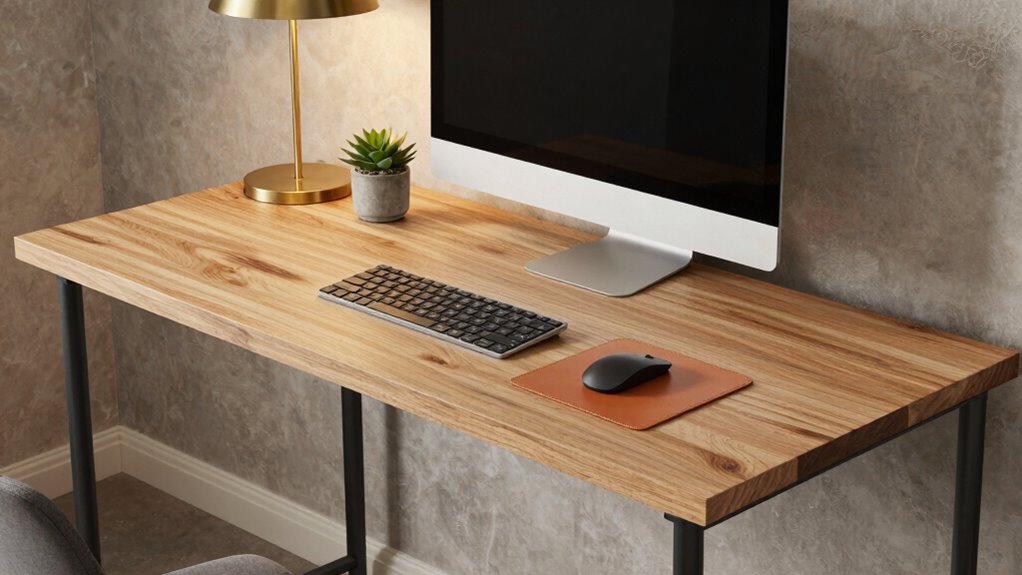
Creating a desk setup that ages well isn’t just about choosing stylish furniture; it’s about selecting pieces that stand the test of time and adapt to your evolving needs. To achieve this, focus on integrating ergonomic accessories that support your health and productivity. Invest in an adjustable ergonomic chair with lumbar support and a height-adjustable desk so you can switch between sitting and standing throughout the day. These choices not only promote better posture but also guarantee your workspace remains comfortable as your work habits change. Pair these with ergonomic accessories like a keyboard and mouse that reduce strain, preventing discomfort during long hours of work or study.
Prioritize ergonomic furniture and accessories for a comfortable, adaptable, and long-lasting workspace.
Cable management plays an essential role in maintaining a tidy, functional desk that can grow with you. When setting up your workspace, prioritize solutions that keep cables organized and out of sight. Use cable clips, sleeves, or under-desk trays to route cords neatly along the edges of your desk. This makes your setup look cleaner and allows you to easily add or remove devices without creating clutter. Good cable management not only enhances aesthetics but also prevents accidental disconnections or damage to cords, which can become problematic over time. A well-organized workspace makes it easier to troubleshoot issues and upgrade equipment as needed, especially when considering durable materials that resist wear and tear. Incorporating long-lasting components can further extend the lifespan of your setup and reduce the need for frequent replacements. Additionally, choosing quality hardware ensures your setup remains reliable and functional over the years. Regularly inspecting and maintaining your workspace can also help identify areas where material durability could be improved, ensuring longevity for your setup. Incorporating ergonomic accessories also contributes to a healthier workspace, supporting your well-being during extended periods of work or study.
Choosing durable materials is indispensable when building a long-lasting desk setup. Opt for furniture made from high-quality wood, metal, or composite materials that resist wear and tear. Avoid cheap plastic components that may crack or break after a few years. Instead, select pieces with a timeless design that can blend into different decor styles, helping your workspace stay relevant even as trends change. Incorporate storage solutions like drawers or shelves that can be reconfigured or expanded later, preventing the need for complete overhaul.
Finally, think about layout flexibility. Arrange your desk so that it’s easy to reconfigure. Keep frequently used items within arm’s reach, but allow space for new equipment or accessories you might add down the line. This ensures your setup remains functional and comfortable for years to come. Regularly reassess your workspace, replacing worn accessories and upgrading ergonomic features, to keep it aligned with your needs. Building a desk setup that ages well means planning for adaptability, investing in quality, and staying organized—so your workspace continues to serve you effectively over the years.
ergonomic adjustable office chair with lumbar support
As an affiliate, we earn on qualifying purchases.
As an affiliate, we earn on qualifying purchases.
Frequently Asked Questions
What Are the Best Materials for a Durable Desk Surface?
You should choose materials like hardwood, laminate, or metal for a durable desk surface. These options excel in material durability, resisting scratches and dents over time. To sustain the surface, clean spills promptly and use protective pads under heavy objects. Avoid harsh chemicals, as they can damage finishes. Regular surface maintenance keeps your desk looking great and ensures it ages well, providing a reliable workspace for years to come.
How Can I Organize Cables to Prevent Wear Over Time?
To prevent cable wear over time, you must master cable management. Secure cables with clips or sleeves, keeping them organized and minimizing movement. Use strain reliefs at connection points to absorb stress and reduce friction. Regularly inspect and adjust your setup to avoid pinched or bent cables. By implementing these steps, you’ll protect your cables from wear, ensuring your desk setup remains reliable and ages gracefully.
What Ergonomic Features Promote Long-Term Comfort?
You should look for a desk with adjustable height to customize your workspace and reduce strain, promoting long-term comfort. Incorporate ergonomic features like lumbar support in your chair to maintain proper spinal alignment and prevent back pain. Regularly adjust your setup to fit your posture, and take breaks. These features guarantee your desk setup remains comfortable and healthy as you use it over time.
How Often Should I Maintain or Replace Desk Components?
Think of your desk components like a garden; regular maintenance keeps everything thriving. You should clean your desk and keyboard weekly, and replace items like chairs or monitor stands every 3-5 years, depending on wear. For high-use components, more frequent replacements might be necessary. Staying attentive to signs of wear guarantees your setup remains comfortable and functional. Consistent cleaning routines and timely replacements protect your investment and maintain long-term comfort.
Which Finishes Resist Scratches and Stains Best?
For the best scratch and stain resistance, opt for finishes like polyurethane, laminate, or acrylic. These finishes protect your desk surface, helping maintain its aesthetics over time. When choosing, consider your preferred color options, as these finishes come in various shades to match your style. Using these durable finishes guarantees your desk stays looking fresh, even with daily use, and allows you to enjoy a sleek, long-lasting workspace.
height adjustable sit stand desk
As an affiliate, we earn on qualifying purchases.
As an affiliate, we earn on qualifying purchases.
Conclusion
Building a desk setup that ages well guarantees your workspace remains functional and stylish for years. Remember, investing in quality materials and timeless design can save you money and hassle down the road—studies show that durable furniture lasts up to 50% longer. By choosing versatile pieces and maintaining them properly, you create a space that adapts to your needs over time. Ultimately, a thoughtfully designed desk setup isn’t just about today; it’s about lasting value.
cable management clips and sleeves
As an affiliate, we earn on qualifying purchases.
As an affiliate, we earn on qualifying purchases.
reconfigurable desk storage solutions
As an affiliate, we earn on qualifying purchases.
As an affiliate, we earn on qualifying purchases.
Halloween Picks
halloween
As an affiliate, we earn on qualifying purchases.