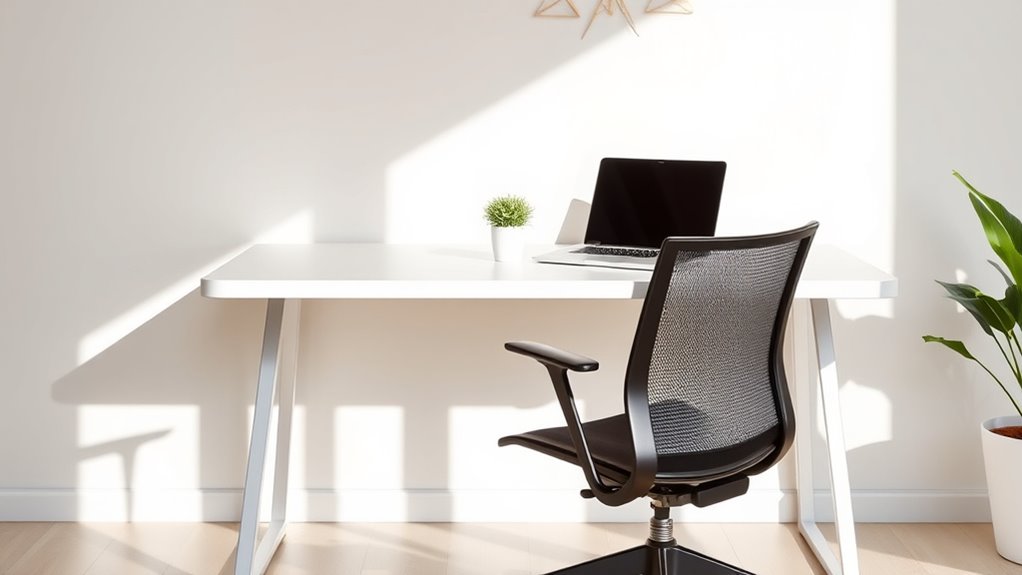

In minimalist workspaces, you can maintain comfort by choosing ergonomic furniture with adjustable features that support your posture, like a chair with lumbar support and a sit-stand desk. Keep your monitor at eye level and your accessories within reach to avoid strain. Remember to take regular breaks, stretch, and move around to prevent stiffness. If you want practical tips to blend comfort with sleek design, you’ll find plenty of helpful guidance ahead.
Key Takeaways
- Optimize furniture choices with adjustable, ergonomic features that fit a minimalist aesthetic and support proper posture.
- Position monitors at eye level and within arm’s reach to reduce neck strain and promote natural movement.
- Keep the workspace decluttered, using cable management and vertical storage to maintain clean lines and organization.
- Incorporate ergonomic accessories like lumbar supports and footrests that blend seamlessly with minimalist decor.
- Schedule regular breaks and stretching routines to prevent stiffness and enhance comfort without sacrificing simplicity.
Understanding the Principles of Ergonomics

Understanding the principles of ergonomics is essential for creating a workspace that promotes comfort, efficiency, and health. Ergonomic principles focus on designing your environment to fit your body’s needs, reducing strain and preventing injury. When you prioritize workspace ergonomics, you ensure that your posture, equipment placement, and movement are optimized for long-term well-being. This means adjusting your chair height so your feet rest flat on the floor, keeping your monitor at eye level, and maintaining a relaxed arm position while typing. Incorporating these ergonomic principles helps you work smarter, not harder, by minimizing fatigue and discomfort. Being aware of ergonomic tools and accessories can further enhance your setup and support proper body alignment. Additionally, conducting simple adjustment tests, such as checking your wrist angle or back support, can help you fine-tune your workspace for maximum comfort. Recognizing the importance of proper workstation setup can lead to healthier work habits and reduce the risk of repetitive strain injuries. Paying attention to body posture and ensuring your workspace promotes natural alignment can further improve your comfort during long work sessions. Moreover, selecting appropriate supportive seating can make a significant difference in maintaining proper spinal health. By understanding how your workspace impacts your body, you can make smarter choices that support productivity and health in minimalist setups.
Choosing the Right Desk and Chair for Minimalist Spaces
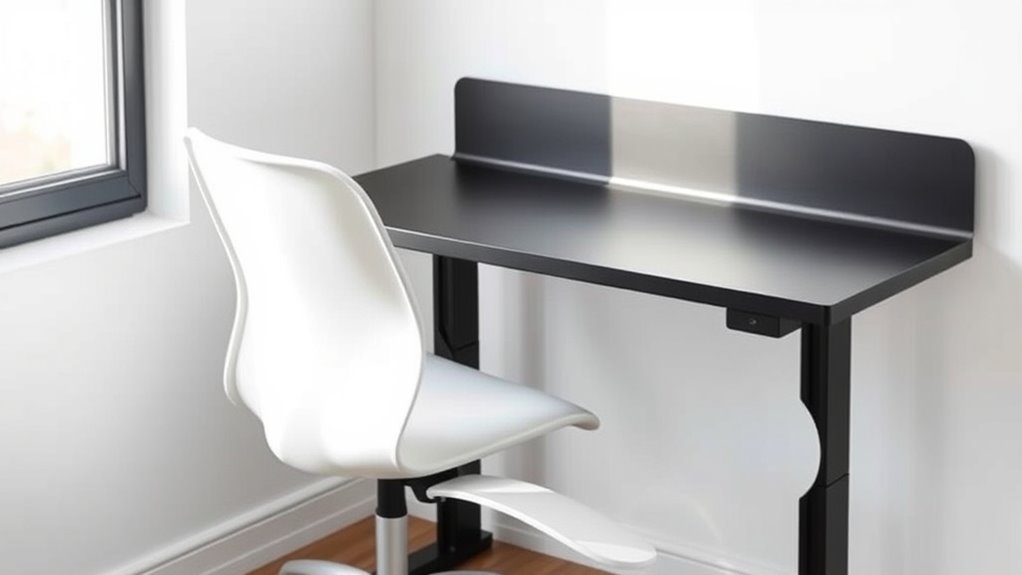
Selecting the right desk and chair considerably impacts how well your minimalist workspace supports your ergonomic needs. To maximize space and comfort, choose furniture that blends space saving furniture with minimalist design elements. Here are three tips:
- Opt for a compact desk with built-in storage to keep clutter minimal and free up space. Incorporating ergonomic design principles when selecting furniture ensures that your workspace supports proper posture and reduces strain. Additionally, choosing furniture with adjustable features allows for better customization to your body’s needs.
- Select an adjustable chair that offers lumbar support and fits your body’s proportions.
- Prioritize clean lines and neutral colors to maintain a sleek, uncluttered aesthetic.
- Incorporate elements of ergonomic design by choosing furniture that complements the Bedroom environment for a cohesive and comfortable workspace, ensuring that the ergonomic benefits are fully realized. Additionally, considering remote hackathons can provide opportunities to participate in collaborative projects that emphasize ergonomic and efficient workspace setups without leaving your home.
Optimizing Your Work Surface and Layout
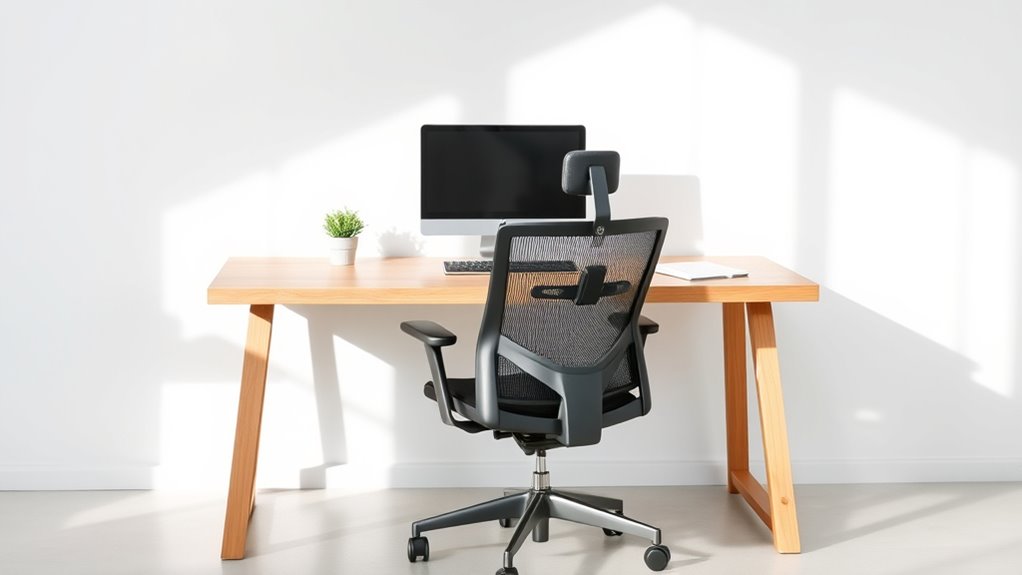
To create an efficient minimalist workspace, optimizing your work surface and layout is essential. Start by decluttering your desk, keeping only essential items within reach. Prioritize good desktop organization to prevent distractions and improve focus. Use cable management solutions like clips or sleeves to keep cords tidy and out of sight, reducing visual clutter. Proper spacing between your monitor, keyboard, and accessories promotes better ergonomics and comfort. Arrange your workspace to encourage natural movements, avoiding unnecessary reaching or twisting. Here’s a quick guide:
| Aspect | Tip |
|---|---|
| Desktop Organization | Keep only essentials visible, store extras away |
| Cable Management | Use clips and sleeves to keep cords tidy |
| Layout | Position items within arm’s reach |
| Spacing | Maintain ergonomic distances |
Additionally, considering the effectiveness of your setup can lead to improved comfort and productivity. Paying attention to ergonomic principles ensures that your workspace supports your health and efficiency over time. Incorporating vertical storage solutions can further maximize space and reduce clutter in your minimalist environment. Being aware of local legal resources may also be beneficial if you encounter workplace disputes or need legal guidance related to employment rights.
Selecting Supportive Accessories and Tools

Choosing the right supportive accessories and tools can considerably enhance your minimalist workspace’s comfort and efficiency. Investing in ergonomic gear helps prevent strain and boosts productivity. For example:
- An ergonomic keyboard reduces wrist tension and promotes natural hand positioning.
- A supportive footrest encourages proper leg alignment and improves circulation.
- A quality lumbar cushion can provide added lower back support, especially if your chair lacks it.
- Proper hybrid system responsiveness can improve overall comfort and ease of use during extended work sessions. Additionally, understanding support hours for related tools and resources ensures you can maintain optimal setup and troubleshooting when needed.
- Maintaining air quality through ventilation or air purifiers can contribute to a healthier, more comfortable workspace environment.
Good air purification not only helps in maintaining a fresh environment but also supports overall health, especially in enclosed spaces.
These accessories are simple additions that make a big difference, helping you maintain comfort during long work sessions. Prioritize items that are unobtrusive yet effective, aligning with your minimalist aesthetic while supporting your body’s needs. With the right tools, you’ll work more comfortably and reduce fatigue, all without cluttering your clean, streamlined space.
Maintaining Proper Posture Throughout the Day
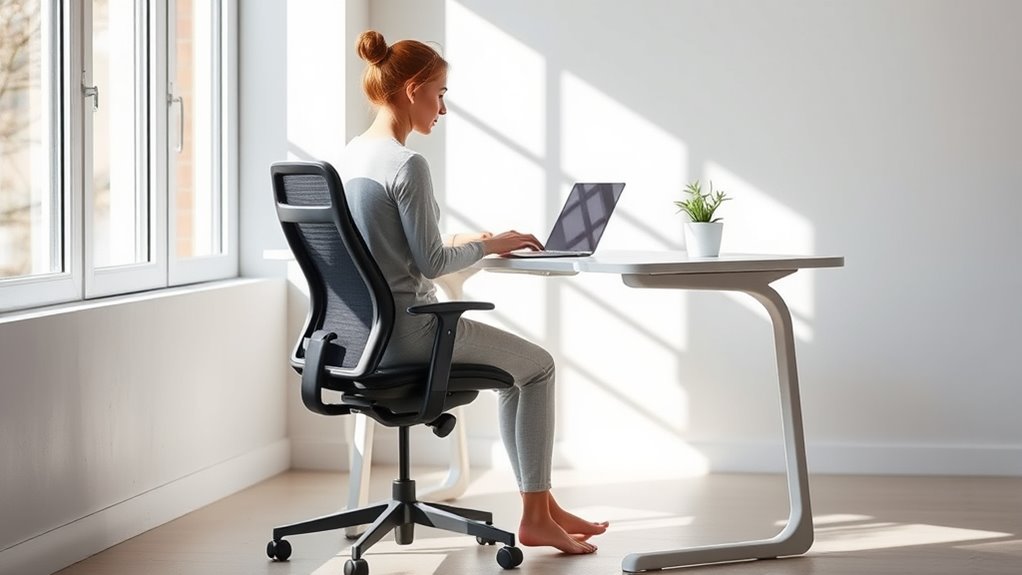
To stay comfortable and healthy, you need to maintain proper posture throughout your workday. Adjust your chair height so your feet are flat and your knees are level, and make sure your monitor is at eye level to avoid strain. Remember to take regular breaks to stretch and reset your posture, preventing fatigue and discomfort. Incorporating ergonomic home security systems can also enhance your workspace safety and peace of mind. Ensuring your workspace setup includes correct equipment placement can reduce the risk of repetitive strain injuries and improve overall comfort. Paying attention to soulmate angel numbers can also provide guidance and harmony in your personal life, supporting overall well-being. Developing awareness of cultural intelligence can further help you adapt your workspace habits effectively to diverse environments.
Adjust Chair Height
Adjusting your chair height correctly is essential for maintaining proper posture throughout the day. When you adjust seat height, ensure your feet are flat on the floor and your knees are roughly at a 90-degree angle. This prevents strain on your lower back and promotes circulation. Customizing lumbar support also plays a crucial role; position it to support your lower back’s natural curve, reducing discomfort. To get it right:
- Adjust seat height so your hips are slightly higher than your knees.
- Use the lumbar support to align your spine properly.
- Double-check that your feet sit flat, and your shoulders stay relaxed.
- Incorporating ergonomic principles into your workspace setup can further enhance comfort and prevent musculoskeletal issues, ensuring long-term posture health.
These small adjustments make a big difference in comfort and focus, helping you stay productive without sacrificing ergonomics.
Monitor Eye Level
Once you’ve set your chair height and lumbar support for ideal comfort, it’s important to focus on your monitor position. Proper monitor positioning ensures your eyes are aligned with the screen’s top, reducing neck strain. Adjust your monitor’s height so it’s at eye level, allowing you to look straight ahead rather than downward or upward. This eye level adjustment helps maintain a natural head and neck posture, preventing fatigue over long hours. Keep the monitor about an arm’s length away for maximum viewing clarity. If your screen isn’t adjustable, consider using monitor risers or stands to achieve the correct height. Prioritizing monitor eye level helps you stay comfortable and minimizes the risk of developing musculoskeletal issues in your minimalist workspace.
Take Regular Breaks
Even with a well-positioned monitor and comfortable chair, maintaining proper posture requires ongoing attention throughout the day. Taking regular breaks helps you stay aligned and avoid strain. During these breaks, incorporate stretching routines to loosen tight muscles and improve circulation. Remember to stay hydrated by setting hydration reminders—water keeps your muscles flexible and mind alert.
Here are three tips to keep your posture in check:
- Stand up and stretch every 30 minutes to prevent stiffness.
- Use hydration reminders to drink water consistently.
- Take short walks around your workspace to reset your posture and refresh your focus.
Incorporating Movement and Breaks Into Your Routine
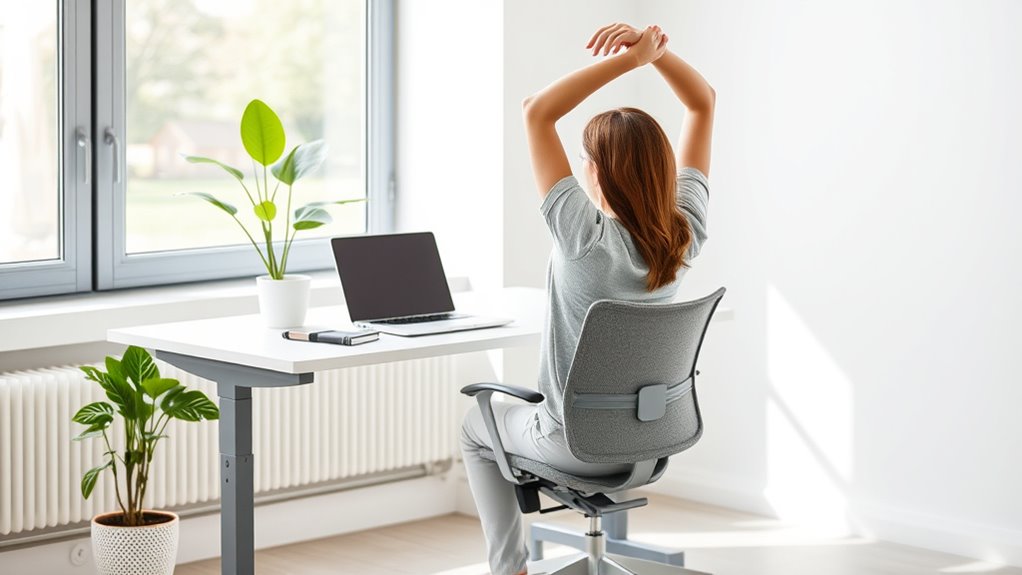
To maintain comfort and prevent fatigue in minimalist workspaces, it’s essential to incorporate movement and regular breaks into your routine. Start with simple stretching routines to loosen tight muscles and boost circulation. Integrate mindful breathing exercises to reduce stress and improve focus during breaks. Set a timer to remind you to stand, stretch, or walk around every 30 minutes. This keeps your body active without cluttering your sleek workspace.
| Movement Type | Benefits |
|---|---|
| Stretching routines | Alleviates tension, enhances flexibility |
| Mindful breathing | Promotes relaxation, sharpens focus |
| Short walks | Boosts circulation, energizes |
| Standing breaks | Prevents stiffness, improves posture |
Tips for Sustaining Comfort in a Sleek Workspace

To stay comfortable in a minimalist workspace, you need to focus on key ergonomic elements. Proper desk height and supportive seating make a big difference, while ergonomic accessories can enhance your comfort. Adjust these components to suit your body and work habits for sustained ease throughout the day.
Proper Desk Height
Achieving the right desk height is essential for maintaining comfort and preventing strain during your workday. When your desk is at the proper height, it promotes ergonomic alignment, reducing fatigue and discomfort. To find your ideal desk height:
- Sit with your elbows at a 90-degree angle, resting comfortably on the desk.
- Ensure your wrists stay straight and relaxed when typing or using a mouse.
- Keep your feet flat on the ground, with your knees at roughly a 90-degree angle.
Adjust your desk or chair accordingly to meet these guidelines. Proper desk height supports ergonomic alignment, helping you stay comfortable and focused throughout your workday. Remember, small adjustments can make a big difference in avoiding unnecessary strain.
Supportive Seating Choices
Ever wonder how your seating can boost comfort and productivity in a minimalist workspace? The key is choosing supportive seating that promotes good posture without cluttering your space. Use ergonomic footrests to keep your feet flat and reduce pressure on your lower back. They help maintain proper leg positioning, preventing fatigue. Incorporate lumbar support pillows to support your lower back’s natural curve, especially if your chair lacks built-in lumbar support. These pillows are portable and easy to adjust, ensuring your spine stays aligned throughout the day. Opt for chairs with adjustable height and tilt features to customize your comfort. By selecting the right supportive accessories, you can create a sleek, functional workspace that encourages focus and minimizes discomfort.
Ergonomic Accessories Use
In a sleek workspace, incorporating ergonomic accessories can considerably enhance your comfort and sustain productivity throughout the day. To keep your environment both functional and stylish, consider these tips:
- Use decorative accessories like a supportive footrest or ergonomic keyboard pad to improve posture without cluttering your space.
- Add ambient lighting, such as adjustable LED lamps, to reduce eye strain and create a calming atmosphere.
- Integrate ergonomic tools discreetly, like a vertical mouse or monitor stand, that blend seamlessly with minimalist decor.
These accessories don’t have to be bulky or unattractive; they can complement your workspace’s aesthetic while supporting your health. A well-chosen ergonomic setup ensures you stay comfortable, focused, and productive while maintaining your workspace’s clean, minimalist look.
Frequently Asked Questions
How Can I Personalize My Minimalist Workspace Without Cluttering It?
To personalize your minimalist workspace without cluttering it, focus on simple personalization tips like adding a few meaningful items such as a photo or a plant. Keep clutter management in mind by choosing storage solutions that hide extras and only display essentials. This way, you create a space that reflects your personality while maintaining a clean, organized environment that supports productivity and comfort.
What Are Common Ergonomic Mistakes in Small, Minimalist Setups?
Don’t let small space mistakes trip you up. You might be guilty of poor ergonomic habits like placing your keyboard too high or low, or setting your monitor at an awkward angle. Keep your keyboard placement comfortable and make sure your monitor height allows you to look straight ahead. These small adjustments prevent strain and boost productivity, proving that even in a minimalist setup, comfort should never be sacrificed.
How Often Should I Adjust My Ergonomic Positions During the Day?
You should adjust your ergonomic positions every 30 to 60 minutes to maintain good posture correction. Set an ergonomic schedule to remind yourself to take brief breaks and change positions, preventing strain. During these adjustments, check your chair height, monitor angle, and keyboard position. Staying proactive helps reduce discomfort and promotes a healthier workspace, ensuring you stay comfortable and productive all day long.
Can Minimalist Design Improve Productivity and Focus?
Imagine a workspace that sharpens your mental clarity—minimalist design can do just that. With visual simplicity reducing distractions, you stay focused longer, boosting productivity. The clean lines and uncluttered environment promote calmness, helping you think clearly and make better decisions. By stripping away excess, you create a space that energizes your mind, so every task feels more manageable and your focus sharpens effortlessly.
Are There Specific Ergonomic Principles for Standing Desks?
Yes, there are specific ergonomic principles for standing desks. Focus on proper standing desk ergonomics by adjusting the height so your elbows are at a 90-degree angle, keeping your monitor at eye level, and maintaining a neutral wrist position. Incorporate posture adjustment tips like shifting your weight regularly and using anti-fatigue mats. These practices help reduce strain, improve comfort, and boost productivity during your workday.
Conclusion
Remember, a minimalist workspace is like a well-tuned instrument—simplicity doesn’t mean sacrificing comfort. By applying ergonomic principles, choosing supportive furniture, and staying mindful of your posture, you can create a sleek environment that feels just right. Keep movement and breaks in your routine, and your workspace will sing in harmony with your well-being. Don’t let a clean look fool you—comfort is the true foundation of productivity and peace of mind.