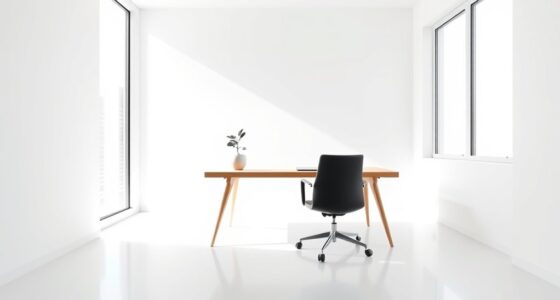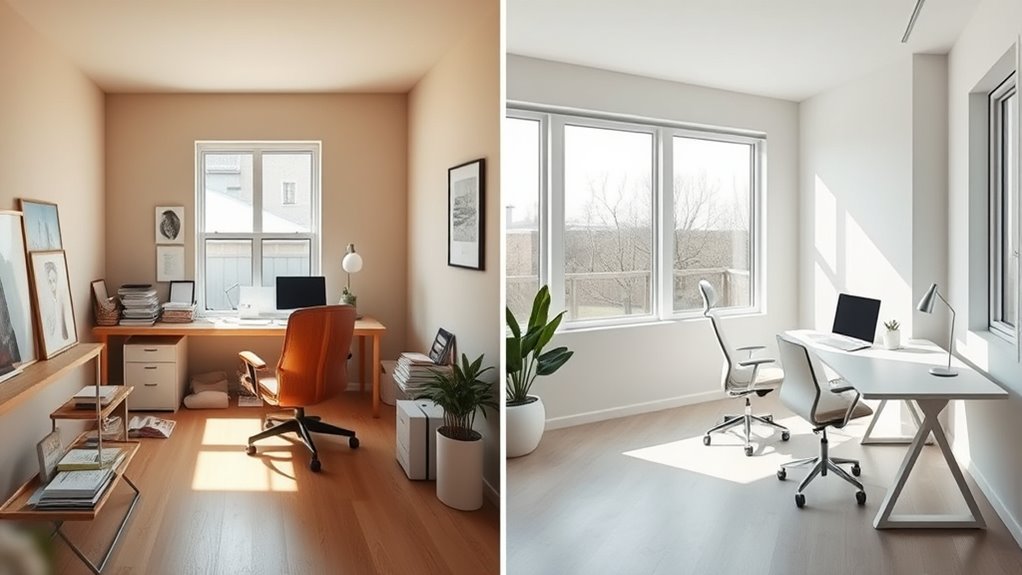

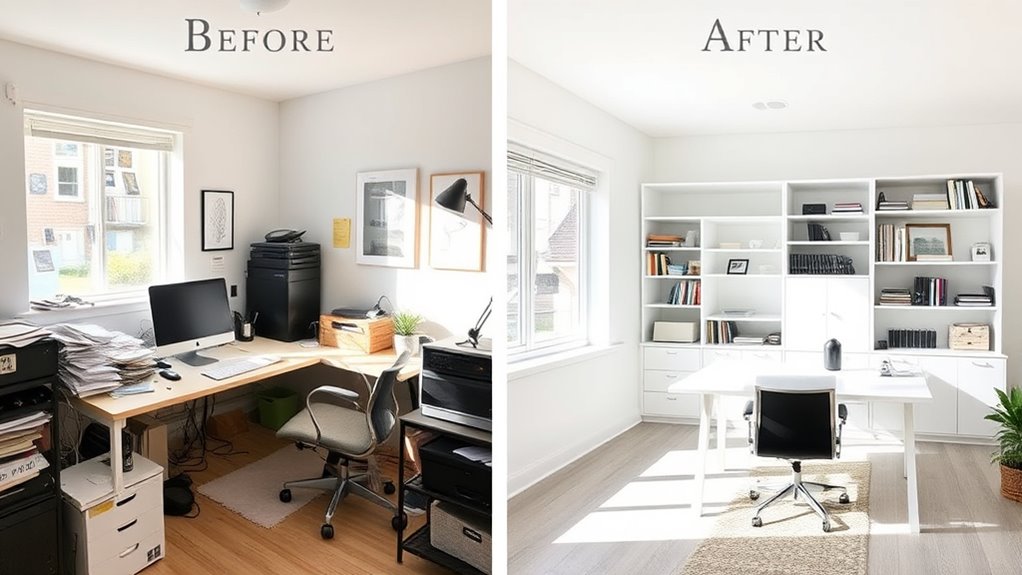
A minimalist home office makeover transforms cluttered, busy spaces into calm, functional environments that boost productivity and peace of mind. You’ll want to declutter by removing unnecessary items and use sleek storage options like hidden drawers and wall-mounted units to maximize space. Choose neutral colors and simple decor to create a peaceful vibe. Keep surfaces clear and use natural light to enhance openness. If you continue exploring, you’ll discover inspiring before-and-after transformations to help you get started.
Key Takeaways
- Remove unnecessary items and clear surfaces to create an open, clutter-free workspace.
- Incorporate sleek, multi-functional furniture and hidden storage to maximize space.
- Use neutral, calming color schemes like whites, beiges, and soft grays for a serene environment.
- Enhance lighting with natural sources and warm LED lights for a bright, inviting atmosphere.
- Add minimalist accessories and subtle decor to personalize without overwhelming the clean aesthetic.
Are you ready to transform your workspace into a calm, clutter-free zone? A minimalist home office offers the perfect escape from chaos, helping you focus and boost productivity. The key to achieving this look lies in smart storage solutions and thoughtful color schemes. Simplifying your space doesn’t mean sacrificing style—it’s about choosing pieces and colors that promote tranquility and efficiency.
Start by evaluating your current setup. Remove anything that doesn’t serve a purpose or bring you joy. Once you clear the clutter, you can begin designing a space that feels open and inviting. Storage solutions are essential here; opt for sleek shelves, hidden drawers, and multi-functional furniture that keeps your essentials organized but out of sight. Consider wall-mounted units to maximize floor space and keep surfaces clear. Baskets and decorative boxes can hide cords, stationery, or miscellaneous items, maintaining a clean look without sacrificing accessibility. Minimalism isn’t about depriving your space of function—it’s about creating an environment where everything has a place. Incorporating smart storage solutions can further optimize organization and accessibility.
Declutter with sleek shelves, hidden drawers, and multi-functional furniture for an organized, inviting workspace.
Color schemes play an indispensable role in setting the tone of your home office. Neutral tones like whites, beiges, and soft grays evoke calmness and make the space appear larger. If you want a bit of warmth, incorporate muted earth tones or pastels. These gentle hues foster concentration and reduce visual noise, which is essential in a minimalist design. Avoid overly bright or busy colors that can be distracting. Instead, choose a cohesive palette that flows seamlessly across your furniture, walls, and accessories. This consistency helps your space feel unified and soothing.
In your makeover, focus on keeping surfaces clear. Use a simple desk with clean lines, and keep only essential items within arm’s reach. Limit decorative items to a few meaningful pieces—perhaps a small plant or a piece of artwork—adding personality without cluttering the space. Lighting is another indispensable element; natural light is ideal, but if that’s limited, opt for soft, warm LED lights that mimic daylight. Proper lighting enhances the sense of openness and helps maintain focus.
Finally, pay attention to the details. Choose minimalist accessories and avoid excessive ornamentation. Keep cords hidden, and ensure your workspace encourages good posture and comfort. A minimalist home office isn’t about stark emptiness but about creating a balanced, organized environment that promotes clarity and calm. With thoughtful storage solutions and a cohesive color scheme, your workspace can become a sanctuary of productivity and peace—a true reflection of your intention to live simply and work efficiently.

HUANUO Dual Monitor Stand for 13″–40″, Premium Dual Monitor Mount with USB, Height Adjustable Monitor Stand for 2 Monitors, VESA Mount with Clamp/Grommet Base, Holds 26.4lbs per Arm, HNDS7
Improved Stability for Ultrawide Monitors: The upgraded dual monitor stand combines solid aluminum arms, a larger base, and...
As an affiliate, we earn on qualifying purchases.
Frequently Asked Questions
How Long Does a Minimalist Office Makeover Typically Take?
A minimalist office makeover usually takes between a few days to a week, depending on your workspace organization and the complexity of changes. You’ll want to select a calming color palette and declutter your space, which can be done quickly. If you’re painting or purchasing new furniture, factor in extra time for delivery and setup. Overall, staying focused and organized helps you complete your transformation efficiently.
What Budget Is Needed for a Complete Minimalist Home Office?
You should plan a budget of around $500 to $2,000 for a complete minimalist home office. Focus on budget planning by prioritizing essential furniture and quality basics. Consider design considerations like sleek storage solutions and neutral tones to keep the space clutter-free. You can save by choosing versatile pieces and DIY projects. With smart choices, you’ll create a functional, stylish workspace that fits your budget and needs.
Can Small Spaces Be Effectively Minimalist?
In the domain of space optimization, small spaces can indeed be transformed into stylish minimalist offices. You just need to focus on clever storage solutions and selective decorative accents that enhance without cluttering. Embrace simplicity, prioritize essential furniture, and use light colors to open up the area. With intentional design choices, your compact workspace becomes both functional and aesthetically pleasing, proving that size isn’t a barrier to minimalist elegance.
What Are the Best Storage Solutions for a Minimalist Office?
You should opt for sleek storage solutions like wall-mounted shelves or multi-functional furniture to maximize space and maintain minimalism. Incorporate decorative accessories thoughtfully to add personality without clutter. Use storage organization tools like labeled bins or under-desk drawers to keep essentials tidy and accessible. These strategies help you create a clean, efficient workspace that balances practicality with style, making your minimalist office both functional and visually appealing.
How Do I Maintain Minimalism Over Time?
Keep clutter at bay like a vigilant gatekeeper. To sustain minimalism, you need consistent organizational strategies and decorating tips that promote simplicity. Regularly declutter, only keep essentials, and resist the urge to add unnecessary items. Focus on clean lines and neutral tones to reinforce calm. By staying intentional with your space, you ensure your minimalist home office remains a serene, inspiring environment—where less truly is more.

HUANUO TitanLift Heavy Duty Monitor Arm for Screens up to 49", Holds 44 lbs, Aluminum Ultrawide Screen Monitor Mount, Fully Adjustable Single Gaming Desk Mount with Dual C-Clamp, Max VESA 100x100mm
Fits up to 49" Ultrawide Screens: Ensure your monitor is compatible with the HUANUO TitanLift monitor arm by...
As an affiliate, we earn on qualifying purchases.
Conclusion
Your home office transformation proves that less truly is more. By stripping away clutter and embracing simplicity, you’ve created a space that feels like a gust of fresh air—calm, focused, and inspiring. Remember, a minimalist workspace isn’t just about looks; it’s about cultivating clarity and productivity. Like a clear sky after a storm, your revamped office invites you to soar to new heights. Keep the design flowing, and let your space energize every workday.

VIVO Heavy Duty Aluminum Ultrawide Monitor Tension Arm for up to 49 inch Screens, Holds 44 lbs, Premium Desk Mount Stand Designed for Samsung Odyssey G9 and More, Black, STAND-V101V
Fits Ultra Wide Screens: Single mount for ultra-wide monitors up to 49” in size and 44 lbs in...
As an affiliate, we earn on qualifying purchases.

ARES WING Ultrawide Monitor Arm for 17 to 49 Inch Heavy Duty Curved Screen, Holds 44 Lbs, Adjustable Gas Spring Monitor Arm Desk Mount with C Clamp, Grommet Base, 75/100 Vesa Mount, Black
【Support up to 49" & 44lbs Monitors】The 49 inch monitor arm supports most flat, and curved computer screens...
As an affiliate, we earn on qualifying purchases.