
To build a workspace around one core task, start by clearly defining that activity and organizing your space to support it. Remove unnecessary items and distractions, keeping everything tidy. Use ergonomic furniture and position your tools, like your monitor and keyboard, for comfort. Incorporate good lighting and technology to boost efficiency. Continuously refine your setup to stay aligned with your primary focus. Keep exploring these tips, and you’ll find more ways to optimize your environment even further.
Open a free Amazon Business account
Business pricing, bulk buying and tax-exempt orders.
As an affiliate, we earn on qualifying purchases.
Key Takeaways
- Clearly define the primary task and tailor your workspace to support it exclusively.
- Keep the environment tidy and remove distractions to maintain focus on the core activity.
- Arrange ergonomic furniture and equipment for comfort during extended work periods.
- Integrate technology that streamlines workflows and minimizes manual effort.
- Designate a specific, distraction-free zone dedicated solely to deep work.

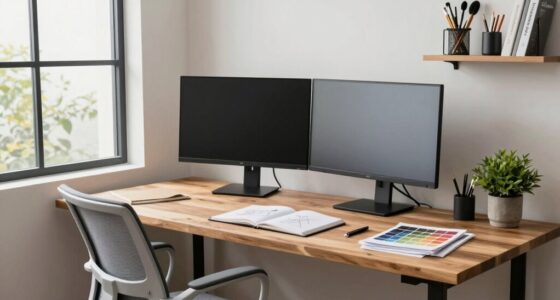
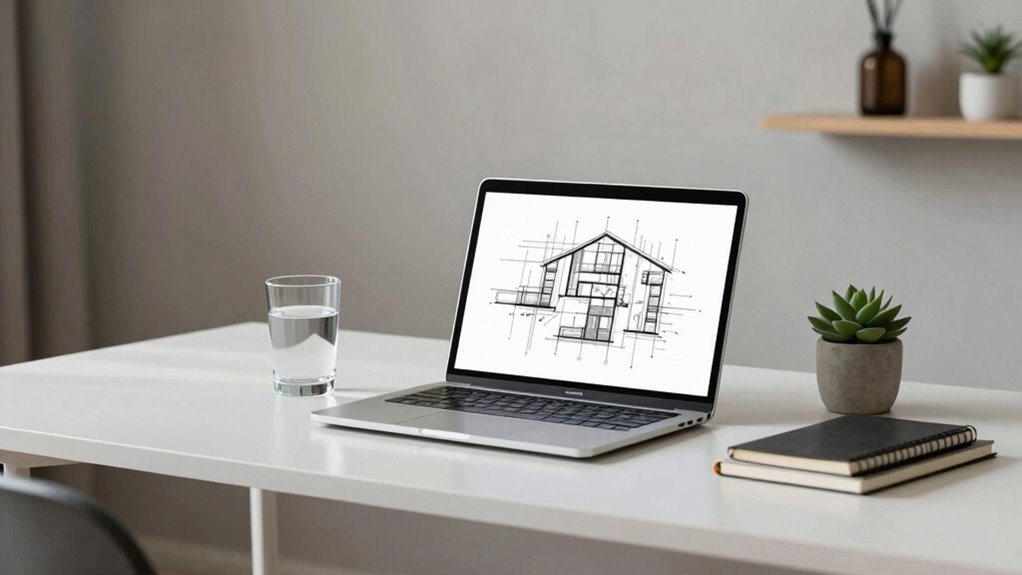
Have you ever considered how a cluttered workspace can hinder your focus on a single task? When your environment is chaotic, your mind struggles to concentrate, and productivity drops. To build an effective workspace centered around one core task, you need to prioritize organization and intentional design. Start by clearly defining what your main task is—whether it’s writing, designing, coding, or another focus—and then tailor your space to support that activity. Remove distractions and gather only the tools and materials relevant to that task. A tidy environment helps your mind stay sharp and reduces the time wasted searching for things.
Next, pay close attention to ergonomic design. Your comfort plays an essential role in sustained focus and efficiency. Invest in a good-quality chair that supports your posture and a desk that provides ample space for your work. Position your monitor at eye level to prevent neck strain, and keep your keyboard and mouse within easy reach to minimize fatigue. Ergonomic design isn’t just about comfort; it’s about creating a space that encourages long periods of productive work without physical discomfort. When your body feels good, your mind can stay locked on that core task without unnecessary distraction from pain or fatigue.
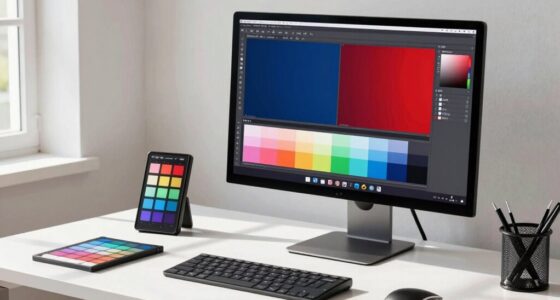
Technology integration also matters notably. Make sure your workspace is equipped with the hardware and software that streamline your workflow. High-speed internet, a powerful computer, and relevant applications can save you time and frustration. Use tools that automate repetitive tasks or help organize your work, freeing your mental energy for the core task at hand. Consider integrating smart devices like voice-controlled assistants or automated lighting to create an environment that adapts to your needs. These technological touches can make your workspace more intuitive and less cluttered, reducing the need for manual adjustments and allowing you to focus solely on what matters most. Additionally, understanding the importance of caffeine science can help you optimize your energy levels and stay alert during your focused work sessions. Exploring proper lighting techniques can further enhance your concentration and reduce strain, creating an environment conducive to deep focus. Incorporating other productivity techniques can further enhance your focus and efficiency.
Furthermore, ensuring your workspace has adequate lighting can significantly impact your ability to concentrate and reduce eye strain. Proper lighting minimizes fatigue and helps maintain alertness throughout your work session. Creating a dedicated zone for your core task that’s visually distinct from other areas can help your brain associate that space specifically with deep work, making it easier to switch into focus mode. This designated zone should be free from distractions to maximize concentration. Regularly revisit and refine your workspace as your needs evolve, making sure it continues to support your primary goal. When you combine ergonomic design, effective technology integration, and a well-organized environment, you set yourself up for sustained productivity. Building a workspace around one core task isn’t just about physical space; it’s about creating an environment that actively promotes concentration, comfort, and efficiency every time you sit down to work.

Ergonomic Office Chair for Long Hours, Padded Lumbar Support for Lower Back Relief, 330 lb Capacity, Comfortable Computer Desk Chair for Home Office, Computer & Study (Modern, Light Gray/White)
- Long Hours Support: Adaptive lumbar, breathable mesh, foam cushion
- Back Pressure Relief: Adjustable lumbar supports natural spine curve
- Customizable Fit: Adjust lumbar, seat height, and armrests
As an affiliate, we earn on qualifying purchases.
As an affiliate, we earn on qualifying purchases.
Frequently Asked Questions
How Do I Identify My Core Task Effectively?
To identify your core task effectively, start with prioritization strategies that highlight what truly matters. Focus on the tasks that align with your goals and generate the most impact. Manage distractions by minimizing interruptions and creating a dedicated workspace. Regularly review your tasks to make certain they support your main objective, and stay disciplined in maintaining this focus. This approach helps you clearly recognize and concentrate on your core task.
What Tools Are Best for a Specialized Workspace?
Think of your workspace as a ship’s helm—precision tools keep you steady. You’ll want ergonomic furniture to support your posture and reduce fatigue, much like a sturdy ship’s wheel. Add ambient lighting to create a calm, focused atmosphere, guiding your work smoothly. These tools help you stay productive and comfortable, turning your space into an efficient command center tailored to your core task.
How Do I Stay Motivated Working on One Core Task?
To stay motivated working on one core task, apply productivity hacks like breaking the task into smaller milestones and celebrating each achievement. Use motivation techniques such as visualizing your end goal or rewarding yourself after completing key steps. Keep your workspace focused and distraction-free, and remind yourself why the task matters. Regularly tracking your progress helps sustain momentum, making it easier to stay engaged and committed over time.
How Often Should I Reevaluate My Workspace Setup?
You should reevaluate your workspace setup every few months to maintain ergonomic comfort and aesthetic appeal. Regular check-ins help identify discomfort or clutter that hampers productivity. When you notice persistent discomfort or your aesthetic preferences change, it’s time for adjustments. By doing so, you guarantee your workspace remains supportive, inspiring, and conducive to your core task, keeping you motivated and efficient in your work routine.
What Are Common Mistakes When Building a Focused Workspace?
Ever wonder why your focus slips? Common mistakes include neglecting distraction management, which leaves you vulnerable to interruptions, and ignoring ergonomic design, leading to discomfort that hampers productivity. You might clutter your workspace or choose unsuitable furniture, making it harder to concentrate. To build a focused workspace, prioritize minimal distractions and invest in ergonomic setup—because a well-designed environment keeps your mind sharp and your task flow seamless.

Veken 55 Inch Large Electric Standing Desk, Gaming Table, White
- Electric Height Adjustment – Sit or Stand Any Time: Quiet motor (under 52 dB)…
- Sturdy & Stable – Stays Solid at Full Height: Strong steel frame remains stable…
- Spacious 55" Desktop with Cable Management: Large 55-inch surface fits multiple…
As an affiliate, we earn on qualifying purchases.
As an affiliate, we earn on qualifying purchases.
Conclusion
By tailoring your workspace to support a single core task, you subtly create an environment that whispers efficiency and focus. When your surroundings gently align with your main goal, distractions softly fade away, leaving room for your best work to flourish. Remember, a well-curated space isn’t just about organization—it’s about nurturing the flow of creativity and productivity. Embrace this thoughtful setup, and watch your efforts quietly transform into meaningful achievements.

WALI Computer Monitor Stand for Desk, Adjustable Laptop Riser, up to 44 lbs
- Large Plastic Shelf: Fits most screens, laptops, printers
- Supports Up to 44 lbs: Heavy-duty plastic construction
- Non-slip Rubber Pads: Prevents slipping and surface damage
As an affiliate, we earn on qualifying purchases.
As an affiliate, we earn on qualifying purchases.

Simple Trending 7 Tier Desk File Organizer, Letter Tray Paper Organizer with Pen Holder and Metal Hanging Basket, Black
- Multifunctional Storage: Includes 2 storage boxes and 1 pen holder
- Durable Material: Made of lightweight, sturdy metal mesh
- Large Capacity: 7-tier design for ample storage
As an affiliate, we earn on qualifying purchases.
As an affiliate, we earn on qualifying purchases.
Baby shower & registry season Picks
baby registry must-haves
As an affiliate, we earn on qualifying purchases.