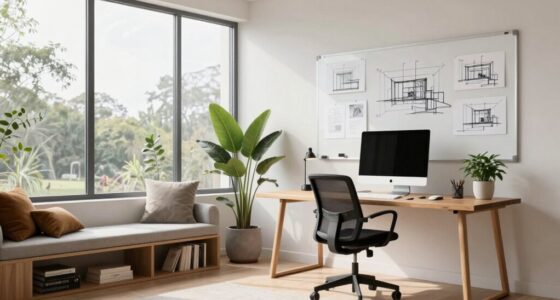
To organize your workspace for long design sessions, make sure your furniture promotes good posture with an ergonomic chair, adjustable monitor stands, and sufficient desk space. Keep tools within easy reach and arrange items to reduce unnecessary movement, helping you stay focused. Use natural light when possible and soften artificial lighting to prevent eye strain. A well-supported, clutter-free environment boosts comfort and productivity—if you want expert tips, keep going to learn more.
Key Takeaways
- Use ergonomic furniture with adjustable features to support proper posture and reduce fatigue during prolonged work sessions.
- Arrange tools and materials within easy reach to minimize unnecessary movement and maintain focus.
- Ensure optimal lighting with natural light and adjustable artificial sources to reduce eye strain and enhance visibility.
- Keep the workspace clutter-free with organized storage to improve concentration and efficiency.
- Create a customizable environment with proper support and lighting to adapt to different times of day and tasks.
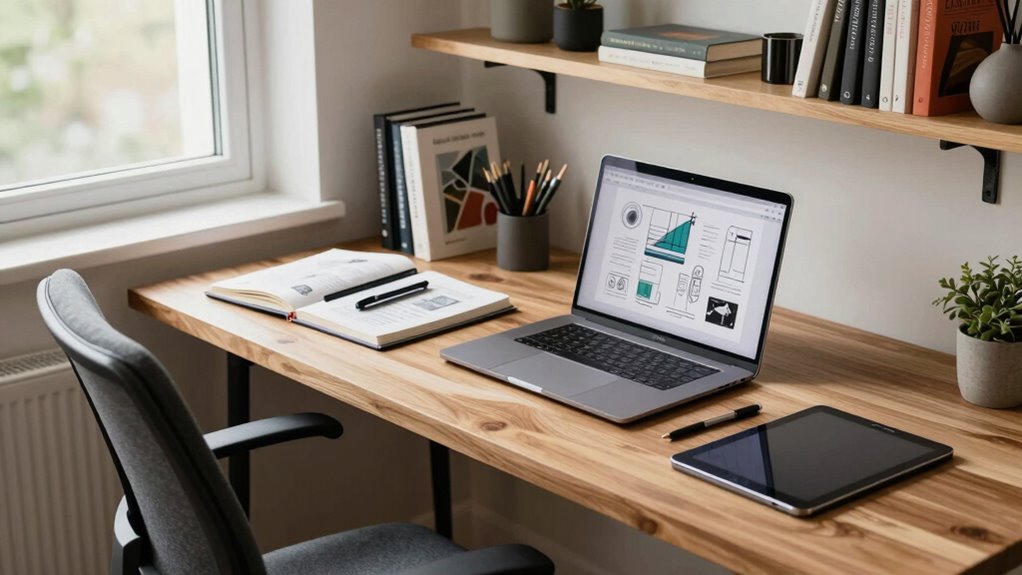
Ever wondered how to stay focused and productive during long design sessions? The key lies in creating a workspace that supports your focus and comfort. Start with ergonomic furniture — your chair, desk, and accessories should promote good posture and reduce fatigue. An ergonomic chair with adjustable height and lumbar support guarantees you remain comfortable during extended periods. Your desk should have enough space for your monitor, keyboard, and sketchbooks, with enough clearance to stretch and shift positions. Incorporate a keyboard tray or adjustable monitor stands to keep everything at eye level, minimizing strain on your neck and shoulders. When your body is properly supported, you can work longer without discomfort sapping your concentration. Additionally, ergonomic setup can significantly improve your comfort and productivity during extended work sessions. Proper workspace organization also ensures that your tools are within easy reach, reducing unnecessary movement and maintaining your focus.
Ambient lighting plays an essential role, too. Natural light is best, so position your workspace near a window if possible. It boosts your mood and reduces eye strain. If natural light isn’t an option, invest in quality ambient lighting — soft, evenly distributed light that illuminates your entire workspace without creating glare. Bright, harsh lights can cause eye fatigue and headaches, disrupting your focus. You might consider adjustable LED lamps or ceiling lights with dimming features, so you can customize your environment based on the time of day and your needs. Proper lighting minimizes eye strain and helps you stay alert, especially during those long hours crunching on complex design projects.
ergonomic office chair with lumbar support
As an affiliate, we earn on qualifying purchases.
As an affiliate, we earn on qualifying purchases.
Frequently Asked Questions
What Ergonomic Accessories Can Improve Comfort During Long Sessions?
You can improve comfort during long sessions by using ergonomic accessories like an ergonomic chair that supports your posture and reduces strain. An adjustable desk allows you to switch between sitting and standing, preventing fatigue. Adding a footrest or wrist support can also help maintain proper alignment. These accessories keep you comfortable, boost productivity, and help prevent discomfort or injury during extended design work.
How Often Should I Take Breaks to Stay Productive?
Sure, you should take breaks every 60 to 90 minutes to maintain mental alertness and sharpen focus. Skipping breaks is like trying to run a marathon on empty—eventually, you’ll crash. Short, frequent pauses refresh your mind, prevent burnout, and boost productivity. Think of breaks as your secret weapon to stay sharp, creative, and motivated, so you can crush those long design sessions without turning into a zombie.
What Lighting Options Reduce Eye Strain?
To reduce eye strain, you should use a combination of ambient lighting and task lighting. Ambient lighting provides overall illumination, minimizing harsh shadows, while task lighting offers focused light on your workspace, reducing glare on your screens. Opt for adjustable desk lamps with warm or neutral bulbs, and guarantee your room’s lighting is balanced. This setup helps your eyes stay comfortable during long design sessions, enhancing focus and productivity.
How Can I Minimize Distractions in My Workspace?
Picture your workspace as a fortress, shielding you from distractions. You can minimize interruptions by using noise cancellation headphones to block out background chatter. Add scent diffusers to create a calming atmosphere, helping you stay focused. Keep your space tidy and designate specific zones for different tasks. Limiting digital notifications and keeping clutter out of sight also helps you maintain concentration, transforming your environment into a sanctuary for deep work.
What Are Some Effective Ways to Manage Workspace Clutter?
To manage workspace clutter effectively, use smart storage solutions like labeled bins and shelves to keep things organized. Regularly apply decluttering techniques, such as sorting items into keep, toss, or donate piles, to prevent pile-ups. Keep only essential tools within reach, and dedicate time at the end of each session to tidy up. This approach helps you maintain a clean, efficient environment, boosting your focus during long design sessions.
adjustable monitor stand for desk
As an affiliate, we earn on qualifying purchases.
As an affiliate, we earn on qualifying purchases.
Conclusion
Think of your workspace as a garden—you’re the gardener tending to your plants. With the right tools, a tidy bed, and enough sunlight, your ideas can blossom during those long design sessions. Keep your space organized, nurture your creativity, and you’ll find that even the most demanding projects become a thriving oasis. When your environment is well-tended, your innovative ideas will flourish, making every session a fruitful harvest.
As an affiliate, we earn on qualifying purchases.
As an affiliate, we earn on qualifying purchases.