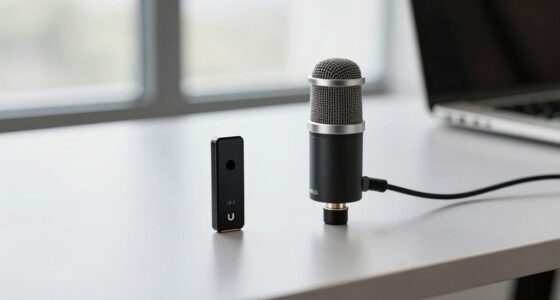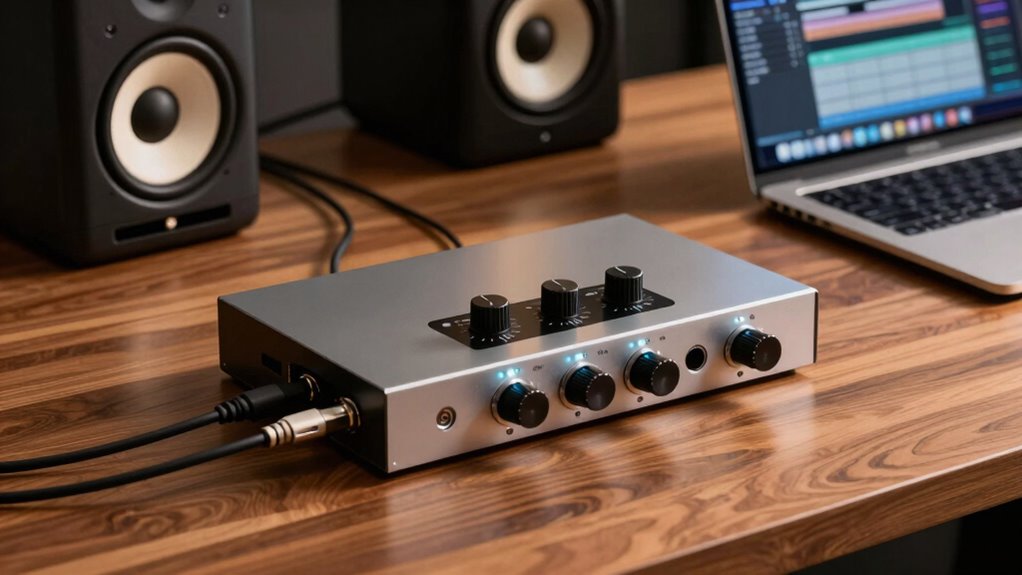

An audio interface connects your computer to microphones, instruments, and studio monitors, improving your desk audio setup. It converts digital signals into clear, accurate sound and vice versa, reducing noise and interference common with built-in sound cards. This results in crisper recordings and richer playback. With better connectivity options and advanced technology, it guarantees professional-grade audio performance. To discover how it can elevate your sound experience, keep exploring the essentials behind this key device.

Get your wardrobe favorites delivered free with Prime
- Fast, free delivery on millions of items
- Prime Video, Amazon Music and more included
- Member-only deals all year
Key Takeaways
- Convert digital signals to analog audio for clear listening and playback.
- Transform analog inputs like microphones and instruments into high-quality digital signals for recording.
- Improve audio quality by reducing noise, distortion, and interference from built-in sound cards.
- Offer multiple connection options for microphones, instruments, and studio monitors.
- Provide precise control over input levels and maintain audio fidelity during processing.
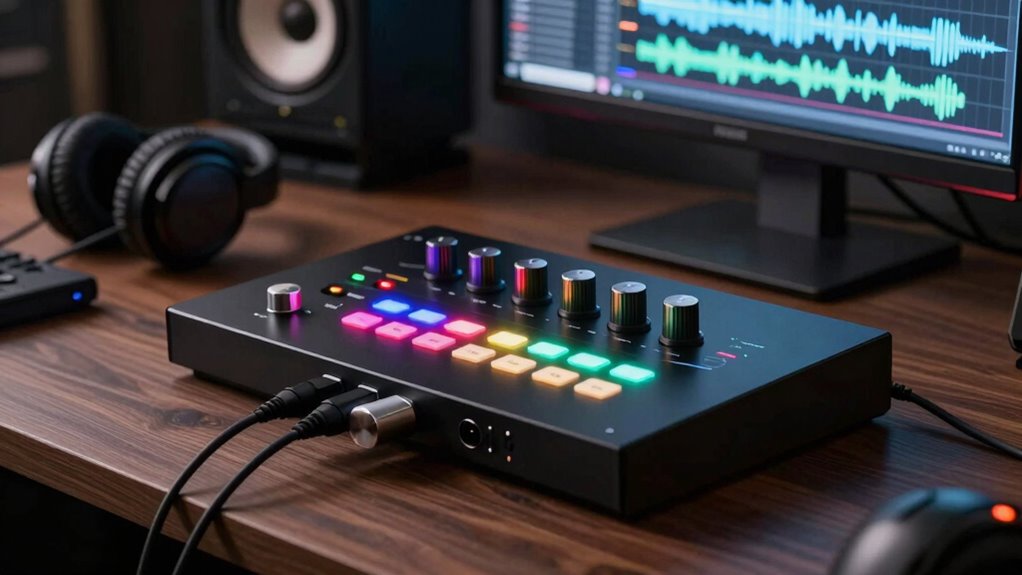
If you’re serious about high-quality desk audio, understanding what an audio interface does is essential. An audio interface acts as the bridge between your computer and your sound sources, transforming digital signals into analog audio you can hear and vice versa. It’s the core piece that elevates your audio setup beyond the limitations of standard computer sound cards. When you consider sound quality, an audio interface makes a significant difference. Unlike built-in sound cards, which often compromise clarity and introduce noise, dedicated interfaces provide cleaner, more accurate audio reproduction. This results in richer sound, whether you’re recording vocals, playing instruments, or listening through headphones. You’ll notice sharper details, fuller bass, and more precise highs, making your listening experience far more immersive.
Connectivity options are another essential aspect where an audio interface shines. Most interfaces come equipped with multiple inputs and outputs, giving you the flexibility to connect various devices. Whether you’re plugging in a microphone, an electric guitar, or a MIDI controller, the right interface ensures you can handle multiple sources simultaneously. This is particularly useful if you’re producing music or managing a podcast. Many interfaces also offer different types of inputs, such as XLR, TRS, or RCA, allowing you to connect a wide range of equipment without hassle. Additionally, the outputs let you send audio to studio monitors or external recording gear, expanding your setup’s capabilities. These connectivity options are typically faster and more reliable than relying solely on your computer’s built-in ports, reducing latency and making sure your audio signals stay clear and synchronized. Moreover, a quality audio interface often features high-quality DACs and ADCs, which are crucial for maintaining audio fidelity during conversions. Ensuring proper audio conversion is fundamental for achieving professional-grade sound, and many interfaces incorporate advanced technology to optimize this process.
Investing in a quality interface also means you can benefit from superior noise reduction features, further enhancing overall sound clarity. The importance of proper grounding in audio equipment cannot be overstated, as it helps prevent unwanted hums or electrical interference that can degrade sound quality. Beyond sound quality and connectivity, an audio interface often features high-quality digital-to-analog converters (DACs) and analog-to-digital converters (ADCs). These components are essential because they determine how accurately your audio is converted from digital signals to sound waves and vice versa. A good interface minimizes jitter, distortion, and background noise, which can otherwise compromise the clarity of your recordings and playback. It also provides better gain control, so you can set your input levels precisely, preventing clipping or weak signals. All these features work together to give you a professional-grade audio experience right at your desk, whether you’re mixing, recording, or simply enjoying music.
In essence, an audio interface is the backbone of a high-quality desk audio setup. It’s what guarantees your sound quality is top-notch and that your connectivity options cater to your specific needs. Without it, even the most expensive headphones or microphones won’t reach their full potential. Investing in a good interface means smoother workflows, clearer sound, and a more professional audio experience, making it an indispensable tool for anyone serious about their desk audio.
USB audio interface for music recording
As an affiliate, we earn on qualifying purchases.
As an affiliate, we earn on qualifying purchases.
Frequently Asked Questions
Can I Use a Regular Sound Card Instead of an Audio Interface?
You can use a regular sound card instead of an audio interface, but keep in mind its limitations. Sound cards often lack the professional inputs, outputs, and low-latency features you need for quality recording and mixing. If you’re on a tight budget, a basic sound card might suffice, but for better audio quality and flexibility, investing in an audio interface is usually worth it. It guarantees you get clearer sound and more reliable performance.
Do Audio Interfaces Improve Audio Quality for Casual Listening?
Think of an audio interface as a fine-tuned filter for your music. For casual listening, it can improve sound quality by delivering clearer, richer audio, making your listening experience more enjoyable. While a regular sound card might suffice, an audio interface often provides better clarity and detail, especially with high-quality speakers or headphones. So, yes, it can enhance your listening experience, making every song feel more alive and immersive.
How Do I Connect Multiple Microphones to One Interface?
To connect multiple microphones to one interface, you need to take into account microphone configurations and interface limitations. Use a microphone splitter or an external mixer to combine signals, then connect the mixed output to your interface. Keep in mind, some interfaces have limited input channels, so check your device’s specs. This setup allows you to manage multiple mics effectively while avoiding overloads or signal issues caused by overloading inputs.
Are Audio Interfaces Compatible With All Operating Systems?
You might worry about compatibility concerns, but most audio interfaces support popular operating systems like Windows and macOS. While some models may have limited support for Linux or older OS versions, many manufacturers provide drivers and software updates to guarantee smooth operation. Always check the product specifications before purchasing to confirm operating system support, so you can connect your gear without hassle and focus on creating your best audio work.
What Are the Power Requirements for Portable Audio Interfaces?
Portable audio interfaces typically require a USB or power adapter connection, with power specifications varying by model. Some run directly off your computer’s USB port, while others have their own power supply or battery. If battery-powered, you’ll want to check the battery life to guarantee it meets your recording needs. Always review the manufacturer’s details for power requirements, ensuring compatibility and reliable operation during your sessions.
professional audio interface with multiple inputs
As an affiliate, we earn on qualifying purchases.
As an affiliate, we earn on qualifying purchases.
Conclusion
In short, an audio interface is essential for transforming your desk setup into a professional-sounding studio. It boosts sound quality, reduces latency, and connects your gear seamlessly. Did you know that over 70% of home musicians report improved recording clarity with an audio interface? If you’re serious about your sound, investing in one is a game-changer. It’s the difference between just hearing your music and truly experiencing it.
high-quality DAC ADC audio interface
As an affiliate, we earn on qualifying purchases.
As an affiliate, we earn on qualifying purchases.
studio audio interface for microphones and instruments
As an affiliate, we earn on qualifying purchases.
As an affiliate, we earn on qualifying purchases.
Fall Picks
fall essentials
As an affiliate, we earn on qualifying purchases.