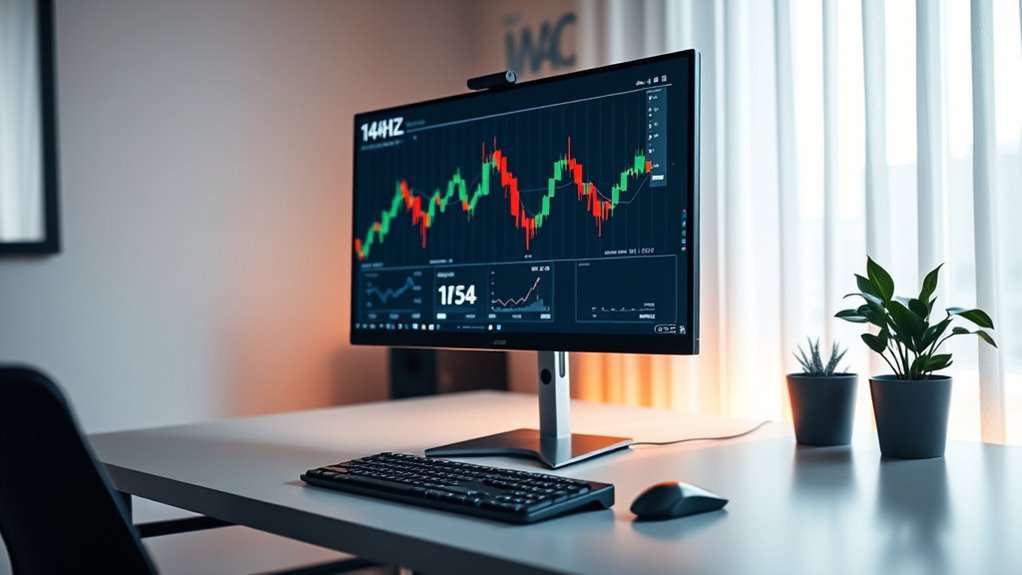

A 144Hz monitor can improve your office work by providing smoother visuals, making window shifts, scrolling, and movements feel more natural. It reduces eye strain and fatigue, especially during long hours, by offering flicker-free, consistent images. While the differences may be subtle for simple tasks, you’ll notice increased comfort and efficiency during extended sessions. If you’d like to discover how high refresh rates can truly enhance your productivity, keep exploring the benefits.
Key Takeaways
- 144Hz monitors provide smoother motion and transitions, enhancing workflow efficiency during office tasks like browsing and data entry.
- The high refresh rate reduces flicker and eye strain, promoting better comfort during long hours of extended screen use.
- Improved visual fluidity can make multitasking and switching between applications feel more seamless and natural.
- Benefits are more noticeable during intensive tasks or prolonged use, though simple office activities may see limited impact.
- Choosing a 144Hz monitor supports overall visual comfort and productivity, especially for users seeking a smoother visual experience.

Have you ever wondered how some gamers and professionals get such smooth, flicker-free visuals? It all comes down to the refresh rate of their monitors. High refresh rate monitors, like those with 144Hz, are designed to update the display 144 times per second, providing incredibly fluid motion. While this is a game-changer for gaming performance, it also raises the question: do these screens benefit office work? The short answer is that they can, but it depends on what you’re using your monitor for.
High refresh rates like 144Hz can enhance office work comfort and efficiency.
For tasks like data entry, document editing, or browsing, the difference between a standard 60Hz and a 144Hz display might not be immediately noticeable. However, if you spend long hours in front of your screen, a high refresh rate can contribute to a smoother experience overall. This smoother motion can reduce eye strain, especially during extended work sessions, because your eyes don’t have to compensate for flickering or lagging images. The consistent, flicker-free visuals reduce fatigue, making it easier to focus and work comfortably for longer periods.
When it comes to productivity, a higher refresh rate can enhance the overall visual experience. Moving between different windows, scrolling through lengthy documents, or *steering* complex spreadsheets feels more seamless. The increased fluidity can make your workflow feel more natural and less jerky, which can be a relief when you’re trying to concentrate on detailed tasks. Even subtle movements, like cursor motion or *shifting* between applications, look smoother, reducing the cognitive load on your eyes and brain.
Additionally, a 144Hz monitor can provide benefits beyond just comfort. If you’re involved in activities that include occasional multimedia editing, video conferencing, or even light gaming during breaks, the higher refresh rate offers smoother visuals that can improve your overall experience. This can translate into less eye strain over time, as your eyes are not constantly adjusting to flickering images or inconsistent frame rates. Moreover, understanding refresh rate technology can help you make better choices for your workspace.

msi PRO MP243L E14 24-inch IPS 1920 x 1080 (FHD) Gaming Office Monitor, 144Hz, Adaptive-Synch, HDR Ready, HDMI, VGA Port,VESA Mountable, Tilt, 4-Side Slim Bezel,1ms, Black
Enjoy the high-quality entertainment with a smoother 144Hz high refresh rate
As an affiliate, we earn on qualifying purchases.
As an affiliate, we earn on qualifying purchases.
Frequently Asked Questions
Do High Refresh Rate Monitors Reduce Eye Strain?
Yes, high refresh rate monitors can reduce eye strain by providing smoother motion, which helps minimize visual fatigue and motion sickness. When you use a 144Hz screen, your eyes experience less flickering and stuttering, making it easier to focus and less tiring over long periods. This smoother display can alleviate discomfort, especially if you spend hours working on detailed tasks or scrolling through fast-moving content.
Are 144HZ Monitors Suitable for Color-Critical Tasks?
A 144Hz monitor is not ideal for color-critical tasks because it often struggles with color accuracy, making subtle hues seem off. You might find calibration challenging, as these screens prioritize refresh rate over precise color reproduction. For tasks demanding exact color fidelity, like photo editing or design, look for a monitor with higher color accuracy and better calibration options, rather than focusing solely on refresh rate.
How Do Refresh Rates Affect Multi-Monitor Setups?
You’ll notice that higher refresh rates can make your multi-monitor setup feel smoother, especially during fast movements. To get the best experience, guarantee refresh rate consistency across all screens and perform regular multi-monitor calibration. This helps prevent flickering and misalignment, making your workflow more seamless. Keep in mind, though, that differences in refresh rates can sometimes cause visual discrepancies, so matching them is key for ideal multitasking.
Can High Refresh Rates Improve Video Editing Workflows?
High refresh rates can improve your video editing workflow by providing smoother motion and reducing lag during playback. They help minimize motion smoothing and frame interpolation artifacts, ensuring more accurate previews of your edits. With a 144Hz screen, you’ll experience clearer, more fluid visuals, making it easier to spot timing issues and fine details. This enhancement boosts your efficiency and confidence when editing fast-moving footage or working on detailed projects.
Are There Any Downsides to Using 144HZ Monitors at Work?
Think of your monitor as a window into your work world. A 144Hz screen can sometimes introduce motion blur, making fast movements less clear, which might strain your eyes. It also gobbles up more power, so your energy bill could rise. While smooth visuals are great, weigh these downsides against your needs to guarantee your workspace stays efficient and comfortable without unnecessary distractions.

AOC 22B35HM23 22" Full HD (1920 x 1080) 120Hz LED Monitor, Adaptive Sync, VGA & HDMI, Flicker-Free, Low Blue Light, HDR Ready, VESA, Tilt Adjust, Eco-Friendly
FULL HD DISPLAY: Enjoy this 22 inch class (21.5″ viewable) crisp and clear visuals with a Full HD…
As an affiliate, we earn on qualifying purchases.
As an affiliate, we earn on qualifying purchases.
Conclusion
While some might think a 144Hz monitor is only for gamers, it actually benefits office work too. The smoother visuals can reduce eye strain and improve your focus during long tasks. Even if your work doesn’t involve fast-paced action, you’ll notice less fatigue and a more comfortable experience. So, don’t dismiss high refresh rates—investing in a 144Hz screen can make your daily routines more comfortable and efficient, no matter your job.

LG 24G411A-B 24-inch Ultragear Full HD (1920 x 1080) IPS Gaming Monitor, 144Hz (O/C), 1ms MBR, NVIDIA G-Sync Compatible, AMD FreeSync, HDR10, HDMI, DisplayPort, Slim Stand, Black
Vivid Color, Fast Response, Total Control – The 24" UltraGear FHD gaming monitor delivers vivid HDR10 color, ultra-smooth…
As an affiliate, we earn on qualifying purchases.
As an affiliate, we earn on qualifying purchases.

CRUA 24” Curved Gaming Monitor, 180Hz/144Hz FHD 1080P, Support 120% sRGB, AMD FreeSync, Low Motion Blur, Wall Mount Installs Compatible, for Office and Games(HDMI 1.4 & DP 1.2) – Black
【24inch Gaming Monitor】: 23.8inch FHD 1920x1080p curved display adopts blue light filter eye protection technology, 2800R curvature, 16:9,…
As an affiliate, we earn on qualifying purchases.
As an affiliate, we earn on qualifying purchases.