
When choosing between curved and flat ultrawide monitors for productivity, consider your work habits and comfort preferences. Curved screens can enhance immersion and reduce eye strain by matching natural eye movement, making them great for detailed tasks and long sessions. Flat monitors offer consistent angles and are easier to align with other displays. Both types can boost your productivity if they suit your tasks. Keep exploring to discover which option best fits your workflow and comfort needs.

Get your wardrobe favorites delivered free with Prime
- Fast, free delivery on millions of items
- Prime Video, Amazon Music and more included
- Member-only deals all year
Key Takeaways
- Curved ultrawide monitors enhance immersion and reduce eye strain for detailed tasks and extended use.
- Flat ultrawide monitors offer easier multi-monitor alignment and straightforward calibration for productivity.
- Curved screens improve field of view, aiding multitasking and focus during complex workflows.
- Flat monitors provide consistent viewing angles, ideal for collaborative reviews and flexible positioning.
- Choice depends on work habits—curved for immersive, ergonomic comfort; flat for versatility and easier setup.
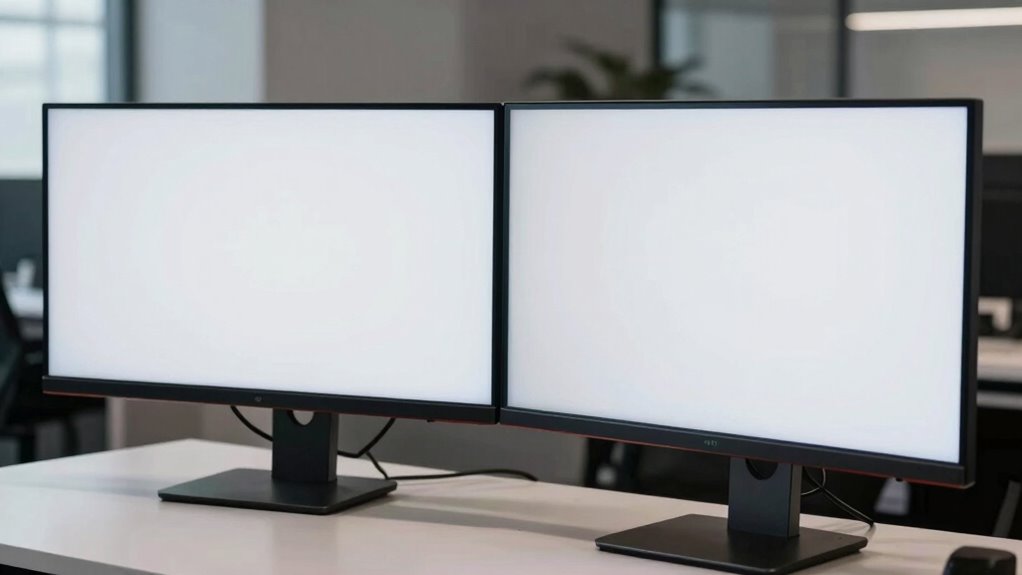
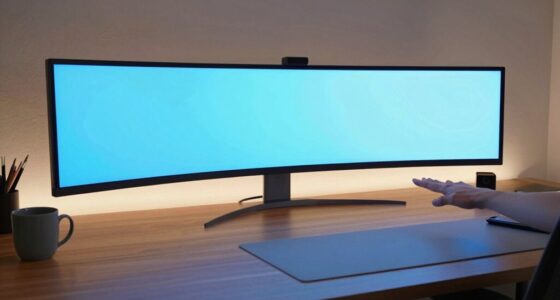
When choosing an ultrawide monitor to boost your productivity, the decision between a curved and a flat screen often comes down to personal preference and work habits. Both types can enhance your workflow, but your choice influences how comfortable and immersive your experience feels. Curved monitors are designed with ergonomic considerations in mind, aiming to reduce eye strain by matching the natural curve of your eyes. This design helps distribute light evenly across the screen, minimizing reflections and glare, which can be especially helpful during long work sessions. If you spend hours editing photos, working with detailed spreadsheets, or coding, the ergonomic benefits of a curved display can make a noticeable difference in comfort and focus.
Curved monitors enhance ergonomics and reduce eye strain during long work sessions.
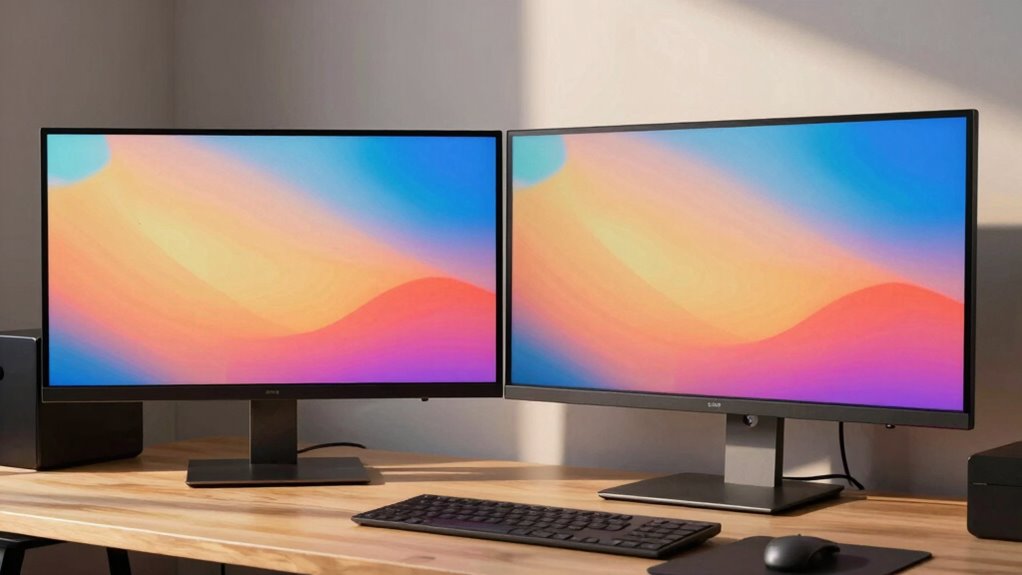
Visual immersion is another key factor to contemplate. Curved screens wrap around your field of view, drawing you into your work environment and making multitasking more seamless. With multiple windows open, you’ll find it easier to switch between tasks without feeling disconnected from your overall workspace. This immersive quality can boost your efficiency by reducing the need to move your head or adjust your posture constantly. Flat monitors, on the other hand, offer a more traditional experience, which some users prefer for straightforward tasks like document editing or browsing. They provide a consistent viewing angle, making them easier for some to calibrate and align with other displays, especially in multi-monitor setups.
Your work habits also influence whether a curved or flat ultrawide will serve you best. If your tasks involve detailed design work, gaming, or data analysis, the immersive experience of a curved monitor can enhance precision and focus. The ergonomic design of curved screens helps you maintain a natural posture, reducing fatigue during extended periods of use. Conversely, if your work entails collaborative reviews or if you often switch between multiple screens, a flat ultrawide might offer more flexibility. Flat monitors can be easier to position at eye level and align with other displays, creating a more uniform workspace. Additionally, understanding ergonomic considerations can help you select a monitor that minimizes discomfort during long working hours, especially when considering visual comfort for prolonged use.
Ultimately, your choice hinges on how you work and what you prioritize—whether it’s comfort, visual immersion, or flexibility. Both curved and flat ultrawide monitors can profoundly boost productivity, but understanding your specific needs ensures you select the right one. Think about your ergonomic comfort, the type of work you do, and your preference for immersion to make an informed decision that will serve you well in the long run.
ultrawide curved monitor 34 inch
As an affiliate, we earn on qualifying purchases.
As an affiliate, we earn on qualifying purchases.
Frequently Asked Questions
Do Curved Monitors Cause Eye Strain Over Long Periods?
Curved monitors generally don’t cause eye strain if you adjust them properly, thanks to their ergonomic benefits. They reduce visual distortion by providing a more natural viewing angle, which minimizes eye movement and fatigue during long periods. However, if you sit too close or the curve isn’t suited to your setup, it might cause discomfort. Make sure to position the monitor at eye level and take regular breaks to keep your eyes comfortable.
Are Curved Ultrawide Monitors Suitable for Gaming?
You’ll find curved ultrawide monitors enhance gaming immersion, wrapping visuals around you for a more engaging experience. However, they can introduce visual distortion in some games, especially with fast-paced action or sharp angles, which might disrupt your gameplay. If you prioritize immersive visuals and don’t mind potential distortions, a curved ultrawide suits gaming well. But if sharp precision matters, a flat screen might offer better clarity and accuracy.
How Easy Is It to Find Compatible Wall Mounts?
You’ll find wall mount compatibility varies depending on the monitor model, but most ultrawide monitors support standard VESA mounting patterns, making it fairly easy. When choosing a wall mount, verify it offers ample mounting flexibility to accommodate curved or flat screens. Check the monitor’s specifications for VESA compatibility, and you’ll be able to securely attach your ultrawide monitor with minimal hassle, enhancing your workspace organization and aesthetics.
What Are the Maintenance Requirements for Curved Screens?
Curved screens require minimal maintenance but need regular dust cleaning to keep the display clear. You should wipe the screen gently with a microfiber cloth to remove dust and smudges, avoiding harsh chemicals that can damage the surface. Since the curvature can trap dust in certain areas, pay extra attention to edges and corners during cleaning. Overall, routine dust removal and careful handling help maintain your monitor’s best display quality.
Can Curved Monitors Be Easily Transported or Moved?
Like a fragile ship steering treacherous waters, curved monitors pose portability challenges. You’ll find them less convenient to move due to their size and shape. To handle them safely, use both hands and a sturdy case or padding for transport. Keep the screen upright, avoid sudden jolts, and secure the edges. While not impossible, their design makes handling tips essential to prevent damage during relocation.
flat ultrawide monitor for multitasking
As an affiliate, we earn on qualifying purchases.
As an affiliate, we earn on qualifying purchases.
Conclusion
Choosing between curved and flat ultrawide monitors ultimately depends on your work style and preferences. Both options have their perks, so it’s a matter of what feels right for you. Don’t be afraid to try out different setups—sometimes, the grass isn’t always greener. Remember, the right monitor can make or break your productivity, so pick what helps you stay focused and comfortable. After all, it’s about playing to your strengths!
As an affiliate, we earn on qualifying purchases.
best ultrawide monitor for productivity
As an affiliate, we earn on qualifying purchases.
As an affiliate, we earn on qualifying purchases.
Fall Picks
fall essentials
As an affiliate, we earn on qualifying purchases.