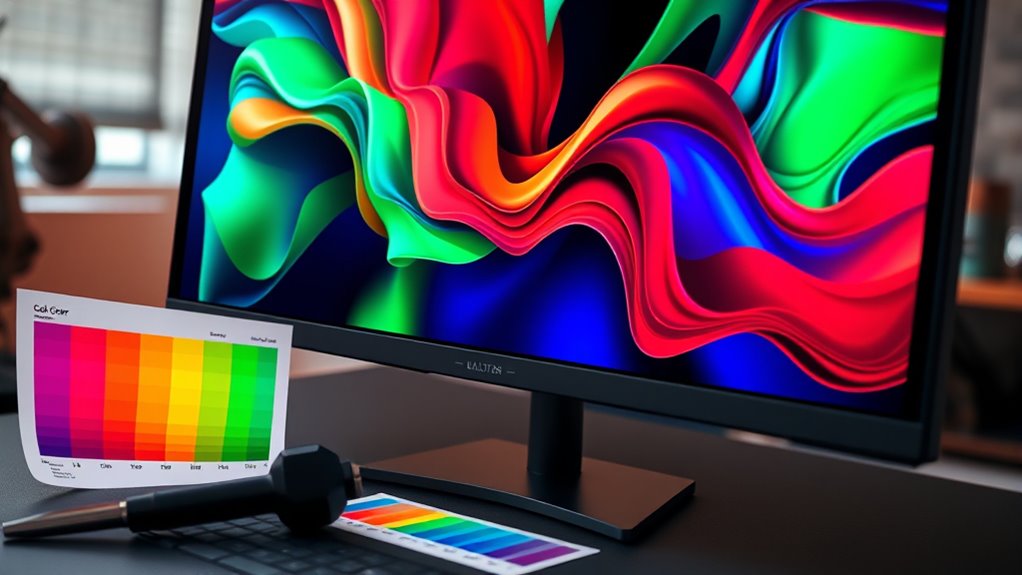

As a creative, having a color-accurate screen is essential for producing work that’s precise and consistent. Without proper calibration, your monitor’s colors can drift over time, leading to inaccuracies that might cause you to make mistakes or need revisions. A wide color gamut and regular calibration guarantee your display shows true-to-life colors, helping you meet industry standards. Keep going to discover how calibrating your monitor can elevate your creative projects even further.

Get your wardrobe favorites delivered free with Prime
- Fast, free delivery on millions of items
- Prime Video, Amazon Music and more included
- Member-only deals all year
Key Takeaways
- Creatives require color-accurate screens to ensure their work reflects true hues and details.
- Hardware calibration corrects monitor discrepancies, maintaining consistent, precise color reproduction over time.
- Wide color gamuts like Adobe RGB or DCI-P3 enable more vivid and accurate colors for professional projects.
- Uncalibrated monitors can cause color drift, leading to inaccurate edits and inconsistent results.
- Regular calibration enhances workflow confidence, reduces revisions, and ensures high-quality visual output.
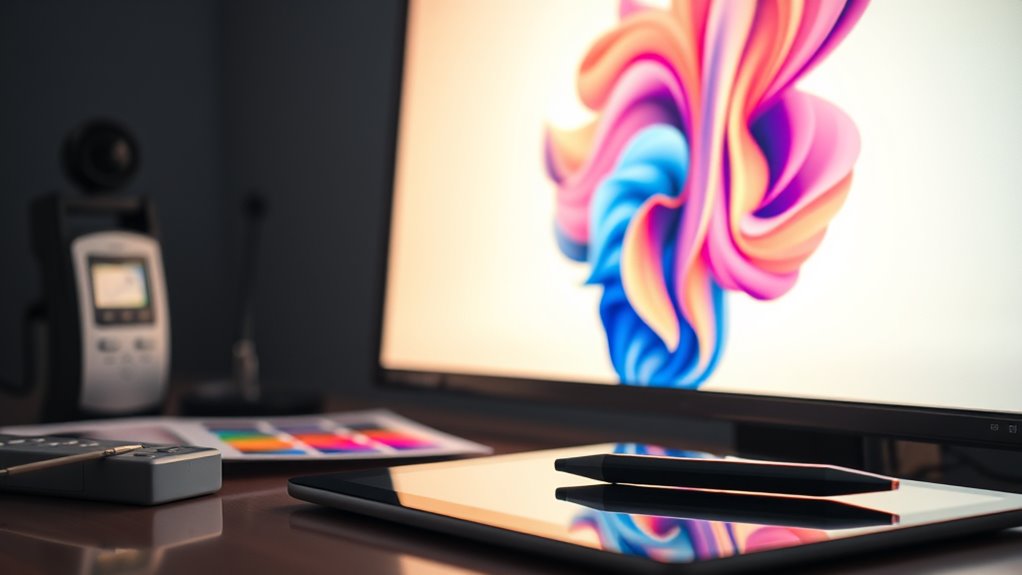
Have you ever wondered if your monitor displays colors accurately? As a creative, you rely heavily on your screen to bring your ideas to life and ensure your work looks its best across various platforms. One key aspect of achieving this is understanding the importance of color gamut and hardware calibration. The color gamut refers to the range of colors your monitor can reproduce. Not all screens are created equal—some have a broader color gamut, allowing you to see more vivid, true-to-life colors, while others are limited, which can result in dull or inaccurate hues. If precision is crucial for your projects, you need a monitor that covers a wide color gamut, such as Adobe RGB or DCI-P3, depending on your specific needs. But even having a high-quality display isn’t enough on its own. That’s where hardware calibration comes into play.
Hardware calibration involves adjusting your monitor’s internal settings to match a standardized color profile. Unlike software calibration, which tweaks color output through your operating system, hardware calibration uses a specialized device called a colorimeter or spectrophotometer. This device connects to your monitor and measures the actual colors it produces, then creates an accurate profile that corrects any discrepancies. By calibrating your monitor with hardware calibration tools, you ensure that what you see on your screen is consistent and dependable, whether you’re editing photos, designing graphics, or working on video projects. Without calibration, even a monitor with a broad color gamut might display colors inaccurately, leading you to make edits based on false information. Over time, monitors can drift from their original calibration, especially with aging hardware or changing lighting conditions, making regular calibration essential for maintaining color accuracy.
In addition, understanding how color calibration impacts your workflow can help you make informed decisions about your equipment and techniques. Investing in proper calibration tools and techniques is a smart move if you’re serious about your craft. It’s not enough to simply buy a high-end monitor; you need to fine-tune it to meet professional standards. When you perform hardware calibration, you’re essentially creating a consistent color environment that minimizes surprises when your work is viewed on different devices or printed. Many professionals find that calibration considerably improves their confidence in their color choices and reduces the need for time-consuming revisions. Ultimately, if you want your creative work to look its best and be true to your vision, understanding and managing your monitor’s color gamut through hardware calibration should be a top priority.
Frequently Asked Questions
How Often Should I Recalibrate My Creative Monitor?
You should recalibrate your creative monitor every 4 to 6 weeks to maintain accurate colors, especially if you work on color-sensitive projects. Calibration frequency depends on your monitor’s lifespan and usage; frequent calibration ensures consistent results over time. Keep in mind that as your monitor ages, its color accuracy may decline, so regular recalibration helps preserve your workflow quality and ensures your displays stay reliable for your creative work.
Can Consumer-Grade Monitors Be Sufficiently Color-Accurate for Professional Work?
You might find that consumer-grade monitors fall short for professional work due to their limitations in color accuracy. While some offer decent visuals, they often lack the consistent color calibration needed for precise editing. Investing in professional calibration tools and higher-end displays guarantees you get the most accurate colors, helping your work meet industry standards. Don’t rely solely on consumer monitors—your creative projects deserve the best calibration benefits.
What Are the Costs Associated With Professional Monitor Calibration?
You’ll need to budget for calibration tools like colorimeters or spectrophotometers, which can cost from a few hundred to over a thousand dollars. Service fees for professional calibration vary, typically ranging from $100 to $300 per session, depending on the complexity and provider. Keep in mind, investing in regular calibration guarantees your monitor maintains color accuracy, crucial for professional-quality work and consistent results.
Do I Need to Calibrate My Monitor if I Use Cloud-Based Color Profiles?
If you use cloud-based color profiles, you might think monitor calibration isn’t necessary, but it still helps. Calibration ensures your monitor displays colors accurately, providing a solid baseline before applying cloud profiles. Without calibration, even the best cloud profiles can’t correct hardware inaccuracies. So, for consistent, reliable color work, it’s wise to calibrate your monitor first, then depend on cloud profiles for ongoing color management.
How Does Ambient Lighting Affect Color Accuracy During Calibration?
Ambient light considerably impacts your color accuracy during calibration. Excessive ambient light or glare can wash out colors and distort your perception, making calibration less effective. To improve accuracy, control ambient light by using curtains or dimming lights, and consider glare reduction techniques like matte screens or anti-reflective coatings. Ensuring consistent lighting conditions helps your monitor display true colors, resulting in more reliable and precise creative work.
Conclusion
So, as you explore your next project, remember that a properly calibrated screen isn’t just technical—it’s a bridge to your creativity. When your monitor reflects true colors, your vision becomes reality. It’s no coincidence that the most inspiring work often starts with accurate visuals. Trust in calibration to release your full potential, turning everyday moments into masterpieces. Because sometimes, the tiniest details can make the biggest difference in bringing your ideas to life.
Evergreen bestsellers Picks
bestsellers
As an affiliate, we earn on qualifying purchases.