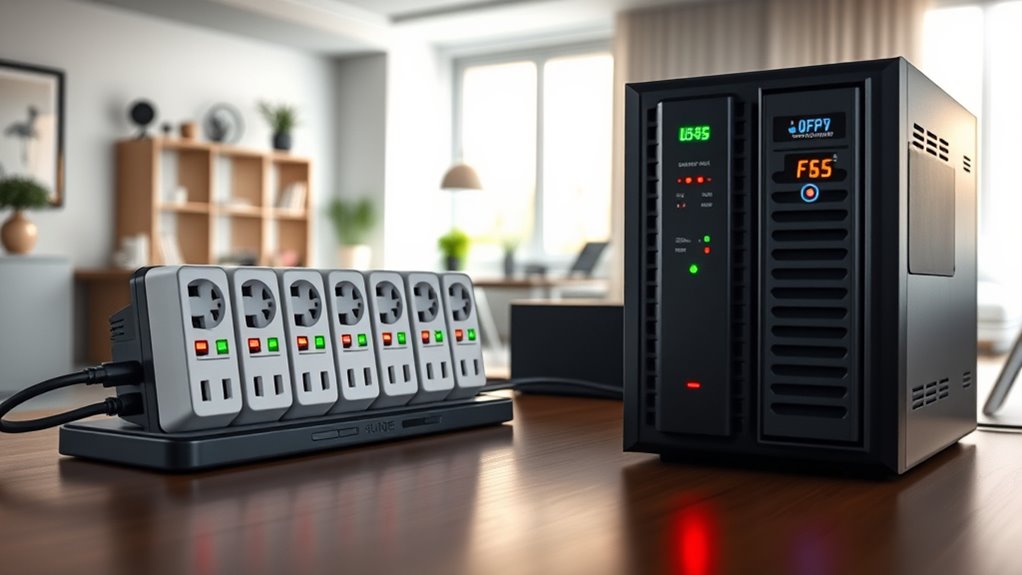

To protect your home office, use surge protectors to block unexpected voltage spikes and prevent damage to your electronics. However, surge protectors don’t support devices during outages, so investing in an uninterruptible power supply (UPS) is essential. A UPS provides backup power, giving you time to save work and shut down safely. Keep in mind that both tools need regular maintenance—continue exploring to learn how to maximize your protection effectively.

Get your wardrobe favorites delivered free with Prime
- Fast, free delivery on millions of items
- Prime Video, Amazon Music and more included
- Member-only deals all year
Key Takeaways
- Surge protectors block voltage spikes from lightning and electrical anomalies, safeguarding sensitive home office electronics.
- They do not provide power during outages; a UPS is needed for continuous operation.
- UPS units supply backup power, allowing safe shutdowns and preventing data loss during outages.
- Choose a UPS with sufficient capacity for your critical devices, such as computers and monitors.
- Regularly test and replace UPS batteries to ensure reliable backup during power failures.
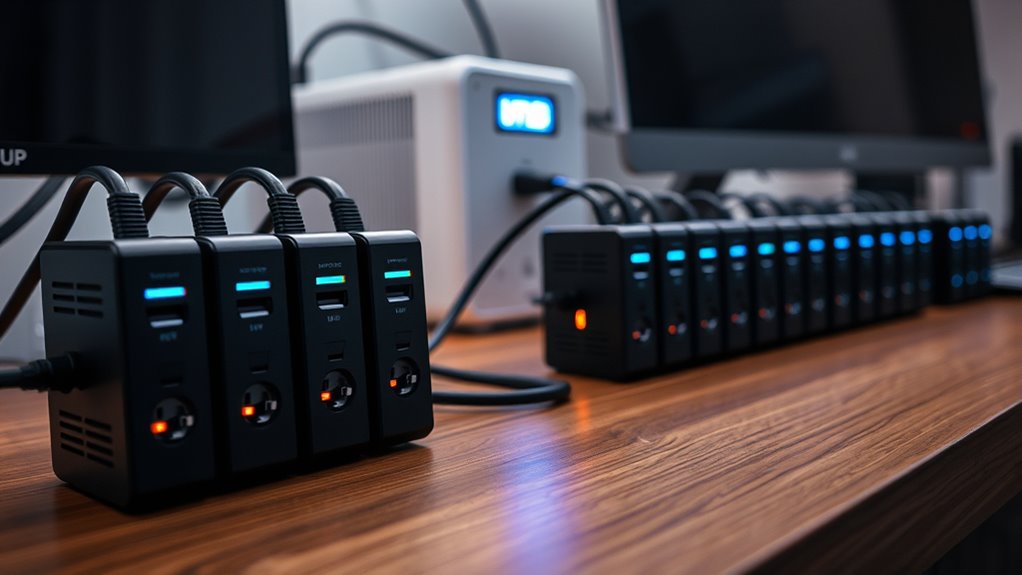
Power surges and outages can happen unexpectedly, risking damage to your electronic devices and data. A sudden power surge, caused by lightning strikes, utility switching, or other electrical anomalies, can send a surge of excess voltage through your devices, often frying sensitive components. To protect yourself, investing in a surge protector is essential. But it’s equally important to understand what additional measures, like a backup battery, can do to keep your home office safe and operational during outages.
Power surges and outages threaten your devices; protect your home office with surge protectors and backup batteries.
A surge protector acts as a barrier, absorbing or blocking excess voltage from reaching your devices. It’s a simple yet effective way to prevent damage caused by power surges. However, surge protectors only provide protection during short-term spikes; they don’t keep your devices running when the power is completely out. That’s where a backup battery, or uninterruptible power supply (UPS), comes into play. A UPS provides a continuous power source during outages, giving you time to save work, shut down equipment properly, or keep critical devices running until power is restored.
When choosing a UPS, look for models with enough capacity to support your essential equipment, such as your computer, monitor, and networking gear. These devices contain a built-in backup battery that kicks in instantly when the main power fails. This instant switchover helps you avoid data loss and hardware damage. The backup battery also serves as an energy reservoir, allowing your devices to operate smoothly for a limited time—usually from a few minutes to over an hour, depending on the UPS’s capacity. Regular maintenance and monitoring of your energy-efficient cloud solutions can further enhance your home’s resilience by integrating smart power management.
Having both a surge protector and a backup battery in your home office creates a layered defense. The surge protector guards against damaging voltage spikes, while the UPS ensures you stay productive during outages. It’s a smart setup, especially if you handle sensitive data or rely heavily on your electronic equipment. Remember to regularly test your backup battery and replace it when it no longer holds a proper charge, so you’re always prepared.
Frequently Asked Questions
Can Surge Protectors Prevent Data Loss?
Surge protectors can help prevent data loss caused by power surges, but they don’t guarantee complete protection. They shield your devices from voltage spikes, yet it’s smart to follow data backup strategies regularly. Keep in mind that surge protector lifespan declines over time, which reduces their effectiveness. To make sure your data stays safe, combine surge protection with consistent backups and replace your surge protector every few years.
How Long Do UPS Batteries Typically Last?
Your UPS batteries typically last between 3 to 5 years, depending on usage and environment. To guarantee reliable power during outages, monitor the battery’s health regularly and plan for replacement intervals around this timeframe. Proper maintenance, like keeping the UPS in a cool, dry place, can extend battery lifespan. When you notice reduced runtime or difficulty holding a charge, it’s time to replace the batteries for continued protection.
Are All Surge Protectors Suitable for Sensitive Electronics?
Not all surge protectors are created equal; some are like knights guarding your sensitive electronics, while others are mere paper shields. You need to check their surge protector ratings to guarantee they meet strict electrical safety standards. Look for devices specifically designed for sensitive electronics, offering higher joule ratings and proper certifications. This way, you safeguard your gadgets from power spikes, keeping them safe and your workspace worry-free.
What’s the Difference Between a Surge Protector and a Power Strip?
A surge protector actively safeguards your electronics from power spikes, while a power strip simply extends your outlet availability. Surge protectors focus on electrical safety and protect compatible devices from voltage surges, making them essential for sensitive electronics. Power strips lack this protection and are mainly for convenience. When choosing, verify the device compatibility and look for surge protectors with appropriate joule ratings to keep your home office safe.
How Often Should I Replace My UPS Batteries?
You should replace your UPS batteries every 3 to 5 years, depending on usage and battery health. Regular battery maintenance helps guarantee reliable backup power during outages. Keep an eye on signs like reduced runtime or difficulty holding a charge. Follow your UPS manufacturer’s recommended replacement schedule, and consider testing the batteries annually to catch issues early. Proper maintenance and timely replacement keep your home office protected and your equipment safe.
Conclusion
With surge protectors and UPS units, you shield your space from sudden shocks and silent snows of power loss. By balancing backup and barrier, you build a barrier against blackout blues and data disasters. Equip your home office with these essential electrical allies, ensuring your equipment stays safe, your workflow stays smooth, and your peace of mind prevails. Protect, preserve, and power on—because a secure setup keeps your success shining bright.
Fall Picks
fall essentials
As an affiliate, we earn on qualifying purchases.