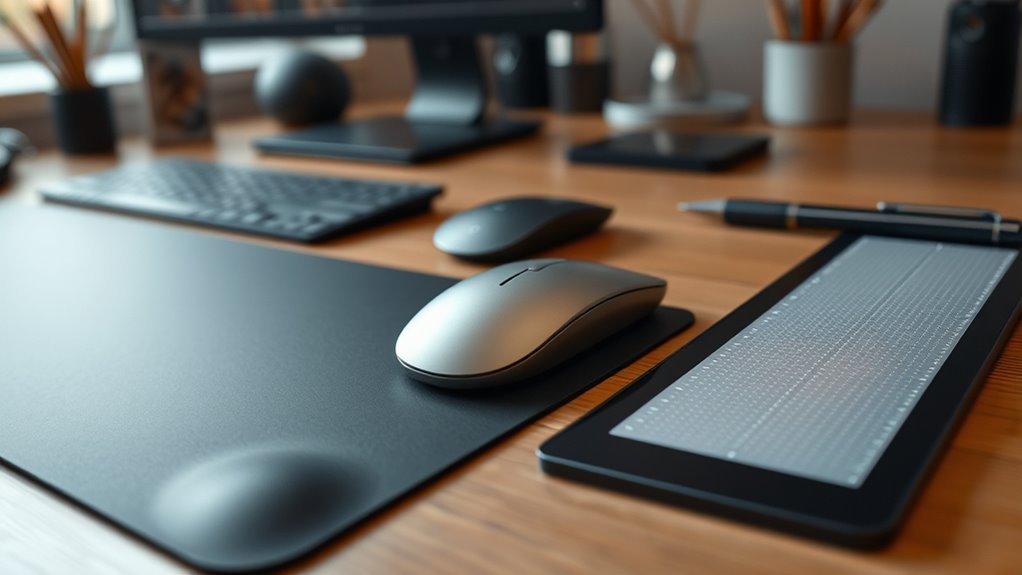

Choosing the right pointing device depends on your needs, comfort, and budget. If you want portability and simplicity for everyday tasks, a trackpad or basic mouse works well. For increased precision, especially in design or art, a pen tablet offers more control and ergonomic benefits. Higher costs often mean better comfort and durability, so consider your long-term use. Keep exploring to find out which device best suits your work and daily habits.
Key Takeaways
- Choose a mouse for general use, comfort, and affordability; opt for a pen tablet for precision and creative tasks.
- Consider ergonomic design to prevent strain during long hours of use, especially with mice and ergonomic pen tablets.
- Budget-friendly trackpads suit casual tasks, while high-end devices offer better durability and specialized features.
- Pen tablets excel in graphic design and detailed work, whereas mice and trackpads are better for everyday computing.
- Assess your primary tasks and ergonomic needs to select the device that offers optimal comfort, efficiency, and value.
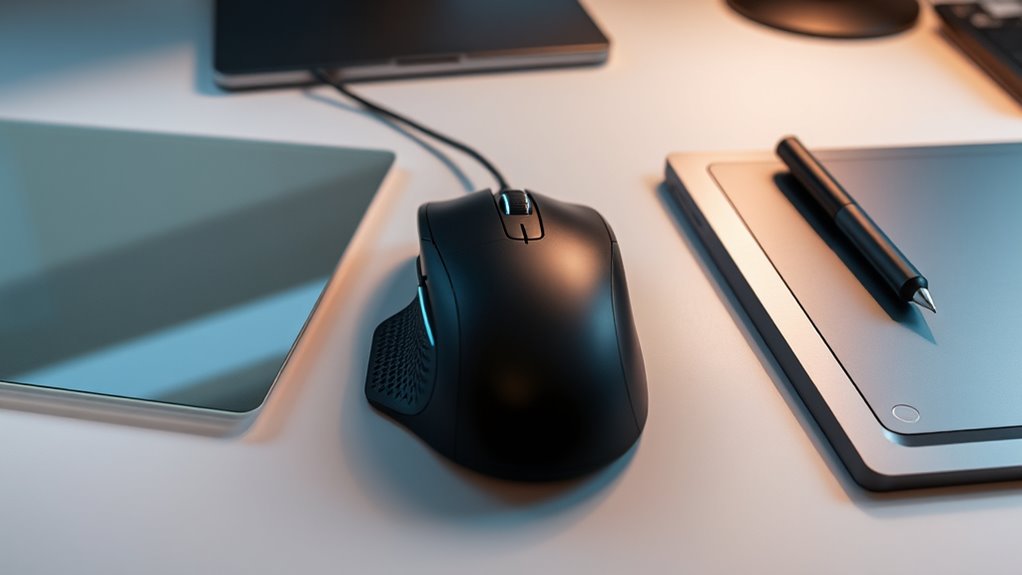
Pointing devices like trackpads, mice, and pen tablets are essential tools that help you interact efficiently with your computer. Choosing the right device depends on your needs, workspace, and budget, especially when considering ergonomic design and cost. If you spend hours daily steering your computer, comfort should be a top priority. An ergonomic design ensures your hand and wrist stay in a natural position, reducing strain and preventing repetitive stress injuries. Mice often come with ergonomic shapes, offering support that minimizes fatigue, but they can be pricier. Trackpads, especially on laptops, tend to have a simpler, integrated design, which may lack the ergonomic features of specialized mice but often come at a lower cost. Pen tablets, used primarily by digital artists and designers, focus on precision and pressure sensitivity rather than ergonomic comfort, but some models are crafted with ergonomic considerations in mind. When weighing budget considerations, a basic trackpad or a budget-friendly mouse may suffice for everyday tasks like browsing or document editing, offering affordability without sacrificing essential functionality. However, if your work involves detailed design or extensive computer use, investing in a high-quality, ergonomically designed mouse might be worthwhile, despite a higher price tag. Pen tablets tend to be more specialized and often come with a higher initial investment, especially for models with advanced features, but they can replace multiple devices, streamlining your workspace and workflow. Your choice should also factor in durability and build quality, which influence long-term costs and comfort. Cheaper mice or trackpads might save money upfront but could lead to discomfort or the need for replacement sooner. In contrast, ergonomic mice and quality pen tablets, though more expensive initially, can offer better comfort and durability, making them a smarter investment over time. Considering the security zone features available in modern devices can also enhance your overall safety and privacy. Consider your primary tasks when selecting: if you’re doing graphic design, a pen tablet with ergonomic features might be ideal; for general use, a comfortable mouse or trackpad might suffice. Remember, the most suitable pointing device is one that balances your ergonomic needs with your budget, making sure you stay comfortable and productive without overspending. Ultimately, testing different devices, reading reviews, and evaluating your specific work habits will guide you toward the best choice, helping you work efficiently while protecting your health and wallet.

VIVO Heavy Duty Aluminum Ultrawide Monitor Tension Arm for up to 49 inch Screens, Holds 44 lbs, Premium Desk Mount Stand Designed for Samsung Odyssey G9 and More, Black, STAND-V101V
Fits Ultra Wide Screens: Single mount for ultra-wide monitors up to 49” in size and 44 lbs in...
As an affiliate, we earn on qualifying purchases.
Frequently Asked Questions
Which Pointing Device Offers the Best Ergonomics for Long-Term Use?
A mouse generally offers the best ergonomics for long-term use, providing ergonomic benefits like better wrist support and customizable buttons that reduce strain. Unlike trackpads, which can cause finger fatigue, and pen tablets, which might lead to arm discomfort, a well-designed ergonomic mouse helps prevent strain and promotes comfortable, sustained use. Choose an ergonomic mouse with adjustable features to maximize strain prevention and guarantee comfort during extended work sessions.
How Do Different Devices Impact Workflow Efficiency?
Imagine your workflow as a finely tuned engine—different devices can either accelerate or stall your progress. Using a trackpad with gesture control boosts efficiency through quick, intuitive commands, while a portable mouse offers superior precision on the go. Pen tablets excel in detailed work, streamlining creative tasks. Choose based on your tasks; each device’s unique portability advantages and gesture capabilities directly impact how smoothly your work flows.
Are There Specific Devices Better Suited for Gaming?
For gaming, a mouse is your best bet due to its precision and responsiveness, especially with gaming accessories like high-DPI mice. Controllers are better suited for console-style games and offer compatibility with various gaming setups. Pen tablets are less ideal unless you’re into digital art or design. Choose a device that matches your game genre and guarantee it’s compatible with your gaming accessories for peak performance.
What Maintenance or Cleaning Is Required for Each Device?
To maintain device longevity, you should follow proper cleaning protocols for each device. For a mouse, regularly wipe the surface and clean the sensor with a soft cloth. For a trackpad, gently clean the surface and check for debris. Pen tablets require careful cleaning of the active area and stylus. Avoid harsh chemicals, and unplug devices before cleaning. Consistent maintenance ensures peak performance and extends the lifespan of your devices.
How Do Cost and Durability Compare Among Options?
You’ll find that mice generally have a lower initial cost and are quite durable, with simple components that withstand daily use. Pen tablets tend to be more expensive but offer superior durability for creative tasks, though their cost varies by features. Trackpads sit in the middle—affordable and reasonably durable, especially on laptops. Your choice depends on balancing cost comparison with durability factors based on your usage needs.

ARES WING Ultrawide Monitor Arm for 17 to 49 Inch Heavy Duty Curved Screen, Holds 44 Lbs, Adjustable Gas Spring Monitor Arm Desk Mount with C Clamp, Grommet Base, 75/100 Vesa Mount, Black
【Support up to 49" & 44lbs Monitors】The 49 inch monitor arm supports most flat, and curved computer screens...
As an affiliate, we earn on qualifying purchases.
Conclusion
Choosing between a trackpad, mouse, or pen tablet is like picking the right brush for your artistic canvas—you need what feels most natural to bring your creative vision to life. Consider your workflow and comfort, and don’t be afraid to experiment. The perfect device acts as an extension of your hand, turning your ideas into reality with the grace of a dancer. Trust your instincts, and let your choice elevate your digital experience.

ARES WING Dual Monitor Arm for Ultrawide Heavy Duty Curved Monitor Stacking, Fits 17-49 Inch, Vertical Gas Spring Double Monitor Stand with USB, Adjustable Dual Monitor Mount for Desk, Black
【Fit up to 49" & 44lbs Monitors】Compatible with most QLED, OLED, LED flat, and curved computer monitors ranging...
As an affiliate, we earn on qualifying purchases.

LitONES LED Desk Lamp for Home Office – Professional Eye-Caring Soft Diffused Light, Dimmable Desk Lamp with Adjustable Metal Swing Arm, Memory & Timer, Modern Anti-Glare Table Lamp
【More than a Desk Light】This office lamp isn't just for brightening your workspace—it's designed to brighten you, too....
As an affiliate, we earn on qualifying purchases.