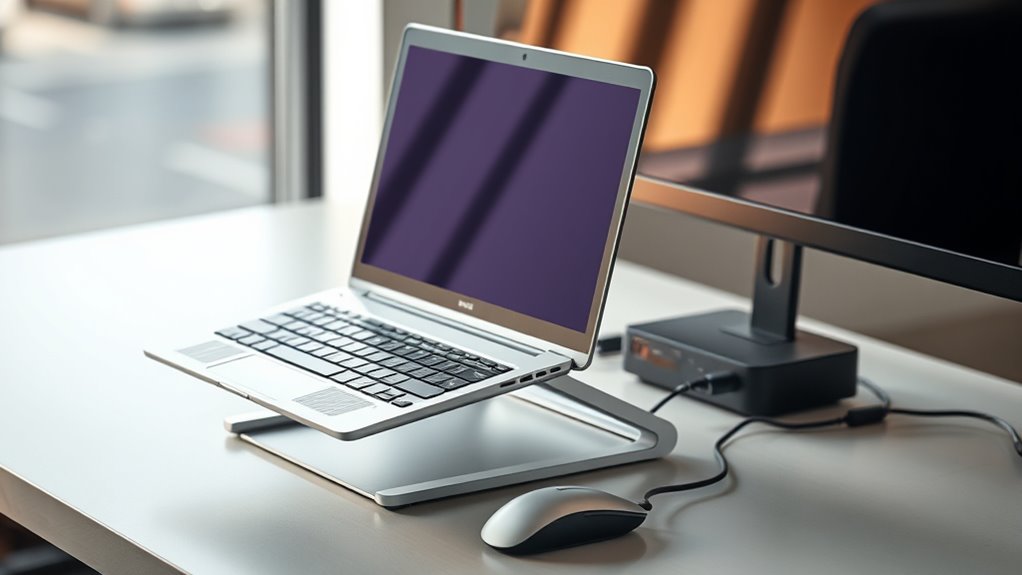

Using laptop stands and docks can greatly improve your comfort and productivity by elevating your device to eye level, which reduces neck and shoulder strain. They also expand connectivity options like extra USB ports, HDMI outputs, and network connections, making your workspace more organized and efficient. Many stands are portable, letting you set up comfortably anywhere. To discover how these tools can transform your work setup and boost your well-being, keep exploring further.

Get your wardrobe favorites delivered free with Prime
- Fast, free delivery on millions of items
- Prime Video, Amazon Music and more included
- Member-only deals all year
Key Takeaways
- Laptop stands elevate screens to eye level, reducing neck strain and promoting better posture during extended use.
- Docks expand connectivity options, providing additional USB ports, external displays, and wired internet for enhanced productivity.
- Using stands and docks creates a cleaner workspace, minimizing cable clutter and improving overall organization.
- Portable designs allow ergonomic setups anywhere, supporting flexible work environments at home or on the go.
- Combining ergonomic positioning with expanded connectivity boosts comfort and efficiency for long, focused work sessions.
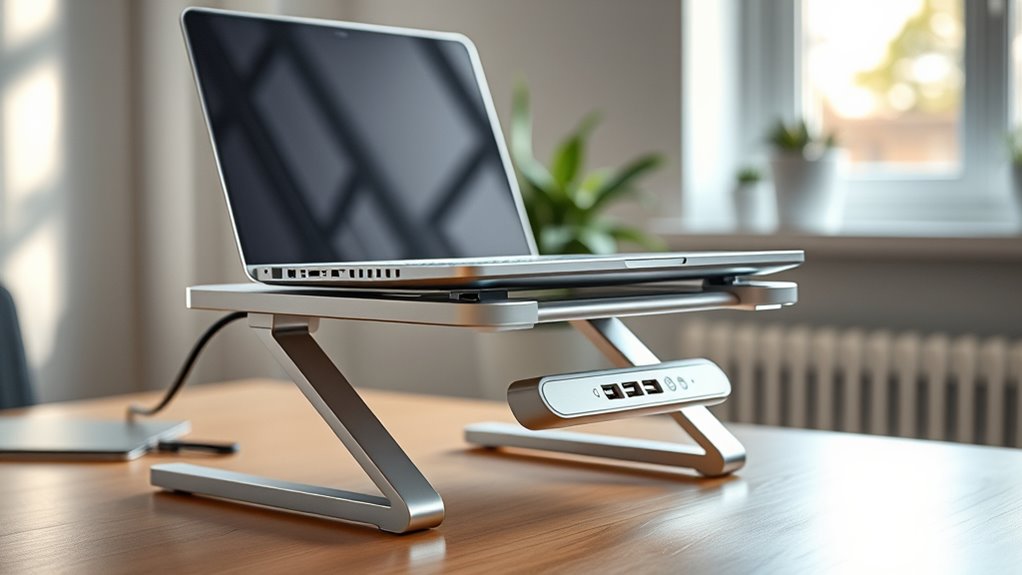
If you want to boost your productivity and create a more ergonomic workspace, investing in a laptop stand or dock is a smart move. These accessories do more than just lift your device; they substantially enhance your overall comfort and efficiency. An ergonomic benefit of using a laptop stand is that it positions your screen at eye level, reducing strain on your neck and shoulders. When your laptop sits at the right height, you’re less likely to develop discomfort or repetitive strain injuries from hunching over. Plus, elevating your laptop encourages better posture, which can lead to fewer aches during long work sessions.
Beyond comfort, laptop stands and docks also offer practical benefits like port expansion. Many modern laptops come with a limited number of ports, which can hinder your ability to connect multiple peripherals. A dock, in particular, provides additional USB ports, HDMI or DisplayPort outputs, SD card slots, and Ethernet connections, turning a single laptop port into a hub of connectivity. This streamlines your workspace, allowing you to connect a monitor, keyboard, mouse, printer, or external drives without constantly plugging and unplugging devices. The result is a more organized desk and increased productivity, as you spend less time managing cables and more time focusing on your work.
Laptop stands further complement port expansion by often including built-in hubs or pass-through ports, making it easier to connect multiple devices directly to your laptop. Some stands are designed to be portable, so you can easily carry your ergonomic setup with you, keeping your workspace flexible whether you’re at home or in a coffee shop. When combined with a dock, a stand becomes a powerful tool that elevates your device to improve comfort and expands your connectivity options simultaneously.
Using a laptop stand or dock also benefits your workflow by reducing clutter. By centralizing your peripherals and keeping cables organized, you create a cleaner, more efficient workspace. This setup minimizes distractions and helps you maintain focus. furthermore, the enhanced ergonomics and port expansion features together foster a more sustainable work environment, enabling you to work longer without discomfort or technical limitations.
Frequently Asked Questions
Are Laptop Stands Compatible With All Laptop Sizes?
Most laptop stands are compatible with a variety of sizes, but you should check for compatibility concerns before buying. Look for adjustable or universal stands that can accommodate different laptop dimensions. This guarantees you enjoy ergonomic benefits like better posture and reduced strain. Keep in mind that some stands may not fit larger or unusually shaped laptops, so measuring your device helps you select the right stand for ideal comfort and efficiency.
Can Docks Charge Multiple Devices Simultaneously?
Yes, docks can charge multiple devices simultaneously, but it’s not a one-size-fits-all situation. Think of it like juggling; good power management is key. Many docks have multi-device charging capabilities, allowing you to connect and power smartphones, tablets, and even other peripherals at once. Just make sure to verify the dock’s specifications to guarantee it provides enough power output for all your devices to keep everything running smoothly.
Do Stands Improve Overall Health and Posture?
Yes, stands improve your overall health and posture by providing ergonomic benefits. They help correct your posture by raising your laptop to eye level, reducing neck and back strain. Using a stand encourages better alignment, preventing discomfort during long work sessions. You’ll notice less fatigue and fewer aches, making your workspace more comfortable. Implementing a stand is a simple way to support better posture correction and promote long-term health.
Are There Portable Options for Travel?
Travel-friendly solutions are like a revitalizing gust, making your trips easier. Yes, there are portable options with lightweight designs that fit into your bag effortlessly. These stands and docks are compact and sturdy, so you can elevate your laptop for comfort anywhere. Whether you’re at a café or on a plane, they help maintain good posture without adding bulk, ensuring you stay productive and comfortable on the go.
How Do I Securely Connect Accessories to a Dock?
To securely connect accessories to a dock, first guarantee cable management by using cable clips or sleeves to keep cords organized and prevent accidental disconnections. Check accessory compatibility with your dock’s ports and specifications before connecting. Firmly insert connectors, and if available, use locking or secure fittings. Regularly inspect connections to maintain stability, and keep cables tidy to avoid strain and accidental unplugging.
Conclusion
Using a laptop stand or dock can boost your comfort and productivity. Did you know that 75% of remote workers report less neck and shoulder pain when using ergonomic accessories like these? Elevating your laptop isn’t just about convenience—it’s about prioritizing your well-being and work efficiency. So, invest in a good stand or dock today, and experience the difference it makes in your daily routine. Your neck and back will thank you!
Columbus Day / Indigenous Peoples' Day Picks
long weekend sales
As an affiliate, we earn on qualifying purchases.