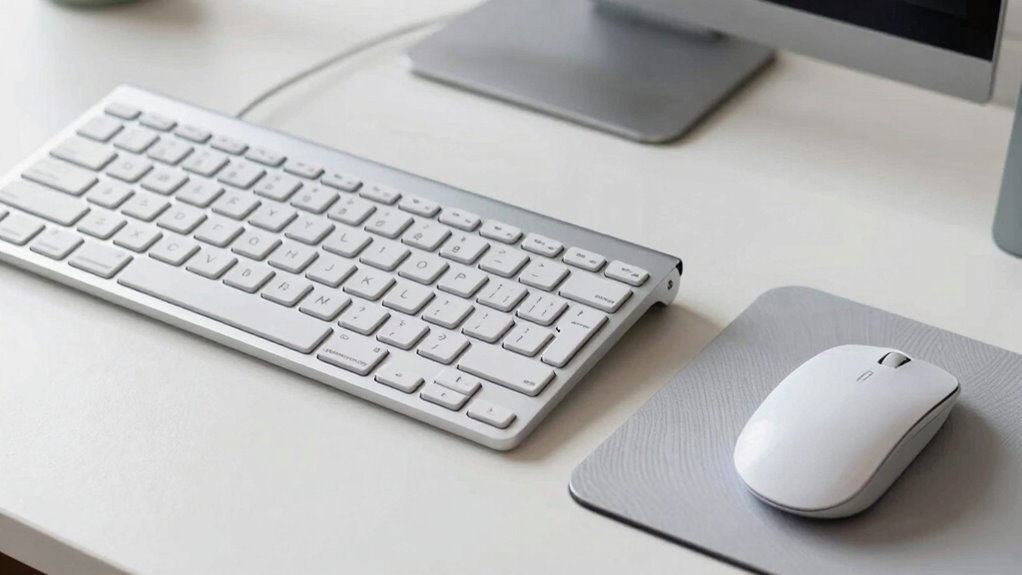

Using a compact keyboard helps you position your mouse closer, reducing strain on your shoulders and arms. It encourages a more natural posture by minimizing the distance between your hands and mouse, which can prevent discomfort during long hours. Adjustable tilt and ergonomic support further boost your comfort and reduce the risk of repetitive strain injuries. To discover how to optimize your workspace for maximum efficiency and health, keep exploring these ergonomic tips.
Key Takeaways
- Compact keyboards bring the mouse closer, reducing reach and shoulder strain for improved positioning.
- Smaller footprints encourage a more natural, ergonomic posture during extended use.
- Adjustable tilt features help set the keyboard angle for optimal wrist alignment.
- Reduced size facilitates better mouse placement, enhancing precision and comfort.
- Portability allows maintaining ergonomic habits across different work environments.
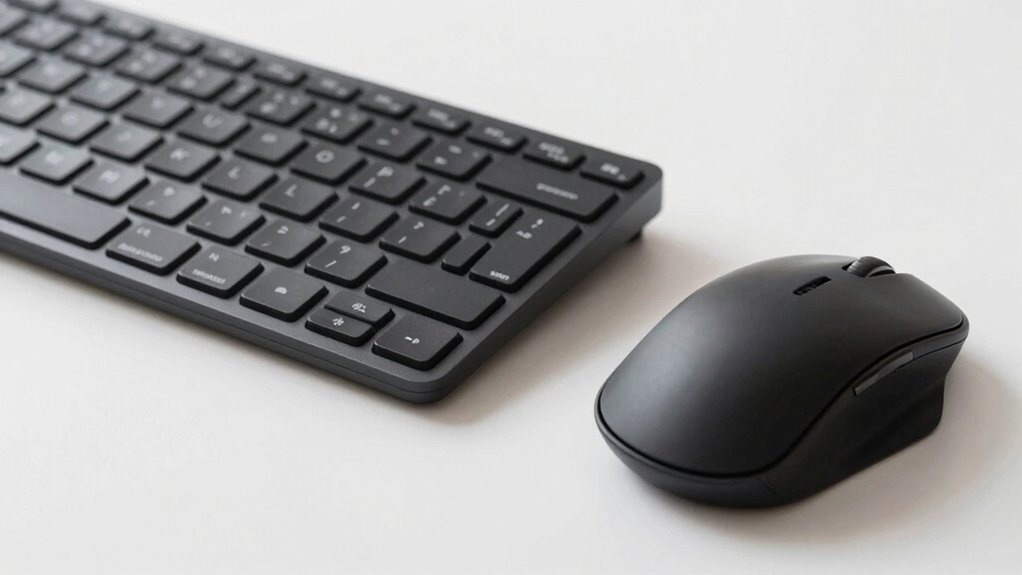
If you spend long hours typing or working at a computer, choosing a compact keyboard can substantially improve your workspace efficiency. A smaller keyboard reduces the distance between your hands and mouse, encouraging a more natural posture and decreasing strain. When selecting a compact keyboard, look for models that feature ergonomic wrist support. This support helps keep your wrists in a neutral position, preventing discomfort and repetitive strain injuries. An ergonomic wrist support is especially beneficial if you tend to rest your wrists on the desk or keyboard during extended periods of work. It cushions your wrists and encourages proper alignment, reducing the risk of pain and fatigue over time.
Another important factor to contemplate is keyboard tilt adjustment. A keyboard that offers tilt adjustment allows you to set the angle to suit your comfort level. Proper tilt can help you maintain a more natural wrist position, which, combined with ergonomic wrist support, minimizes strain. With adjustable tilt, you can fine-tune the keyboard’s orientation to avoid awkward angles that may lead to discomfort. This customization ensures that your wrists stay in a relaxed position, even during long typing sessions, promoting better ergonomics overall. Additionally, choosing a compact keyboard with a slim profile can further enhance your workspace efficiency and comfort. Many modern models also incorporate adjustable feet to customize the tilt, helping to optimize your ergonomic setup. Considering ergonomic design in your keyboard choice can significantly impact your overall comfort and prevent musculoskeletal issues. Incorporating ergonomic principles when setting up your workspace can make a meaningful difference in your long-term health. Using ergonomic tools and principles also helps promote better posture, which is crucial for maintaining comfort during extended periods of computer use.
A compact keyboard also encourages better mouse positioning. Because it takes up less space, you can position your mouse closer to your keyboard, reducing the need to reach across your desk. This proximity not only decreases shoulder and arm tension but also allows for more precise and comfortable mouse movements. When your mouse is within easy reach, you’re less likely to adopt awkward postures or overreach, which can cause discomfort and slow down your workflow. Using a keyboard with a slim profile and minimal footprint supports a more streamlined setup, helping you maintain better overall ergonomics.
In addition to ergonomic features, the portability of compact keyboards makes them ideal for various work environments. Whether you’re working at a desk, in a coffee shop, or traveling, a compact keyboard can easily fit into your bag or workspace, making it simple to maintain good positioning habits wherever you go. Proper mouse placement, combined with an ergonomic keyboard, can greatly reduce repetitive strain injuries and improve your comfort during long working hours. By choosing a keyboard with ergonomic wrist support and adjustable tilt, you’re making a smart investment in your health and productivity, ensuring a more comfortable, efficient work experience.
As an affiliate, we earn on qualifying purchases.
Frequently Asked Questions
How Do Compact Keyboards Affect Typing Speed for Long Documents?
Compact keyboards can improve your typing speed for long documents if you’re comfortable with their layout. They promote better typing accuracy because keys are closer together, reducing hand movement. However, if you’re used to a full-size keyboard, the smaller layout might initially slow you down. With practice, you’ll adapt, and the efficient keyboard layout can help you type faster and more accurately over long periods.
Are There Ergonomic Benefits to Using Smaller Keyboards?
Yes, smaller keyboards can offer ergonomic benefits. They promote better ergonomic hand positioning by reducing the stretch needed to reach keys, which helps prevent strain. Additionally, they often allow for easier keyboard height adjustments, ensuring your wrists stay in a neutral position. This combination minimizes discomfort during long typing sessions, making smaller keyboards a smart choice for maintaining ergonomic health and reducing the risk of repetitive strain injuries.
What Are the Best Mouse Positions for Different Desk Setups?
You should position your mouse close to your keyboard to reduce strain, keeping your wrist straight and relaxed. Adjust your ergonomic chair positioning so your elbows are at a 90-degree angle for comfort. Make sure your monitor height adjustment aligns the top of the screen with your eye level, preventing neck strain. These adjustments promote better posture and reduce fatigue regardless of your desk setup, making your workspace more ergonomic.
Can Compact Keyboards Cause Wrist Strain Over Time?
You might find that compact keyboards can cause wrist strain over time, much like squeezing into a too-tight shoe. When your wrist isn’t flexible, it can lead to hand fatigue and discomfort. These keyboards often force your hands into awkward positions, reducing natural movement. To prevent this, make sure your wrist stays straight, take regular breaks, and consider ergonomic accessories. Being mindful of wrist flexibility helps avoid long-term strain.
How Do I Choose the Right Mouse for Small Desk Spaces?
To choose the right mouse for small desk spaces, consider your mouse grip style—palm, claw, or fingertip—and opt for a compact, ergonomic design that fits comfortably in your hand. Also, make certain your desk height allows your forearm to stay parallel to the surface, reducing strain. Look for a mouse with adjustable sensitivity to match your tasks, and choose one that doesn’t clutter your limited workspace.
adjustable tilt ergonomic keyboard
As an affiliate, we earn on qualifying purchases.
As an affiliate, we earn on qualifying purchases.
Conclusion
Switching to a compact keyboard can greatly improve your workspace, making it more ergonomic and freeing up desk space. Proper mouse positioning is equally essential, reducing strain and preventing injuries like carpal tunnel syndrome. Did you know that 70% of office workers experience discomfort from poor ergonomic setups? By choosing a compact keyboard and adjusting your mouse placement, you can create a healthier, more productive environment that minimizes discomfort and boosts your overall well-being.
ergonomic wrist support for keyboard
As an affiliate, we earn on qualifying purchases.
As an affiliate, we earn on qualifying purchases.
compact mechanical keyboard with wrist support
As an affiliate, we earn on qualifying purchases.
As an affiliate, we earn on qualifying purchases.