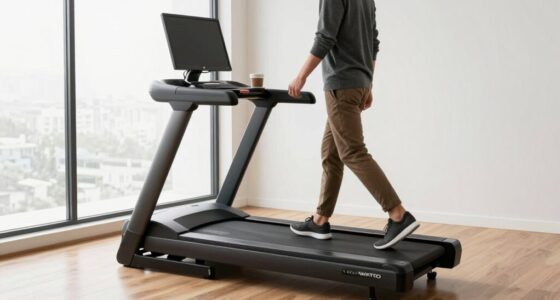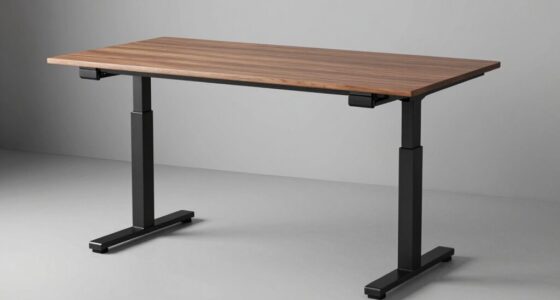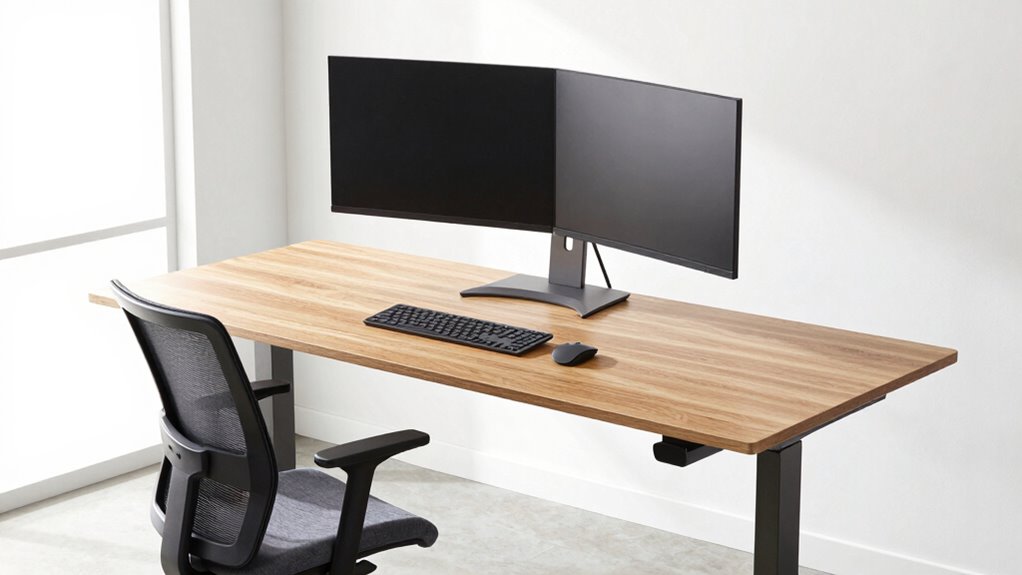

To build a workstation that encourages better posture, start with an adjustable desk that lets you switch between sitting and standing. Position your monitor at eye level and close enough to avoid neck strain. Use ergonomic accessories like lumbar cushions, keyboard trays, and footrests to support natural body alignment. Regularly assess and adjust your setup as needed to stay comfortable throughout the day. If you keep exploring, you’ll discover more ways to optimize your workspace for health and productivity.

Get your wardrobe favorites delivered free with Prime
- Fast, free delivery on millions of items
- Prime Video, Amazon Music and more included
- Member-only deals all year
Key Takeaways
- Use adjustable furniture, like desks and monitor stands, to customize height and promote proper alignment.
- Position monitors directly in front at eye level to prevent neck strain.
- Ensure your keyboard and mouse are within easy reach, with elbows close to your sides at a 90-degree angle.
- Incorporate ergonomic accessories such as lumbar supports and footrests for additional support.
- Regularly reassess and adjust your workstation to maintain optimal posture as needs change.
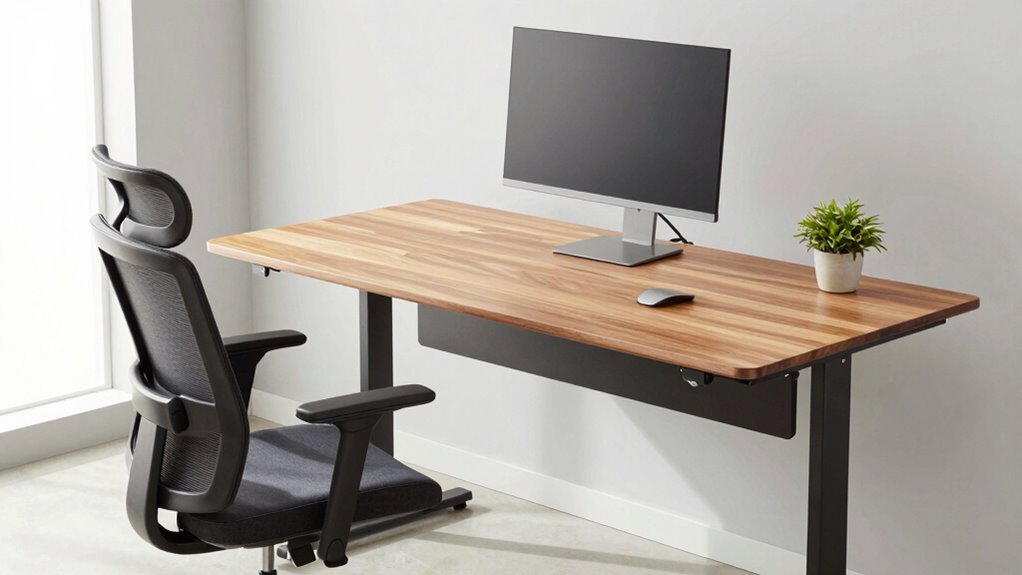
Creating a workstation that promotes good posture is essential for maintaining comfort and preventing long-term health issues. When you design your space with proper support and ergonomic principles in mind, you can work more efficiently and reduce strain on your neck, shoulders, and back. One of the most effective ways to achieve this is by investing in ergonomic accessories that support your body’s natural alignment. These include adjustable monitor stands, keyboard trays, lumbar support cushions, and footrests. These accessories help you customize your setup, guaranteeing your screen is at eye level, your wrists are in a neutral position, and your feet rest flat on the floor or a footrest. The goal is to minimize awkward postures that cause discomfort and fatigue over time. Additionally, understanding ergonomic principles can help you make more informed decisions when setting up your workspace.
Optimize your workspace with ergonomic accessories to support natural alignment and reduce long-term discomfort.
An adjustable desk is a cornerstone of a healthy workstation. It allows you to alternate between sitting and standing, reducing the risk of long-term musculoskeletal problems. When choosing an adjustable desk, look for one with smooth height adjustment mechanisms that are easy to operate. This flexibility enables you to find the perfect height for your workspace, whether you prefer sitting or standing. When sitting, your elbows should be at a 90-degree angle, with your wrists straight and your feet flat on the floor. When standing, your monitor should remain at eye level, and your elbows should still be close to your sides, maintaining a comfortable angle. An adjustable desk ensures you can maintain these ideal postures throughout the day, preventing slouching or craning your neck. Incorporating proper ergonomic setup can further enhance your comfort and prevent strain. Regularly adjusting your workspace based on ergonomic setup tips can help maintain optimal posture and reduce discomfort.
To maximize comfort, incorporate ergonomic accessories that support proper posture. For example, a supportive chair with adjustable height, lumbar support, and armrests helps keep your spine aligned. Use a keyboard tray that positions your keyboard and mouse at a height where your arms can relax naturally, avoiding unnecessary strain on your shoulders and wrists. Position your monitor directly in front of you, about an arm’s length away, with the top of the screen at eye level. Keep frequently used items within easy reach to avoid unnecessary twisting or stretching. By combining these elements—ergonomic accessories and an adjustable desk—you create a workspace that adapts to your body’s needs, helping you maintain good posture effortlessly.
Building a good workstation is a proactive step toward better health and increased productivity. When you prioritize ergonomics, you prevent discomfort and reduce the risk of chronic issues like back pain, carpal tunnel syndrome, and eye strain. Regularly reassess your setup to make sure it continues to support your posture as your needs change. Remember, a well-designed workspace isn’t just about comfort; it’s about fostering sustainable work habits that keep you healthy and energized for the long run.
As an affiliate, we earn on qualifying purchases.
Frequently Asked Questions
What Is the Ideal Desk Height for Ergonomic Comfort?
The ideal desk height for ergonomic comfort is typically around 28 to 30 inches, allowing your elbows to rest at a 90-degree angle. You should position your keyboard directly in front of you, with your monitor at eye level to avoid neck strain. Adjust your chair height so your feet are flat on the floor, ensuring your posture stays natural and comfortable during work.
How Can I Prevent Neck Strain During Long Work Hours?
To prevent neck strain during long work hours, ironically, ignoring your posture won’t help. Instead, focus on neck stretching and posture awareness. Take short breaks to gently stretch your neck, rolling your head side to side. Keep your monitor at eye level and stay mindful of your posture. These simple habits reduce tension, prevent strain, and keep you comfortable, even during those marathon work sessions.
What Accessories Improve Workstation Posture?
You can improve your workstation posture with accessories like an ergonomic keyboard that keeps your wrists in a natural position and reduces strain. Adding a footrest support helps maintain proper leg and back alignment, preventing discomfort. These accessories encourage better posture by promoting neutral positioning and reducing tension during long work hours, making your setup more comfortable and healthier overall.
How Often Should I Take Breaks to Maintain Good Posture?
You should take a break every 30 to 60 minutes to maintain good posture. During these breaks, do stretching routines to relieve muscle tension and prevent stiffness. Incorporate eye exercises to reduce strain and improve focus. Stand up, stretch your arms, neck, and back, and look away from your screen. These short, regular breaks help keep your muscles relaxed, reduce fatigue, and support better overall posture throughout your workday.
Can Adjustable Furniture Help With Different Tasks?
Did you know that 89% of workers report improved comfort with adjustable furniture? Yes, ergonomic chairs and a flexible workspace can markedly enhance your productivity. Adjustable furniture helps you easily switch between tasks, ensuring your posture stays aligned whether you’re typing, reading, or brainstorming. By customizing your workstation, you reduce strain and boost comfort, making it easier to stay focused and healthy throughout your workday.
As an affiliate, we earn on qualifying purchases.
Conclusion
Now, picture yourself sitting at your ideal workstation, where your spine stays tall and your shoulders relax. As you glide your eyes across a perfectly positioned monitor and rest your feet flat on the floor, you feel a wave of ease wash over you. Building this space isn’t just about comfort—it’s about embracing a healthier, more energized you every day. With a few simple tweaks, your workspace becomes a sanctuary that supports your posture and boosts your well-being.
lumbar support cushion for office chair
As an affiliate, we earn on qualifying purchases.
As an affiliate, we earn on qualifying purchases.
As an affiliate, we earn on qualifying purchases.
Halloween Picks
halloween
As an affiliate, we earn on qualifying purchases.