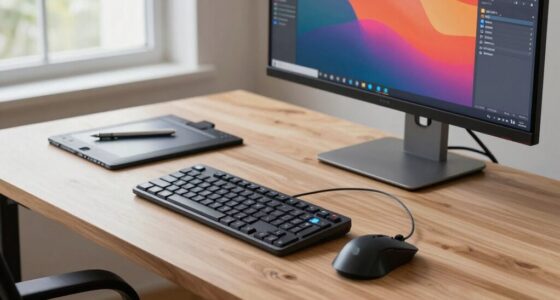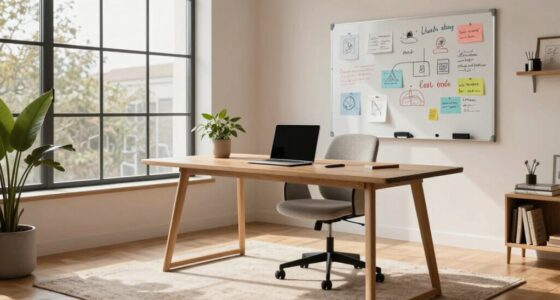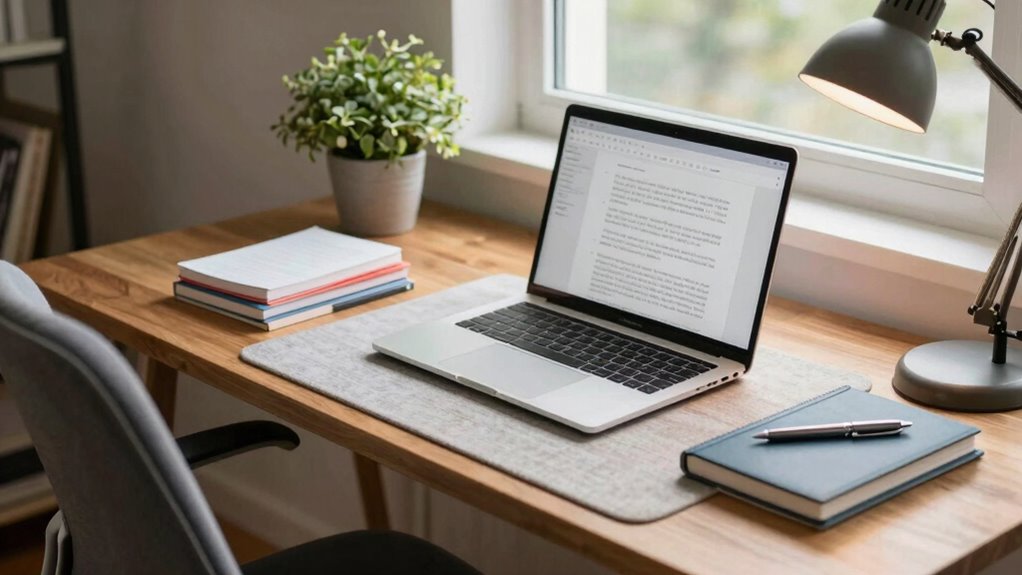
To improve your desk setup for writing and editing, focus on ergonomic accessories like an adjustable chair and sit-stand desk to maintain comfort and proper posture. Use bright, well-distributed lighting with natural light nearby and adjustable lamps to reduce eye strain. Keep essential tools within arm’s reach and manage cables for a clutter-free space. Add personal touches like plants or artwork to make your environment inviting, and explore more tips to create a *best* workspace.
Key Takeaways
- Use an adjustable ergonomic chair and sit-stand desk to maintain good posture and reduce fatigue during long writing sessions.
- Ensure proper lighting with natural light and adjustable LED lamps to minimize eye strain and improve focus.
- Keep essential tools within arm’s reach and organize cables to maintain a tidy and efficient workspace.
- Incorporate good air circulation and temperature control for a comfortable environment that supports concentration.
- Personalize your workspace with plants or artwork while maintaining a clutter-free area to boost motivation and productivity.
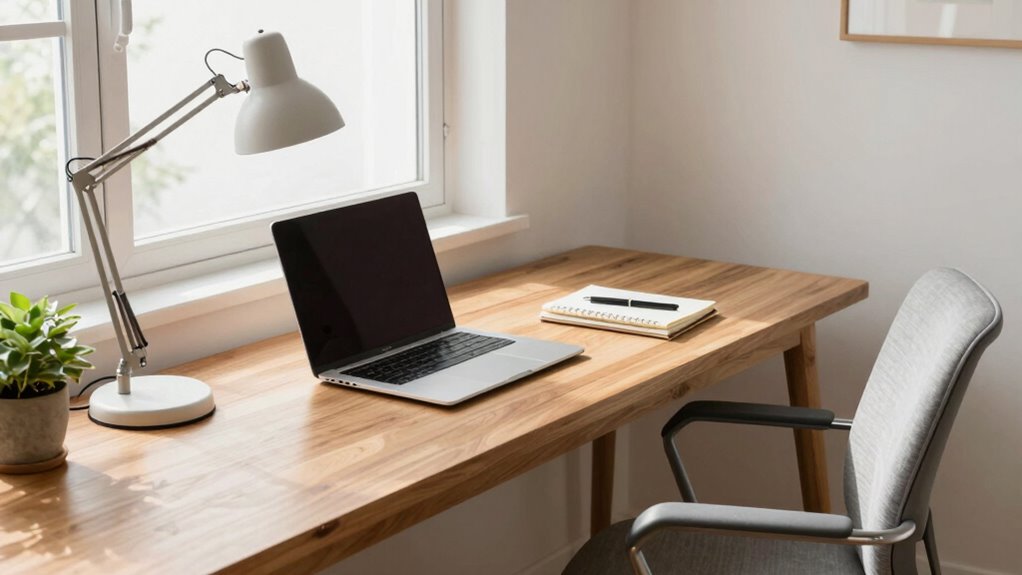
A well-organized desk can substantially boost your productivity and reduce stress, and creating a better setup doesn’t have to be complicated. The key is to focus on comfort and efficiency, ensuring your workspace supports your writing and editing needs. Start by investing in ergonomic accessories, which are designed to keep you comfortable during long hours. An adjustable chair with proper lumbar support allows you to maintain good posture, preventing aches and fatigue. A height-adjustable desk or a sturdy sit-stand desk converter helps you alternate between sitting and standing, reducing strain on your back and neck. Keep your keyboard and mouse at a height where your elbows form a 90-degree angle, minimizing wrist strain. An ergonomic keyboard and mouse can also make a significant difference, encouraging healthier hand positions.
Lighting solutions play a vital role in creating an effective workspace. Bright, well-distributed lighting reduces eye strain and keeps you alert. Natural light is ideal, so position your desk near a window if possible. Supplement this with adjustable LED desk lamps that provide focused lighting without causing glare. Consider using lamps with dimming options to tailor brightness to your task and ambient lighting. Proper lighting not only enhances visibility but also improves your mood and concentration, making your writing and editing more efficient. Incorporating ergonomic principles into your setup can further optimize comfort and productivity. Additionally, choosing appropriate lighting can help prevent headaches and fatigue associated with poor illumination. Ensuring your workspace has proper ambient conditions, like ventilation and temperature control, can also contribute to sustained focus and comfort. Being aware of air quality can make a significant difference in maintaining long-term focus. Furthermore, maintaining good air circulation can help prevent stuffiness and keep your environment fresh.
Organization is also essential. Keep your most-used tools within arm’s reach, and use cable management solutions to prevent clutter. An organized desk minimizes distractions and saves time when switching between tasks. Place your reference materials or notes in accessible locations, so you’re not constantly searching for them. A clean workspace fosters clarity of thought and helps you stay focused.
Finally, personalize your setup in a way that motivates you without creating distractions. A few plants or artwork can make your space more inviting, but avoid clutter that disrupts your workflow. Regularly declutter your desk, ensuring only essential items remain on the surface. This simple habit keeps your workspace tidy and your mind clear.

TRALT Office Chair – Ergonomic Desk Chair with Adjustable Lumbar Support, Mesh Computer Chair, Executive Chairs for Home Office Comfortable Lumbar Support (Black)
High-Resilience Molded Foam Seat – Won’t Flatten After 1 Year – Instead of budget foam that hardens and…
As an affiliate, we earn on qualifying purchases.
As an affiliate, we earn on qualifying purchases.
Frequently Asked Questions
How Can I Reduce Glare on My Desk Workspace?
To reduce screen glare, start by adjusting your monitor placement. Position your monitor perpendicular to windows, avoiding direct sunlight or bright light sources. Use an anti-glare screen filter or matte screen protector if necessary. Adjust your desk lighting to minimize reflections, and consider using curtains or blinds to control natural light. These steps help you manage screen glare effectively, making your workspace more comfortable and improving your focus.
What Are Ergonomic Tips for Long Writing Sessions?
To improve your posture during long writing sessions, focus on posture improvement by sitting upright with your feet flat on the ground. Use ergonomic accessories like an adjustable chair and a supportive keyboard pad to reduce strain. Keep your monitor at eye level to prevent neck fatigue. Take regular breaks, stretch, and shift positions frequently. These tips will help you stay comfortable and productive for extended periods.
How Should I Organize Cables for a Clutter-Free Desk?
To keep your desk clutter-free, focus on cable management and wire organization. Use cable clips or sleeves to bundle cords neatly along your desk edges or under the surface. Consider a cable tray or a power strip with built-in cable management features to hide excess wires. Regularly check and adjust your wire organization to prevent tangling. This way, your workspace remains tidy, efficient, and stress-free for writing and editing tasks.
What Are the Best Lighting Options for Writing and Editing?
The best lighting options for writing and editing combine ambient and task lighting. Use a soft, diffuse ambient light to reduce eye strain and create a comfortable environment. Add a focused task light, like a desk lamp, to illuminate your work area precisely. Adjustable LED lights are ideal because they let you control brightness and color temperature, ensuring ideal lighting conditions for long editing sessions and detailed writing tasks.
How Often Should I Adjust My Desk Setup for Comfort?
Like a trusty sidekick, you should adjust your desk setup regularly for comfort. Check your desk height and chair adjustment every few weeks or when you notice discomfort, ensuring your feet rest flat and your wrists stay straight. Small tweaks keep you in the zone and prevent strain. If your chair feels wobbly or your posture slips, it’s time for an update — don’t wait for your knightly armor to rust!

VIVO 32 inch Desk Converter, K Series, Height Adjustable Sit to Stand Riser, Dual Monitor and Laptop Workstation with Wide Keyboard Tray, Black, DESK-V000K
Create Instant Active Standing – VIVO’s desk riser provides on-demand standing throughout the day for the freedom to…
As an affiliate, we earn on qualifying purchases.
As an affiliate, we earn on qualifying purchases.
Conclusion
Remember, your desk is like a welcoming garden—when it’s thoughtfully arranged and nurtured, it encourages your creativity to flourish. Keep your space tidy and filled with inspiring elements, like a gentle breeze guiding your thoughts. By gently tending to your setup, you’ll find your writing and editing flow more smoothly, turning your workspace into a cozy haven where ideas blossom effortlessly. With a little care, your desk can become your favorite place to create.

Airlonv LED Desk Lamp for Office Home, Eye-Caring Desk Light with Stepless Dimming Adjustable Flexible Gooseneck, 10W USB Adapter Desk Lamp with Clamp for Reading, Study, Workbench (Black)
Stepless Dimming Mode: The desk light offers effortless switching of color temperatures (2700K-6500K) and stepless dimming (1% -…
As an affiliate, we earn on qualifying purchases.
As an affiliate, we earn on qualifying purchases.

N NOROCME 192 PCS Cable Management Kit 4 Wire Organizer Sleeve
Cable Management Kit: 4pcs Cable Sleeves( 20 in L x 0.4 in w), 20pcs reusable wire ties,35Cable Clips…
As an affiliate, we earn on qualifying purchases.
As an affiliate, we earn on qualifying purchases.