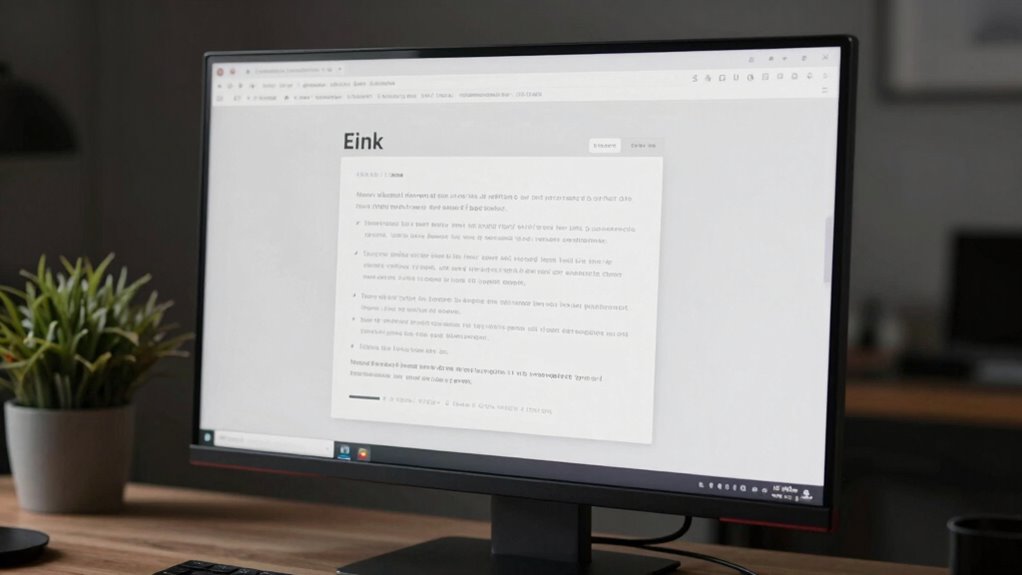

E Ink monitors help reduce screen fatigue by providing a paper-like display that reflects ambient light instead of emitting harsh glare, keeping your eyes comfortable during long use. They minimize blue light emissions and do not flicker like traditional screens, further lowering eye strain. With glare-resistant surfaces and stable visuals, they are great for working outdoors or in bright environments. If you want to discover how these features can improve your daily tasks, keep exploring.

Get your wardrobe favorites delivered free with Prime
- Fast, free delivery on millions of items
- Prime Video, Amazon Music and more included
- Member-only deals all year
Key Takeaways
- E Ink monitors mimic printed paper, providing a natural, comfortable viewing experience that reduces eye strain during prolonged use.
- They reflect ambient light and eliminate harsh glare, making them suitable for various lighting environments, including outdoors.
- Incorporating advanced eye comfort technology, E Ink screens naturally reduce blue light emissions, minimizing circadian disruption.
- Unlike LED screens, E Ink displays do not flicker, decreasing headaches and fatigue associated with traditional screens.
- Their low power consumption and reflective technology support sustainable, energy-efficient use, enhancing long-term comfort.
As screen fatigue becomes an increasingly common concern, many users are turning to E Ink monitors as a healthier alternative. These displays mimic the appearance of printed paper, offering a more comfortable viewing experience that reduces strain on your eyes. Unlike traditional screens, E Ink monitors do not emit harsh light, so they don’t cause the same level of fatigue after prolonged use. Instead, they use reflected light, which makes reading easier and more natural, especially during long work sessions or reading marathons. With the rising awareness of blue light’s impact on eye health, E Ink monitors stand out because they inherently produce minimal blue light emissions. This means fewer disruptions to your circadian rhythm and less eye discomfort when you’re working late into the night.
Many of these monitors incorporate advanced eye comfort technology, designed specifically to minimize eye strain. Features like blue light reduction are built into the display’s core, ensuring you receive a gentle, glare-free reading experience. This technology helps protect your eyes from the harmful effects associated with blue light, such as digital eye strain and disrupted sleep cycles. Because E Ink screens reflect ambient light rather than emit it, they eliminate the need for extensive blue light filtering software or special glasses. This makes them a practical choice for those who spend hours reading, writing, or reviewing documents on a daily basis. Additionally, the reflective technology used in E Ink displays naturally reduces glare, further enhancing comfort during prolonged use. The low power consumption of E Ink monitors also contributes to their appeal for energy-efficient living, promoting sustainability.
You’ll notice that E Ink monitors are especially beneficial if you’re concerned about maintaining eye health over the long term. They don’t flicker like LED screens, which can often contribute to headaches and eye fatigue. Instead, their stable, matte surface provides a consistent, soft focus that reduces glare and prevents your eyes from constantly adjusting. This stability is particularly helpful if you work in bright environments or switch between different lighting conditions throughout the day. The simplicity of E Ink’s reflective technology also means there’s less eye discomfort during extended use, making them ideal for reading or editing lengthy documents without feeling fatigued. Furthermore, their energy efficiency aligns well with the principles of sustainable living, reducing overall power consumption and environmental impact. In addition, the adaptability to various lighting conditions makes E Ink monitors suitable for different environments, including outdoor use or areas with fluctuating light levels.
As an affiliate, we earn on qualifying purchases.
Frequently Asked Questions
Can E Ink Monitors Display Color Images Effectively?
Yes, E Ink monitors can display color images effectively, though with some limitations. They offer decent color fidelity, making images look clear and vibrant, especially compared to traditional black-and-white E Ink screens. However, their image resolution isn’t as high as traditional displays, which can affect fine details. Overall, if you prioritize reducing eye strain and still want decent color representation, E Ink monitors are a good choice.
How Do E Ink Screens Handle Fast-Moving Content?
Like a vintage TV, E Ink screens struggle with fast-moving content. You’ll notice slow refresh rates and pixel response times, making motion appear blurry or laggy. Unlike LCDs, they can’t keep up with rapid changes, so for videos or gaming, they’re not ideal. Their design favors static images, so if you need quick updates, expect delays and reduced clarity in fast scenes.
Are E Ink Monitors Suitable for Gaming Purposes?
E Ink monitors aren’t ideal for gaming because their low refresh rates make fast-paced action look sluggish. You’ll notice slow response times and limited color accuracy, which can hamper gameplay experience. If you’re seeking smooth visuals and vibrant colors, traditional gaming monitors outperform E Ink screens. E Ink is better suited for reading or static displays, not for fast-moving content or immersive gaming sessions.
What Is the Typical Lifespan of an E Ink Display?
E Ink displays typically last around 50,000 to 100,000 refresh cycles, translating to several years of regular use. Durability concerns are minimal since their technology is quite resilient, but you should consider maintenance requirements like keeping the screen clean and avoiding sharp impacts. If well cared for, an E Ink monitor can serve you reliably for up to a decade, making it a smart long-term investment.
Do E Ink Monitors Consume Less Power Than Traditional Screens?
Yes, e ink monitors consume less power than traditional screens. Their energy efficiency stems from the way they operate—only using power when updating the display, not to maintain an image. This considerably reduces overall power consumption, especially during extended use. Because of this, e ink screens are ideal for long reading sessions or devices where battery life matters most, helping you save energy and extend your device’s runtime.
As an affiliate, we earn on qualifying purchases.
Conclusion
As you explore E Ink monitors, remember the wisdom of Thoreau—sometimes, stepping away from the glow of screens offers clarity and peace. These innovative displays promise relief from screen fatigue, allowing you to reconnect with the world beyond pixels. Embrace this quieter, more mindful way of working and reading, and let E Ink be your modern-day lantern in the ever-bright digital landscape. Your eyes and mind will thank you for it.
blue light reducing E Ink monitor
As an affiliate, we earn on qualifying purchases.
As an affiliate, we earn on qualifying purchases.
As an affiliate, we earn on qualifying purchases.
Halloween Picks
halloween
As an affiliate, we earn on qualifying purchases.