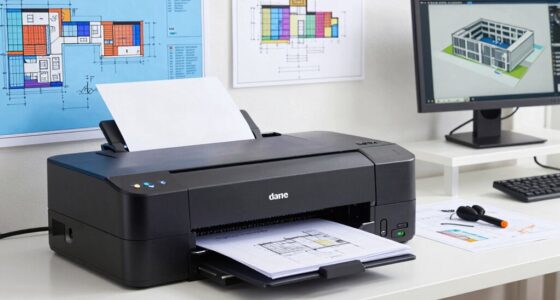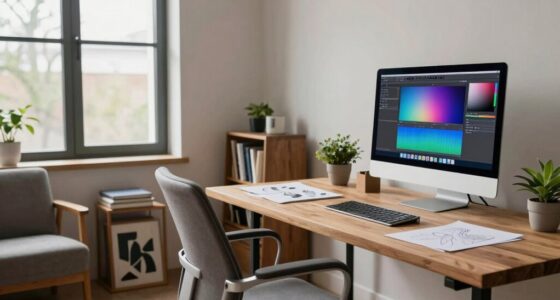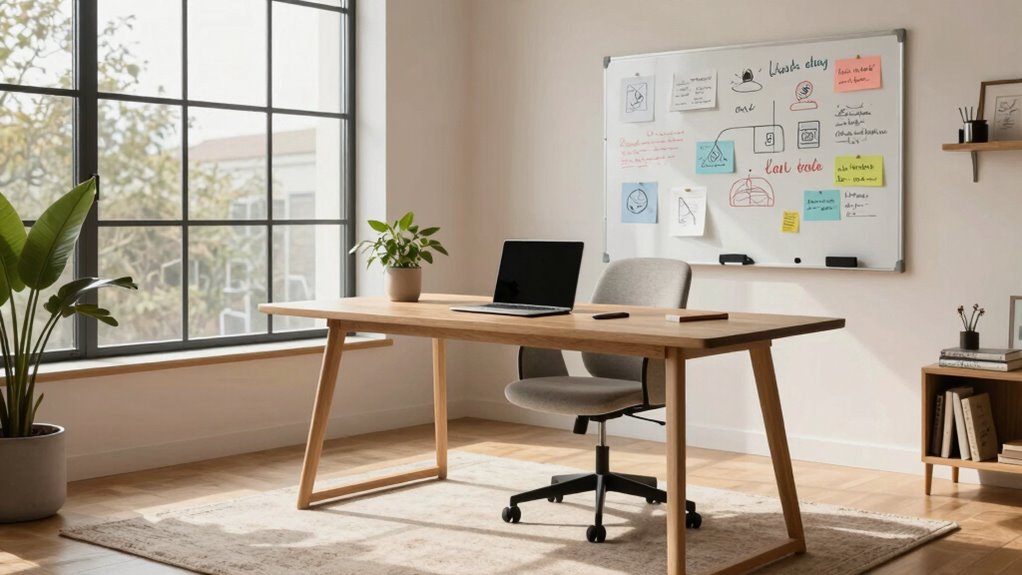

To create a better workspace as a solo founder, focus on ergonomic setup—adjust your chair, monitor, and keyboard for comfort and posture. Designate a specific area free from distractions, with good lighting and organization to boost focus. Use productivity tools like task managers and timers to stay on track, and incorporate personal touches to keep your mood elevated. Regular breaks, movement, and a healthy environment help prevent burnout. Keep exploring for more tips to optimize your work space.

Get your wardrobe favorites delivered free with Prime
- Fast, free delivery on millions of items
- Prime Video, Amazon Music and more included
- Member-only deals all year
Key Takeaways
- Design a dedicated, clutter-free workspace with proper lighting and ergonomic furniture to enhance focus and comfort.
- Utilize productivity tools like task management and time-tracking apps to organize and optimize workflow.
- Ensure the monitor is at eye level and controls are within reach to prevent strain and improve efficiency.
- Incorporate personal touches and a healthy environment to boost motivation and mental well-being.
- Schedule regular breaks and stretch routines to maintain energy and prevent fatigue throughout the day.
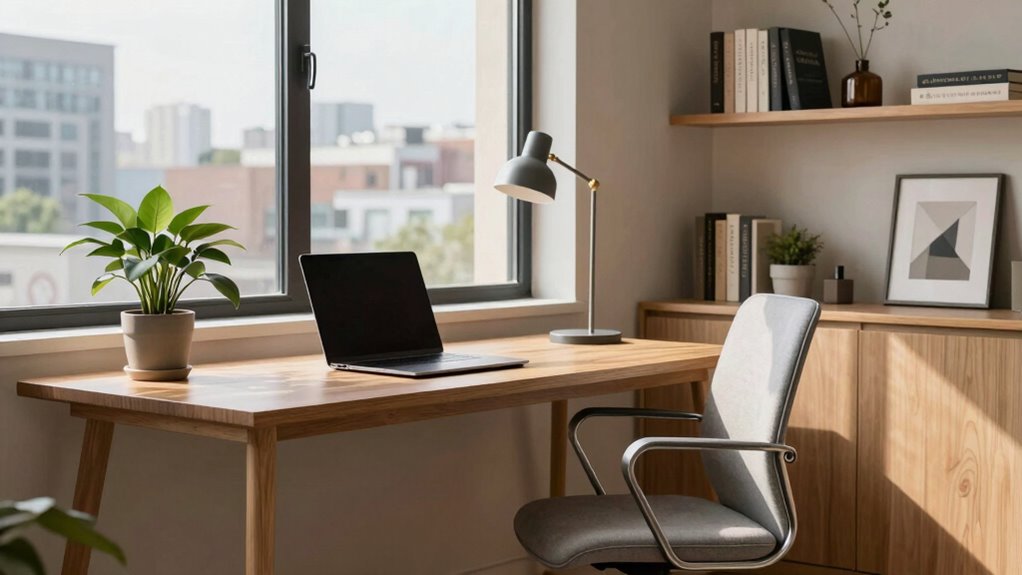
Have you ever wondered how to turn your workspace into a powerhouse of productivity and creativity? As a solo founder, your environment plays a key role in shaping your daily performance. Focusing on office ergonomics is a smart starting point. When your workspace is set up properly, you’ll reduce discomfort and fatigue, allowing you to stay focused longer. Invest in an adjustable chair that supports your back, and position your monitor at eye level to prevent neck strain. Keep your keyboard and mouse within easy reach to avoid unnecessary stretching, which can cause tension over time. Small adjustments, like using a footrest or a standing desk converter, can make a significant difference in how comfortable and energized you feel throughout the day.
Optimize your workspace with ergonomic setup and simple adjustments for lasting comfort and focus.
Beyond the physical setup, incorporating the right productivity tools can elevate your efficiency. Digital apps for task management, like Trello or Asana, help you organize projects and prioritize tasks effectively. Time-tracking tools such as Toggl or RescueTime give you insight into how you’re spending your hours, so you can eliminate distractions and focus on high-impact activities. Automating routine tasks with tools like Zapier or IFTTT frees up your mental bandwidth, letting you concentrate on strategic work rather than repetitive chores. These tools not only streamline your workflow but also create a sense of control and clarity, which is essential when you’re handling everything on your own.
Creating a dedicated workspace is equally important. Carve out a specific area in your home where work is the primary focus, and keep it distinct from your leisure space. This separation helps your brain switch into work mode more easily and minimizes distractions. Keep your workspace tidy and organized, with all your essential tools within arm’s reach. Good lighting, both natural and artificial, boosts your mood and reduces eye strain, further supporting your productivity. Incorporating office ergonomics into your setup ensures that your environment is conducive to sustained focus and comfort. Additionally, paying attention to proper lighting can dramatically improve your overall work experience and reduce fatigue. Creating a healthy environment with good air quality and appropriate temperature can also enhance your focus and well-being. Implementing ergonomic accessories, such as wrist supports or monitor stands, can further optimize your workspace for comfort and efficiency.
Finally, don’t forget to incorporate personal touches that inspire you—plants, artwork, or motivational quotes. These elements make your workspace inviting and uniquely yours, fostering a positive mindset. Regular breaks and movement are crucial too; use timers to remind yourself to stretch or walk around. A well-designed workspace that emphasizes office ergonomics, integrates effective productivity tools, and reflects your personality creates an environment where your ideas can flourish. As a solo founder, your workspace isn’t just a place to work—it’s a foundation for your success.
ergonomic adjustable office chair
As an affiliate, we earn on qualifying purchases.
As an affiliate, we earn on qualifying purchases.
Frequently Asked Questions
How Do I Balance Comfort and Productivity in My Workspace?
You can balance comfort and productivity by choosing ambient lighting that’s gentle on your eyes and adjusting it based on your tasks. Incorporate noise control measures, like noise-canceling headphones or soft background sounds, to minimize distractions. Keep your workspace organized and ergonomic to boost comfort. Regular breaks also help maintain focus, ensuring you stay productive without sacrificing comfort. This balance fosters a workspace that’s both inviting and efficient.
What Are the Best Tools for Solo Entrepreneurs’ Workspace Organization?
You should prioritize collaborative software like Slack or Microsoft Teams to stay connected and streamline communication. For task management, tools like Trello or Asana help keep your projects organized and deadlines clear. These tools boost your productivity by centralizing your workflow, reducing clutter, and making collaboration easy—even solo. Incorporate them into your workspace to stay focused, efficient, and on top of your daily goals.
How Can I Reduce Distractions in a Home Office Setup?
To reduce distractions in your home office, focus on noise reduction and lighting optimization. Use noise-canceling headphones or install soundproof curtains to block outside noise. Optimize lighting by adding adjustable, natural light sources or soft, warm bulbs to minimize eye strain and create a calming environment. Keep your workspace tidy, and set boundaries with family or housemates, so interruptions are minimized, helping you stay focused and productive.
What Ergonomic Considerations Are Essential for Long Working Hours?
You should prioritize ergonomic considerations like adjusting your keyboard height to keep your wrists straight and prevent strain. Guarantee your chair provides proper support for your lower back, promoting good posture during long hours. Keep your feet flat on the ground or on a footrest, and position your monitor at eye level to reduce neck strain. Taking regular breaks and stretching also helps maintain comfort and prevent fatigue.
How Do I Personalize My Workspace Without Cluttering It?
You can personalize your workspace by adding thoughtful decor that reflects your style, like artwork or plants, without cluttering it. Choose a cohesive color scheme that promotes focus and calm, applying it to your walls, accessories, or storage solutions. Keep only essentials on your desk, and use organizers to maintain a tidy look. This way, your space feels uniquely yours while remaining functional and clutter-free.
As an affiliate, we earn on qualifying purchases.
Conclusion
Think of your workspace as the garden where your ideas grow. By nurturing it with the right tools, lighting, and environment, you create a fertile ground for your creativity and productivity to flourish. When you invest in a space that inspires you, you’re planting seeds for success. Keep tending to it, and watch your solo venture bloom into something extraordinary. Your ideal workspace isn’t just a place—it’s the foundation for your dreams to take root and thrive.
ergonomic keyboard and mouse set
As an affiliate, we earn on qualifying purchases.
As an affiliate, we earn on qualifying purchases.
As an affiliate, we earn on qualifying purchases.
Halloween Picks
halloween
As an affiliate, we earn on qualifying purchases.