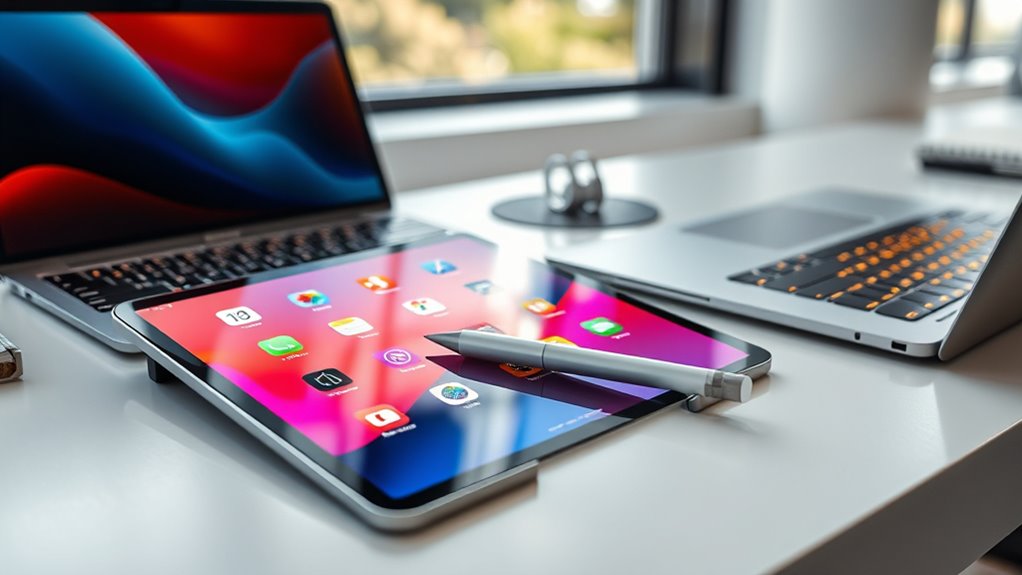

A tablet like the iPad Pro can handle many tasks such as note-taking, sketching, and casual work, especially with its portability and touch interface. However, it falls short for more demanding applications like complex editing or software development, which still favor laptops with full operating systems. While the iPad Pro offers a versatile experience, it can’t fully replace a traditional computer for all work needs. Explore further to see if a tablet might suit your specific tasks better.
Key Takeaways
- iPad Pro excels at note-taking, sketching, and casual tasks but lacks full professional software support.
- Laptops offer broader compatibility with complex applications like video editing, programming, and data analysis.
- The touch interface and portability of iPad Pro make it ideal for creative work and on-the-go use.
- Laptops provide physical keyboards and ports necessary for extensive typing and peripheral connectivity.
- Overall, a tablet can replace a laptop for specific tasks but often cannot fully replace a laptop for demanding professional workflows.

When choosing between an iPad Pro and a laptop, it’s important to contemplate how you plan to use your device. If your main tasks involve digital note taking, you’ll want to consider how each device handles this activity. The iPad Pro excels at digital note taking, especially with the Apple Pencil, which offers a natural writing experience. You can jot down ideas quickly, sketch diagrams, or annotate PDFs with ease. However, keep in mind that some note-taking apps may have limited features compared to their desktop counterparts, so if you rely heavily on complex note organization or specific software, this could influence your decision.
Software compatibility is another critical factor. Laptops generally support a broader range of applications, especially professional-grade software used for tasks like video editing, programming, or data analysis. Many software programs are either unavailable or offer limited functionality on the iPad Pro. While iPadOS has improved considerably, enabling multitasking and supporting more complex workflows, it still doesn’t match the versatility of a traditional operating system like Windows or macOS. If your work depends on specialized software, a laptop might be the better choice, as it often ensures compatibility and seamless performance.
Laptops support more professional software, ensuring better compatibility and performance for complex tasks.
Additionally, think about how you prefer to interact with your device. The iPad Pro offers a touch interface and optional accessories like the Apple Pencil and Smart Keyboard, making it versatile for creative tasks and casual use. Its portability is unmatched, allowing you to work on the go without much fuss. Conversely, a laptop provides a physical keyboard and more extensive ports, which can be essential for some workflows. If you’re someone who values a traditional keyboard for long typing sessions or needs multiple peripherals connected, a laptop’s design will likely suit you better.
Battery life is another consideration. The iPad Pro generally lasts longer on a single charge than most laptops, making it ideal for long meetings, travel, or working in places where charging options are limited. However, if your work requires running power-intensive applications or multitasking across multiple demanding programs simultaneously, a laptop may deliver the performance and power efficiency you need. Moreover, digital note taking is inherently more precise with a stylus, which makes the iPad Pro especially appealing for creative professionals and students alike.
Ultimately, your choice hinges on your specific needs. If you prioritize digital note taking, portability, and casual or creative work, the iPad Pro could serve as a capable substitute. But if your tasks demand extensive software compatibility, a physical keyboard, or specialized applications, a traditional laptop remains the more reliable workhorse.

Apple Pencil Pro: Latest Model – Device Compatibility Check Required – Pixel-Perfect Precision, Tilt and Pressure Sensitivity, Perfect for Note-Taking, Drawing, and Art. Charges and Pairs Magnetically
WHY APPLE PENCIL PRO — Apple Pencil Pro is loaded with intuitive features for ultimate creative control. Gestures…
As an affiliate, we earn on qualifying purchases.
As an affiliate, we earn on qualifying purchases.
Frequently Asked Questions
What Are the Latest Ipad Pro Features for Professional Users?
The latest iPad Pro features impressive tools for professional users, including a powerful M2 chip that boosts performance. You can use the digital stylus for precise drawing and note-taking, making it ideal for creatives. Multitouch gestures allow seamless navigation, multitasking, and quick access to apps. Its ProMotion display offers smooth visuals, while advanced cameras enhance your productivity, making the iPad Pro a versatile device for work and creative projects.
How Does Software Compatibility Compare Between Ipad Pro and Laptops?
Did you know 85% of desktop software isn’t available on iPads? The software compatibility between the iPad Pro and laptops varies considerably. The iPad has a limited app ecosystem and faces software limitations, especially with professional or specialized programs. Laptops support a broader range of software, including full desktop applications, making them more versatile for complex tasks. If you need specific software, a laptop usually offers better compatibility.
Can the Ipad Pro Handle Heavy Multitasking Workloads?
Yes, the iPad Pro can handle heavy multitasking workloads, but it depends on your multitasking efficiency and workload management skills. With features like Split View, Slide Over, and multitasking gestures, you can efficiently switch between apps and manage multiple tasks. However, for very demanding workloads, a laptop might offer more power and flexibility. The iPad Pro suits lighter multitasking, but it can adapt to more intense tasks with proper management.
What Are the Security Differences Between Ipads and Laptops?
You’ll find that iPads prioritize security with features like built-in data encryption and regular updates, enhancing cloud security. Laptops, however, often offer more customizable security options, including advanced firewalls and antivirus software. While iPads are less prone to malware due to their closed ecosystem, laptops give you more control over security settings. Both devices can be secure, but your choice depends on your specific needs for cloud security and data encryption.
How Does Battery Life Impact Daily Productivity for Each Device?
A stitch in time saves nine; battery life substantially impacts your daily productivity. With better battery endurance, you can work longer without interruptions, whether on an iPad Pro or a laptop. Power longevity determines how smoothly your device supports tasks from meetings to multitasking. If your device drains quickly, you’ll face frequent recharges, disrupting workflow. Choosing a device with strong battery life ensures you stay productive throughout your busy day.

Lenovo 16" FHD+ Business Laptop: High-Performance for Programming, Data Analysis & Video Editing, Intel Core i7-13700H, 64GB RAM, 2TB PCIe SSD, Windows 11 Pro, Fingerprint & Backlit Keyboard (Gray)
【Powerful 13th Gen Intel Core i7 Performance】Equipped with the 13th Generation Intel Core i7-13700H processor, featuring a hybrid…
As an affiliate, we earn on qualifying purchases.
As an affiliate, we earn on qualifying purchases.
Conclusion
Ultimately, whether the iPad Pro can replace your laptop depends on your work needs. If you’re a casual user or on-the-go creator, it might feel like having a magic wand that handles everything smoothly. But for heavy-duty tasks, you’ll still need that loyal laptop by your side. Think of the iPad Pro as a powerful jet engine — impressive, but sometimes you need the sturdy, dependable truck to get the real work done.

Wacom Intuos Small Bluetooth Graphics Drawing Tablet, 4 Customizable ExpressKeys, Portable for Teachers, Students and Creators, Compatible with Chromebook Mac OS Android and Windows – Black
Wacom Intuos Small Bluetooth Graphics Drawing Tablet: Enjoy industry leading tablet performance in superior control and precision with…
As an affiliate, we earn on qualifying purchases.
As an affiliate, we earn on qualifying purchases.

Acer USB Hub 4 Ports, Multiple USB 3.0 Hub, USBA Splitter for Laptop with Type C Power Port, Extender for A Port Laptop, PC, Desktop and More (2ft)
【4 Ports USB 3.0 Hub】Acer USB Hub extends your device with 4 additional USB 3.0 ports, ideal for…
As an affiliate, we earn on qualifying purchases.
As an affiliate, we earn on qualifying purchases.