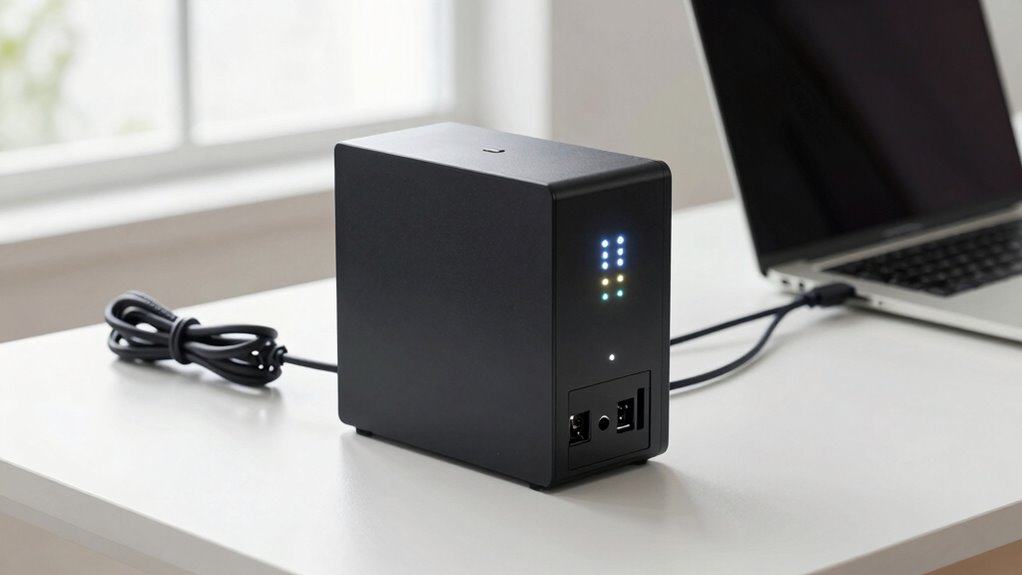

A UPS battery backup keeps your home office running smoothly during power outages by providing reliable, continuous power. It protects your devices from damage caused by voltage spikes and power surges, while maintaining data security. Regular maintenance and proper environment help extend its lifespan. With surge protection and backup time suited to your needs, a UPS safeguards your equipment now and in the future. Keep exploring to learn more about choosing the right system for your setup.

Get your wardrobe favorites delivered free with Prime
- Fast, free delivery on millions of items
- Prime Video, Amazon Music and more included
- Member-only deals all year
Key Takeaways
- UPS provides reliable backup power during outages to keep home office devices running smoothly.
- Proper maintenance and environment management extend UPS battery lifespan and ensure consistent performance.
- Surge protection features guard equipment against voltage spikes and lightning-induced surges.
- Backup time allows safe data saving and shutdown during power interruptions, protecting data integrity.
- Selecting the right UPS with appropriate surge ratings and grounding enhances overall device safety.
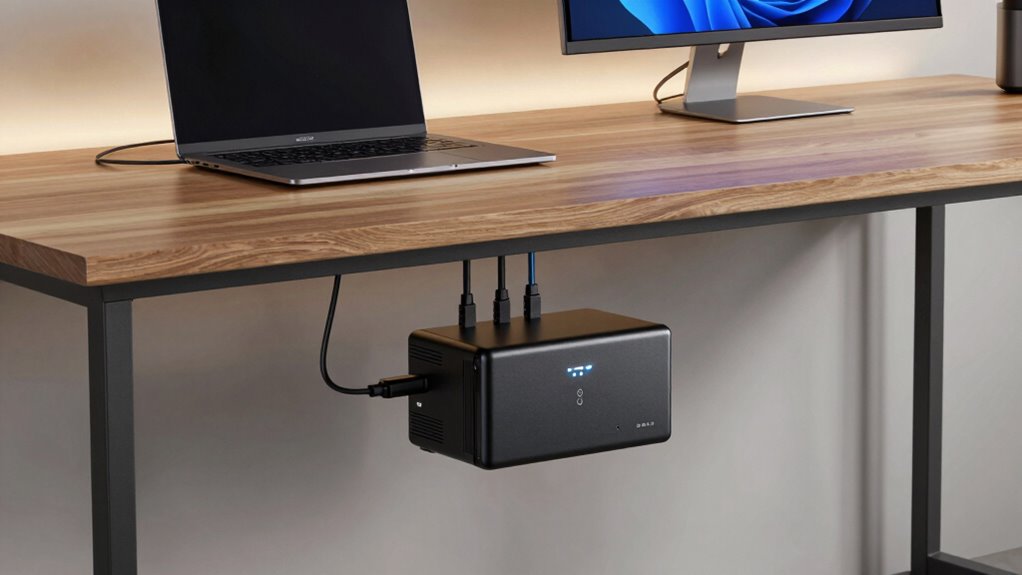
Are you prepared for unexpected power outages that could disrupt your work? If not, investing in a UPS battery backup for your home office can be a game-changer. A UPS, or uninterruptible power supply, provides a reliable power source during outages, making sure your work continues smoothly without data loss or hardware damage. Beyond keeping your devices running during blackouts, a UPS also offers essential power surge protection, shielding your equipment from sudden voltage spikes that might otherwise harm sensitive electronics. This dual benefit helps maintain the longevity of your devices and preserves your investment over time.
A UPS safeguards your devices from outages and power surges, ensuring continuous work and protecting your investment.
One key factor to think about with a UPS is its impact on battery lifespan. A high-quality UPS is designed to optimize the battery’s longevity, but how you use it makes a difference. Regularly disconnecting the UPS from power when not in use, avoiding frequent deep discharges, and keeping it in a cool, dry environment can extend your battery’s life. Proper maintenance ensures your backup system remains reliable when you need it most and prevents the costly replacement of batteries prematurely. It’s also wise to choose a UPS with a battery management system that monitors and maintains the health of the battery, helping you identify signs of deterioration early.
Power surge protection is another critical feature to look for in a UPS. Power surges happen unexpectedly, often caused by lightning strikes or switching power lines, and can cause irreversible damage to your computer, networking gear, and other electronics. A UPS with built-in surge protection acts as a barrier, absorbing or redirecting excess voltage away from your devices. This not only prevents immediate damage but also reduces wear and tear on your equipment, ultimately extending its lifespan. When selecting a UPS, verify that it includes surge protection rated for your specific needs, especially if you experience frequent storms or unstable power grids. Additionally, implementing proper grounding can further enhance the effectiveness of surge protection measures.
In addition to protecting your hardware, a UPS offers peace of mind. It provides enough backup time to save your work, shut down your system properly, and avoid data corruption. This is especially valuable if you’re working on critical projects or running a home-based business. By investing in a good UPS with reliable power surge protection and maintaining its batteries properly, you’re ensuring your home office remains resilient against power fluctuations and outages. Regular monitoring of battery health can help ensure your system remains dependable when you need it most. Considering power management features can further optimize your UPS performance and lifespan over time.
Popular right now

Dyson W1 PencilWash Wet and Dry Cleaner with Dok Cordless Wet Floor Cleaner

TCL 65 Inch QM8L Series SQD-Mini LED QLED 4K Smart Google TV

Apple AirPods Max 2 Wireless Over-Ear Headphones – Midnight
As an affiliate, we earn on qualifying purchases.
Frequently Asked Questions
How Long Do UPS Batteries Typically Last Before Replacement?
Generally, UPS batteries last about 3 to 5 years before needing replacement. Your battery lifespan depends on usage, temperature, and maintenance. To guarantee reliable backup power, follow a proper replacement schedule, usually annually or when you notice reduced runtime during outages. Regularly test your UPS and keep an eye on battery health indicators. Replacing batteries on time prevents unexpected failures and keeps your home office protected during power outages.
Can UPS Backups Power Multiple Devices Simultaneously?
Yes, UPS backups can power multiple devices simultaneously, but it depends on their device compatibility and power management features. Check the total wattage of all connected devices and compare it to the UPS’s power capacity. Many UPS units include outlets with dedicated power management, allowing you to control and prioritize devices. Always guarantee your UPS can handle your combined load to prevent overloads and ensure reliable backup power.
What Are the Signs My UPS Battery Needs Replacing?
You’ll know your UPS battery needs replacing if it doesn’t hold a charge, or if your devices shut down unexpectedly during outages. You might also notice frequent power surges or the UPS making unusual noises. When that happens, consider battery recycling options to dispose of the old unit responsibly. Upgrading guarantees continued power backup and reliable power surge protection, keeping your home office safe and productive.
Are There Silent or Noise-Free UPS Options for Home Use?
Yes, there are silent or noise-free UPS options perfect for home use. These models feature silent operation and a noise-free design, ensuring they won’t disturb your work or relaxation time. Look for UPS units labeled as “quiet” or “silent,” often equipped with advanced fan control or sound-dampening technology. These options provide reliable backup power without the noise, making them ideal for home offices where peace and concentration matter most.
How Often Should I Perform Maintenance on My UPS Battery?
You should check your UPS battery every 3 to 6 months and perform maintenance as needed. Regularly testing the battery helps prevent power surges and guarantees reliable backup during outages. When replacing the battery, dispose of the old one responsibly through battery recycling programs. Keep the UPS clean and in a cool, dry place to extend its lifespan. Proper maintenance keeps your system ready and protects your home office equipment.
Conclusion
In the end, a UPS battery backup isn’t just a gadget—it’s your silent guardian, standing firm against the chaos of power outages. Think of it as a beacon of stability, ensuring your work continues uninterrupted, no matter the storm outside. With a reliable UPS, you’re not just safeguarding your equipment; you’re anchoring your productivity in a sea of uncertainty. Embrace the peace of mind it offers, and let your home office shine brighter, even in darkness.